
Skip to content

Keep required documents and their expiration dates connected.

Choose which documents your organization needs from each group of people. campai connects the requirement to the contact, the submitted file, and its validity. Missing documents and upcoming renewals stay visible to your administration.

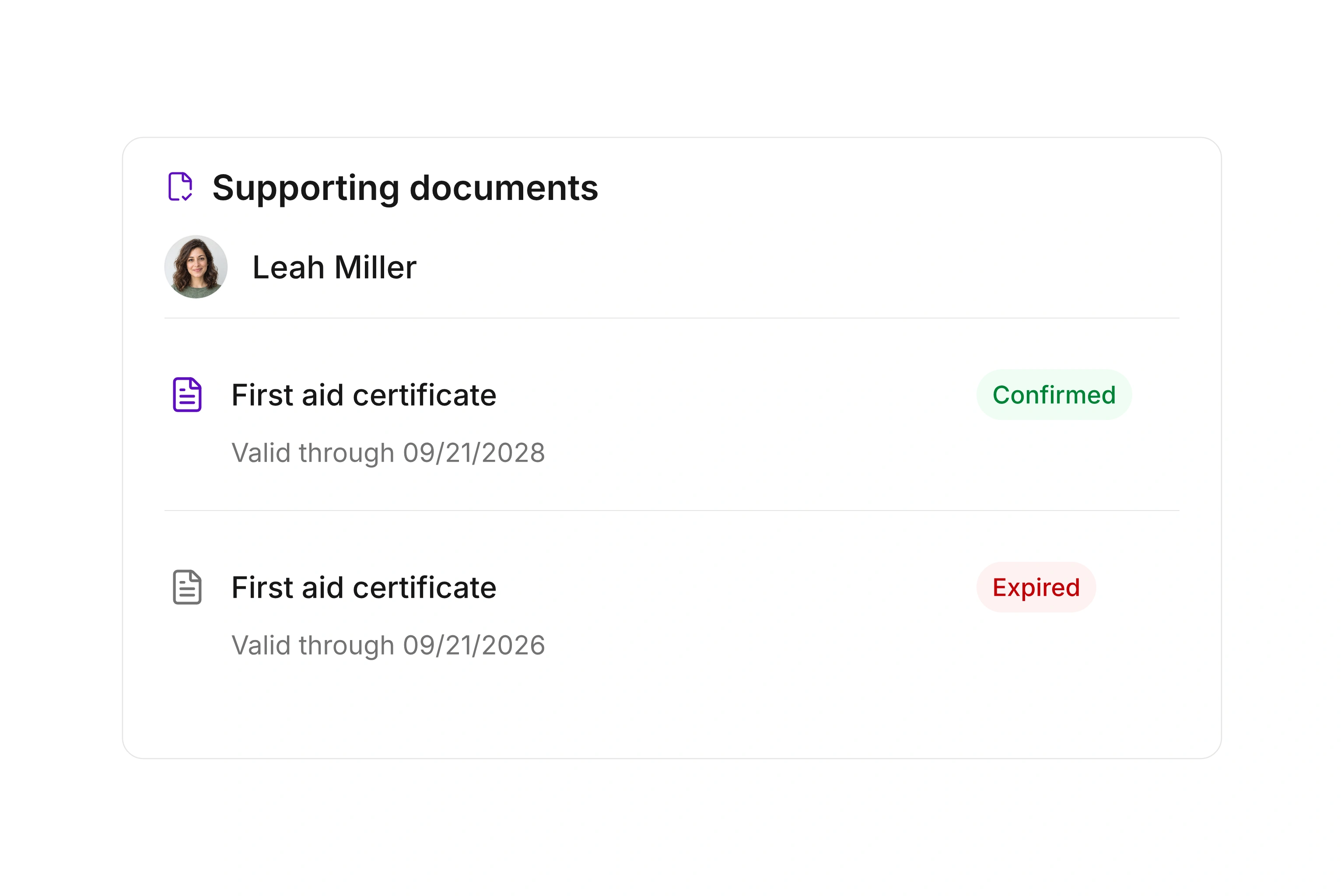
Required-document list showing submitted files, validity dates, and status for each contact

Define the document and the information you need.

Create a required document type for a recurring requirement. Give it a clear name, choose validity settings, and decide which information is needed when confirming it. Available details include issue date, issuing authority, review date, reviewer, notes, and supporting files.

Write a request message that explains the specific document. Members can then understand what to provide before sending a file. Your team also has a consistent record of the information required for review and the details that are only supplementary.
Apply requirements to the relevant people.

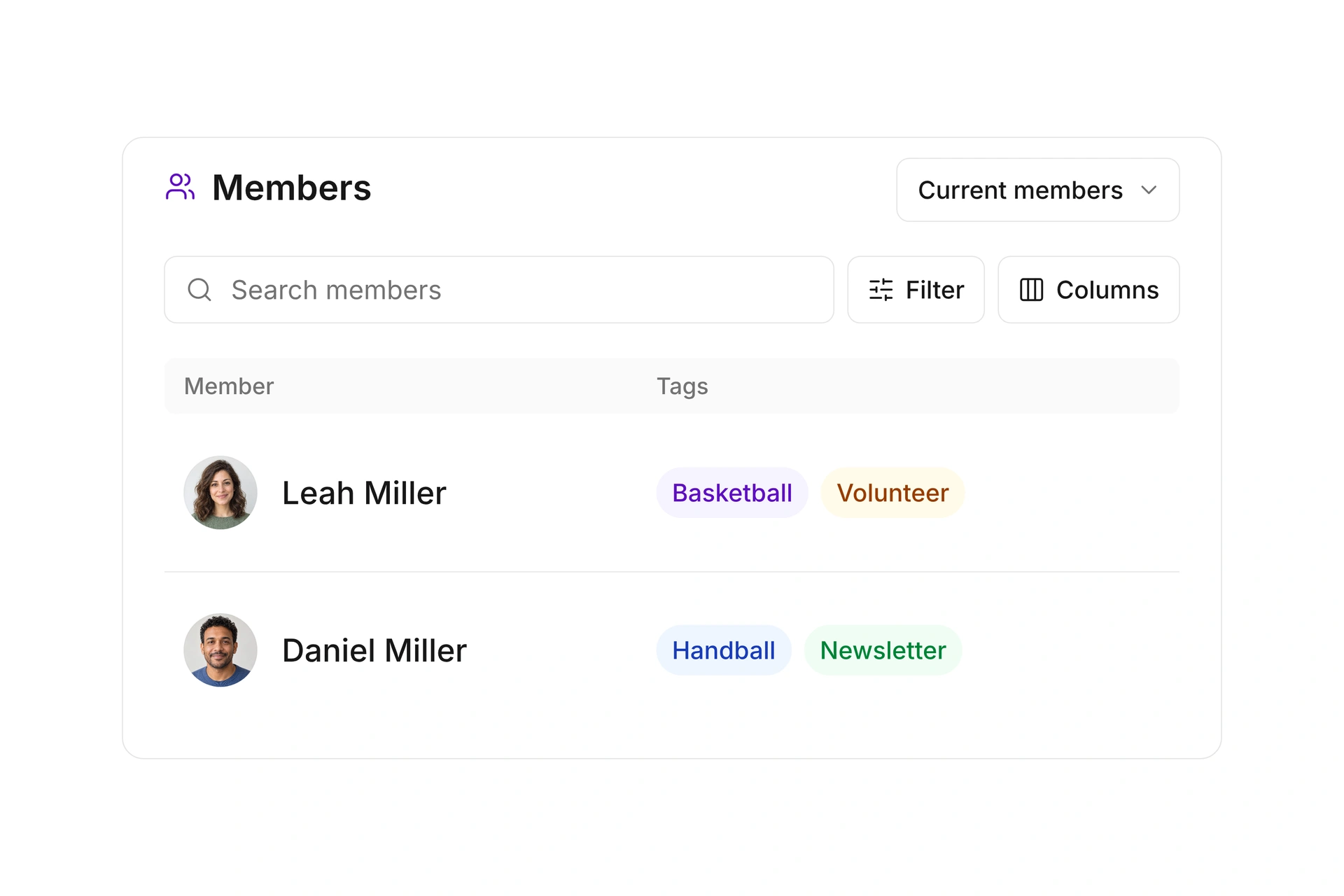
Assign a required document to an individual contact or associate its type with contact segments. This lets you limit a requirement to the people who need it under your organization’s process. For example, class instructors may need a different set of documents from other members.

Review the affected contacts whenever segment conditions change. The document overview helps you find existing records and request missing files. Because each requirement belongs to a contact, you can follow its progress without maintaining a separate list of names and submission states.

Apply requirements to the relevant people.

Review the file and follow its renewal.

Record the submitted file and confirm the required document after your review. Validity dates and statuses distinguish current records from those that need attention. Configure the lead times for due or overdue status on the document type to fit your organization’s process.

Once a document has expired, you can create a new record for its replacement. The earlier record and its file remain available. This keeps the previous confirmation separate from the new document instead of overwriting the earlier file during renewal.

Introduce a document requirement

Start with one clearly defined document and recipient group. Also identify the person responsible for reviewing its contents.

  1. Describe the requirement

    Create the required document type with an understandable name. Set validity and required confirmation details. Write the request message so the recipient knows which file or information to provide and what your team will review.

  2. Choose the affected contacts

    Assign the requirement to a contact or use a relevant segment. Review the selection before requesting files. A broad member group is appropriate only when the requirement applies to everyone included in that group.

  3. Review and confirm the submission

    Open the file and check its contents according to your organization’s process. Record the required details, such as the review date and validity. Confirm the document once the necessary information is complete.

  4. Follow upcoming renewals

    Use the status and validity date to identify records that need renewal. Request the replacement document and create a new record after expiration. Keep the earlier record as the history of the previous confirmation.

Example: Documents for class instructors

Your organization decides to keep a particular training completion document for class instructors. You assign the requirement to the relevant segment and define how your team reviews it.

Current situationRecord in campaiNext action
The document is missingThe requirement is assigned to the personSend a request describing the required file
A file has been submittedThe file and necessary details are availableReview its contents and confirm the record
Validity is approaching its endStatus reflects your configured lead timesContact the person about renewal
The earlier record has expiredThe previous record remains availableCreate a new record for the replacement

This example describes a requirement chosen by an organization. The documents you need and the review you perform depend on the particular activity and your own arrangements.

Frequently asked questions

Can I define my own required document types?

Yes. Set the name, validity, and details required for confirmation. Different document types let you manage distinct requirements separately and use an appropriate request message for each.

Do I have to assign every requirement individually?

You can assign a required document to a single contact or connect its type to contact segments. In the latter case, matching contacts receive the requirement. Review that audience when the segment conditions change.

How does a renewal affect the old record?

After expiration, you can create a new required document of the same type for the contact. The earlier record and its file remain available, keeping previous confirmations separate from the new submission.

Does campai verify authenticity or professional suitability?

The people responsible in your organization review the content and make that decision. campai supports requests, records, confirmations, and tracking of configured validity. A document status does not replace that review.

Can I control when a document becomes due?

Yes. The document type includes lead times for the relevant statuses based on its validity date. Choose a period that gives the affected people enough time to obtain and submit a replacement document.

Plan your document requirements

Bring the documents, affected groups, and review steps to a consultation. We can map how your team requests, confirms, and renews them.

Explore on your own. Get personal help when you need it.