Your club’s finances. Connected to your accounting.
Bring accounts and cash balances together, manage invoices, and match payments. Track outstanding amounts and trace journal entries to their documents. Use activity areas, projects, and reports to review the details.
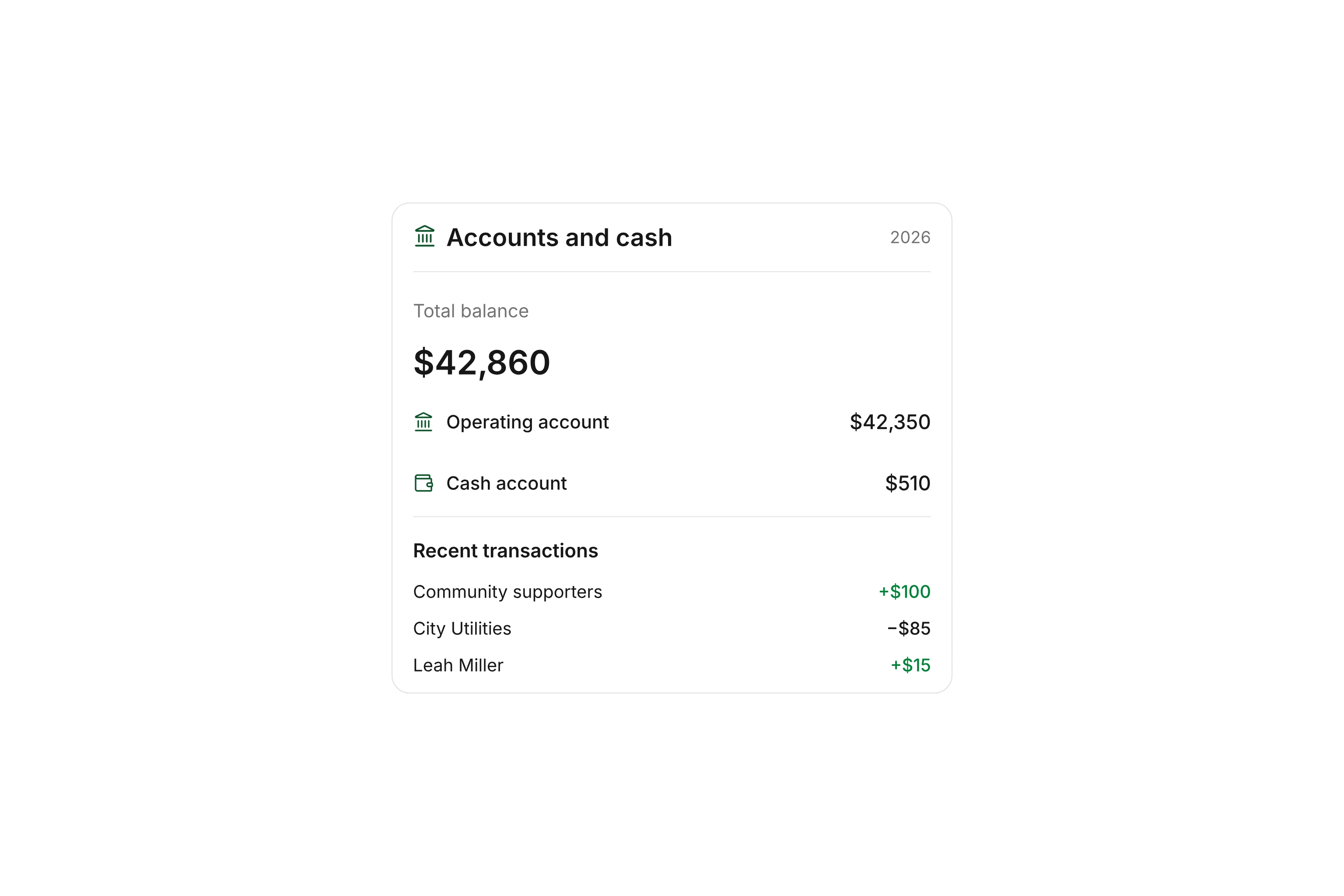
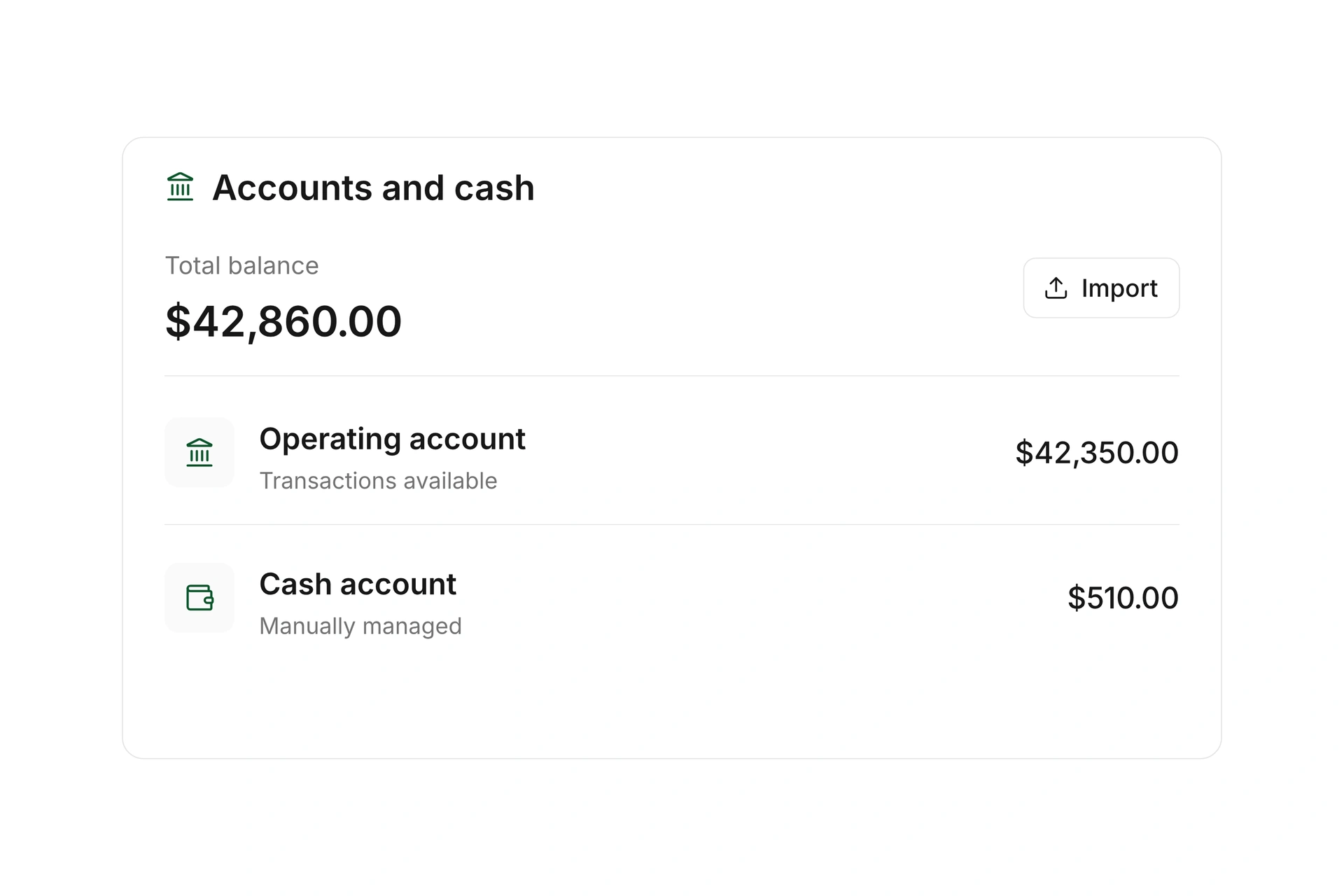
Keep bank accounts and cash balances together with their transactions. Connect supported accounts to bring transactions into campai, or import them from a file.
See which payments have been matched and which still need attention. Record movements between your own accounts as transfers so they do not inflate income or expenses.
Manage invoices and supplier documents
Create customer invoices with line items, due dates, and reusable templates. Upload supplier documents and add the supplier, account assignments, and other details.
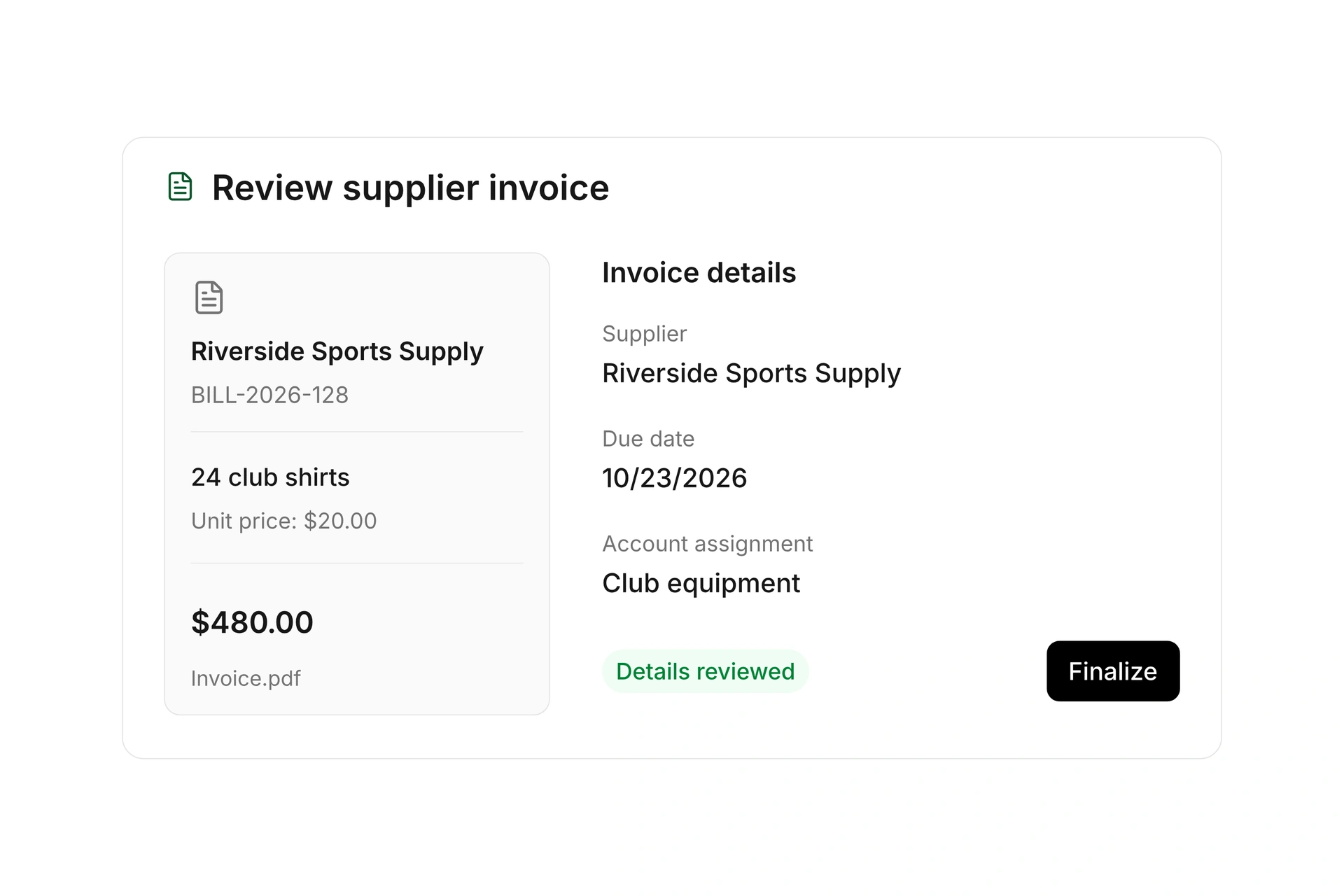
Review line items, tax settings, and payment status before finalizing. Keep documents, credits, and cancellations traceable, and archive supplier documents when you want to remove them from the working list without losing the record.
Match and split payments
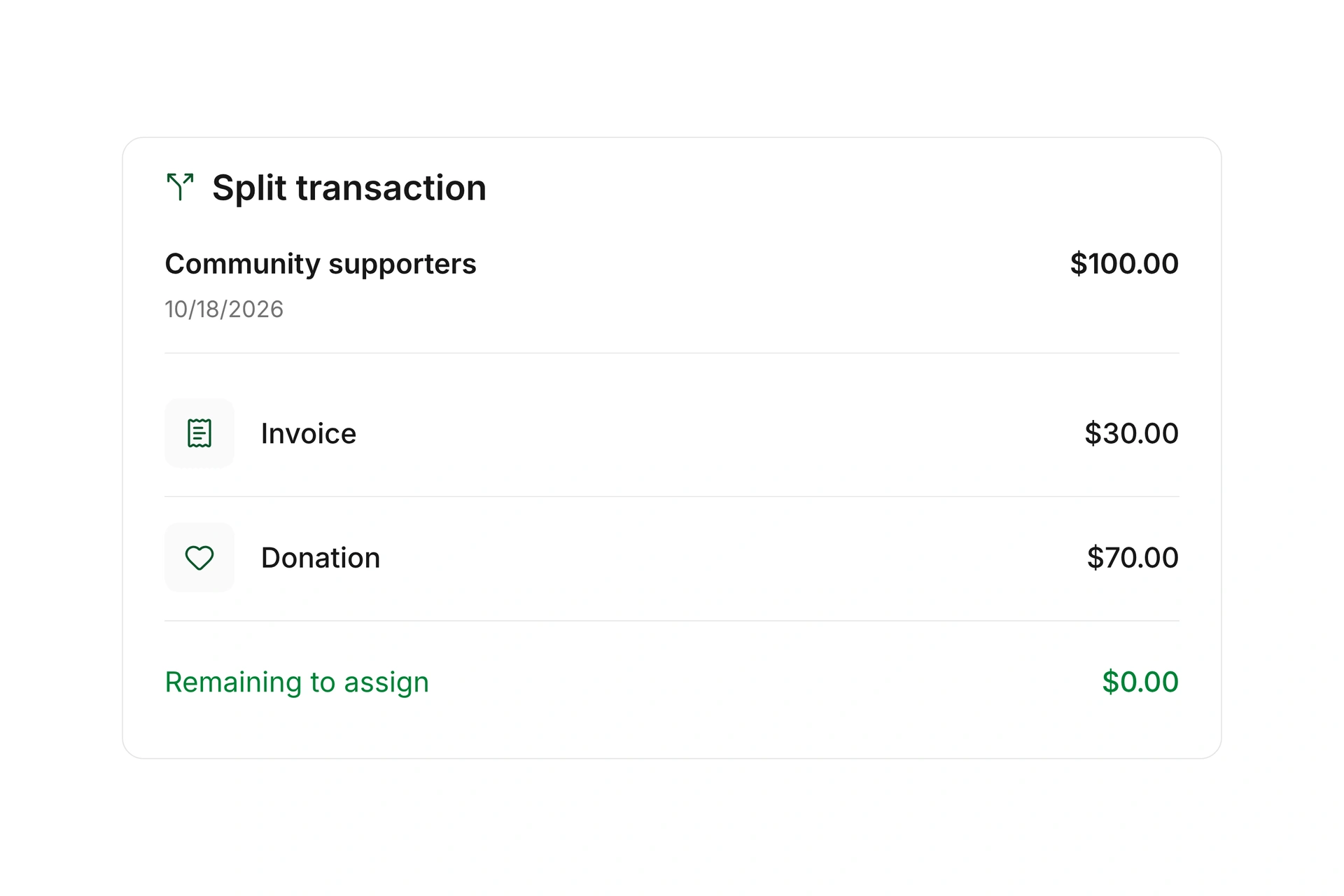
Match transactions to invoices, donations, or journal entries. Apply multiple partial payments to one invoice, or split a single transaction across several assignments.
Set booking rules for recurring payments and choose accounts and cost centers. Remove and replace an incorrect document match while keeping applied amounts and remaining balances visible.
Track outstanding balances and reminders
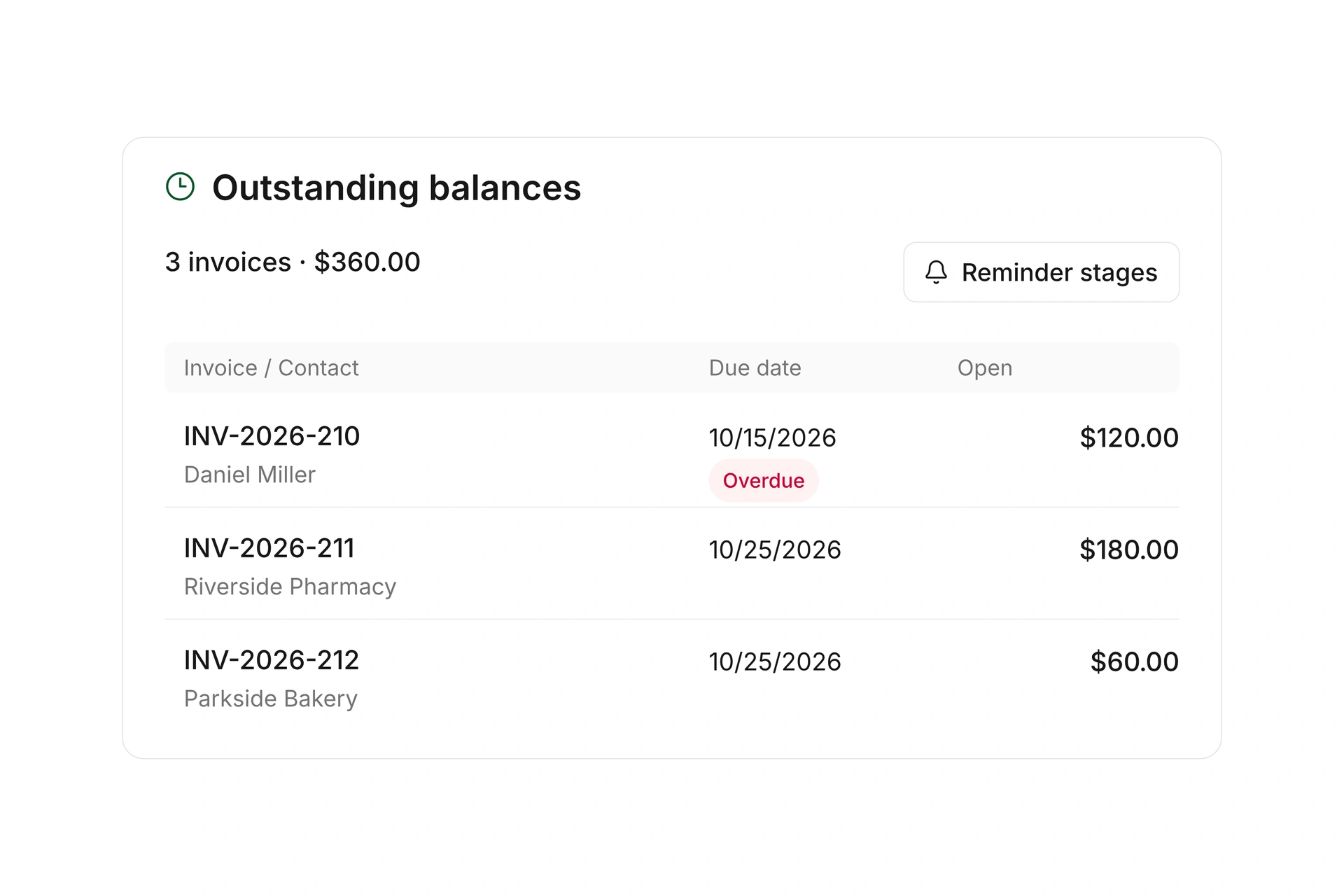
Review outstanding receivables and payables by customer and supplier. Follow due dates, partial payments, and remaining balances, and apply prepayments or available customer credit to later invoices.
Set reminder stages, deadlines, and delivery rules for overdue invoices. Share an invoice’s online payment link to give the recipient a direct way to pay, then follow its balance through to settlement.
Payments, documents, and entries. Connected.
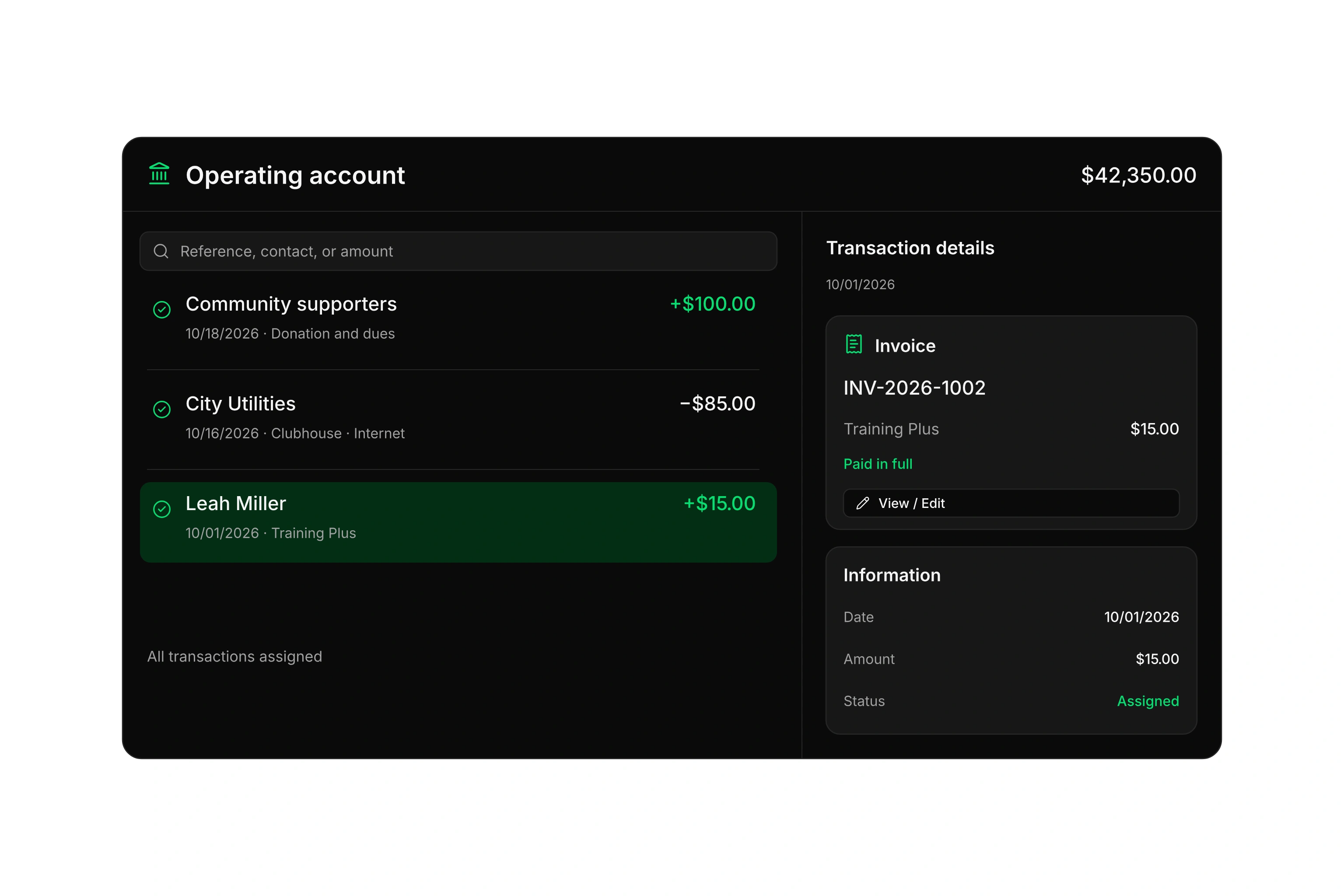
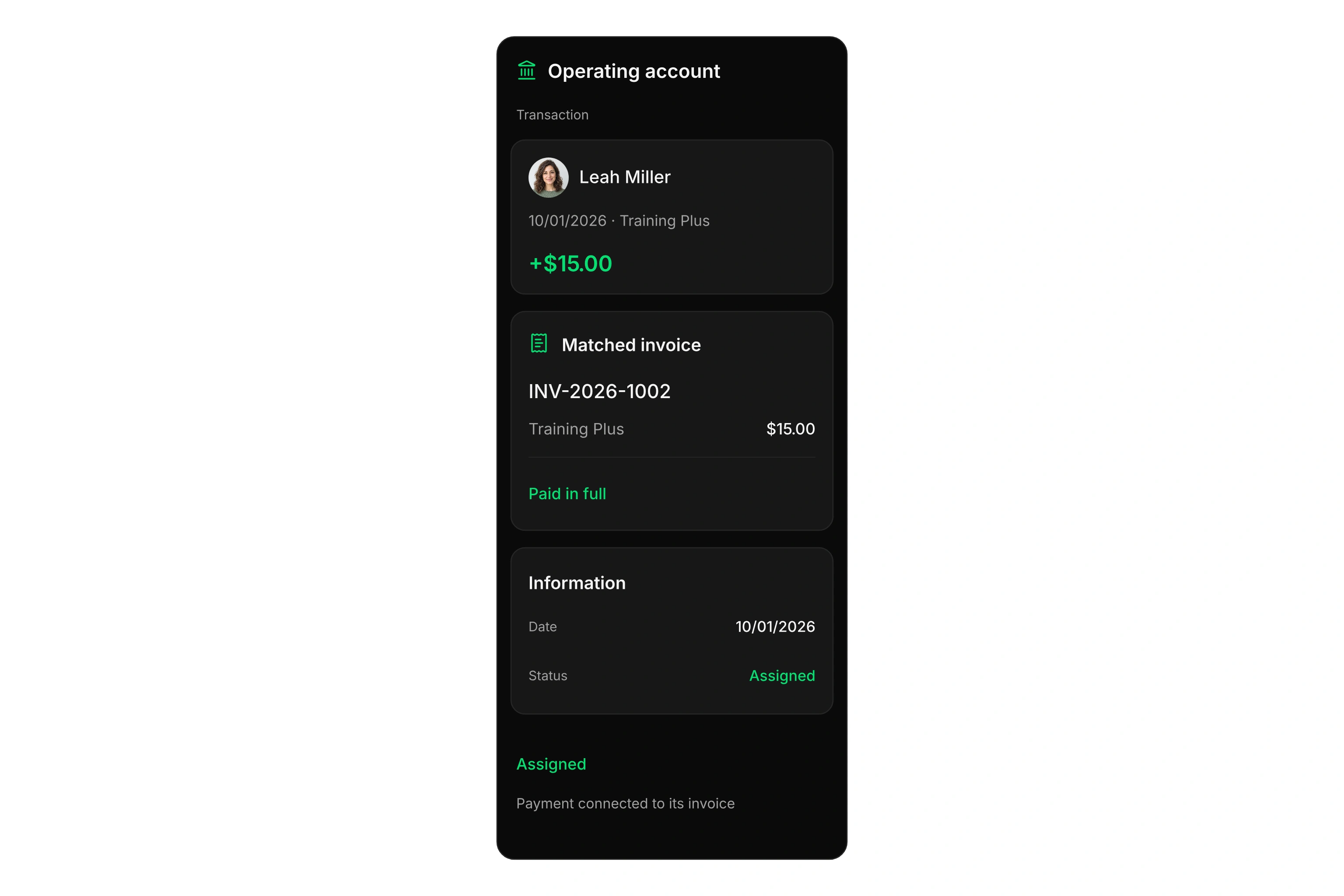
Open a transaction and see its assigned invoice, amount, and payment status. Follow the document into the journal to review the accounting behind it.
Prepare and track payments
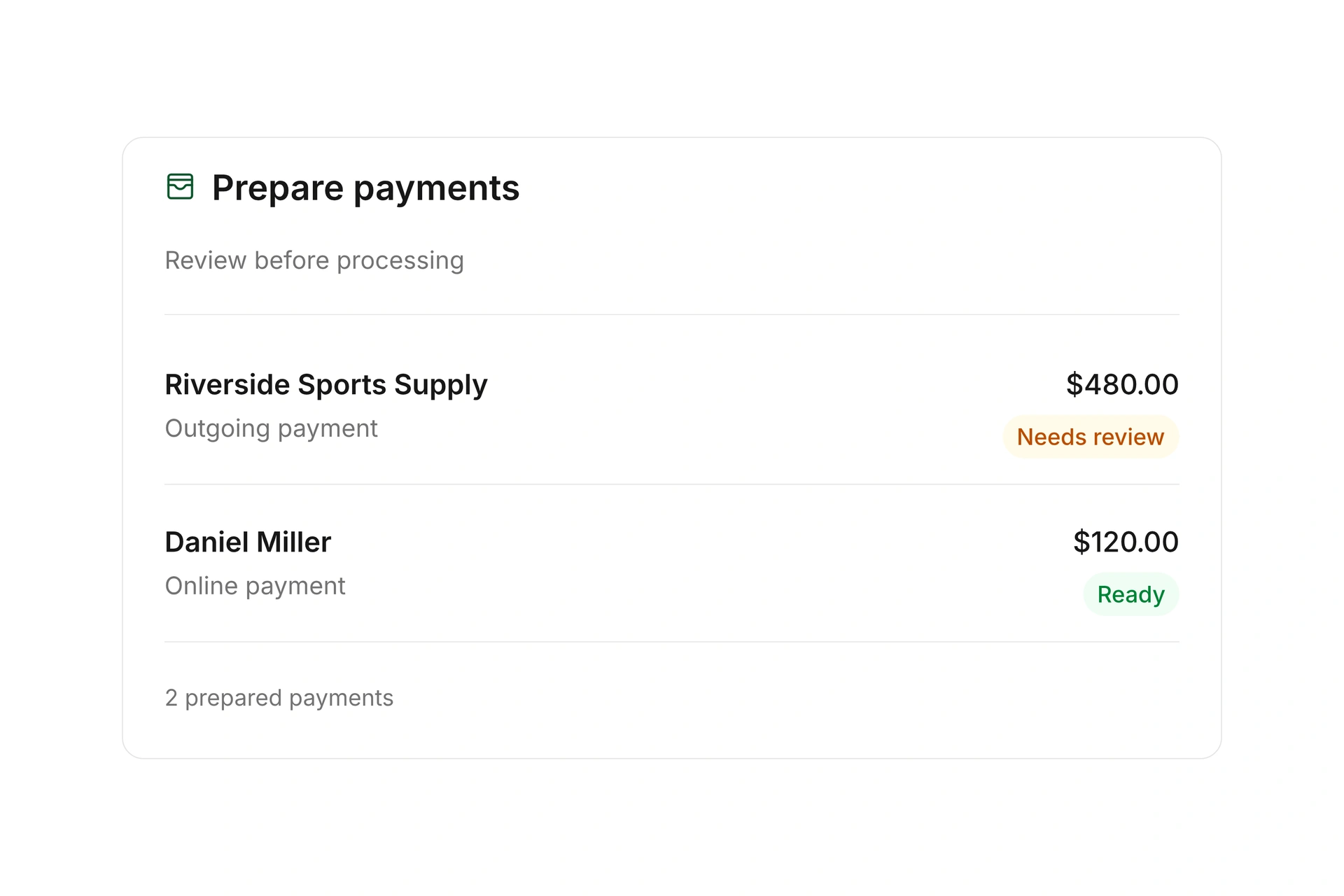
Review prepared outgoing payments and online payment requests before processing them. Follow payment status and use invoice payment links through supported providers.
Review returned online payments and outstanding amounts when a payment fails. Keep provider fees separate from the invoice amount, and review disputed transactions with their supporting records.
Organize entries by activity and project
Review entries in a searchable journal and open their source documents and accounts. Configure your chart of accounts, tax settings, and cost centers for your organization.
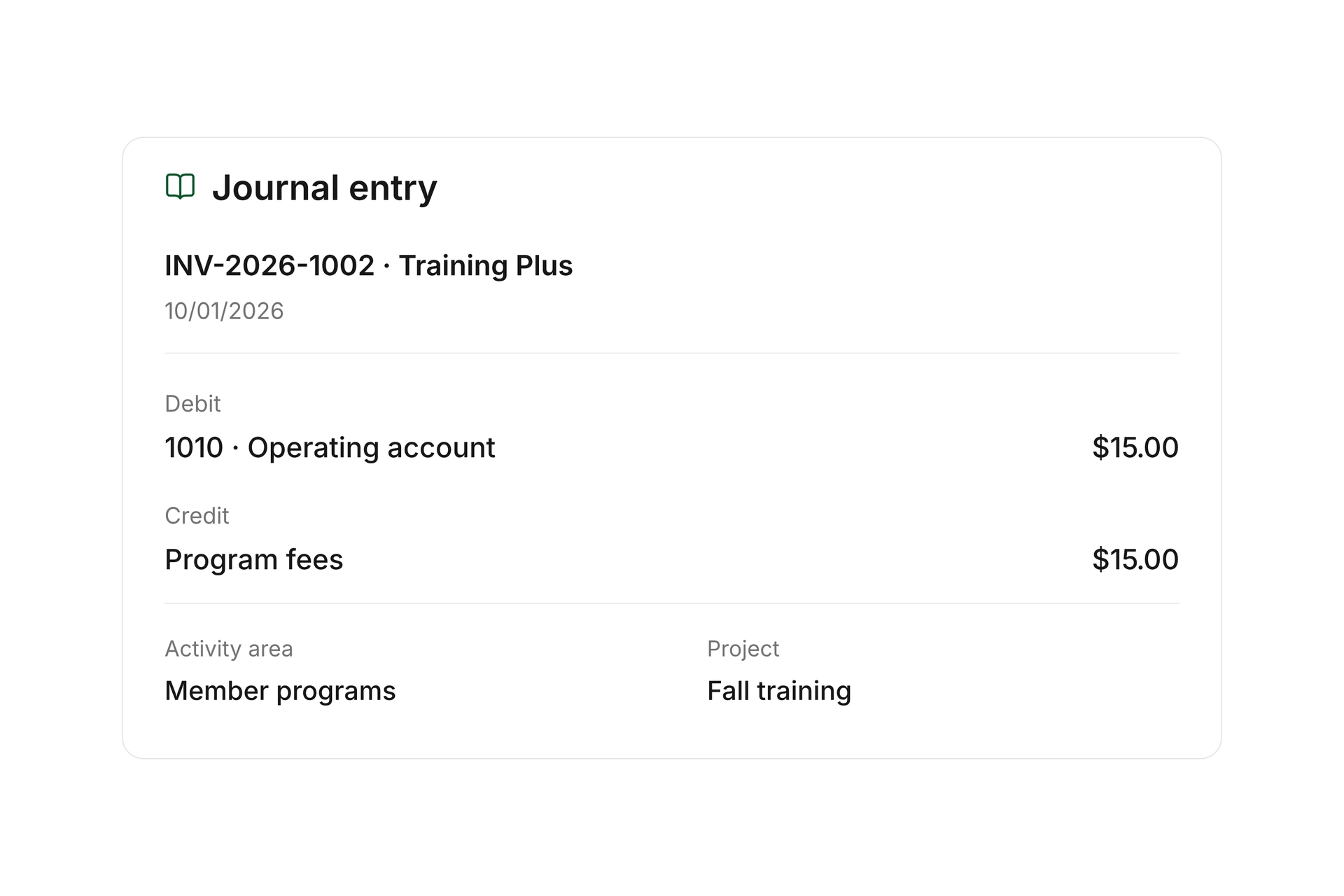
Assign entries to an activity area and, when needed, a project. Review an event across several documents while keeping corrections and reversing entries traceable. Lock completed accounting periods to preserve their entries.
Manage assets and depreciation
Record equipment and other assets with inventory numbers, purchase dates, acquisition values, and account assignments. Set useful lives and residual values, and assign the relevant cost centers.
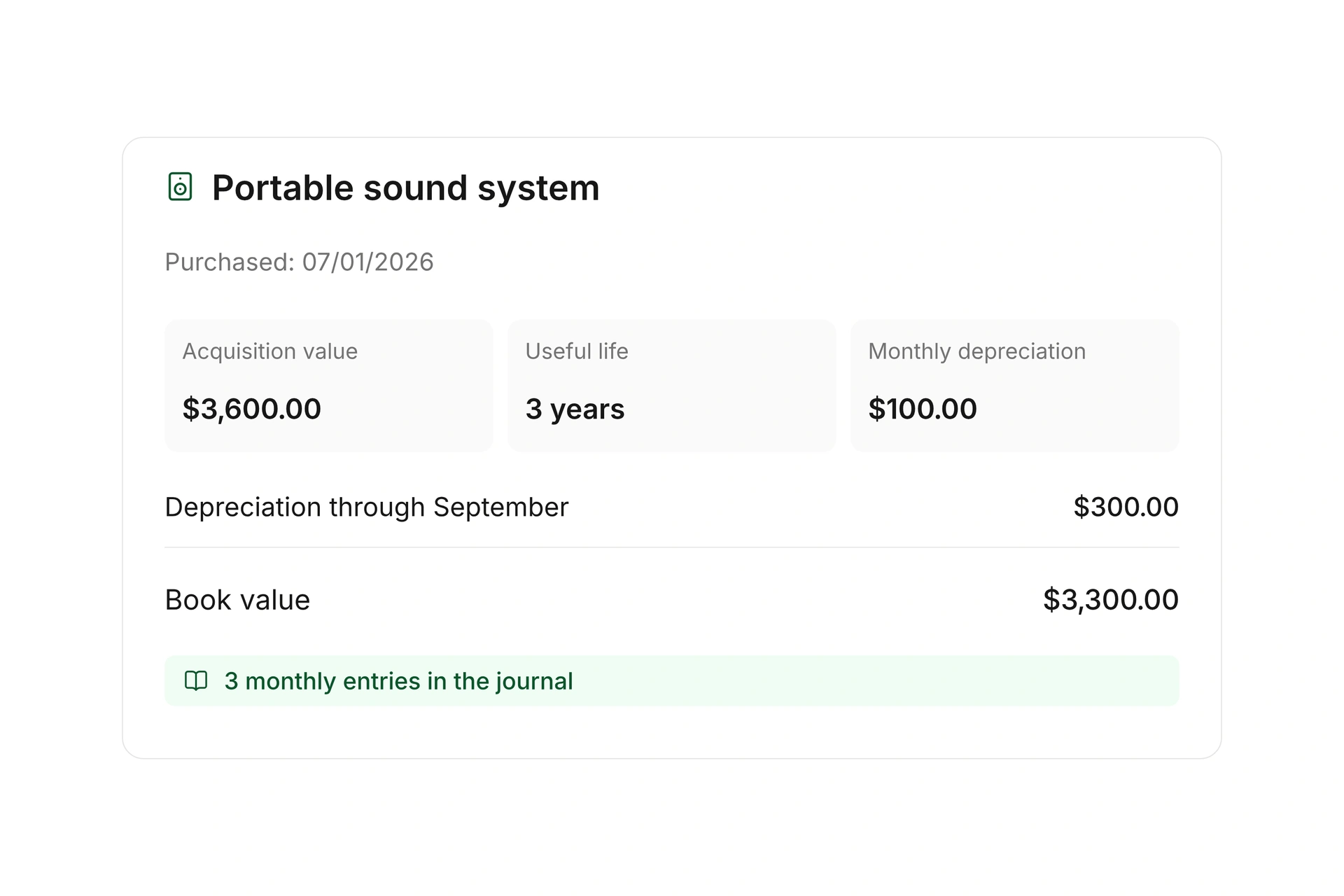
Review generated depreciation entries in the journal and follow the remaining book value. Bring existing assets into campai with their historical details to keep their subsequent accounting connected.
Create reports and share accounting data
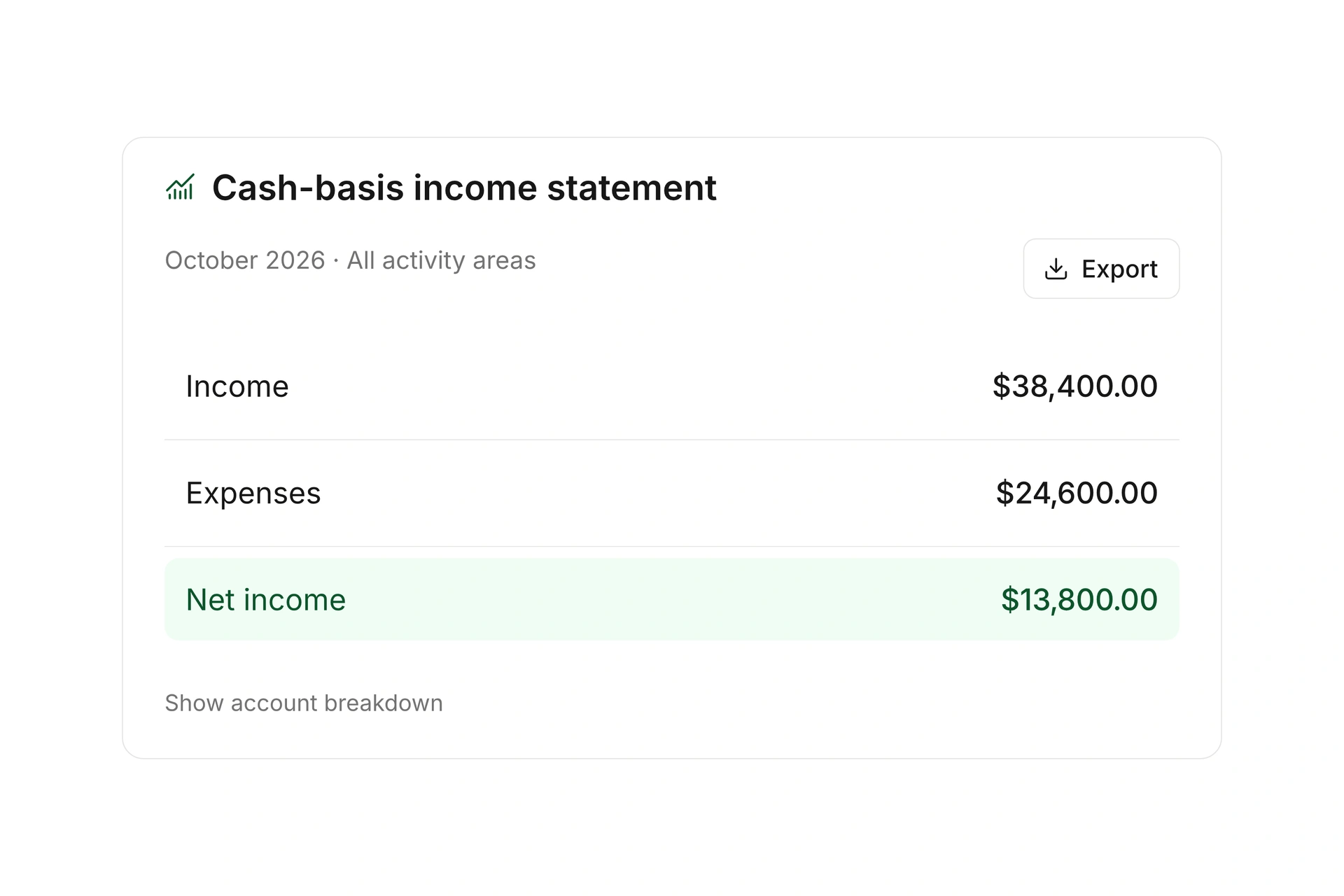
Create cash-basis income statements, trial balances, and cost-center reports for a selected period. Compare the previous year and open account breakdowns to review individual report lines.
Filter by activity area, project, or organization. Export reports and accounting data to share with your accountant and keep the source entries available for review.
More time for your community.
See how campai connects member management, finances, and communication. Try the software or book a personal demo.
Explore on your own. Get personal help when you need it.
All finance and accounting features
Explore accounts, documents, payments, journal entries, assets, and reports.
Finance
Income and expenses
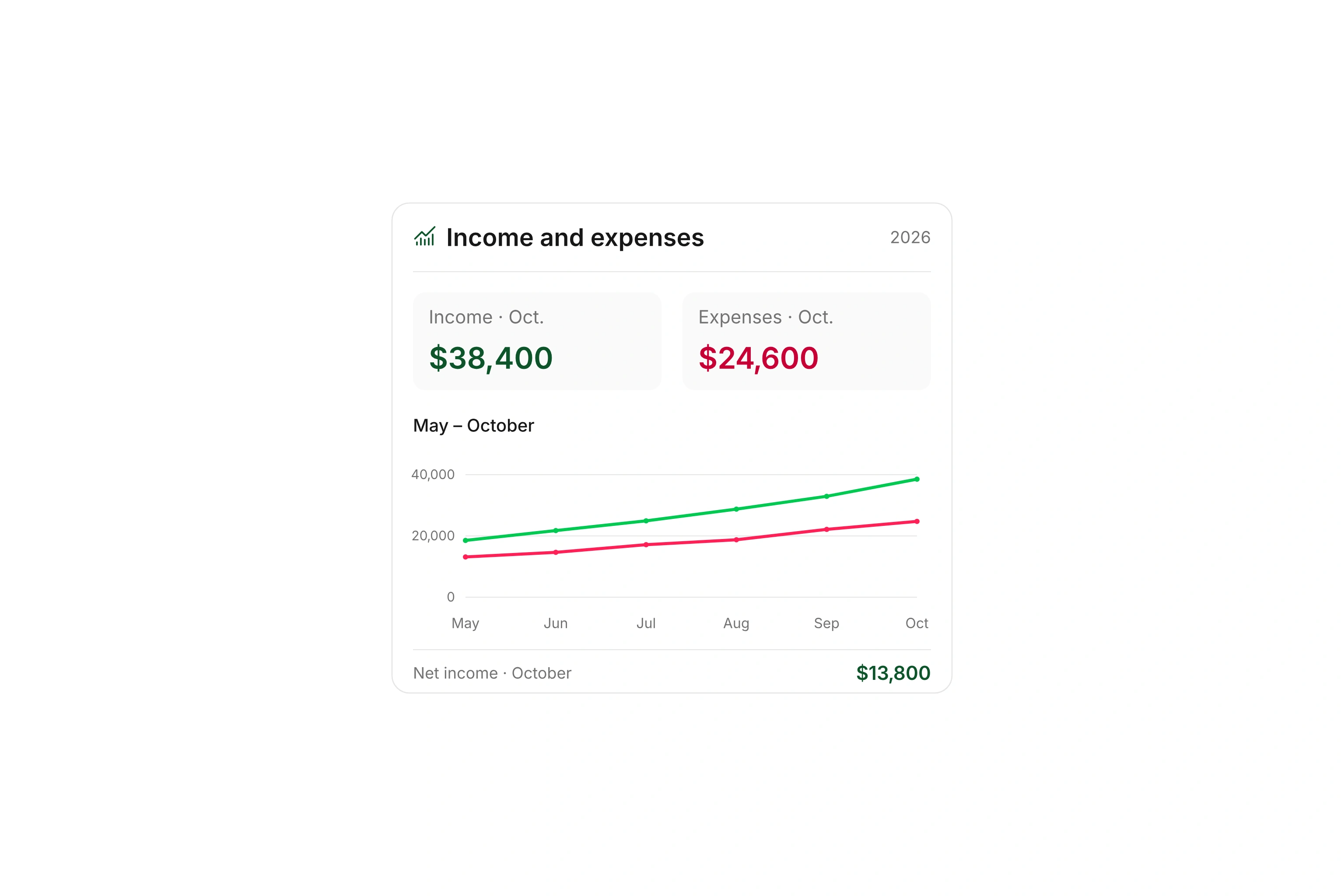
Review income, expenses, and their development using your current financial records.
Finance settings
Configure the financial year and available accounting settings, including a year that starts outside January.
Bank accounts and cash
Manage bank accounts and cash balances with their transactions in one finance overview.
Connected accounts
Connect supported bank and payment providers to bring transactions into campai.
Bank account details
Manage account details associated with connected bank and payment accounts.
Account transactions
Review and synchronize transactions, import account activity, and edit connected account details.
Transaction imports
Import account transactions from files when automatic synchronization is unavailable.
Transaction matching
Assign transactions to documents, donations, or journal entries. Remove an incorrect document match and assign the transaction again.
Split transactions
Split a transaction across assignments, such as a donation and an internal transfer, and handle the remaining amount separately.
Internal transfers
Record movements between your own bank and cash accounts without treating them as income or expenses.
Automatic booking rules
Use conditions to assign recurring transactions to the appropriate accounts and cost centers automatically.
Invoices
Create and manage customer invoices with line items, due dates, delivery, and payment status.
Supplier invoices
Record supplier invoices, review their details, and pass them into accounting and payment workflows.
Document imports
Upload existing documents for invoice and document processing.
Document details
Review amounts, recipients, due dates, payment status, and other document details in one place.
Archive and restore supplier documents
Move a supplier document out of the working list and restore it when needed. Outstanding payables remain in the accounting records.
Document numbering
Choose how document numbers are generated and whether numbering is shared or separate by organization.
Reusable document text
Save titles, introductions, delivery terms, and footnotes, and choose defaults for each document type.
Invoice templates
Create reusable templates for invoices and reminders, including custom PDF backgrounds.
Document delivery
Update delivery methods or recipient details and resend an updated document when needed.
Credit notes and cancellations
Create full or quantity-based partial credits and settle them through customer credit, bank, or cash accounts. Keep cancellations linked to their reversing documents.
Apply supplier credits
Record a supplier credit and apply it to an outstanding invoice through the manual clearing workflow. Pay any remaining balance separately.
Payments
Record incoming and outgoing payments and match them to the relevant documents.
Partial and remaining payments
Settle an invoice through multiple payments and track its remaining balance until the final payment.
Prepayments and customer credit
Record prepayments and apply available customer credit when finalizing a later invoice. Unused credit remains available.
Overpayments
Keep excess payments traceable instead of manually adjusting unexplained differences.
Cash payments
Record cash payments through the appropriate cash account and keep documents and cash balances aligned.
Default payment method
Set a default payment arrangement for customer accounts without their own setting.
Online payments
Accept online payments through supported providers and follow their payment status.
Online payment links
Copy or open an invoice’s payment link so the recipient can pay the outstanding balance online.
PayPal connection
Connect an available PayPal account and match its payments to documents.
Stripe Connect
Use an available Stripe Connect integration for online payment workflows.
Online payment processing
Process due amounts through supported online payment providers.
Outgoing payments
Prepare outgoing payments, group outstanding amounts, and follow the supported submission workflow.
Payment queue
Collect prepared payments and review them before controlled processing.
Returned online payments
Review failed online payments and reopened outstanding amounts. Keep the invoice amount and related provider fees separately traceable.
Disputed transactions
Review disputed payments and decide whether to provide supporting records or issue a refund.
Separate payment-provider fees
Match a net payment to the full invoice amount and record the withheld provider fee as a separate expense.
Payment reminders
Bring outstanding invoice and donation documents together and manage manual or automatic reminder workflows.
Invoice reminder rules
Define reminder stages, deadlines, fee settings, and delivery rules for overdue invoices.
Revenue trends
Track revenue development over a selected period.
Accounting
Journal
Review entries in a searchable journal and open their source documents and accounts.
Manual journal entries
Record debit and credit entries with document references, tax settings, activity areas, and cost centers. Correct account assignments on entries that have not been locked.
Reversing entries
Reverse a manual entry with a linked counter-entry instead of deleting the original accounting record.
Review unpaid receivables and payables by customer or supplier and export the report.
Chart of accounts
Use and configure a chart of accounts for your organization’s accounting structure.
Account list
Manage general ledger accounts and apply shared actions to selected accounts.
Account settings
Choose default accounts for automatic entries and specific transaction types.
Tax settings
Configure available tax rates and default accounts for tax-related entries.
Cost centers
Define cost centers for each organization and combine matching codes in cross-organization reports when needed.
Activity areas
Assign a primary cost center to an activity area and use it to filter entries and reports.
Projects as a second cost center
Assign a project alongside the primary activity area and review it across multiple documents.
Account overview
Review general ledger, customer, and supplier balances and narrow them with filters.
Account breakdown
Trace an account balance to the entries that produced it.
Asset register
Record assets with inventory numbers, purchase dates, acquisition values, residual values, and account assignments. Historical asset records can also generate past depreciation entries.
Automatic depreciation
Set useful lives, residual values, accounts, and cost centers. Review depreciation distributed across months from the purchase date.
One-time asset write-down
Choose the available one-time write-down option for an asset and review its entry in the journal and report.
Trial balance
Compare opening balances, debit and credit movements, and closing balances for the selected period.
Cost-center balances
Compare accounting amounts and balances by cost center, period, and other report filters.
Income statement
Review income and expenses by period, activity area, and cost center, and download the results.
Cash-basis income statement
Create a cash-basis income statement for a period and activity area, compare the previous year, and show the account breakdown for review.
Report structure
Configure the structure and row logic of the income report and review a preview.
Cross-organization reports
Review one organization’s accounts or combine several organizations in one report.
Chart-of-accounts imports and exports
Transfer customized charts of accounts between campai and external accounting systems.
Lock accounting entries
Lock entries through a selected date using document or service dates. Locked entries can no longer be changed or deleted.
Lock history
Review previous lock dates and the accounting records preserved at each cutoff.
Opening balances
Carry updated prior-year closing balances into the current financial year.
Accounting settings
Configure the chart of accounts, cost centers, default accounts, and tax settings for your organization.