Member management that brings your organization together.
Manage members, applications, and documents in one place. Adapt custom fields to your organization, find the right members with filters, and manage their membership from joining to leaving.
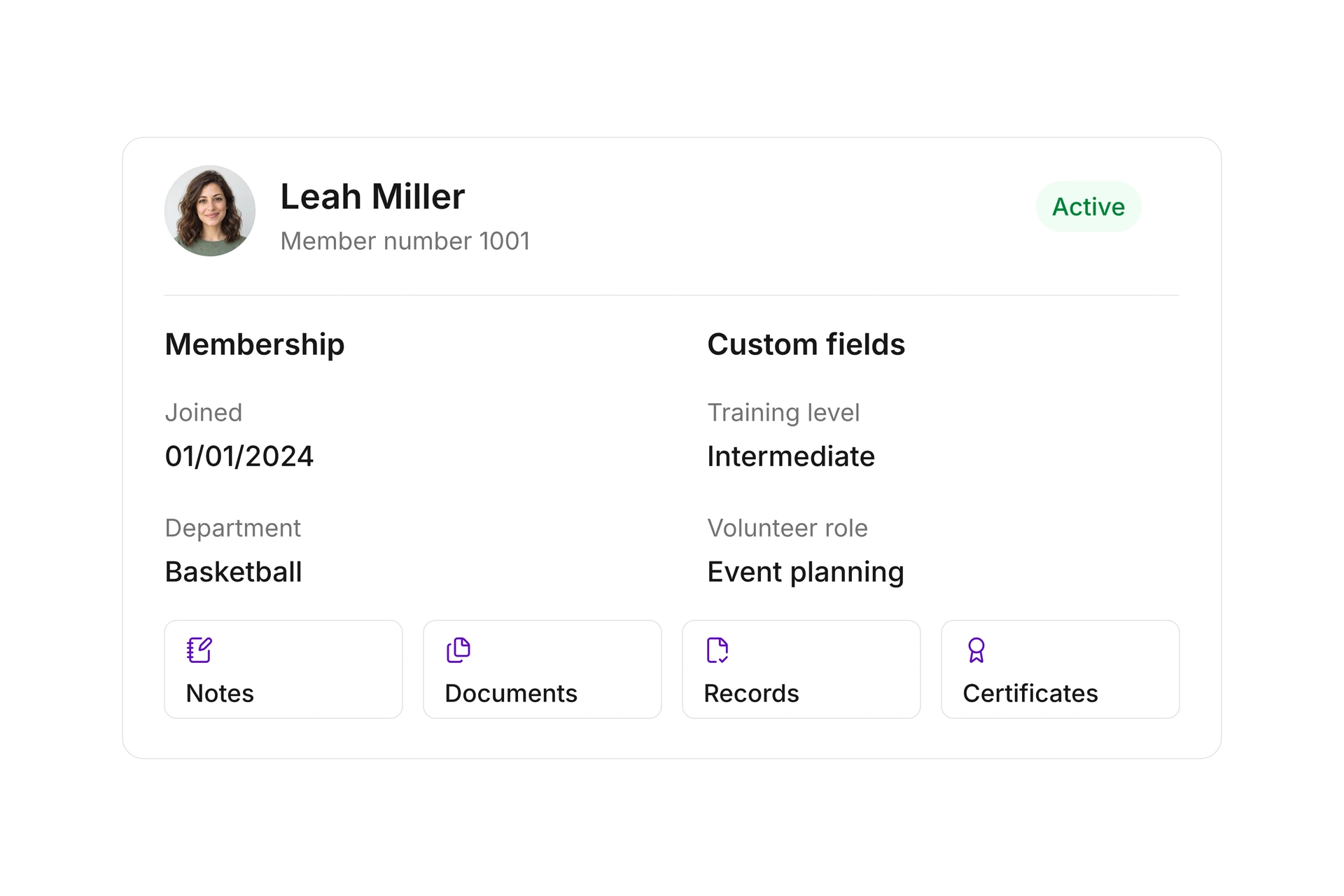
Keep contact details, membership information, and your own fields in one profile. Record details such as training level or volunteer responsibilities. Choose field types and required information to fit the way your team works.
Track joining dates, cancellation notices, and effective leaving dates. Use notes, follow-up reminders, and change history to keep member care organized. Bring existing contacts across by CSV or update their records, reviewing the field mapping and preview before importing.
Tags, filters, and segments
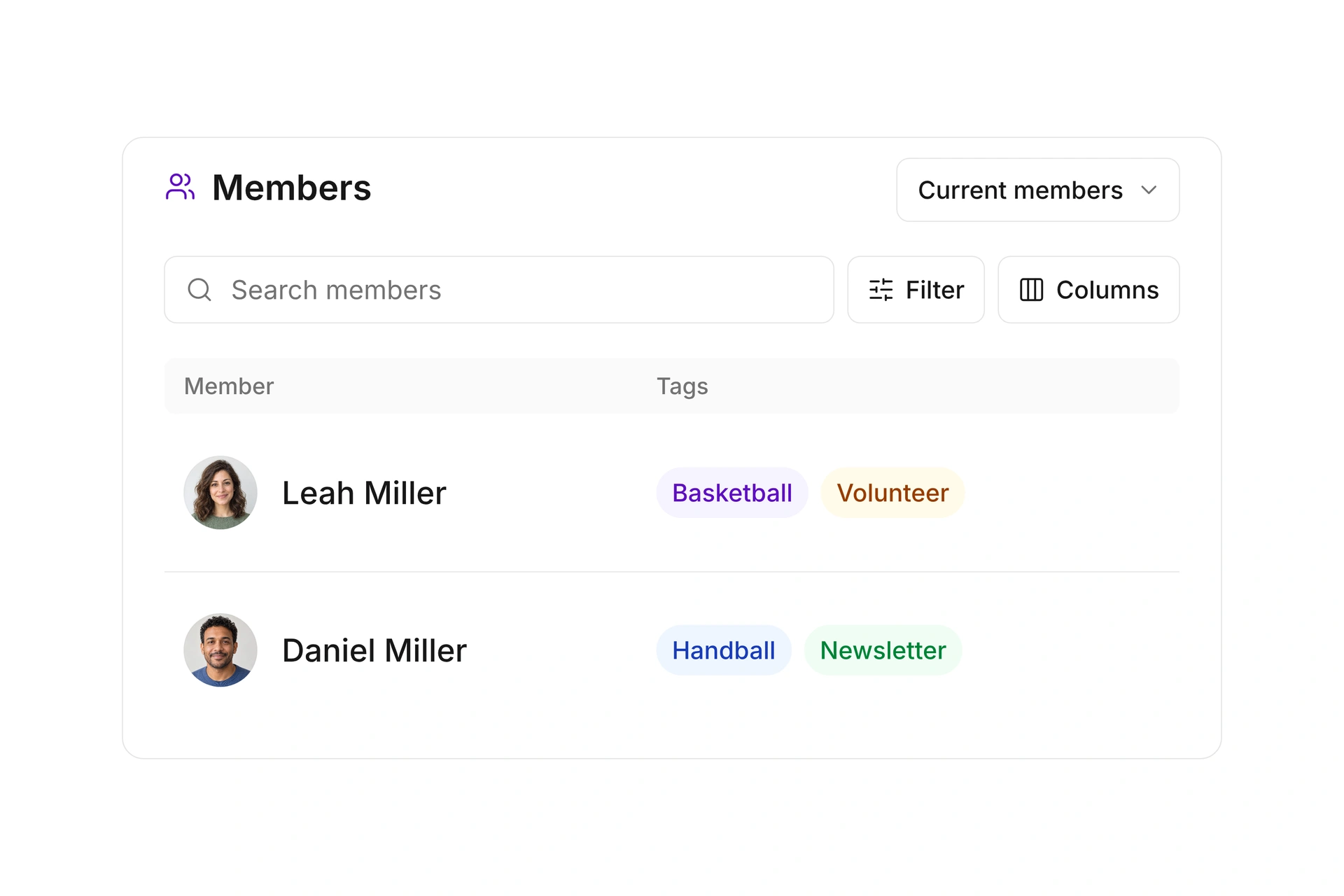
Tag members by interest, group, or role. Combine filters for membership, department, and custom fields to build the selection you need. For example, find upcoming members with a beginner training level without checking every record individually.
Save frequently used filters as segments and reuse them for newsletters, invitations, or dues billing. Choose which columns appear in the list, too. Your team can work from a view that suits the task at hand.
Online membership applications
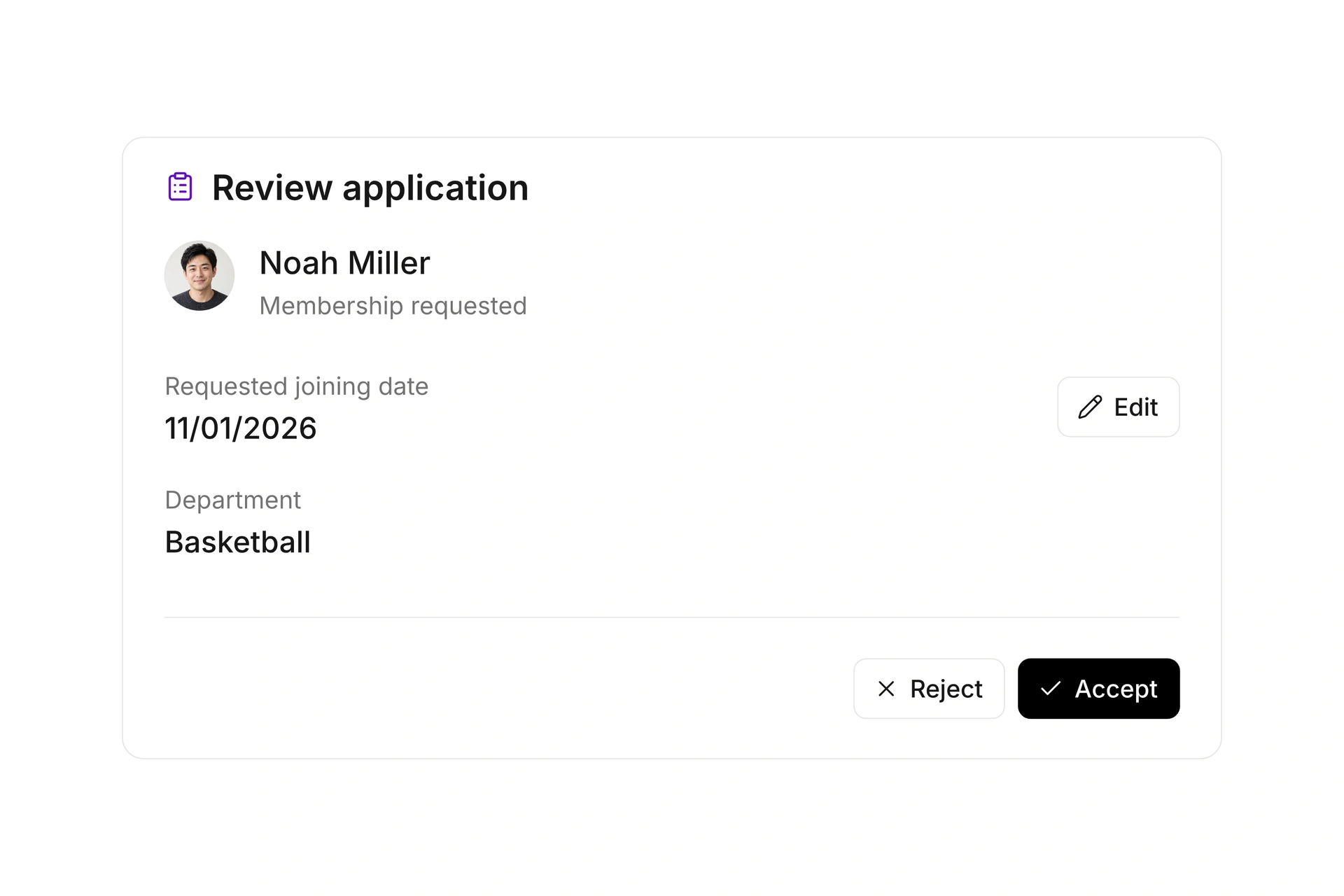
Build membership applications with the fields and required information your organization needs. Collect a requested joining date, department, and details of a different payer where needed. Check the form in test mode before sharing it with prospective members.
Review incoming applications, correct their details, export them as PDFs, and accept or reject them. When accepting an application, transfer its information to the member record and choose the appropriate payer relationship. Keep applications and admission connected in one workflow.
Families, groups, and departments
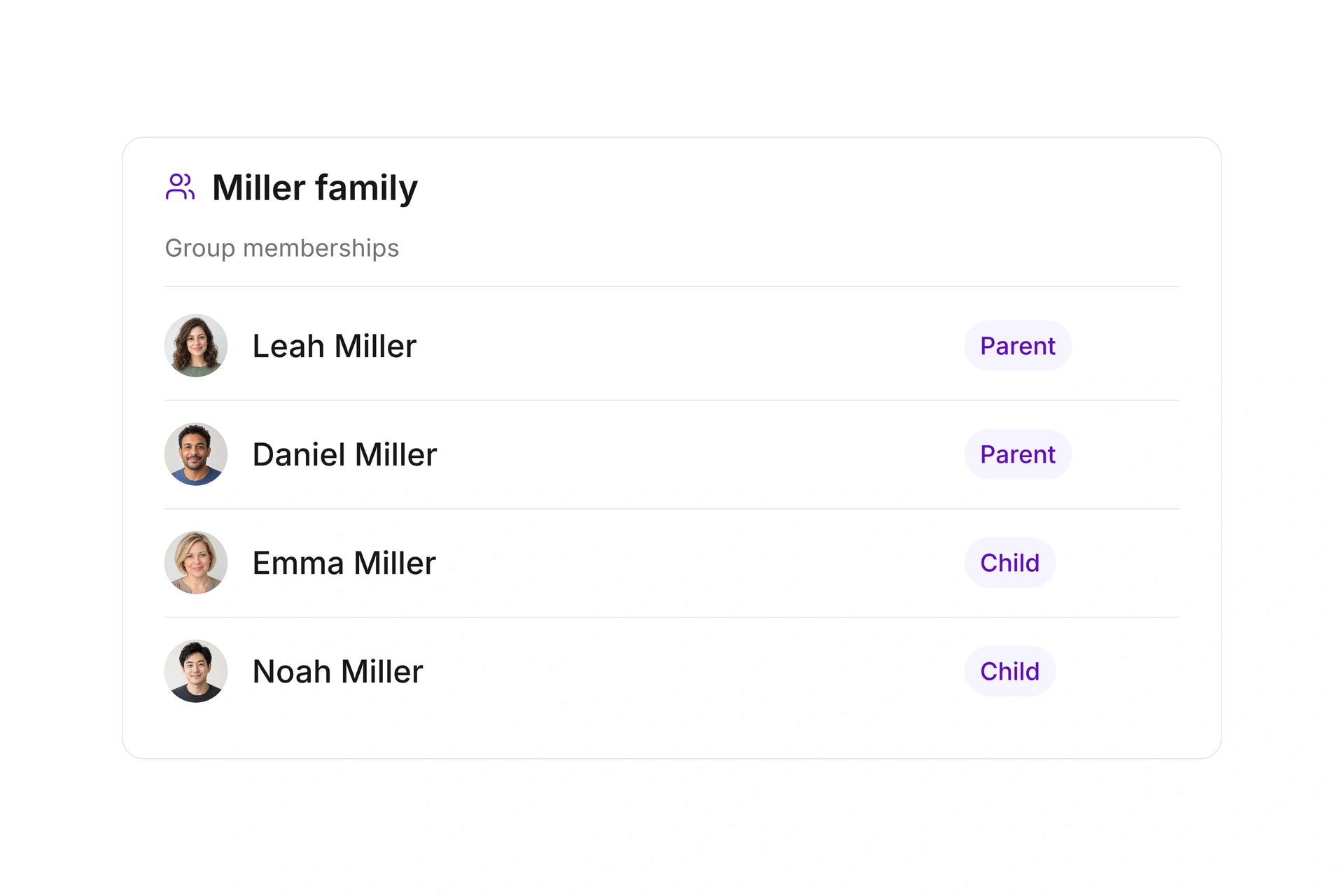
Bring related contacts together as a family, team, or committee. Define group types and fields to record the relationships that matter to your organization. For example, identify parents and children in a family while keeping a separate member profile for each person.
Assign members to departments and record the dates they join and leave each one. Families can share a payer, too. Manage group membership and responsibility for payments as separate relationships, so each reflects the arrangement you need.
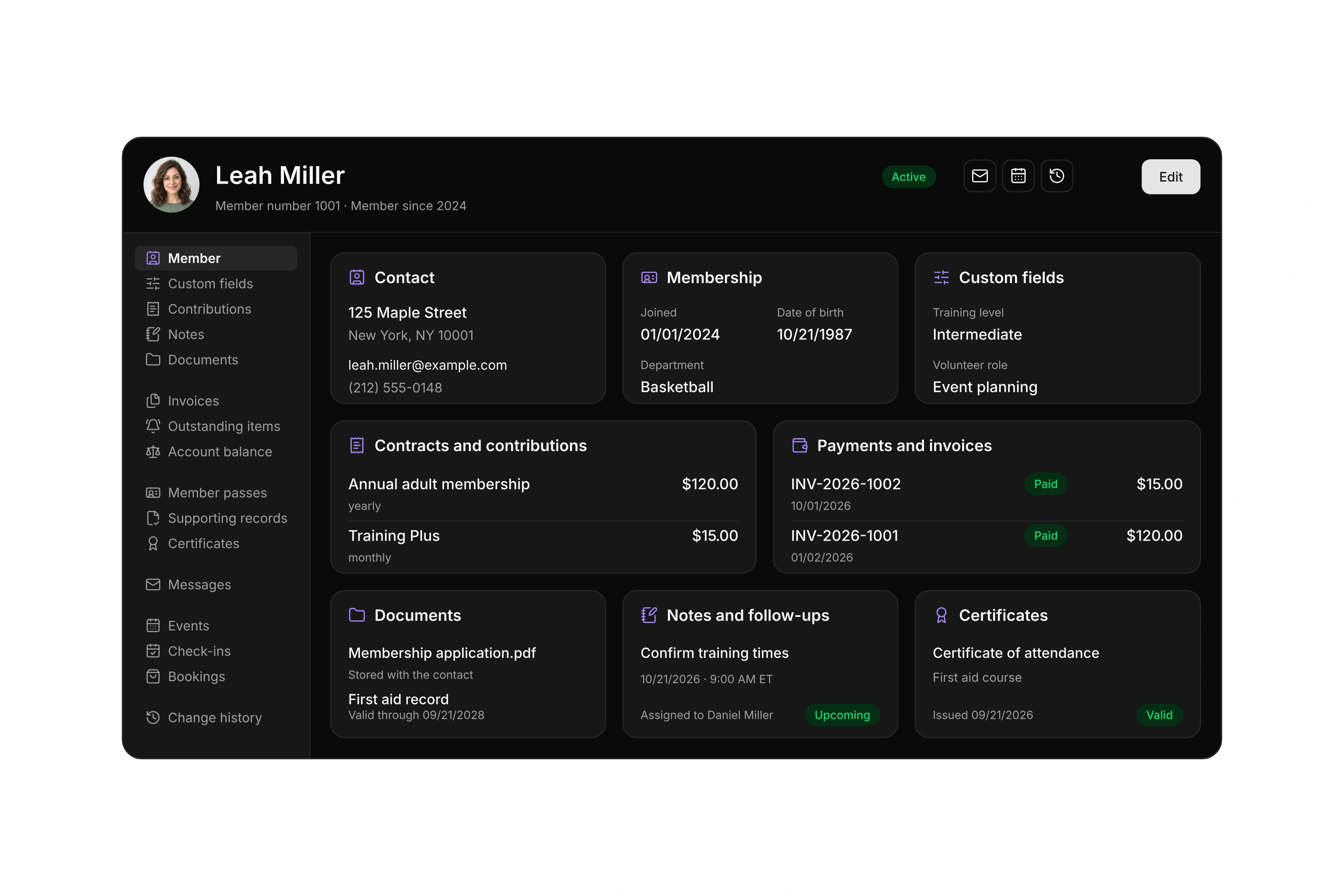
Your members. The complete picture.
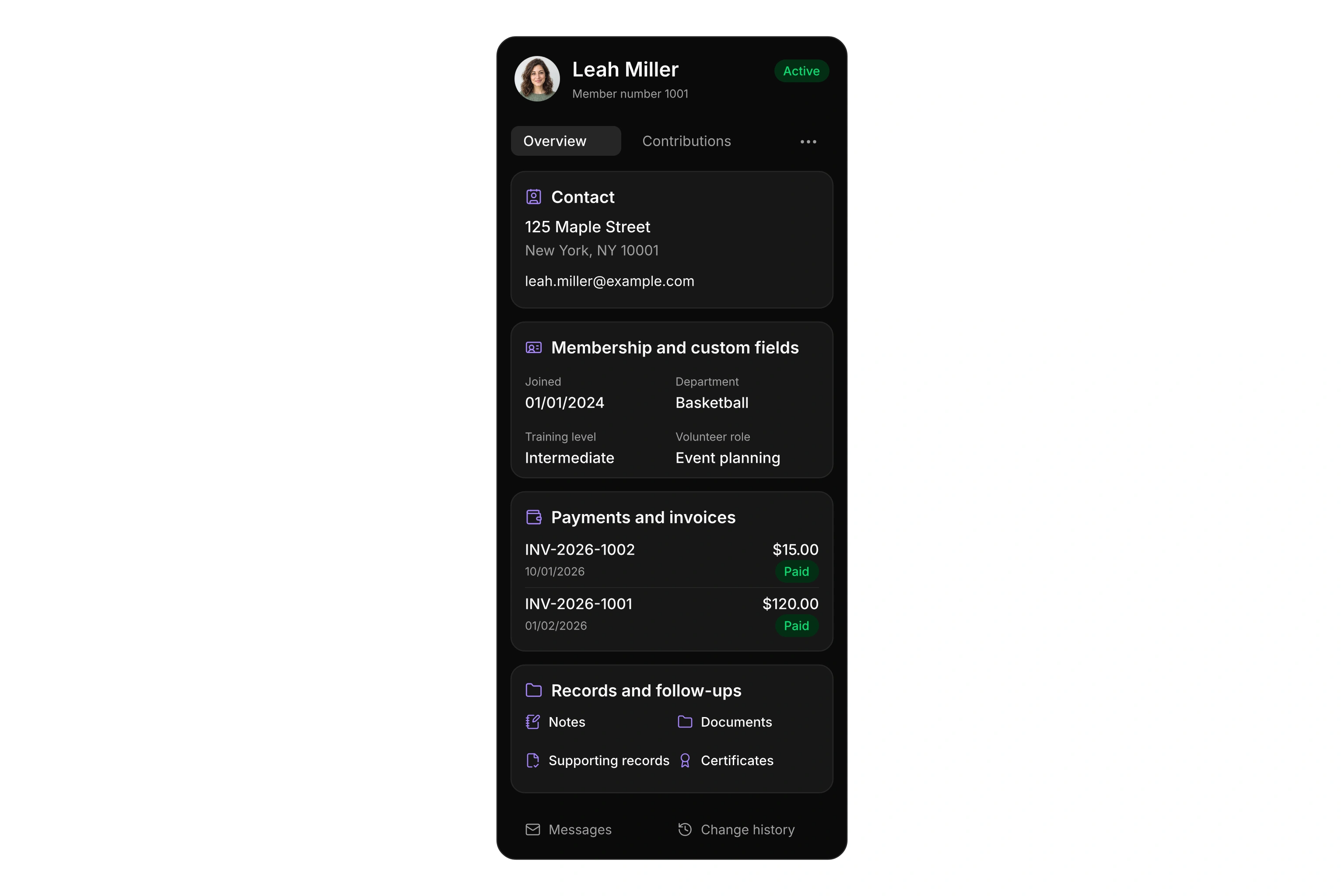
Contact details, membership, custom fields, contributions, and invoices come together in one profile. Open notes, documents, supporting records, certificates, and change history from the same place.
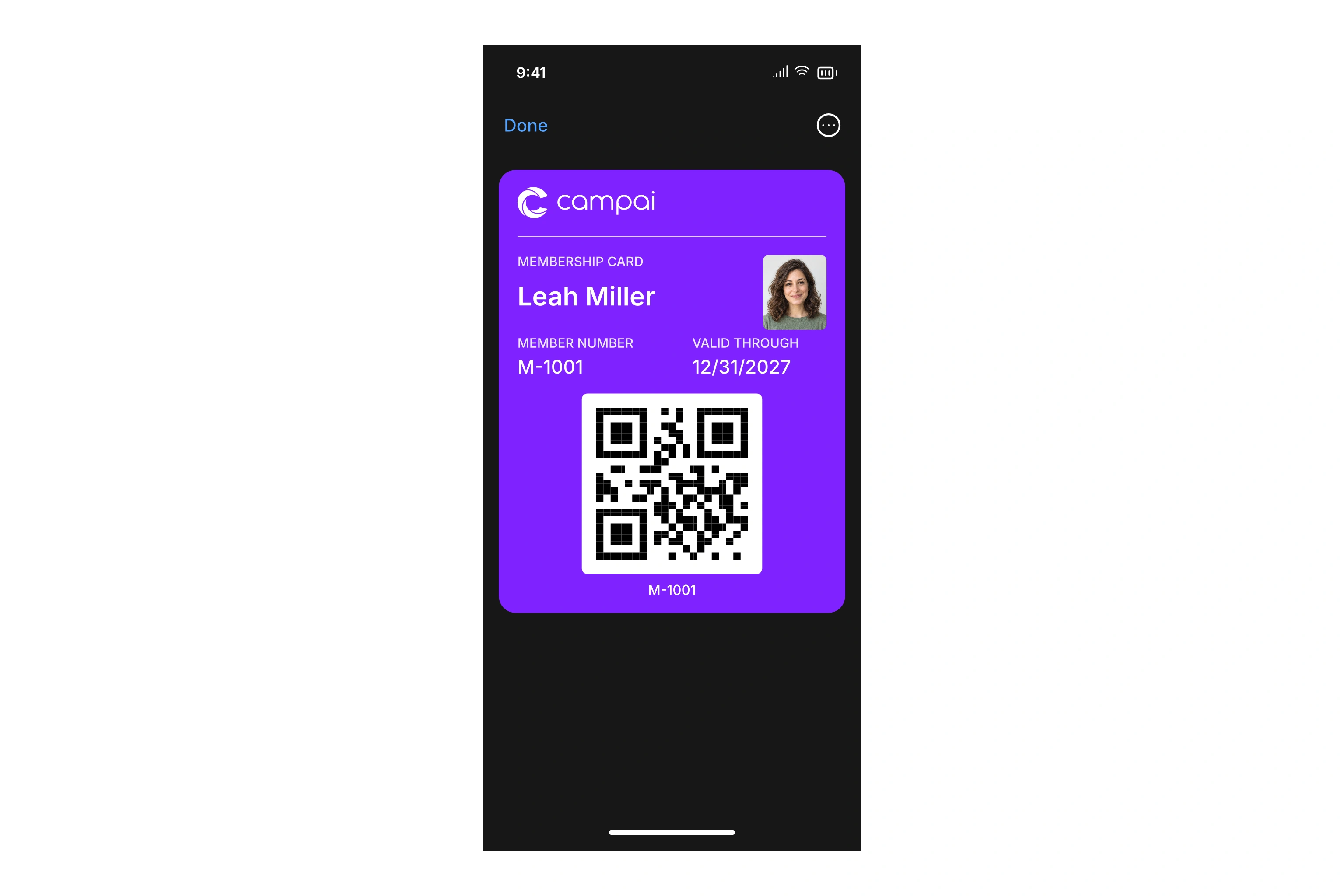
Membership cards. Always at hand.
Create digital and printable membership cards with a name, membership number, and expiration date. Customize your templates to give each card your club’s own look.
Members can save their digital card in Apple Wallet or Google Wallet, ready to pull up on their phone.
Documents, supporting records, and validity
Keep important files with the contact and add a name and description. Define types of supporting records and specify the documents and information your organization requires. Your team can find the relevant files alongside the member they belong to.
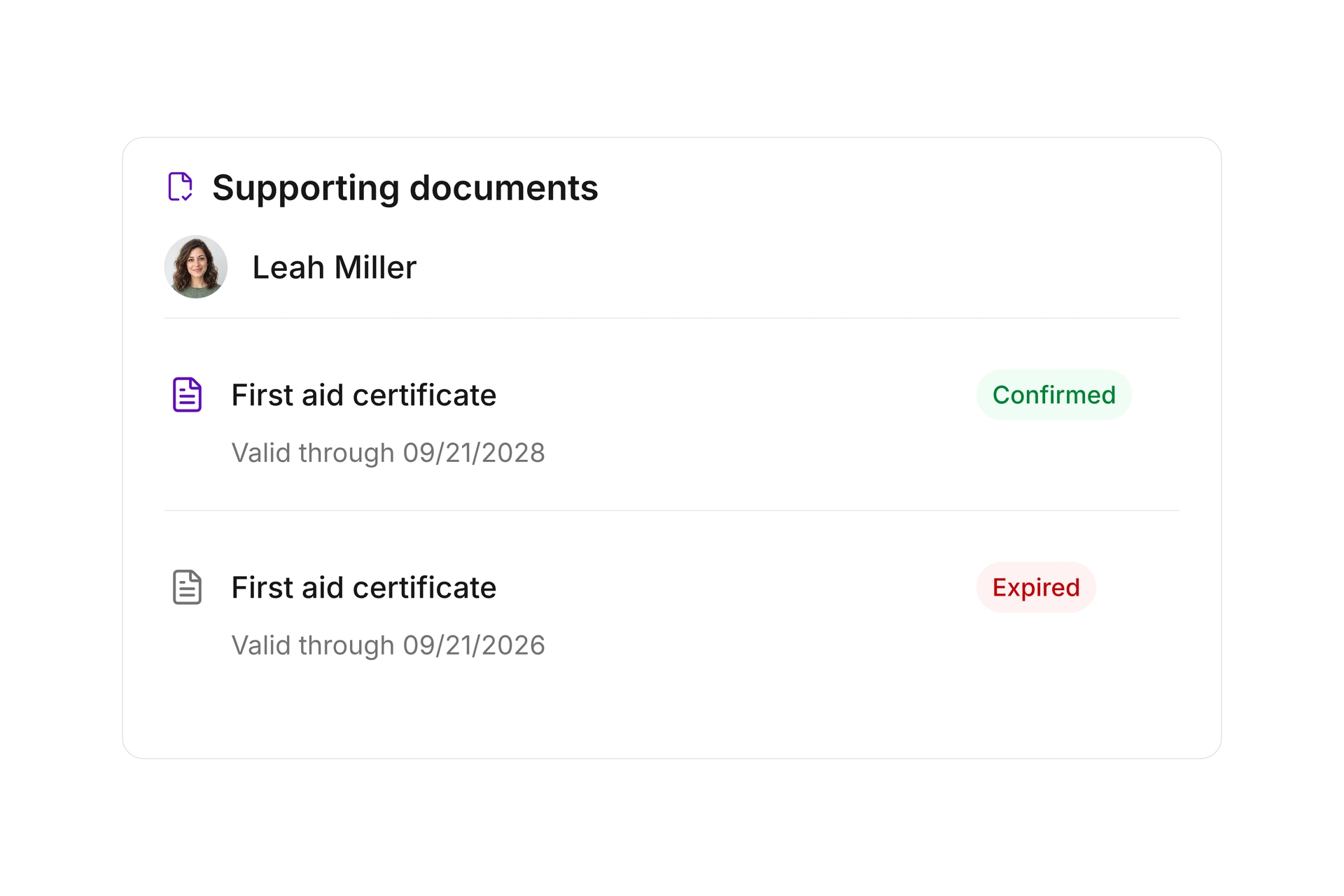
Record validity dates and review confirmed and expired records. When renewing an expired record, create a new entry of the same type. The previous entry and its document remain available, so your team can still refer to earlier supporting information.
Understand membership growth
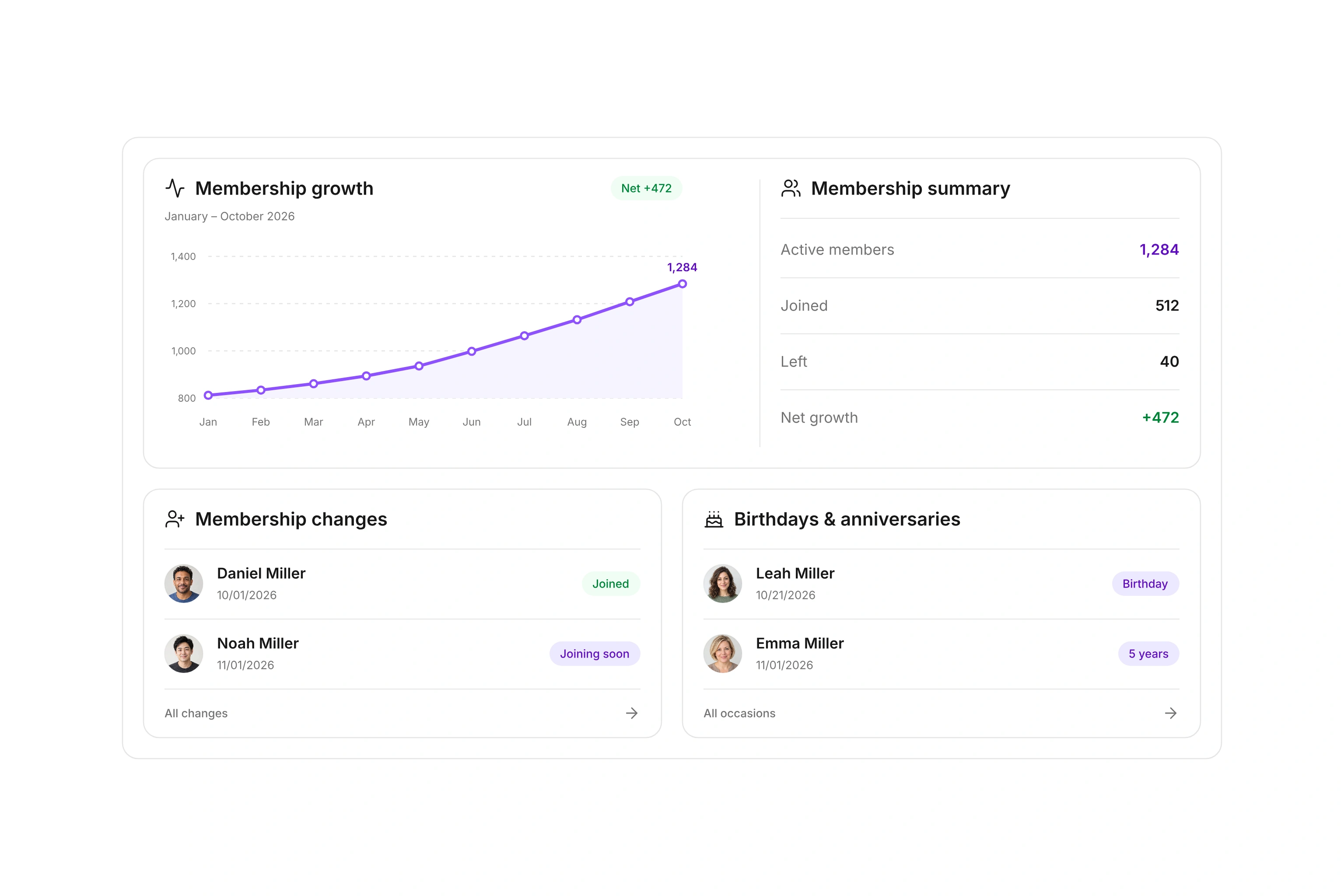
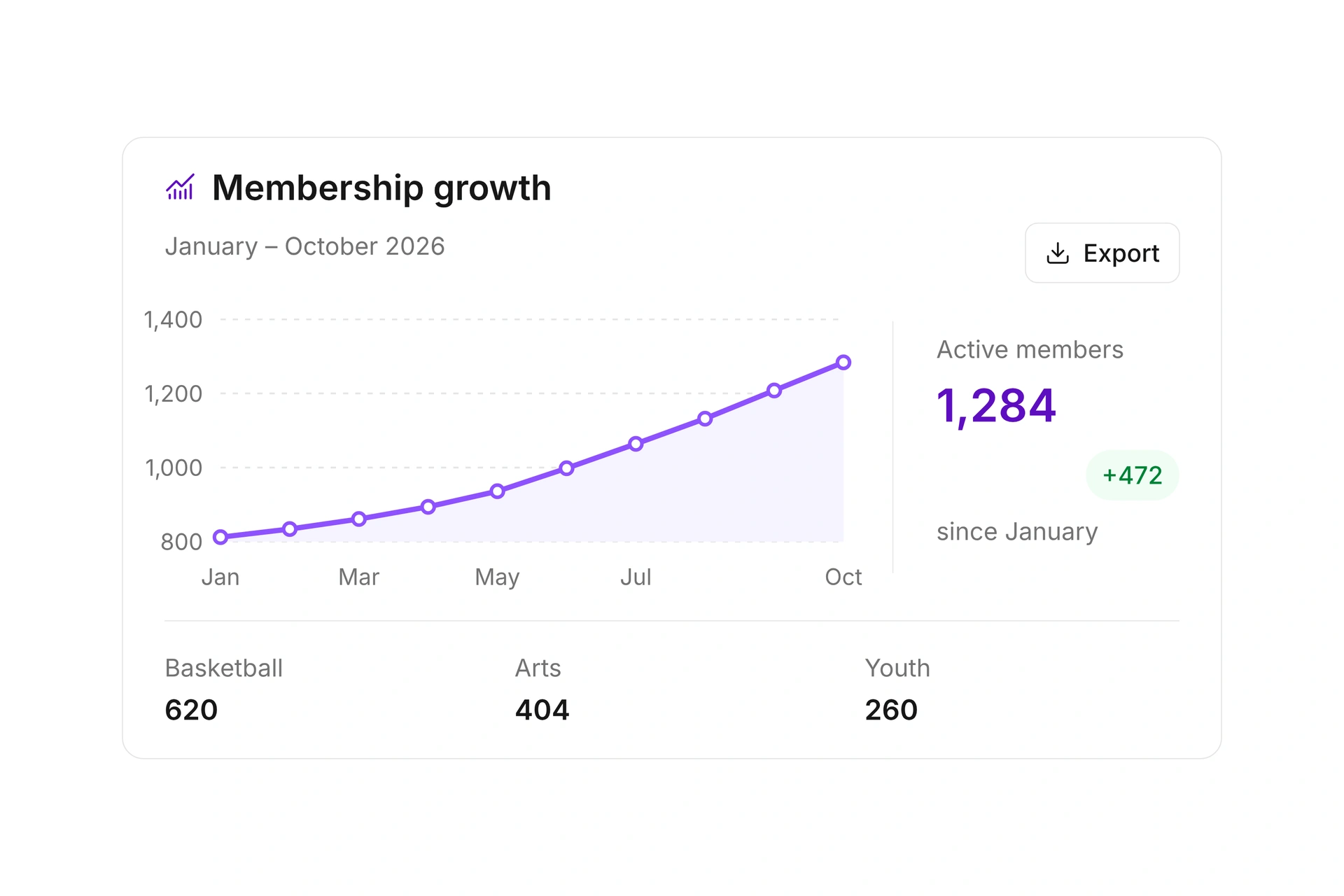
See how your membership changes, which age groups are represented, and how members are distributed across departments. Choose a reporting period to review joining dates, departures, and the resulting membership count together.
Export membership snapshots and trend reports for your board. Review membership by department and age as of a specific date, then use the results in PDF, CSV, or Excel format.
Manage notes and follow-ups together
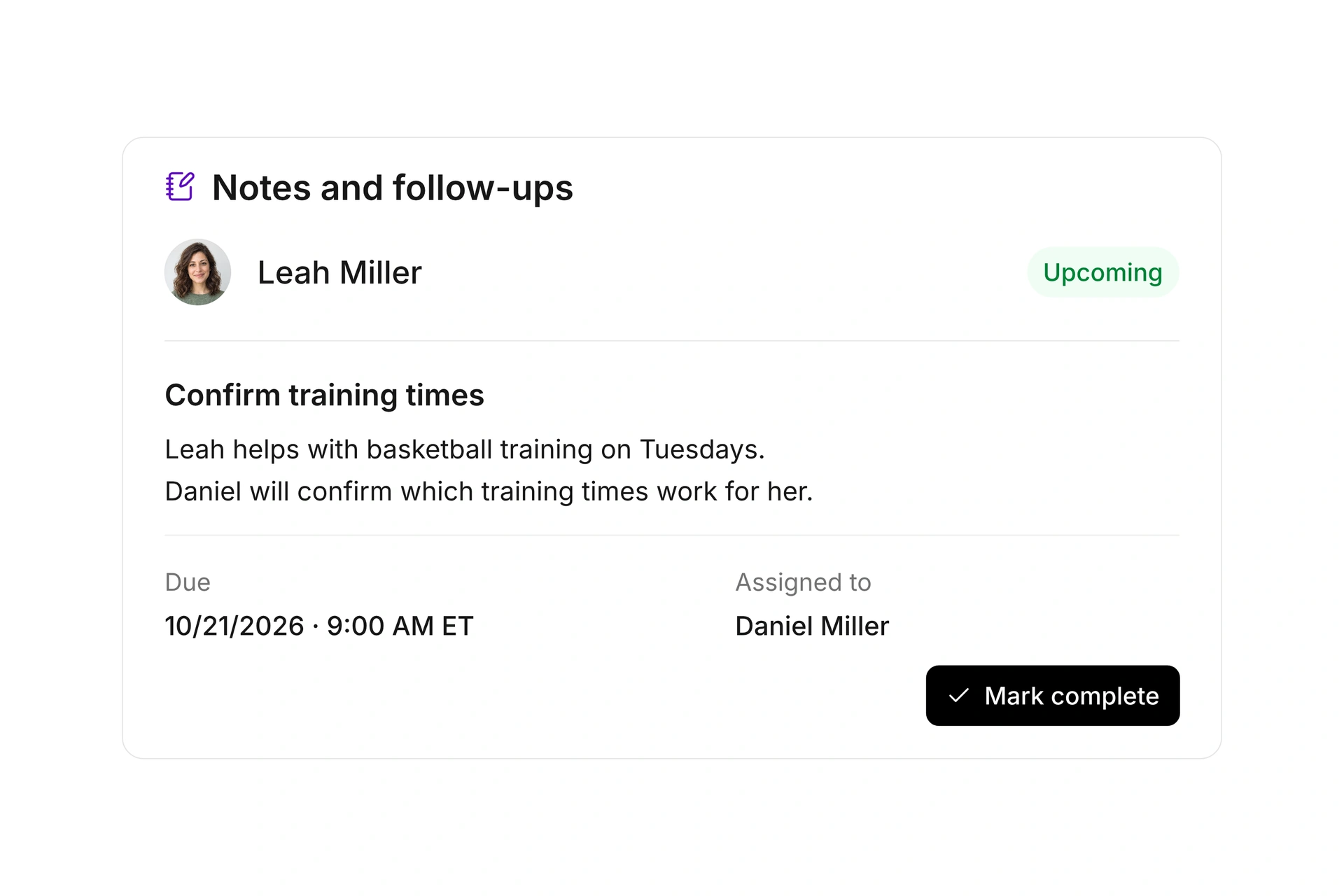
Keep agreements and important details in the member record, add attachments, and assign the next task to a team member. Add a due date and time to turn a note into a follow-up.
Find upcoming and overdue tasks in the overview. Filter for your own follow-ups and mark finished tasks complete. The original note stays in the member record so your team can refer to the information later.
Automate recurring workflows
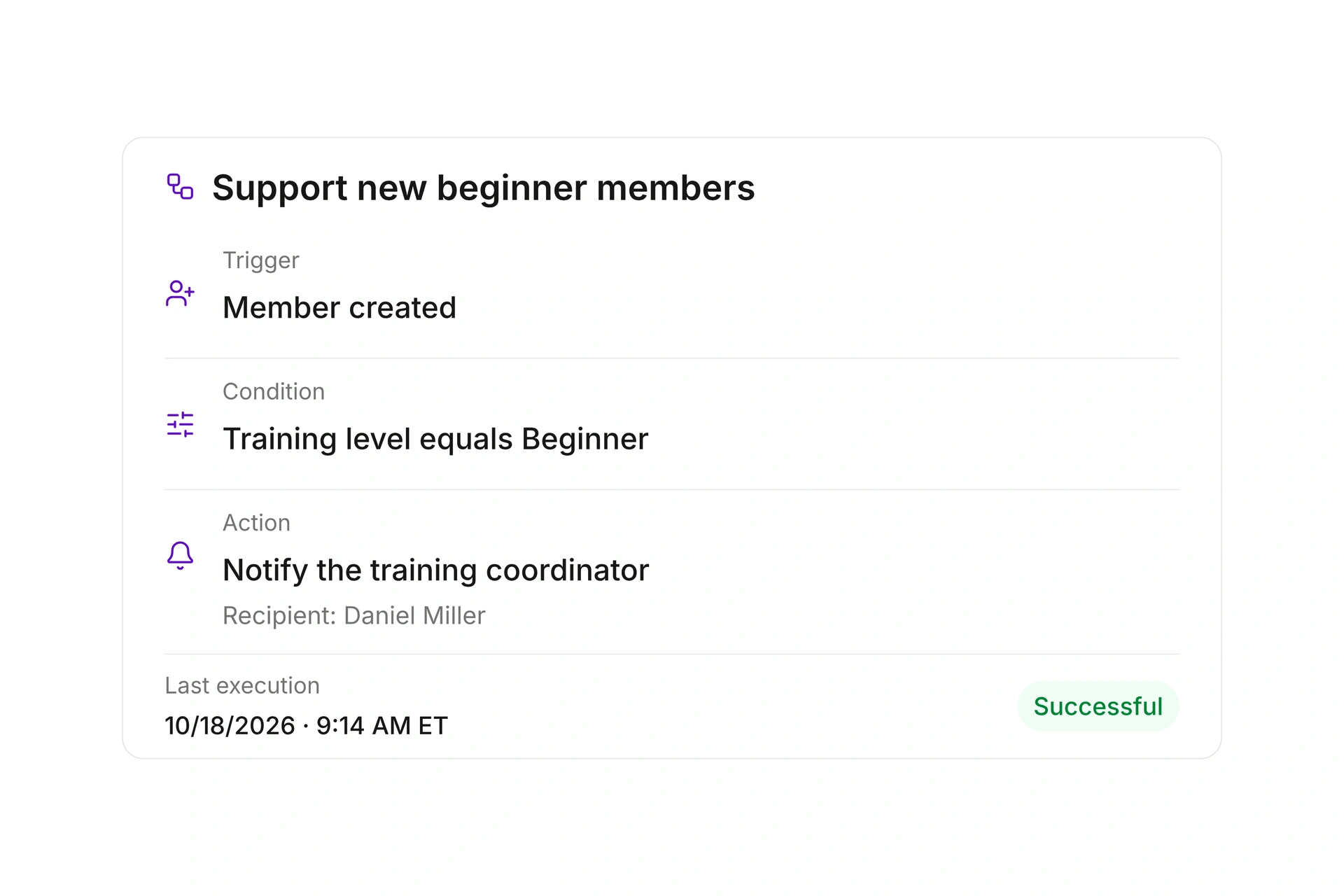
Choose the event that triggers an action and define the conditions it must meet. For example, notify the training coordinator internally when a new member with a beginner training level is created, so they can arrange the member’s first training session.
Check the execution history to see when a rule was processed and the result of its action. Distinguish scheduled runs from completed actions and follow the workflow in the member’s record.
More time for your community.
See how campai connects member management, finances, and communication. Try the software or book a personal demo.
Explore on your own. Get personal help when you need it.
All member management features
Explore every feature for your member records, groups, certificates, and supporting documents.
Member management
Contacts
Manage members, prospective members, staff, and organizations in one contact directory with search, filters, and exports.
Contact profiles
Keep names, dates of birth, and other personal information together in a contact profile.
Contact types
Define contact types to specify the information and workflows used for different groups of people.
Multiple contact types
Use the same contact as both a customer and a vendor, for example, and link the appropriate accounts receivable and accounts payable records.
Organization contacts
Create contact records for organizations and maintain their information separately from personal details.
Mailing addresses
Keep mailing addresses in each contact record and reuse them in documents, letters, and other workflows.
Email and phone details
Keep email addresses and phone numbers together in each contact record so your team uses current contact information.
Additional contact methods
Add communication channels beyond a contact’s usual email addresses and phone numbers.
Custom fields
Add text, numbers, dates, times, yes/no answers, selections, ratings, matrices, or additional addresses to contact types. Include custom values in CSV and Excel exports.
Repeatable field groups
Add multiple structured entries to a contact, such as equipment returns, with a minimum and maximum entry count. Remove or export entries individually.
Contact number formats
Define the format and scope of automatically generated contact numbers for one or more organizations.
Contact number sequences
Manage contact number counters and preview the next number to be assigned.
Contact imports
Import contacts or update existing members by membership number using CSV files. Review the preview and field mapping, then track created, updated, and failed records.
Membership records
Record membership start and end dates, status, and other details in the contact’s history.
Employment records
Manage employment relationships and related information directly in a contact record.
Volunteer roles
Keep structured records of a contact’s volunteer work and responsibilities.
Departments
Assign members to departments, manage your organization’s structure, and track changes over time.
Groups
Organize contacts into groups and use those memberships for administration, reports, and communication.
Group types
Define group types to distinguish teams, committees, classes, and other structures.
Custom group fields
Add custom fields to groups to capture information specific to your organization’s structure.
Contact tags
Label contacts with custom tags to find them faster, build segments, and reuse selections in your workflows.
Contact segments
Save filtered contact views as shared or private segments and reuse them for reports, communication, and automations.
Membership applications
Review and edit online membership applications, export them as PDFs, and approve or decline them. Assign a different payer when approving an application.
Form submissions
Review form submissions with access to submission details, editing, approval, and notifications.
Contact notes
Add internal notes and attachments to contacts. Turn a note into a follow-up with a due date and an assigned team member.
Contact documents
Store files with a name and description in a contact record, and share selected documents with that contact in Connect.
Follow-ups
Schedule contact reminders and open tasks so the next action appears when it is due.
Automations
Trigger recurring actions using contact or membership data and manage the rules in one place.
Change history
See when contact information changed and who changed it, including earlier entries.
ID cards and passes
Issue digital or printable ID cards for contacts and manage their validity in one place.
ID card and pass templates
Define reusable layouts and content for consistent ID cards and passes.
Birthdays and anniversaries
View upcoming birthdays and membership anniversaries for a date range you choose.
Upcoming membership changes
Track upcoming membership start and end dates and export the filtered list.
Membership growth
Analyze changes in your active membership over a selected period.
Age distribution over time
See how the age distribution of active members changes over time.
Department membership over time
Compare active department memberships over time, including members without a department.
Membership snapshot report
Create an exportable membership snapshot by department and age as of a specific date.
Association reports
Maintain information needed by parent associations and generate the corresponding reporting files.
Certificates and supporting records
Certificate types
Define reusable certificate types with requirements for issuing each type.
Certificate templates
Create reusable document templates for each certificate type and restore their default content when needed.
Certificates
Issue certificates to contacts and manage their status, validity, and documents in one place.
Certificate delivery
Update the delivery method or recipient details and resend a certificate when needed.
Supporting record types
Define types of supporting records and the requirements for each.
Custom fields for certificates and records
Add organization-specific information to certificates and supporting records.
Segment-based requirements
Automatically assign document requirements to contacts in selected segments and keep them in sync as segment membership changes.
Supporting records
Store required documents with their validity dates. Renew an expired record by creating a new entry while retaining the previous record and its document.
Validity and deadlines
Define validity periods and advance notice for due or overdue records so your team can identify expiring certificates.
Document requests and confirmations
Email requests for required, due, or expired supporting documents in bulk, then send a confirmation after review.