Skip to content

Classes, events, and spaces. Organized together.

Schedule events and series, offer spaces or equipment, and accept online bookings. Manage attendees, waiting lists, and payments for each event. See when your resources are in use in the occupancy calendar.

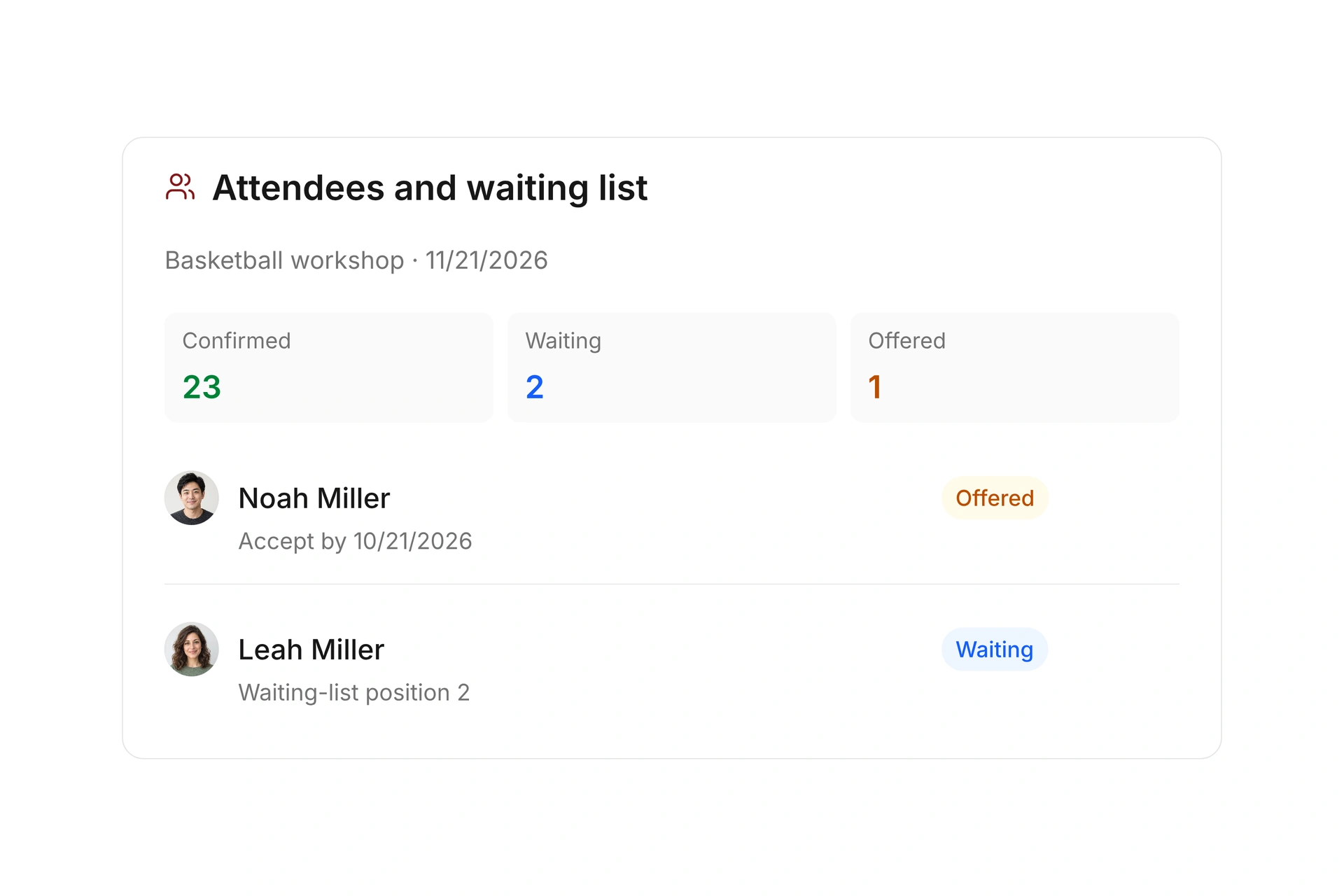
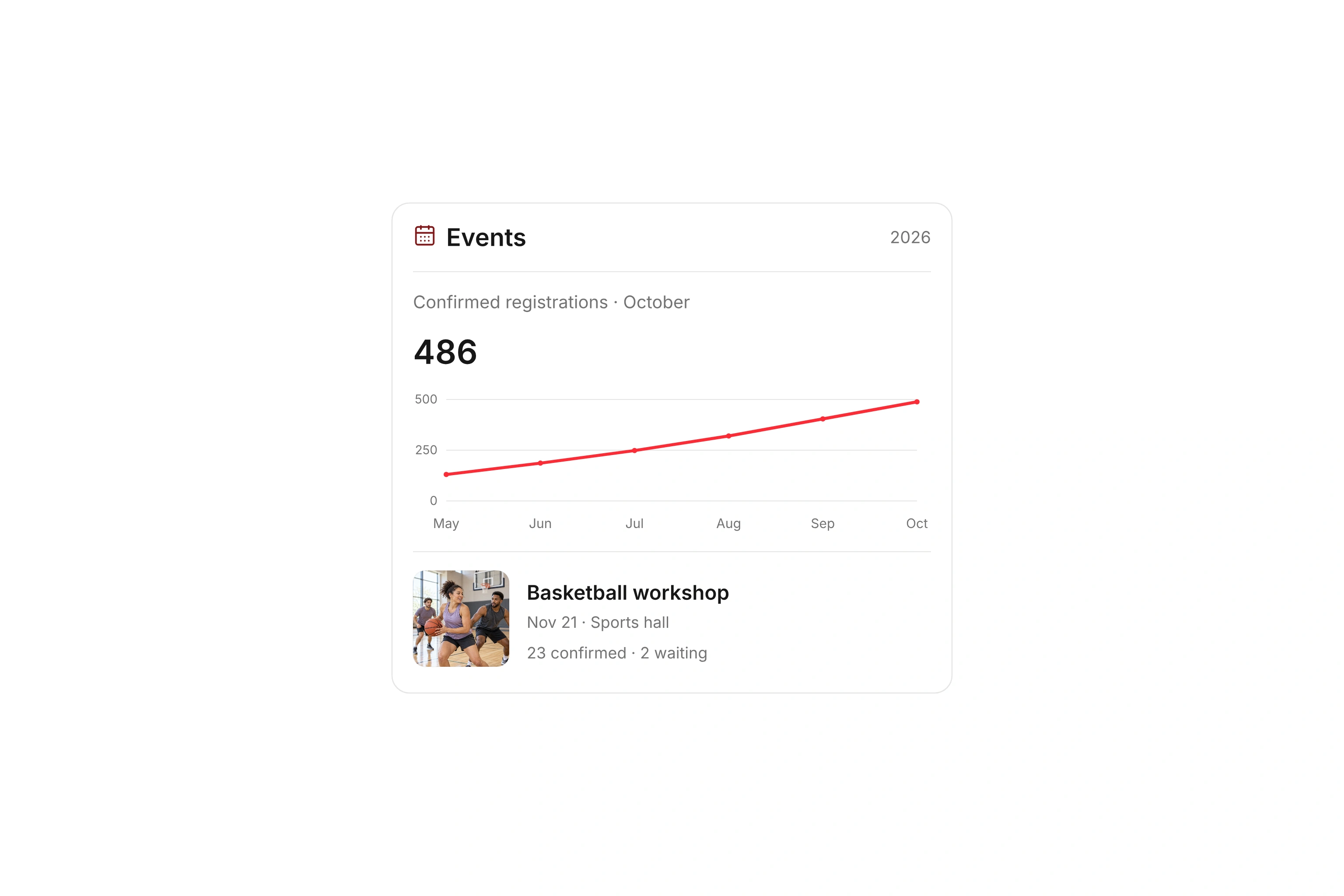
Confirmed event registrations from May through October and an upcoming basketball workshop.
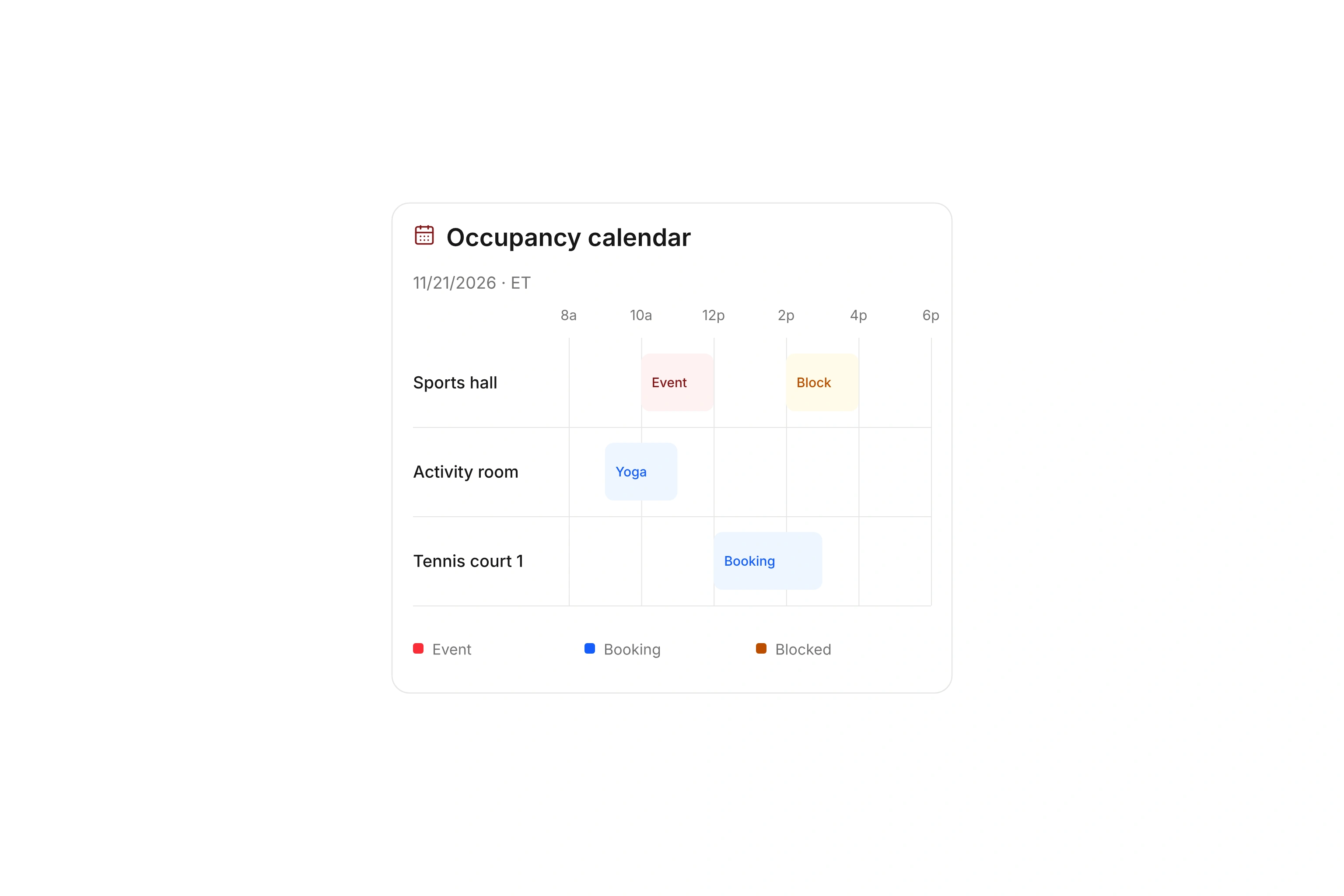
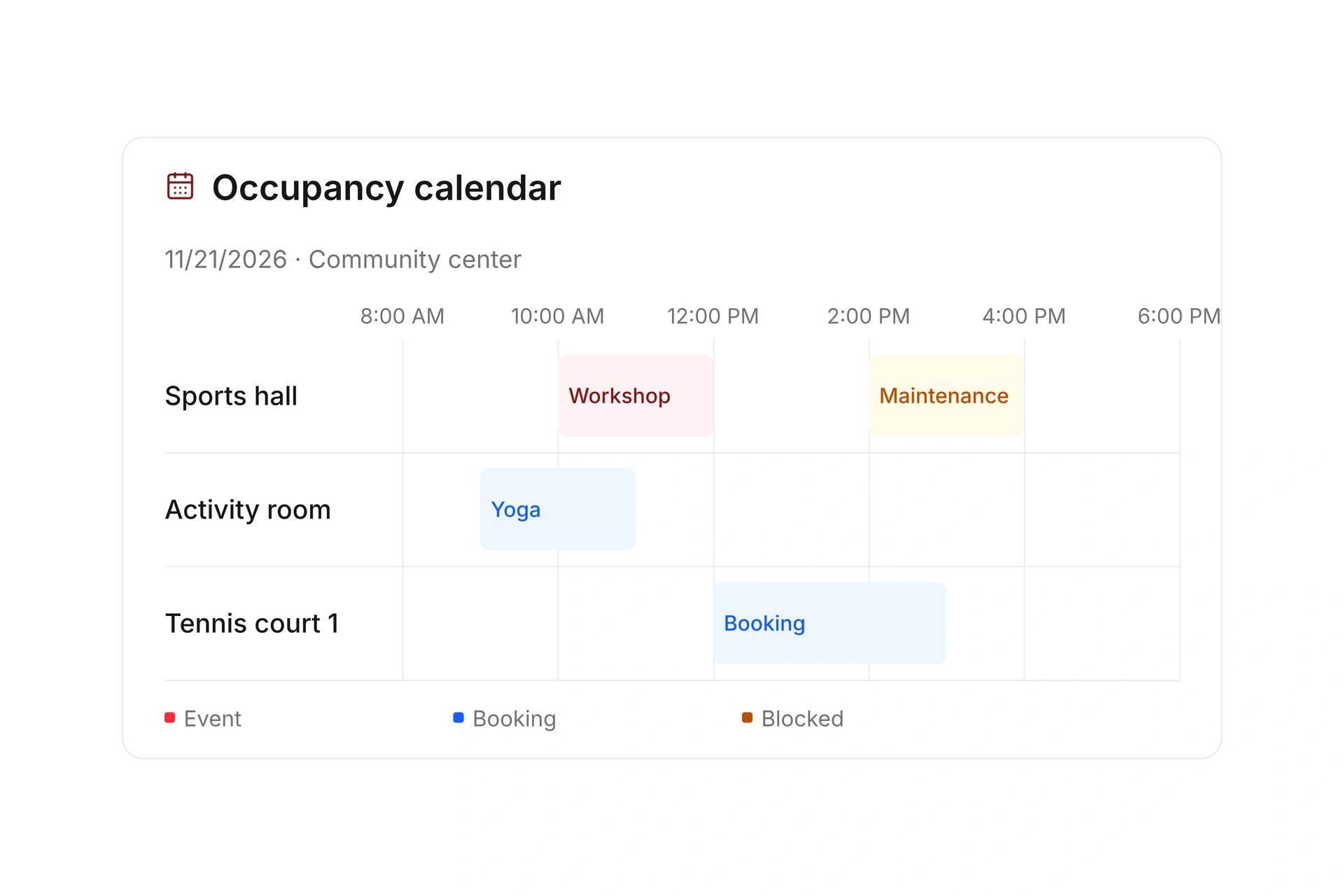
Resource timeline showing events, bookings, and maintenance for the sports hall, activity room, and tennis court.

Plan classes, events, and series

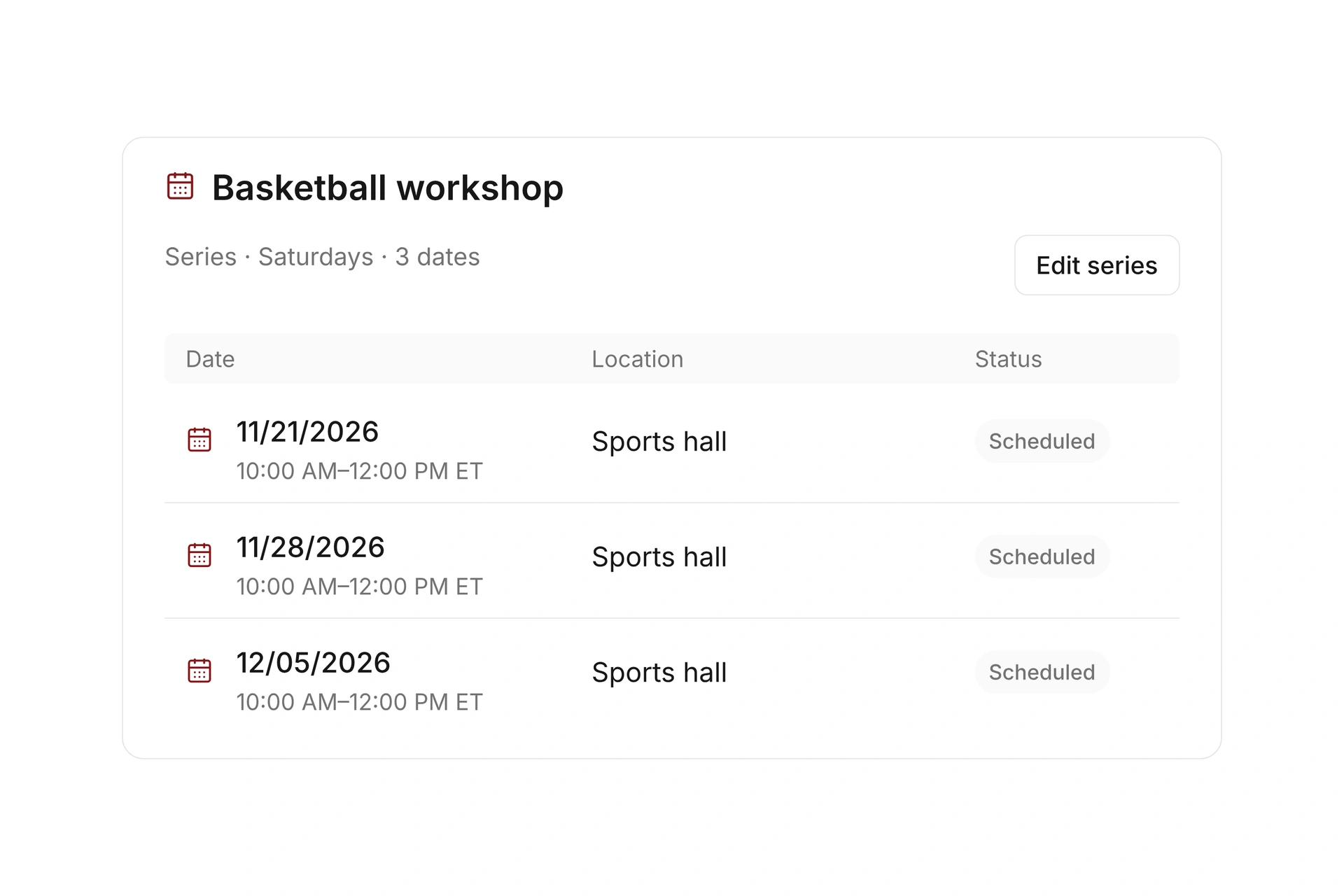
Schedule individual events or connect recurring dates in a series. Switch between day, week, and month views and assign locations and event leaders. Shared offering settings let you maintain rules across several events.

Skip blocked dates and extend the series when needed. Use your own calendars and closure dates to set unavailable periods, keeping recurring classes and their exceptions together.

Plan classes, events, and series

Offer spaces and equipment

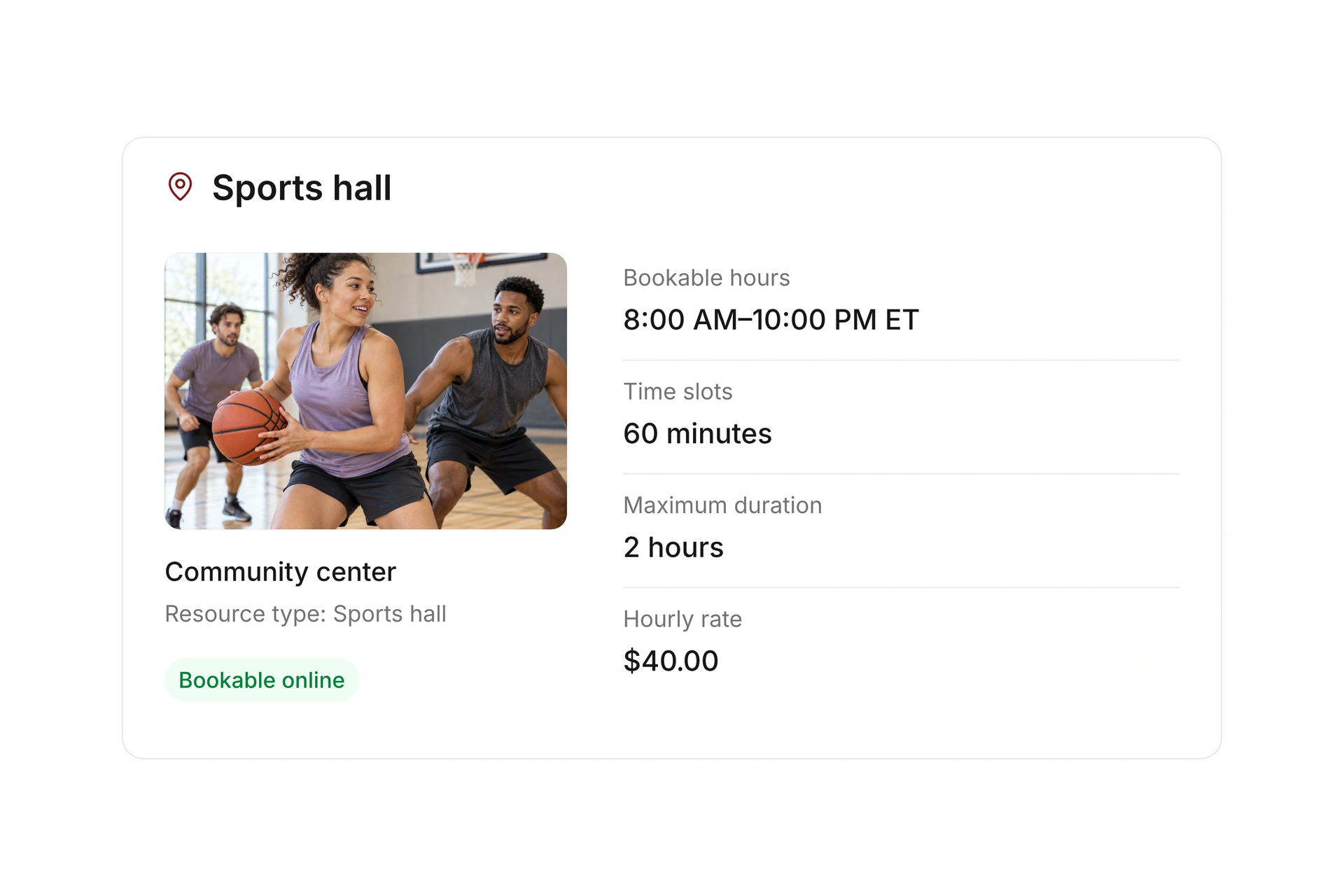
Manage courts, rooms, and equipment with locations, types, and available quantities. Enable booking offers and decide whether people can reserve individual time slots or consecutive blocks.

Set opening hours, slot lengths, lead times, and maximum booking durations. Add optional services or other required resources. Create internal reservations without a public booking, such as a projector for a weekend event.

Offer spaces and equipment

Accept online bookings with flexible rates

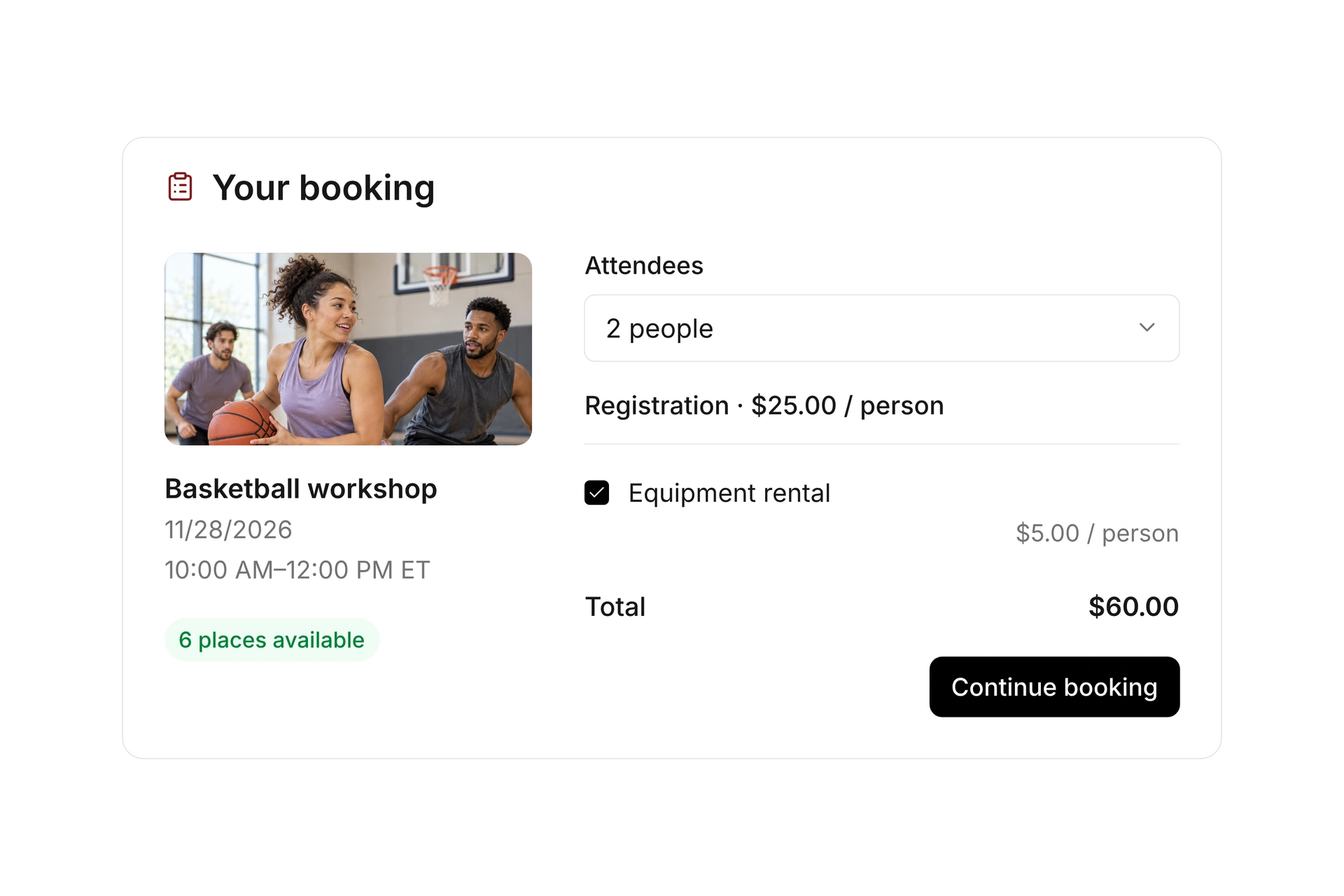
Publish events and resources on a booking page or embed them in your website. Add custom form fields and choose whether individuals, multiple attendees, or teams can book together.

Offer rates, variants, and extras, and define access rules and booking windows. Add discount codes and prepaid points cards. Temporarily hold a place while someone completes a booking.

Accept online bookings with flexible rates

Manage attendees and waiting lists

Limit capacity and review confirmed, pending, and canceled registrations at the event. Search and filter bookings, add internal registrations, or update several records together.

When an event fills up, additional attendees can join the waiting list. Offer an available place to a waiting person with an acceptance deadline. A paid follow-up booking receives its own invoice and payment requirement.

Manage attendees and waiting lists

Your event. From booking to check-in.

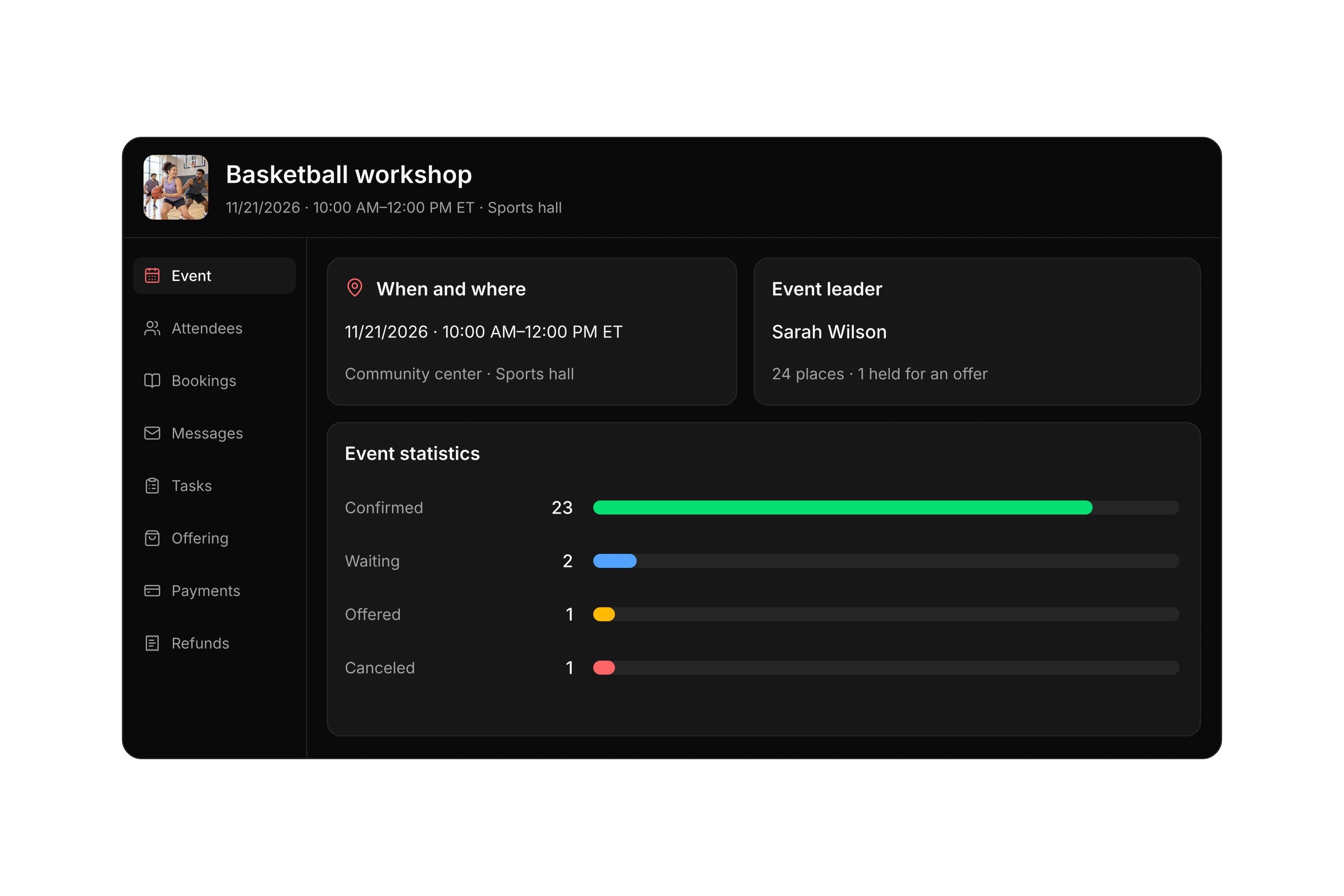
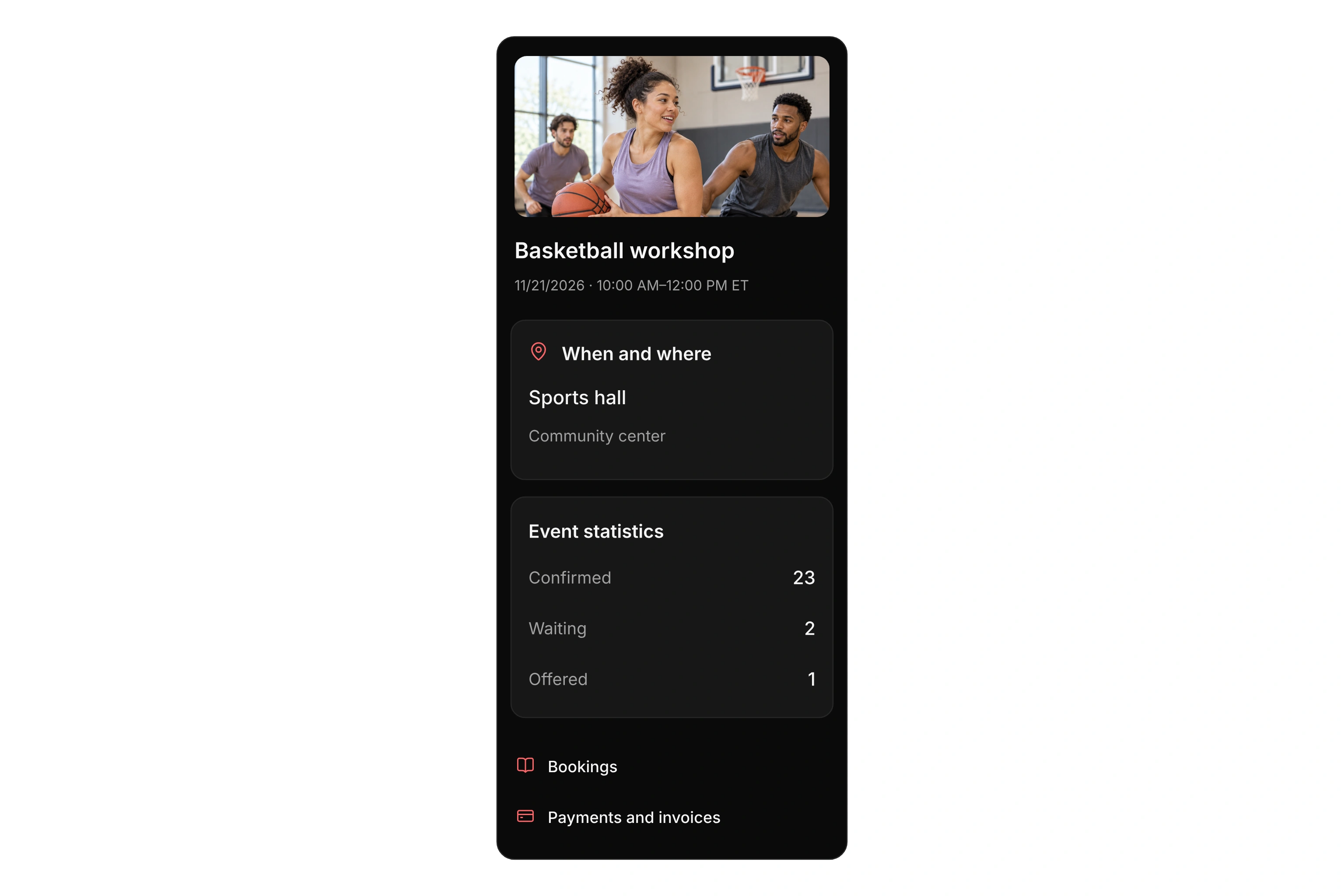
Keep the date, location, event leader, and attendee statuses connected to the same event. Open its bookings, messages, and payment settings directly from the event workspace.

Basketball workshop workspace with its date, sports hall, event leader, and confirmed, waiting, offered, and canceled registrations.

Review occupancy and unavailable times

Compare resources in a shared timeline or open the calendar for one resource. Filter by location and date range, then open the related booking or reservation.

Plan internal use, maintenance, and closures in the same occupancy calendar. When you move an event, review its resource reservation and any conflicts so you can reschedule the event and its space together.

Review occupancy and unavailable times

Organize check-ins and communication

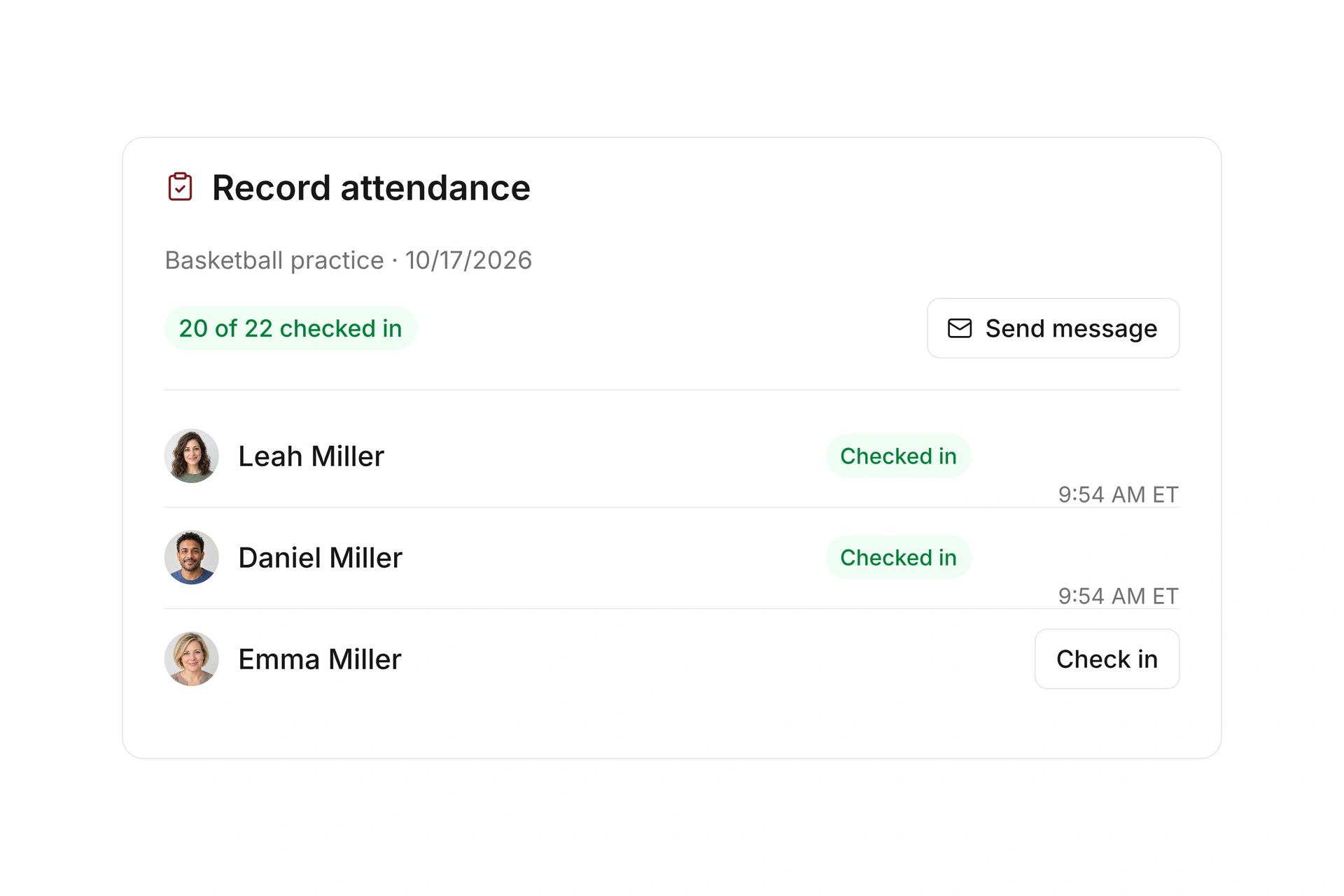
Assign event leaders who can view their events in the club app, contact attendees, and record attendance. Set the allowed time window for attendee self-check-in.

Configure confirmations, reminders, and waiting-list messages with your own content. Review sent booking emails at the event. For resources, record check-in and check-out separately and capture an additional identifier when needed.

Organize check-ins and communication

Bill bookings and manage cancellations

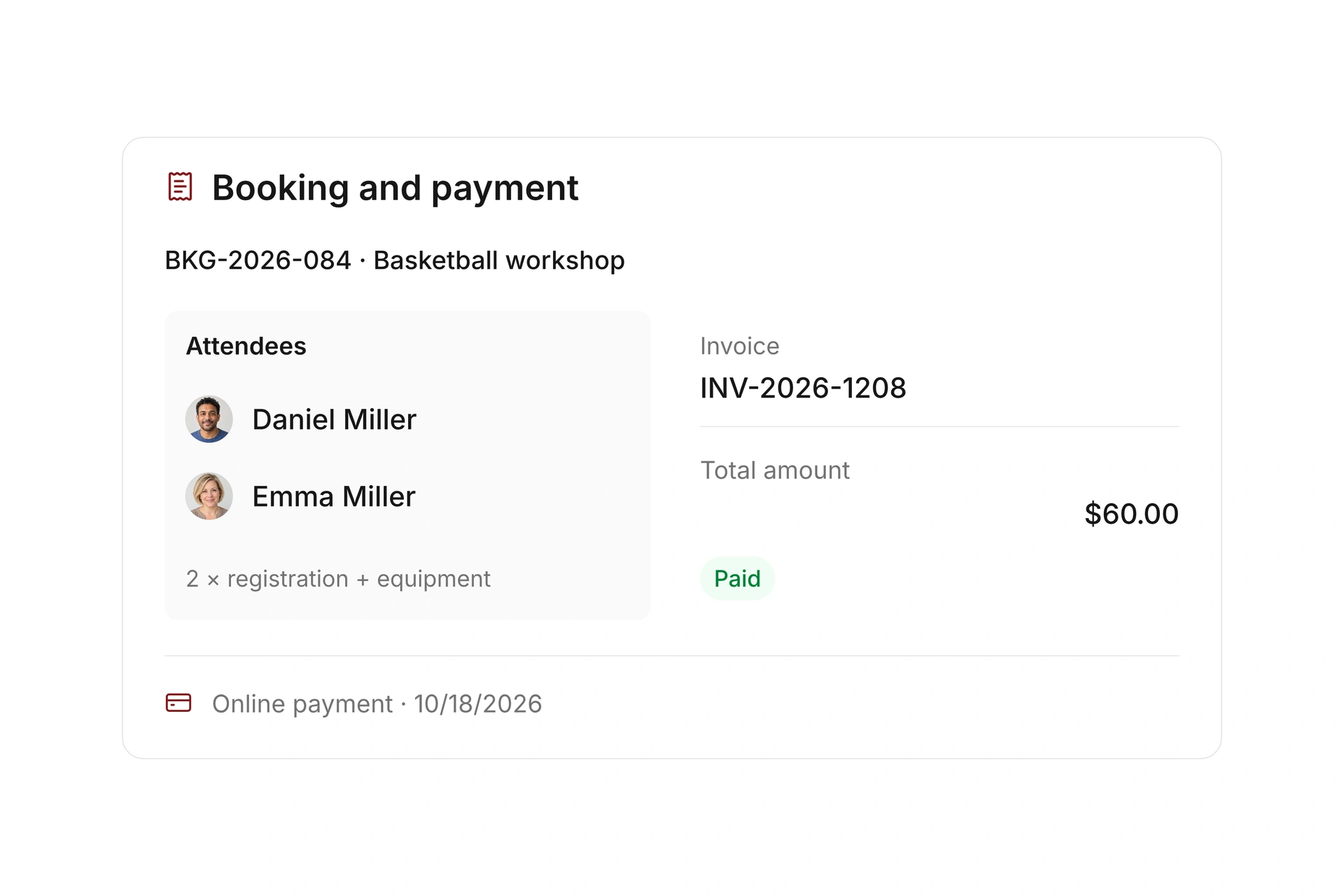
Set payment deadlines, available payment options, and confirmation timing for paid bookings. Keep invoices and payment status connected to each booking and your finance workflow.

Define cancellation deadlines and refund rules for events and resources. Depending on the settings, refunds can be handled automatically or reviewed manually. Follow what was booked, paid, and credited back.

Bill bookings and manage cancellations

Analyze demand and resource use

Review bookings and attendee statuses for a selected period. Track confirmed and canceled registrations over time to understand demand for your events.

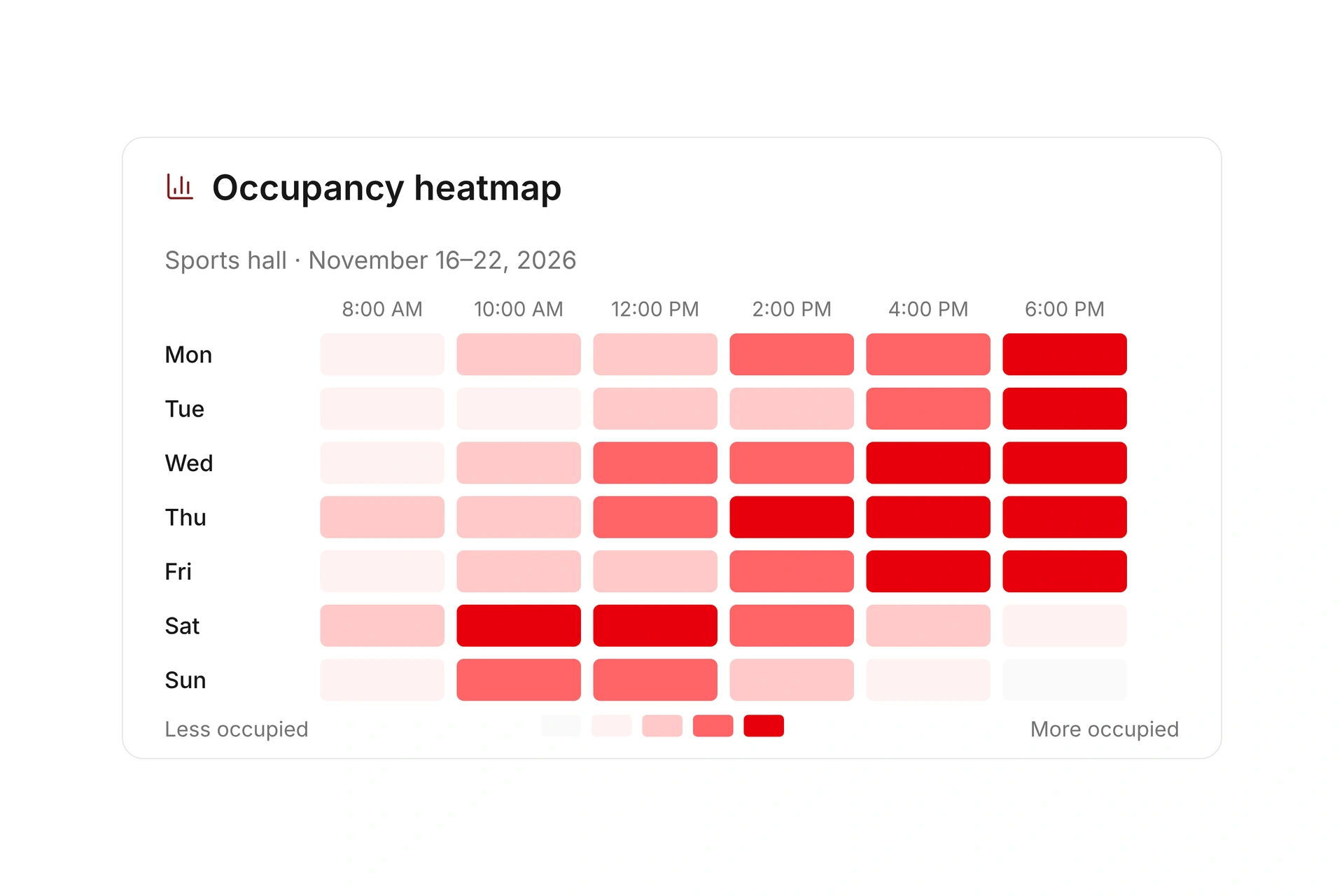
Compare resource bookings, internal reservations, and blocked periods. Use the occupancy heatmap to identify busy and quiet times, with check-in reports showing recorded use. Use those details to plan available capacity and future offers.

Analyze demand and resource use

More time for your community.

See how campai connects member management, finances, and communication. Try the software or book a personal demo.

Explore on your own. Get personal help when you need it.

All event and resource features

Explore events, bookings, waiting lists, spaces, equipment, and resource use.

Events

  • Events

    Plan events with dates, bookings, attendees, communication, and billing in one workspace.

  • Event calendar

    View events by day, week, or month and move to the dates you need.

  • Booking categories

    Organize events and resources into categories for filtering, management, and public views.

  • Event series

    Connect recurring dates in a series, compare their figures, and open individual events.

  • Series conflicts

    Skip blocked dates when creating a series. Extend the series when you need a set number of available dates.

  • Ongoing events

    Choose to register attendees automatically for future dates in an ongoing event.

  • Reschedule events

    Change an event’s date and time and review its resource reservation. Manage multiday events and a separate meeting time.

  • Calendar-based closures

    Set unavailable dates using a holiday calendar, school breaks, or your own ICS calendar.

  • Shared offering settings

    Maintain booking, rate, and communication rules once and apply them to several events or resources.

  • Rates

    Define event rates with prices and rules for individual or shared booking offers.

  • Booking variants

    Offer several versions of a bookable service so attendees can choose the option they need.

  • Services

    Manage reusable services with options and prices and connect them to multiple offers.

  • Extras

    Offer additional services during booking and bill them with the event.

  • Prepaid points cards

    Sell prepaid points cards and let people redeem their balance when booking events or resources.

  • Discount codes

    Create discount codes with date or usage limits for selected event and resource bookings.

  • Booking window

    Choose when an event is visible and available to book.

  • Booking restrictions

    Control access to an event or individual rates using the available booking rules.

  • Temporary place holds

    Hold a place temporarily while a booking is in progress so it is not assigned twice.

  • Attendee mode

    Choose whether bookings cover individuals, several attendees, or another supported attendee mode.

  • Team bookings

    Set team sizes and booking rules for events where people register as a team.

  • Capacity and waiting lists

    Limit attendance and decide when additional registrations go onto a waiting list.

  • Custom booking forms

    Add your own groups and fields to the event booking form while keeping built-in fields intact.

  • Form settings

    Choose required information, form rules, and how limited availability appears during booking.

  • Bookings

    Search, filter, and export event bookings, add internal bookings, and update multiple records together.

  • Attendees

    Manage attendees, waiting-list places, cancellations, extras, and booking changes at the event.

  • Event leaders

    Assign event leaders who can view their events in Connect, check attendees in, and contact them.

  • Waiting-list offers

    Offer a place to a waiting person with an acceptance deadline. Paid acceptances receive a separate invoice and payment requirement.

  • Attendee check-in

    Record attendance with internal check-ins for event attendees.

  • Self-check-in

    Let attendees check themselves in during a time window you define.

  • Payments

    Set payment deadlines, confirmation timing, and payment workflows for paid event bookings.

  • Payment options

    Choose which available payment options people can use for paid rates and extras.

  • Invoices

    Manage how invoices are created for event bookings and passed into the finance workflow.

  • Refunds

    Define cancellation deadlines and refund rules for canceled bookings.

  • Notifications

    Configure confirmations, reminders, and waiting-list messages for future event bookings.

  • Event emails

    Review sent booking emails, send messages to multiple recipients, and add event-specific content.

  • Website embedding and sharing

    Publish bookable events through a public link or embedded website view and preview the result.

  • Public website views

    Create reusable public views of events or resources, filter them by tags, and embed them in your website.

  • Personal calendar export

    Let attendees add their booked events to a personal calendar.

  • Event statistics

    Review demand, bookings, and other event figures for a selected period.

  • Attendee trends

    Follow attendee counts and booking statuses over a selected period.

Resources and rentals

  • Resources

    Manage rooms, courts, equipment, and other bookable resources with search, filters, availability, and individual settings.

  • Resource types

    Group resources by type and compare how different categories are used.

  • Locations

    Group resources by location so people can find offers and filter occupancy.

  • Linked resources

    Connect additional resources to an offer and mark them as required when needed, such as rooms that must be booked and canceled together.

  • Occupancy calendar

    Review resource occupancy in a shared timeline or a focused calendar for one resource.

  • Timeline

    Compare several resources on one day and open the related booking or reservation.

  • Occupancy

    Review resource use by location and date range in a compact calendar.

  • Reservations

    Create internal reservations for maintenance or closures. Review overlaps with events and reschedule to resolve conflicts.

  • Booking offers

    Make a resource publicly bookable and choose whether it uses shared offering settings.

  • Shared offering settings

    Maintain booking, rate, and communication rules once for multiple resources or events.

  • Block bookings

    Offer consecutive time blocks instead of requiring a separate booking for each time unit.

  • Booking slots

    Set the length and spacing of a resource’s bookable time slots.

  • Bookable hours

    Choose the days and times when a resource can be booked.

  • Booking time rules

    Set lead times, maximum booking lengths, and other timing rules for resources.

  • Booking window

    Limit how far ahead, or until what time, a resource can be booked.

  • Rates

    Set prices and rate rules for paid resource bookings.

  • Extras

    Connect reusable extras to resources and offer them during booking.

  • Custom booking forms

    Add custom groups and fields to resource booking forms while preserving built-in fields.

  • Bookings

    Create and manage internal resource bookings, including slot and block bookings and their follow-up actions.

  • Check-ins

    Enable resource check-ins and choose how repeated check-ins are handled.

  • Check-in identifiers

    Record an extra identifier during an internal check-in, such as an issued key, and document check-out separately.

  • Payments

    Set payment deadlines, confirmation timing, and available payment options for paid resources.

  • Refunds

    Define cancellation deadlines and automatic or manual refund rules for resource bookings.

  • Notifications

    Configure confirmations and custom content for future resource bookings.

  • Booking emails

    Review booking emails and manage messages that failed or need to be sent manually.

  • Website embedding and sharing

    Publish bookable resources through a public link or an embedded website view.

  • Personal calendar export

    Let people add resource bookings to their personal calendars.

  • Utilization over time

    Compare booking demand, internal reservations, and blocked time over a selected period.

  • Occupancy heatmap

    See when selected resources are busiest or have unused capacity in a daily overview.

  • Reservation mix

    Analyze the reservation types and statuses that make up resource use in a selected period.

  • Check-in activity

    Review daily resource check-ins and completed visit durations.