Skip to content

Tasks, permissions, and integrations for your organization.

Assign tasks, manage users and permissions, and connect your tools. Use workspaces, custom apps, and APIs to adapt campai to your organization.

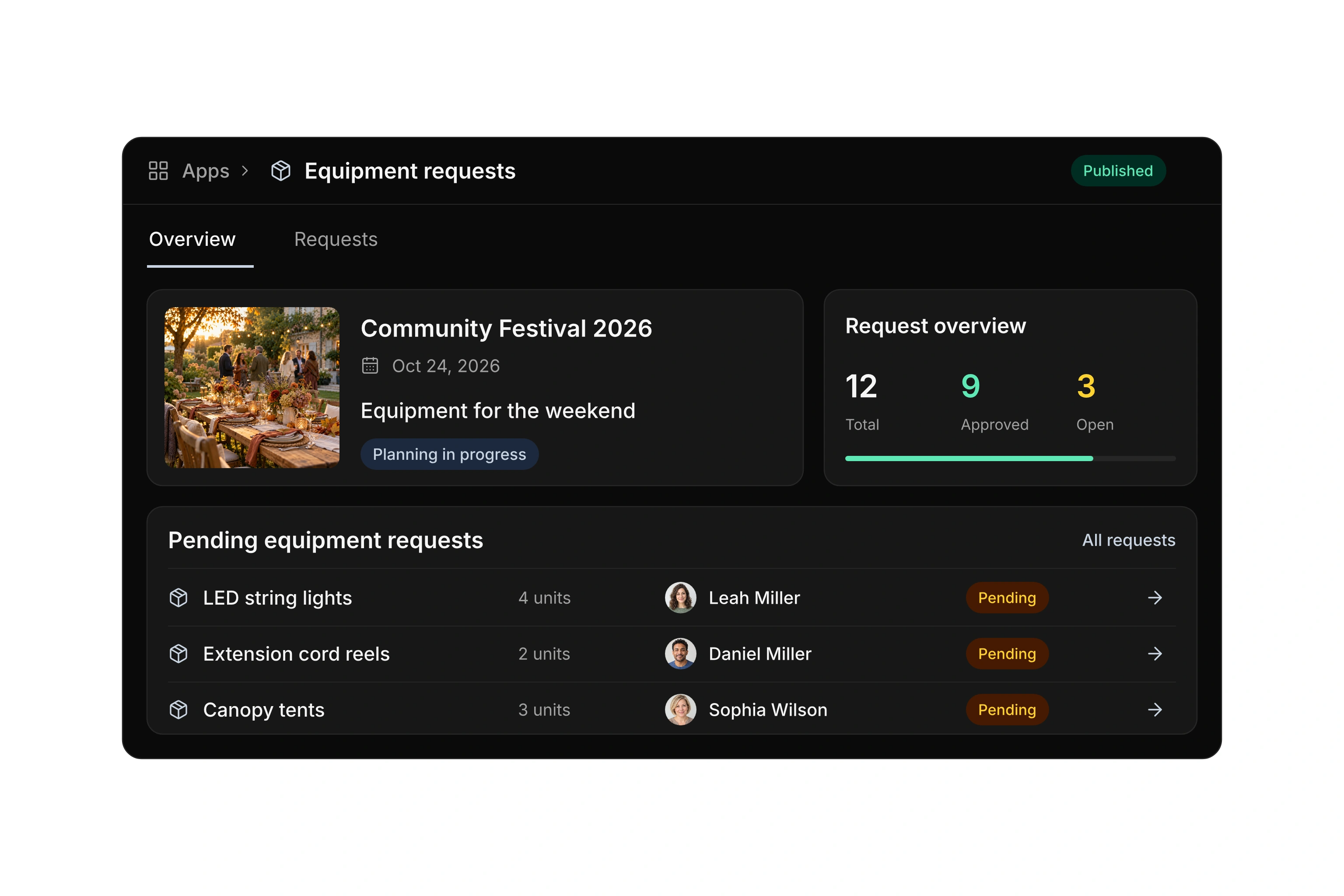
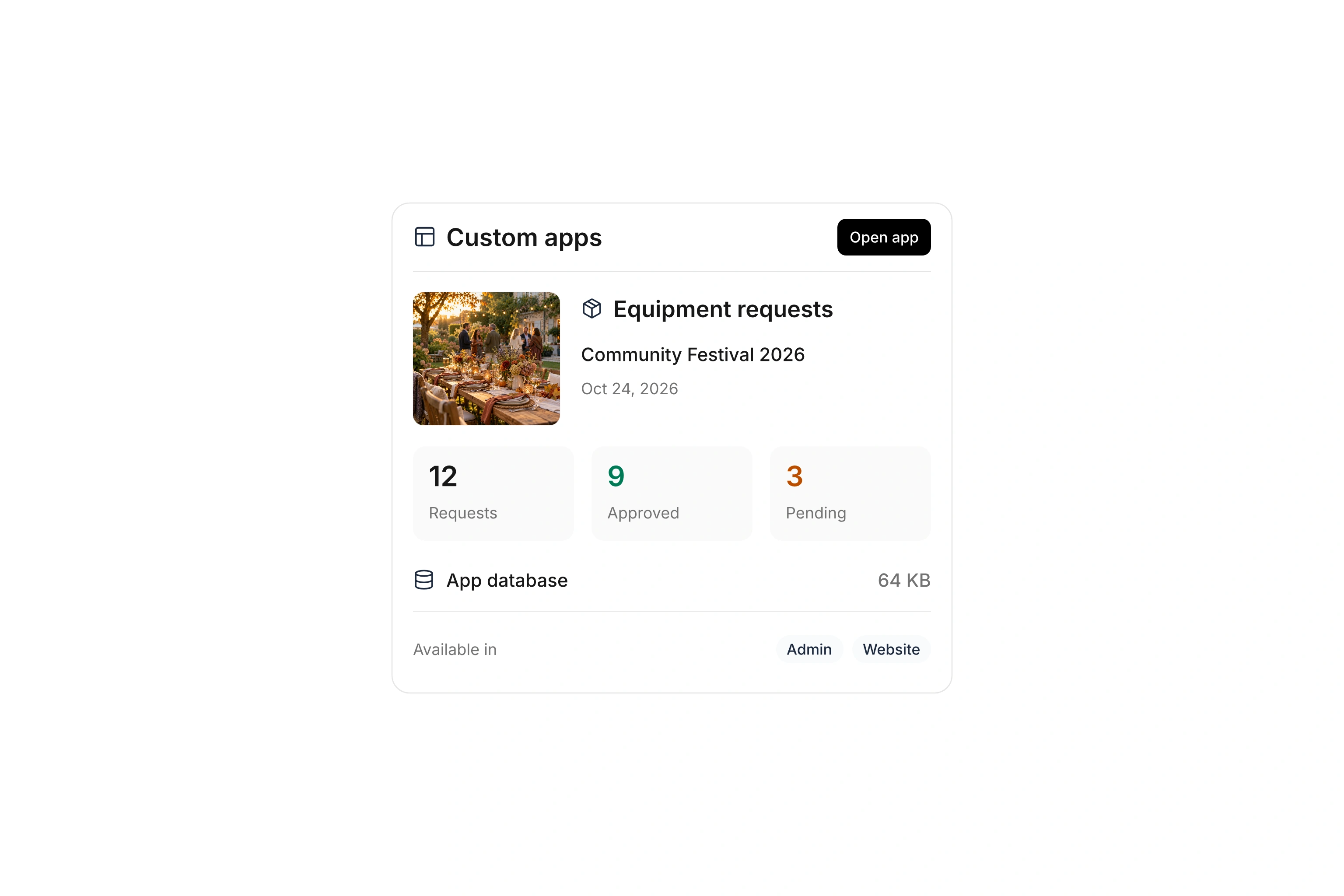
Equipment requests app with festival details, approved and pending requests, its own database, and admin and website access.
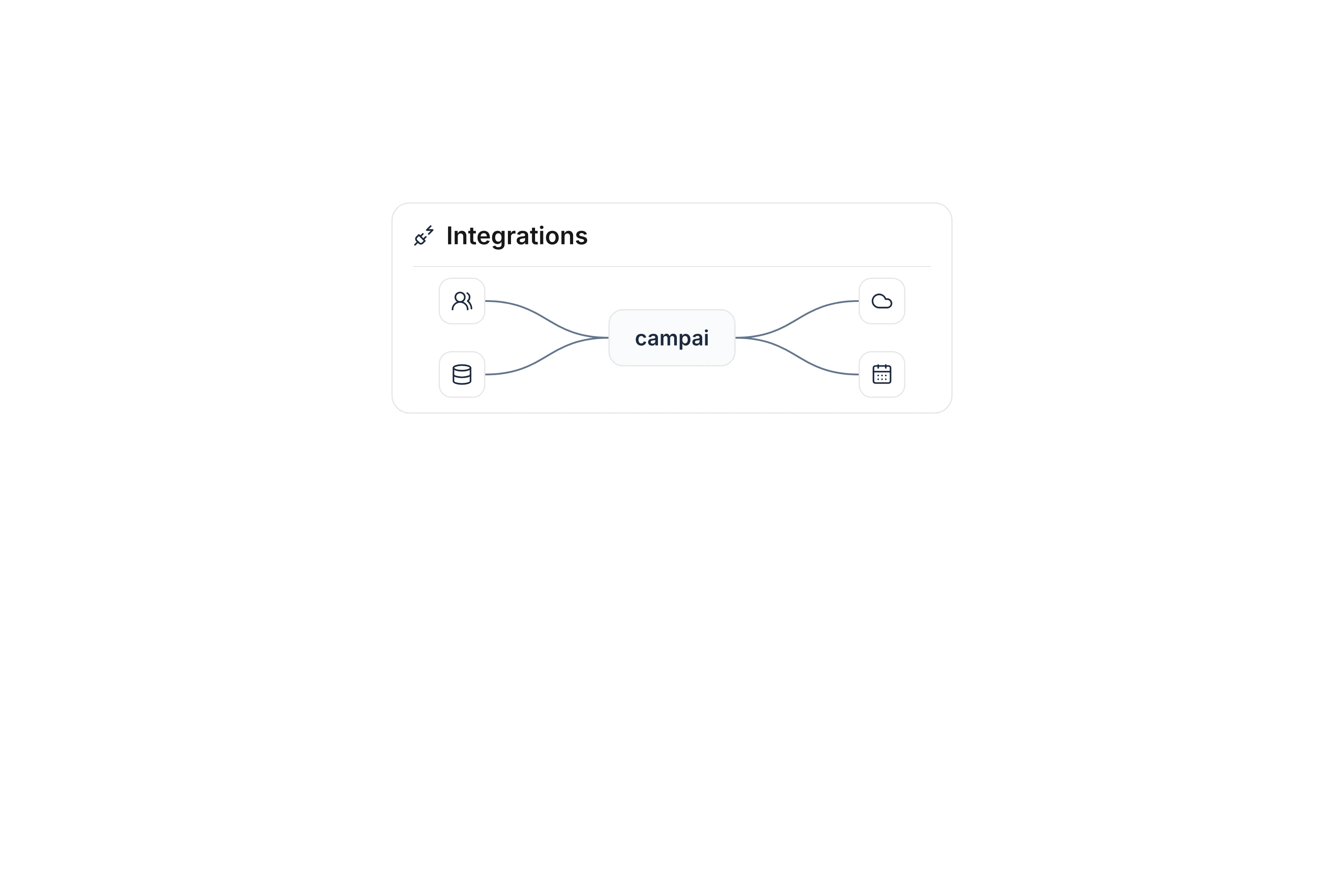
Abstract connections between campai and contact, database, cloud, and calendar symbols.
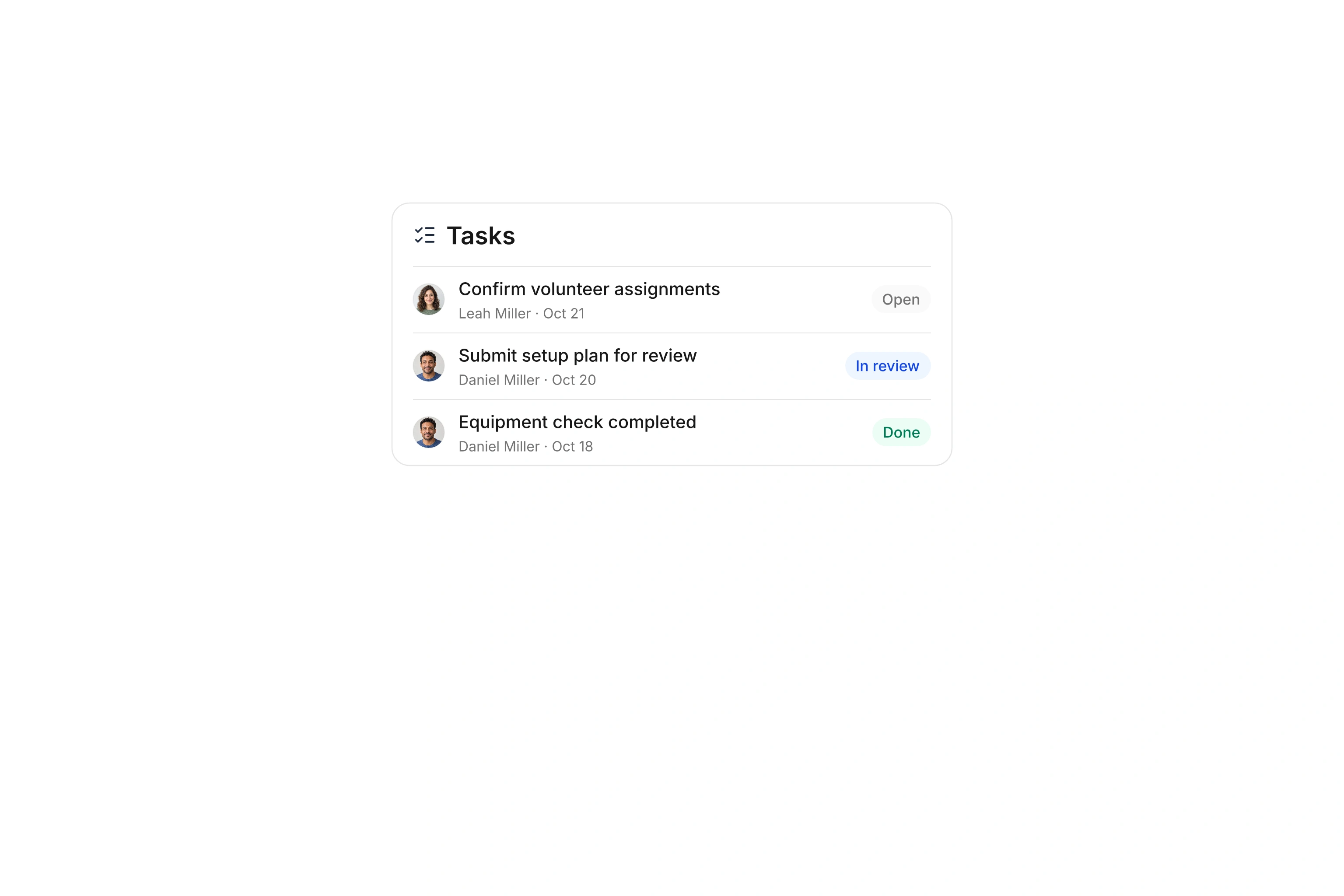
Three assigned tasks with due dates and open, in-review, and completed statuses.

Assign tasks and review the results

Record what needs to be done, who is responsible, and when it is due. The task board separates open tasks, items under review, and completed work. Descriptions, comments, and attachments keep the context with the task.

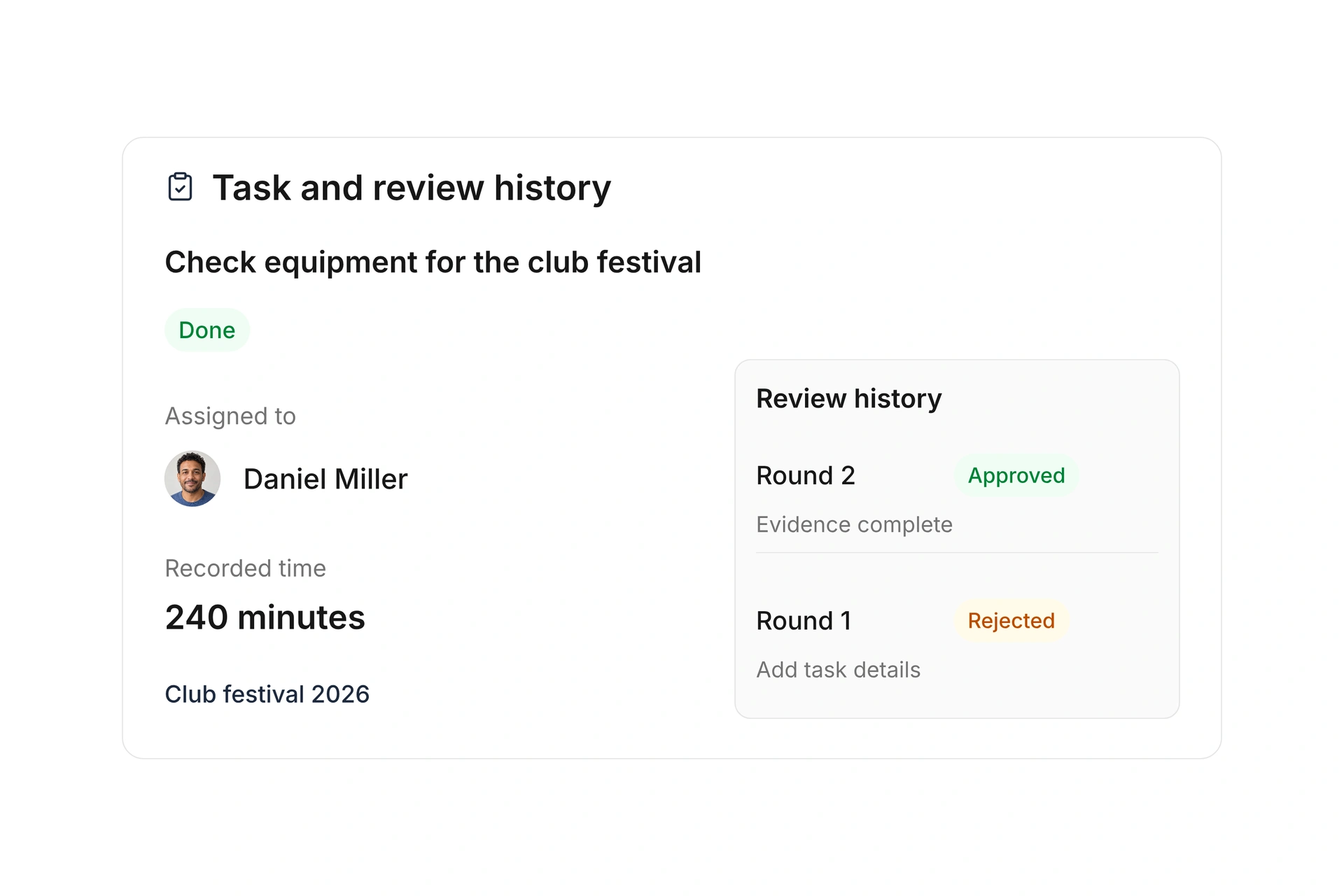
Record time spent and submit the task for review. A rejection with a reason reopens it. Earlier review rounds and recorded time remain available when you submit the revised task again.
Assign tasks and review the results

Invite users and manage access

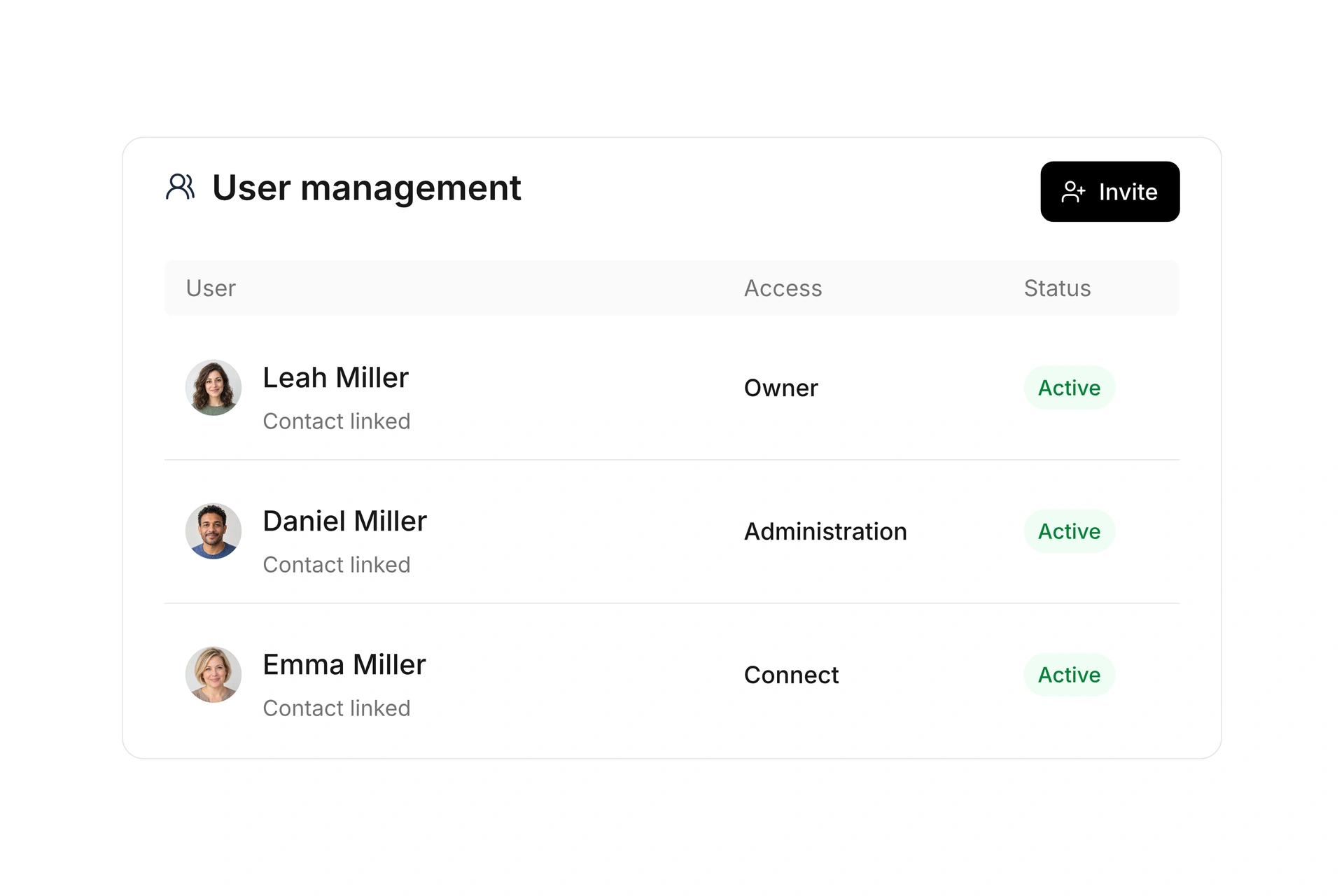
Invite people to the administration area and track pending invitations. The user overview shows owners, administrators, Connect users, and guests, along with account status, activity, and linked contacts.

A contact record does not itself grant administrative access. Assign administrative permissions for work in your team. Access to the member app and its available features is managed separately through contact permissions and Connect roles.

Invite users and manage access

Match permissions to responsibilities

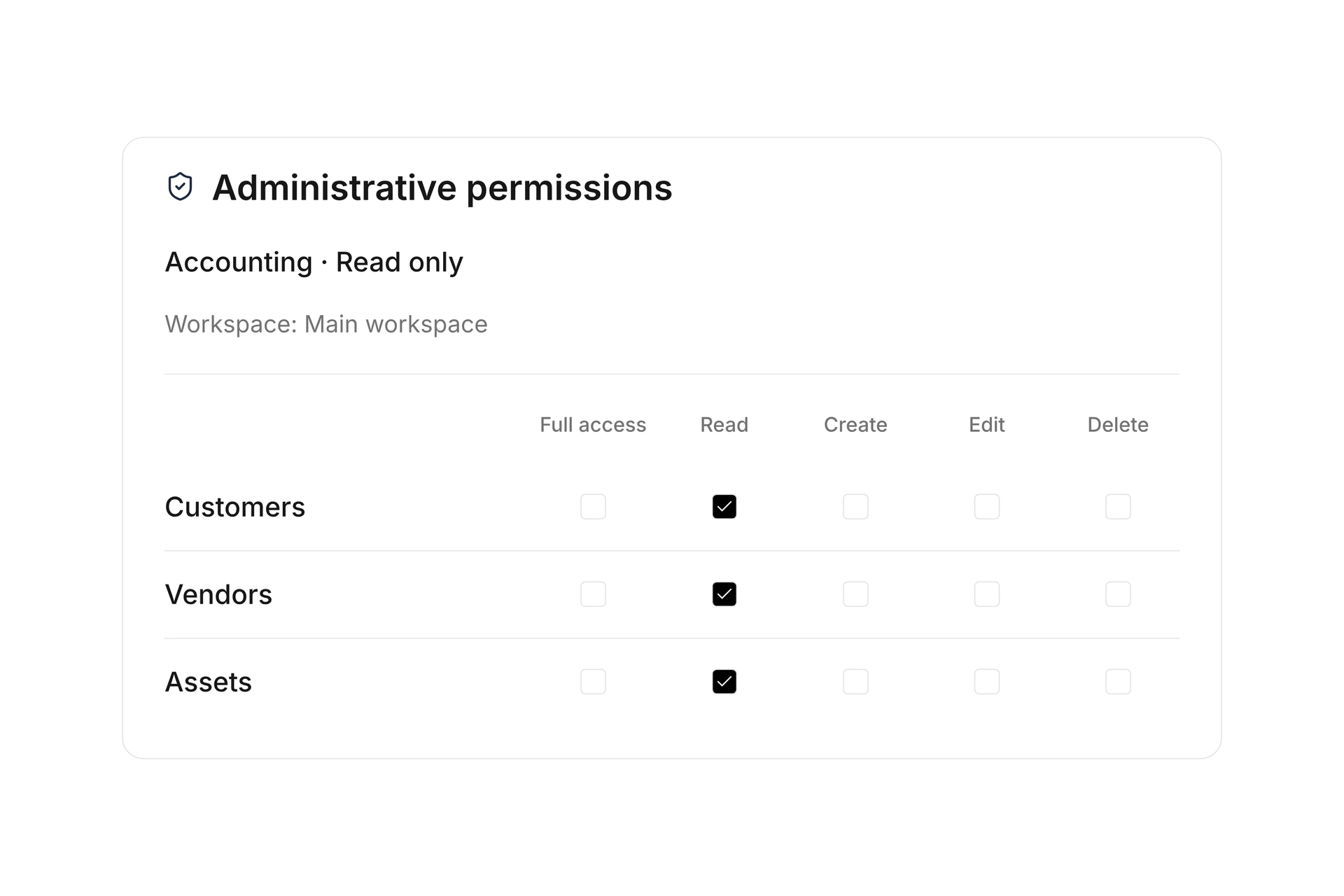
Bundle recurring permissions into roles or assign individual administrative permissions. Control reading, creating, editing, and deleting in the supported areas, such as member records, documents, or assets.

Add restrictions for workspaces and the data filters available in each area. Review the configuration with the permission preview before handing over access. Connect roles remain separate from administrative permissions.

Match permissions to responsibilities

Organize separate workspaces

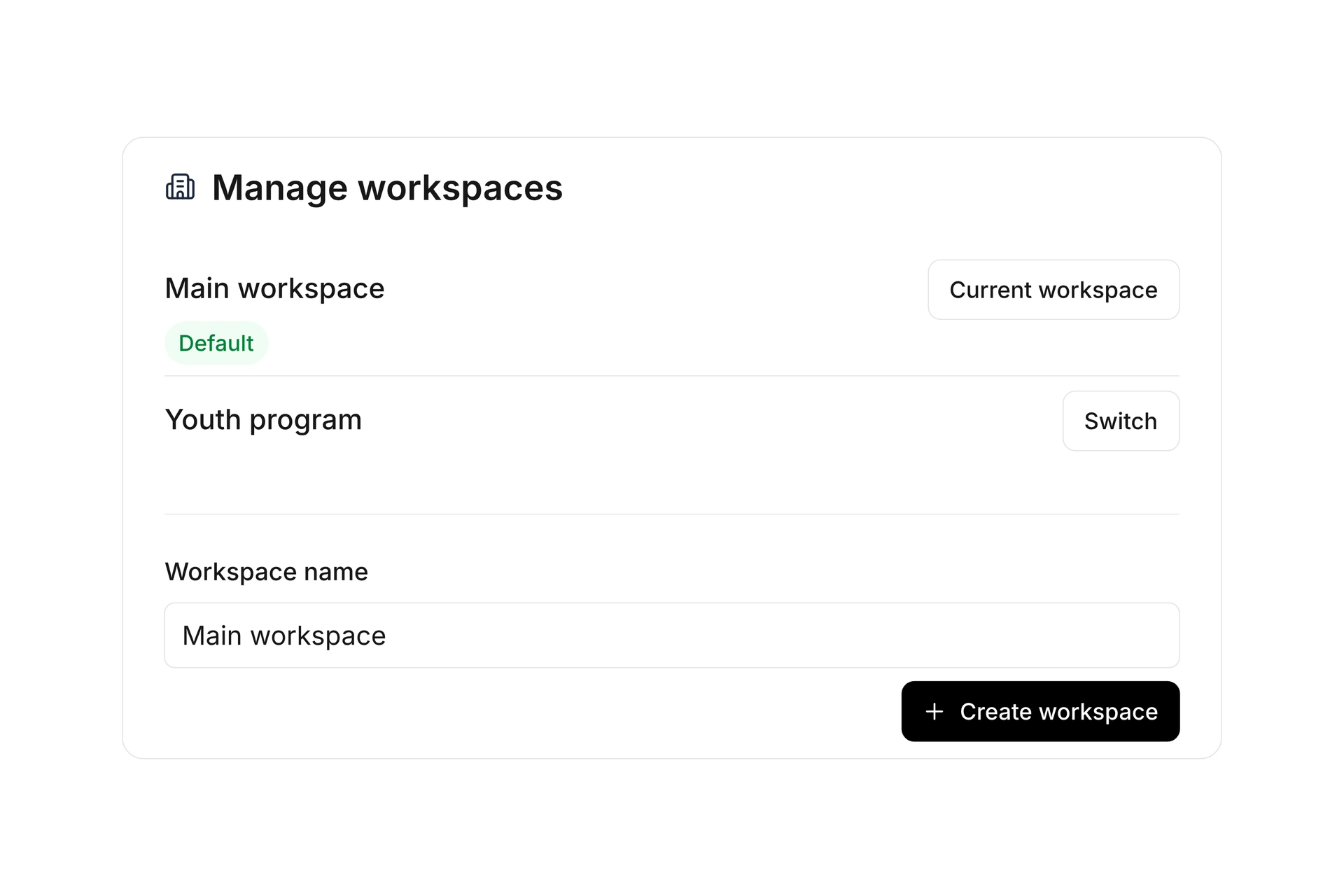
Use workspaces, called tenants in campai, when you need separate financial records, bank accounts, or events within one organization. Switch between them and define which users may access each workspace.

For reports, choose an individual workspace or the combined organization view. Linked departments help show contacts in the right context. Parent and child organizations provide an additional structure for separate organizations with selected data sharing.

Organize separate workspaces

Your workflows. Your own app.

Build an app with its own interface, server logic, and database. Collect equipment requests, manage internal workflows, or create a tool your members need. Use forms and widgets, respond to record changes, and run tasks on a schedule.

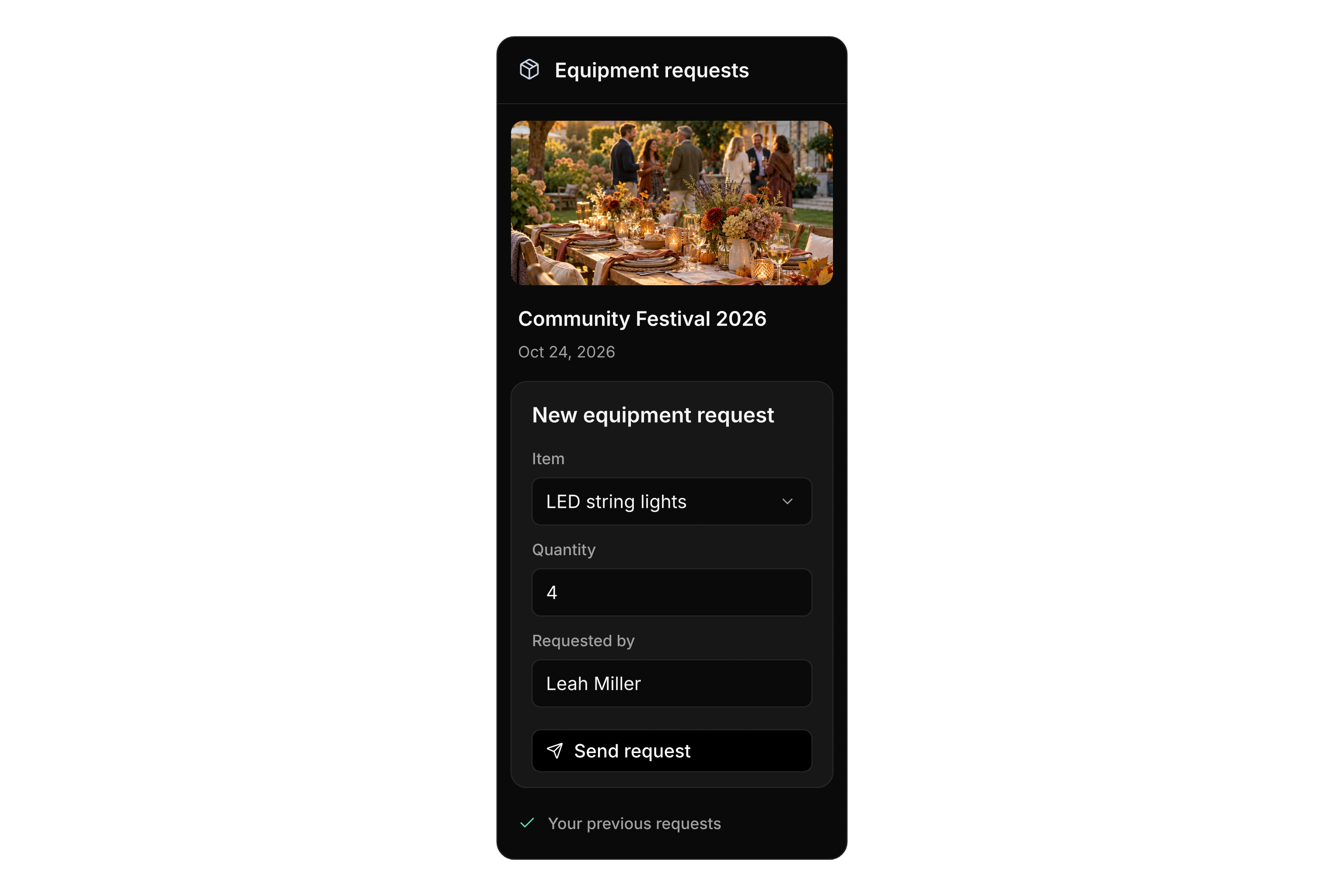
Custom Equipment requests app: management overview with 12 requests, nine approved and three pending, plus a mobile request form for the community festival.

For your management team

Run forms and widgets directly in the admin Apps area. Set the administrative permissions required to use them.

For members on the go

Share a public app link in your member app’s chat. Members open it in their phone’s browser and submit requests wherever they are.

On your own website

Embed public forms and widgets on your website or share a direct link. Add a PIN when you want to restrict access.

Develop in the built-in editor with live preview and simulation. Manage access, secrets, and network connections, then publish updates and inspect execution logs.

Connect campai to your existing systems

Explore available integrations and distinguish installed connections from those not yet installed. The catalog explains which data each integration processes, its direction, and the prerequisites you need.

Set up a suitable integration for your organization and review its settings. Integration logs help you investigate processing steps and errors. Each available connection serves a different purpose.

BlueID Smart Access

Use selected contacts, tags, groups, and segments for connected access control.

Microsoft Business Central

Transfer selected customer, vendor, and journal data from campai to Business Central.

Microsoft Entra

Create and update Entra users from selected campai contacts. Synchronization runs from campai to Entra.

Personio

Import employee data from Personio into campai. Setup requires the corresponding integration credentials.

Connect your systems through the API

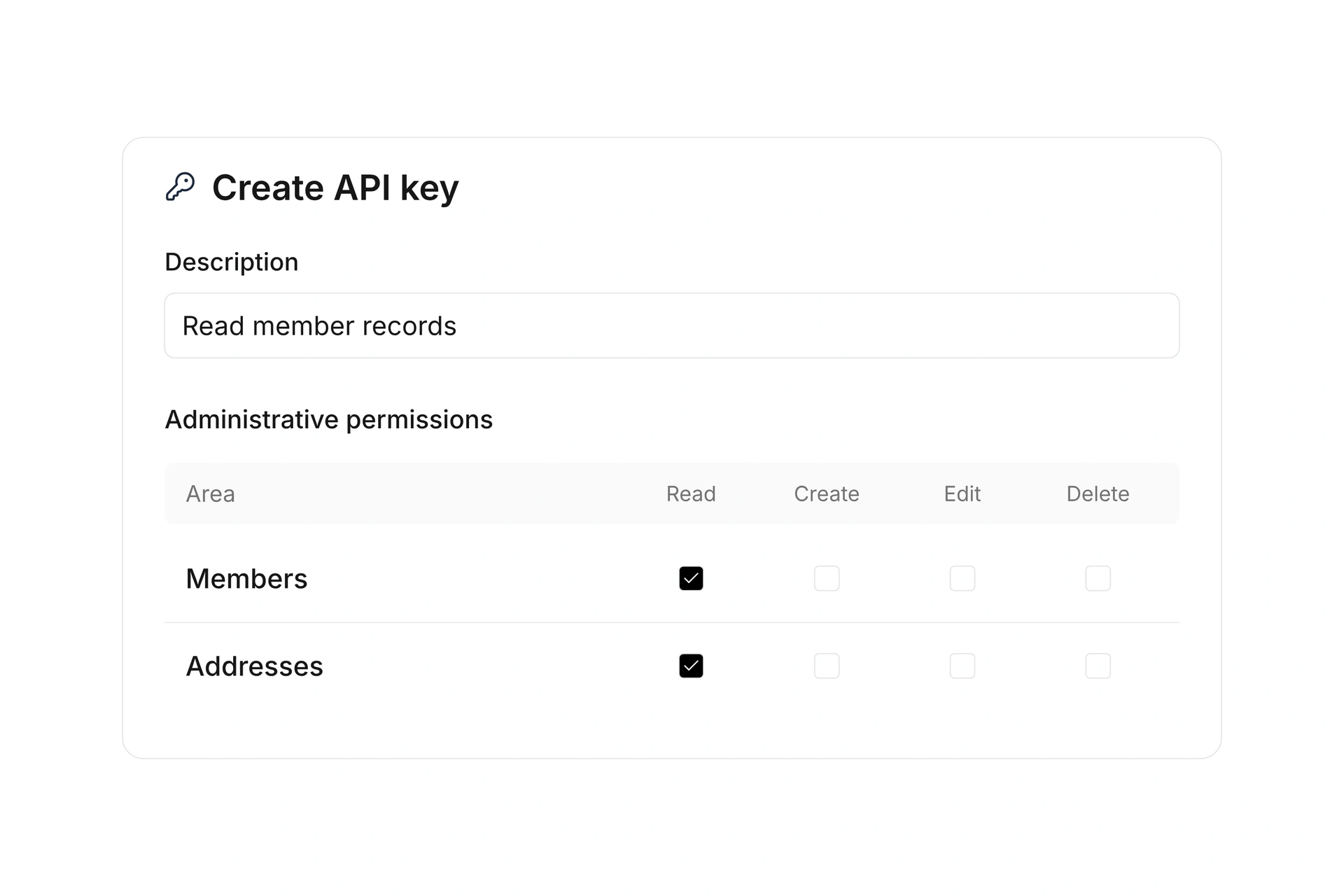
Create organization-specific API keys for authenticated access to the REST API. Assign the required administrative permissions and restrict the intended workspace context. Revoke keys that are no longer needed.

Use API logs, filters, and request details to investigate access and errors during development. The API documentation describes authentication and the available endpoints.

Connect your systems through the API

Respond to events and inspect deliveries

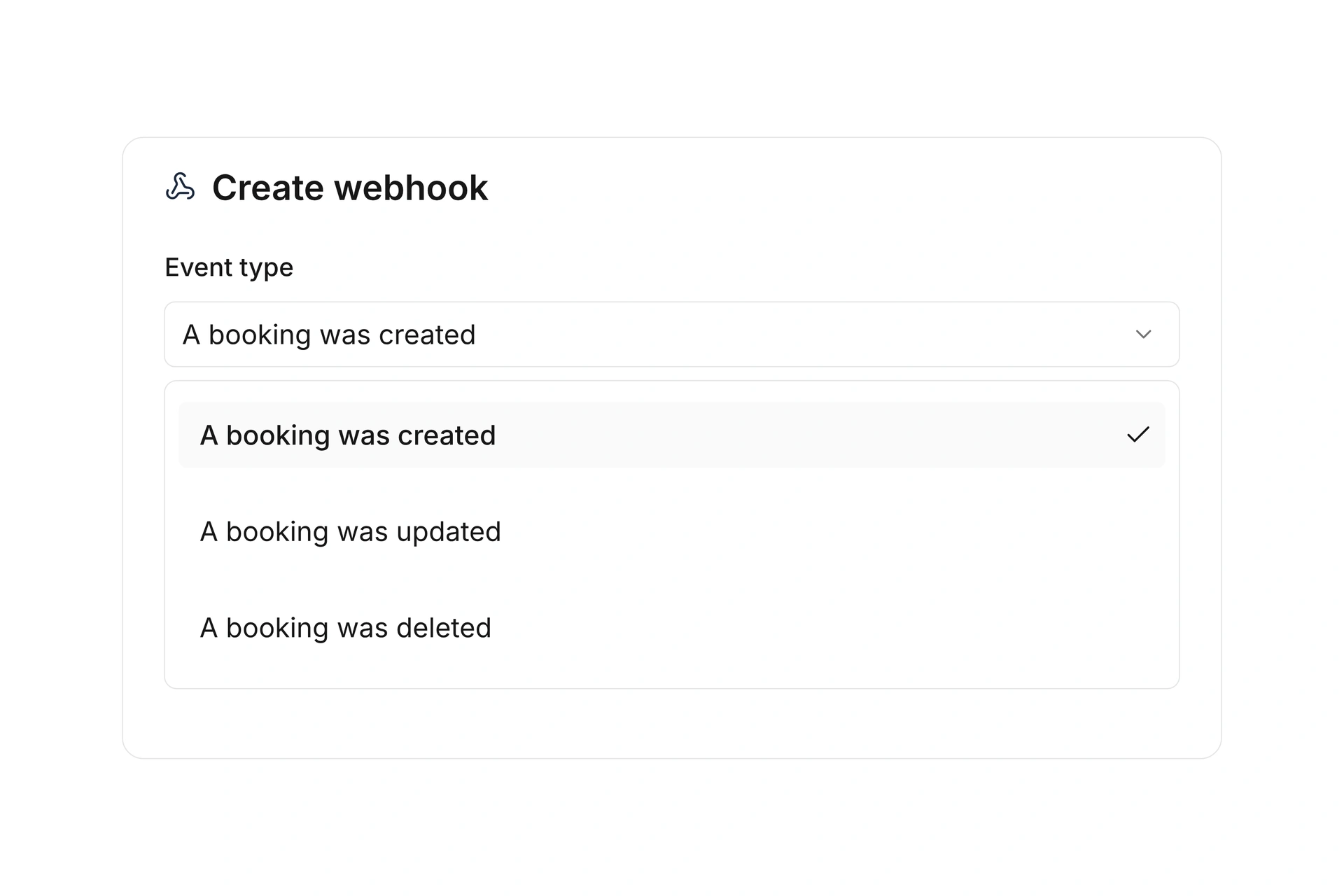
Choose events for outgoing webhooks, such as a booking being created, updated, or deleted. Manage active and paused deliveries so connected systems can react to the selected changes.

Review individual delivery attempts and responses in webhook logs. Custom campai apps also support record changes and schedules as triggers. Choose the approach based on where your workflow should run.

Respond to events and inspect deliveries

More time for your community.

See how campai connects member management, finances, and communication. Try the software or book a personal demo.

Explore on your own. Get personal help when you need it.