
Connect campai to your systems.
Read and update data through the REST API. Respond to changes with webhooks and use request and delivery logs to keep track of your integration.
/apiKey/infocurl --request GET \
'https://cloud.campai.com/api/apiKey/info' \
--header 'X-API-Key: YOUR_API_KEY'const response = await fetch(
'https://cloud.campai.com/api/apiKey/info',
{ headers: { 'X-API-Key': process.env.CAMPAI_API_KEY } }
);
if (!response.ok) throw new Error(String(response.status));
const { organization, permissions } = await response.json();Get your organization and permissions
Run this request on your server. Keep your API key out of public browser code.
View the endpoint and responseControl access
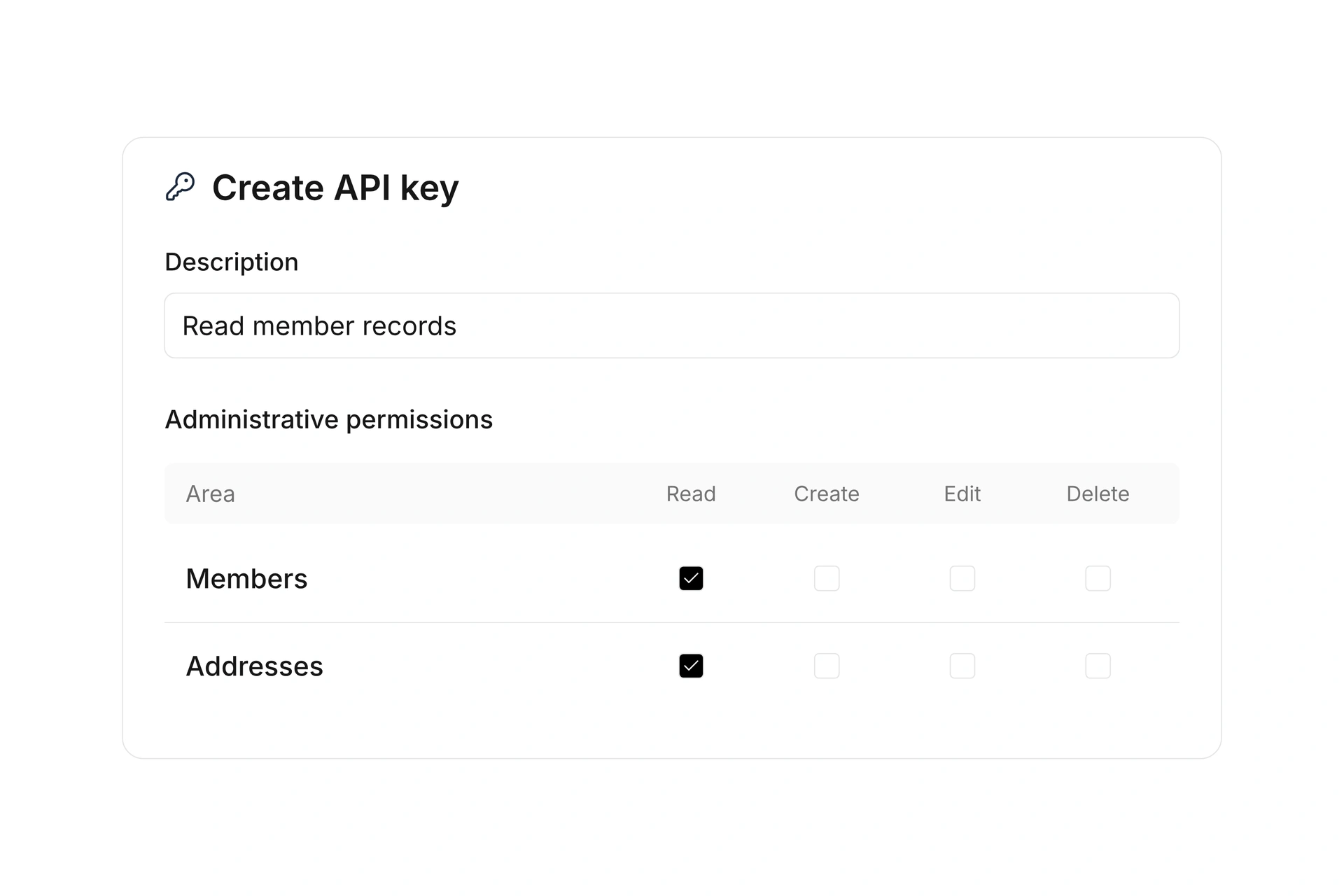
Choose which data each API key can read and update.
Respond to changes
Use signed webhooks with automatic retries when delivery fails.
Investigate errors
Inspect requests, responses, HTTP status codes, and timing in the logs.
What you can build with the API
Find a starting point for your integration. The reference describes the available endpoints and data formats.
Sync contact data
Retrieve contacts, create records, or update existing ones. Use these endpoints to build a sync with your own system.
Explore the contacts APIWork with bookings
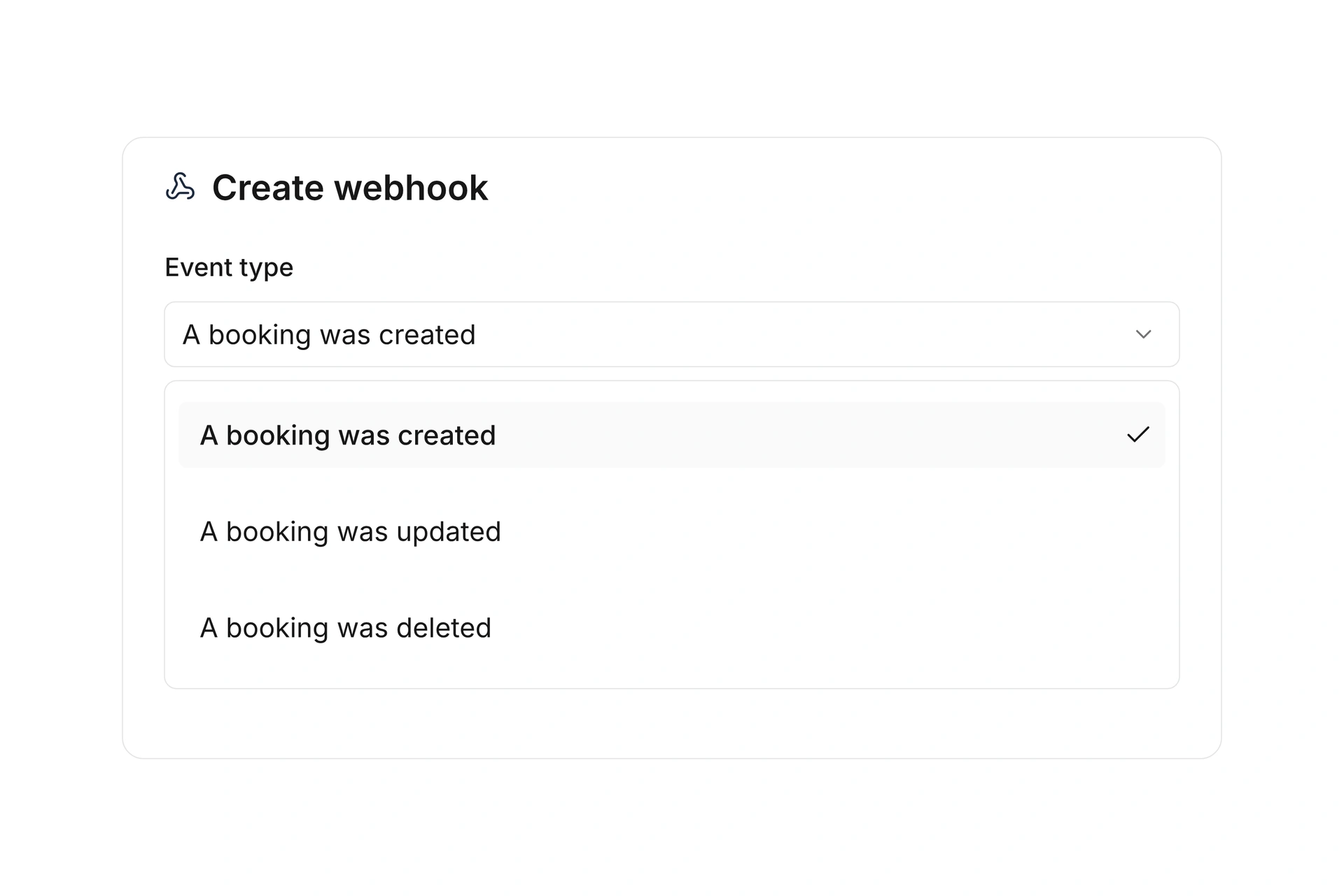
Access booking data. Use webhooks to let your system respond when selected bookings are created, updated, or deleted.
Explore the booking APIUpload files through the API
Request an upload URL, upload your file, and pass its reference to an endpoint that accepts files.
Read the file upload guideGive your integration the access it needs.
Create a named API key for your organization. Choose which areas it can read, create, update, or delete, and apply the available data restrictions.
Manage access
Update key settings and revoke access you no longer need.
Investigate individual requests
Filter API logs by method, status, or date range. Open a request to compare its payload with the recorded response.
A change in campai. Your system responds.
Choose an event and your application's destination URL. campai sends the message; your code verifies it and processes the change.
Event in campai
For example, a booking is created.
Signed webhook
The message goes to your destination URL.
Your application
Your code processes the change.
Verify the signature
Check incoming payloads with your webhook's signing key. campai signs them using HMAC-SHA512.
Track delivery attempts
When delivery fails, campai retries with increasing delays. Inspect each attempt and its response in the log.
Resume after errors
Identify webhooks with persistent delivery failures by their status. Reactivate them after fixing the problem.
From your API key to your first response
Start by checking your API access. You don't need an organization ID for this endpoint.
Create a key
Open API & Developer in your organization, choose the permissions you need, and store the key securely. The key is shown only once.
Send a request
Pass your key in the X-API-Key header and call GET /apiKey/info. Use the code example above to get started.
Check the response
The response contains organization and permissions. Use the organization ID for other endpoints that require it.
200Successful response fields
organization- The ID of the organization your key belongs to.
permissions- The permissions assigned to this API key.
401Missing authentication
Check that your request includes the X-API-Key header with a valid key.
403Insufficient access
Check the key's permissions and data restrictions for the requested area.
API documentation
Explore available endpoints, request and response schemas, and examples for your integration.
Explore the API documentationStart with your first request
Create an API key, set up authentication, and check your first request.
Read the getting started guideQuestions about your integration
Do I need a separate key for each organization?
Yes. Each API key belongs to one organization. You need a separate key for each organization you integrate with.
When should I use the API or a webhook?
Your code uses the REST API to request or change data. A webhook notifies your application when a selected event occurs in campai. You can use both in the same integration.
Can I generate a client for my programming language?
The public OpenAPI specification describes the interface and can be used to generate a client. Review the generated code for the endpoints your application uses.
Open the OpenAPI specificationAre prebuilt integrations available?
Yes. Advanced features includes a catalog of existing integrations. Check whether a connection for your workflow is already available.
Explore existing integrations