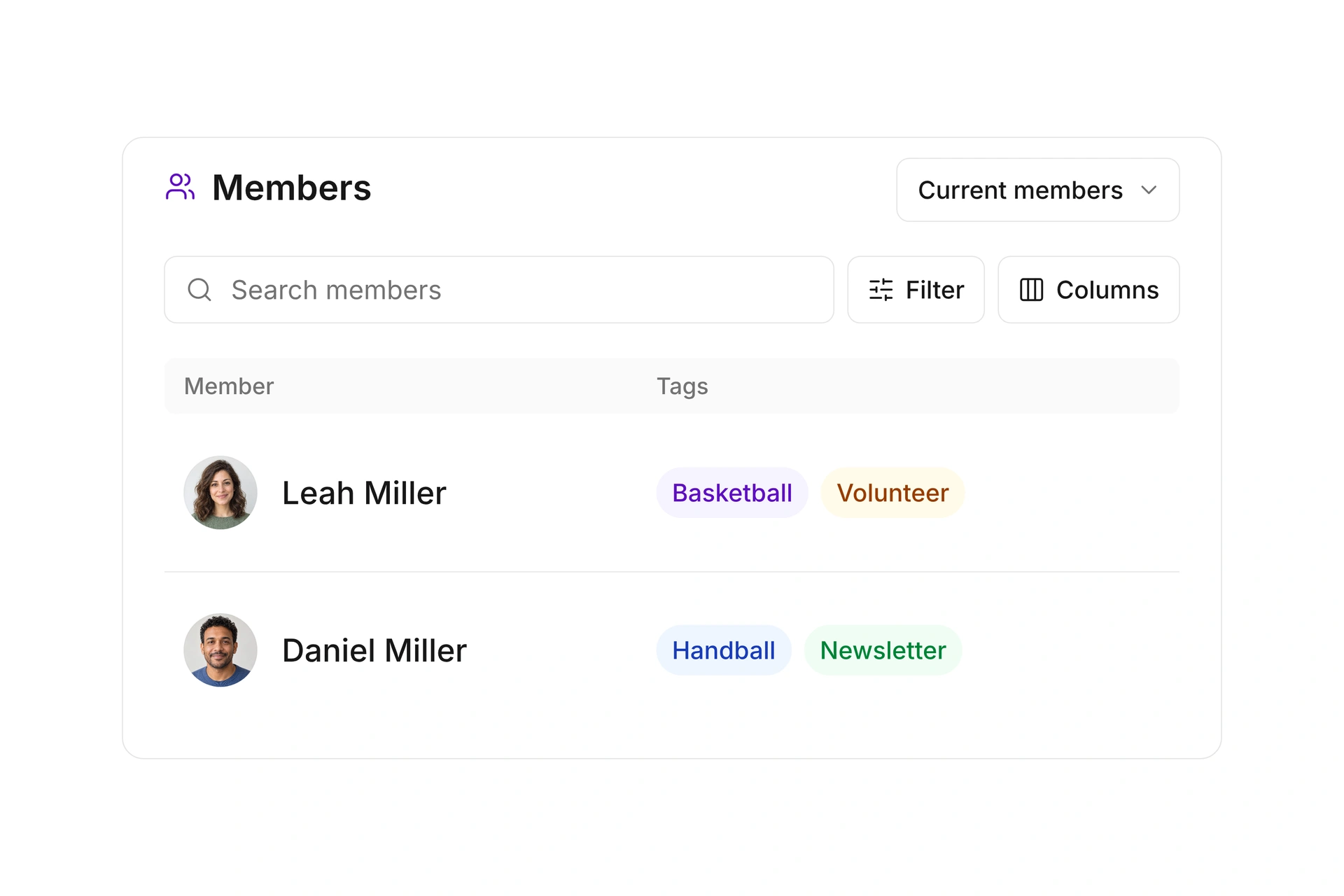
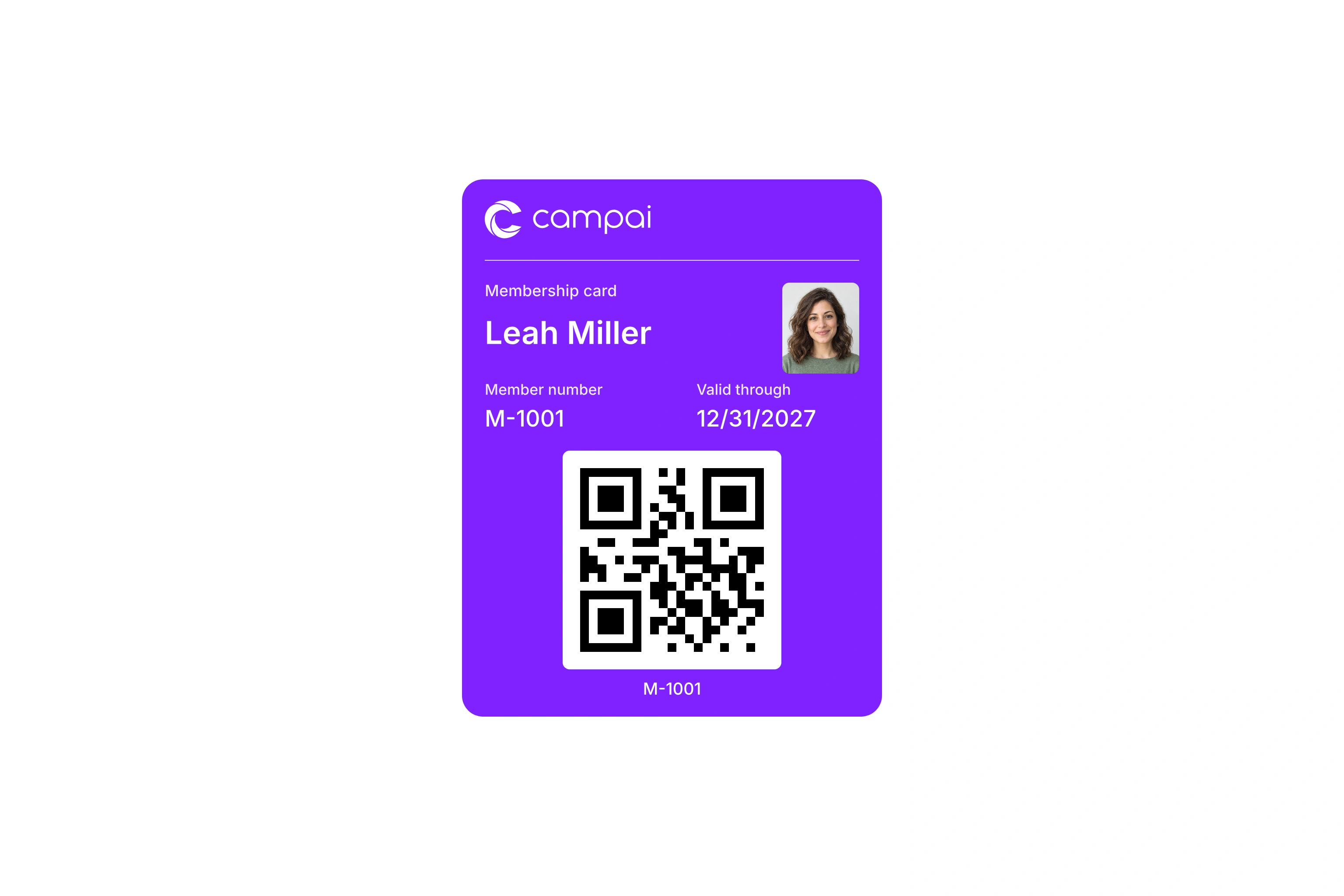
Design the information members carry with them.
Create a pass template and choose Wallet, Print, or both. Use the editor to arrange the available fields and appearance. Contact information can appear on each card without designing a separate layout for every member.
Check the preview with both short and long names. For printed cards, also review the selected card format. Wallet passes and physical cards use different spaces, so inspect each design even when they share the same contact information and template settings.