
Skip to content

Give supporters a clear way to donate.

Set up a donation form around the campaign you want to fund. Choose amounts, giving frequency, and donor information in campai, then share the form. Follow submissions through payment records and recorded donations without keeping a separate list for each step.

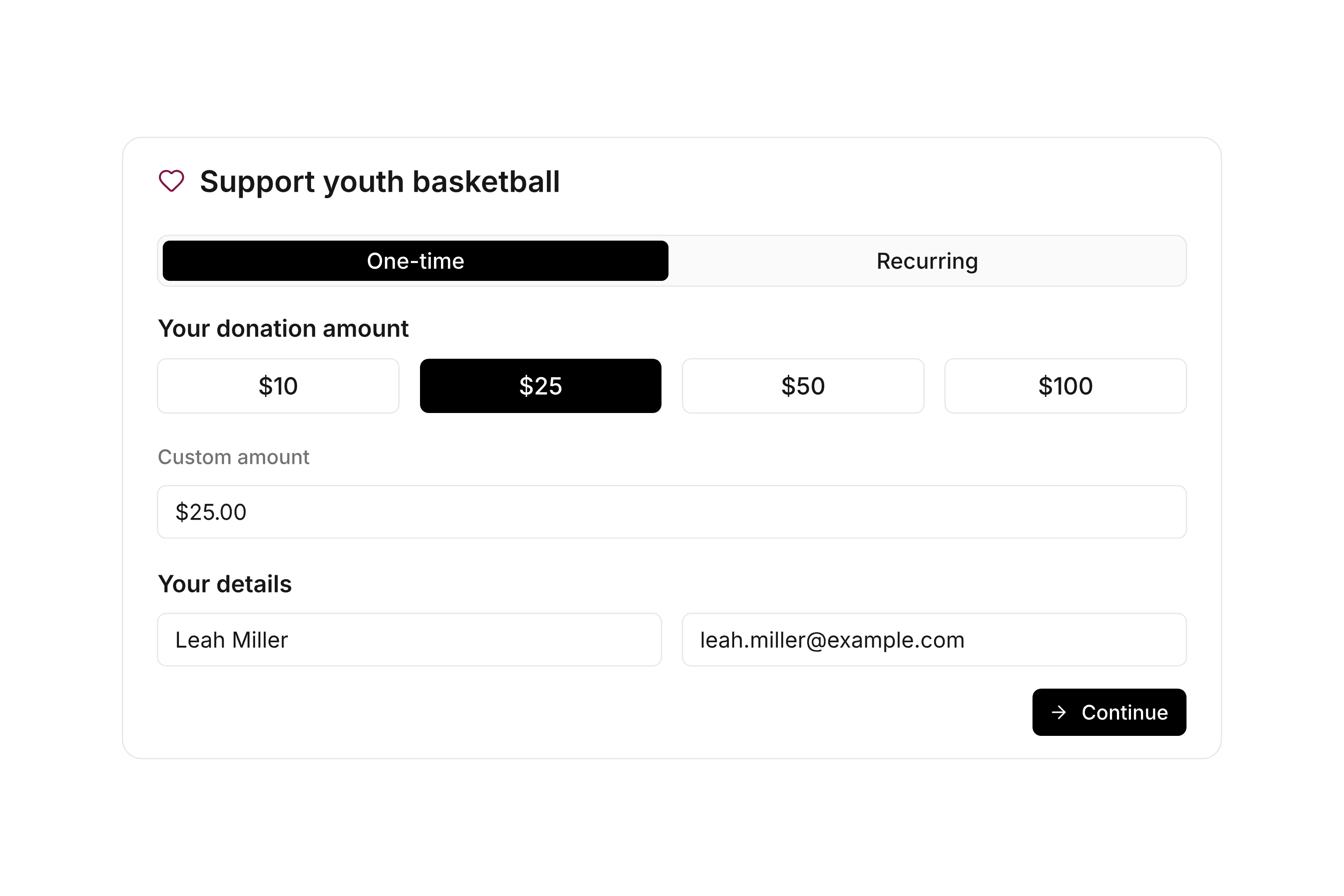
Donation form with suggested amounts, giving frequency, and donor information

Choose the information each gift needs

Offer suggested amounts and decide whether donors can enter their own amount. Set a minimum and maximum for custom amounts when your campaign needs them. One-time and recurring gifts can have different options so supporters can choose the commitment that suits them.

Select the details you need from an individual or organization and whether to ask about an acknowledgment. Add custom fields for information specific to the campaign. The core fields required to process the donation remain part of the form.
Put the campaign beside the donation

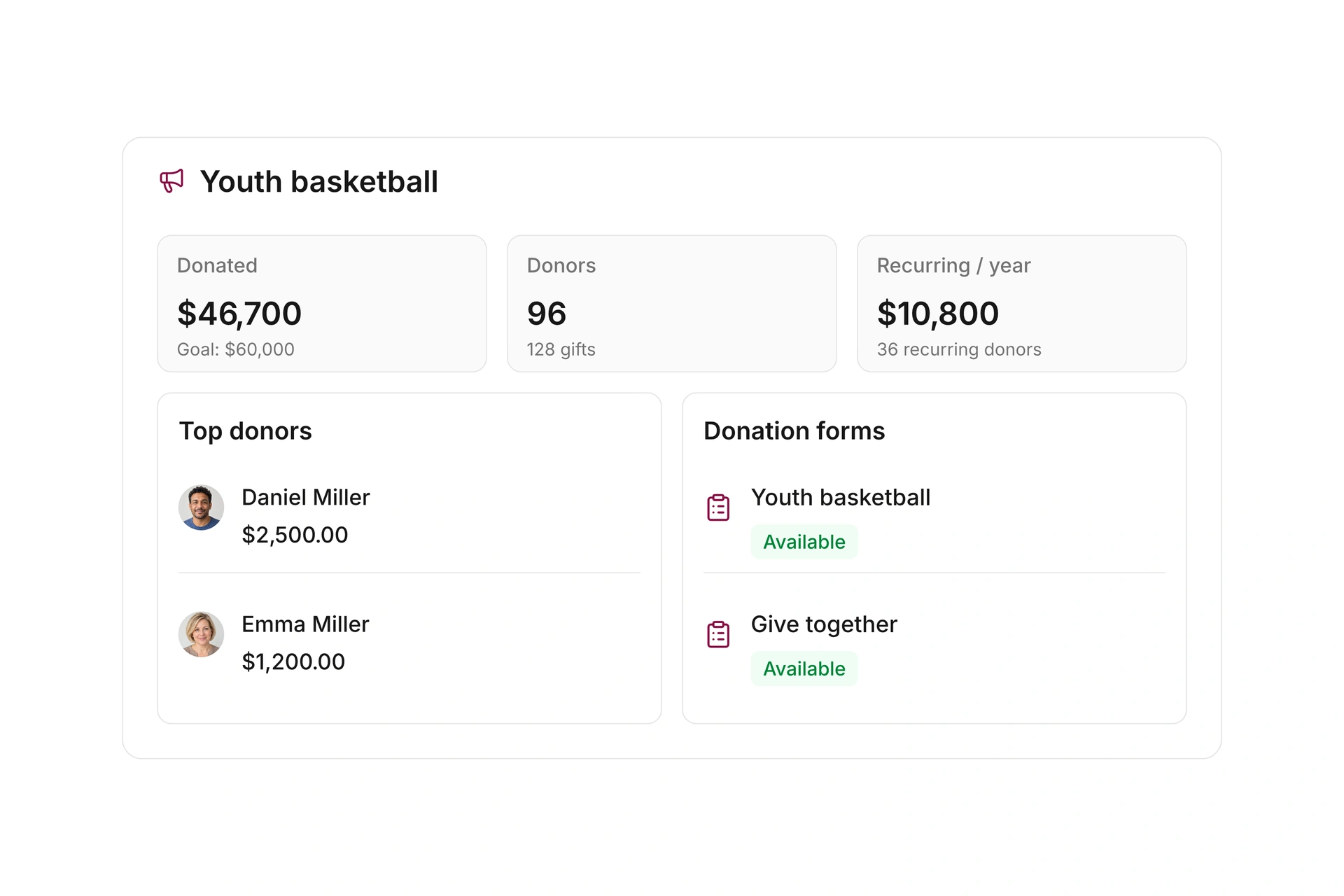
Assign a campaign to the form and explain what the contributions will support. When the campaign has a fundraising goal, you can show progress on the public form. The purpose, amount, and giving options then sit together where a supporter makes the decision.

Use the published link on your website, in newsletters, or through a QR code. Check the direct link on a phone before sharing it. Keep the introduction focused and make sure the amount choices are easy to understand on a smaller screen.

Put the campaign beside the donation

Follow the submission through payment

The form offers payment options that are configured and available for your organization. You can offer optional fee coverage using a fixed amount and a percentage. Set the completion message and the confirmation emails for the relevant donation paths.

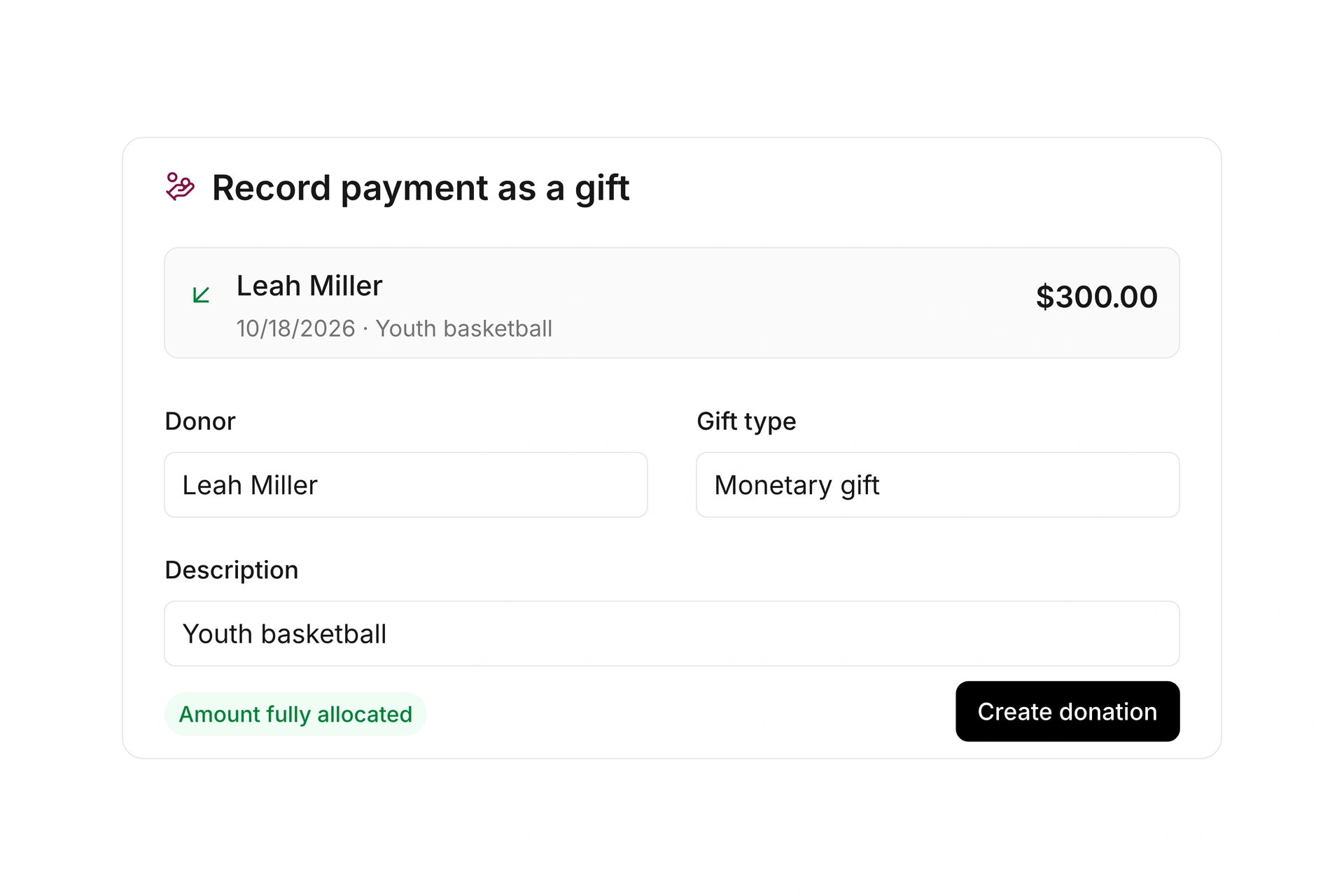
A one-time submission is processed through a donation payment document. The submission, an outstanding payment, and the recorded gift describe different stages. Review each status before treating the process as complete or preparing a donation acknowledgment.

Follow the submission through payment

Check the form before you share it

Walk through the actual choices you intend to offer, including the route taken after submission.

  1. Define the campaign

    Choose the campaign and describe what the funding supports. Decide whether the form should accept one-time gifts, recurring gifts, or both.

  2. Configure the choices

    Set suggested amounts and custom-amount limits. Add the donor details you need and check which payment options are available for your organization.

  3. Try each donation path

    Open the form on a phone. Review required fields, custom amounts, the completion message, and the emails used for each giving frequency.

  4. Review incoming submissions

    Open the form submissions and check the related payment documents. If recurring gifts need review, have the responsible person process the pending submission.

Plan a form for new training equipment

Use these decisions to prepare a fundraising form before you publish its link.

DecisionSettingWhat to check
PurposeTraining equipment campaignThe description and goal match the campaign.
AmountSuggested and custom amountsCustom values respect the configured limits.
FrequencyOne-time or recurringEach choice follows the intended process.
After submissionCompletion message and emailThe message explains the next step.

A completed form submission does not mean that every associated payment has already settled.

Frequently asked questions

Can one form accept one-time and recurring gifts?

Yes. Enable the options you want to offer. Recurring gifts use the configured donation subscription plans and can require review before they are accepted.

Can donors choose their own amount?

Yes, when custom amounts are enabled. You can also show suggestions and apply minimum and maximum amounts to custom entries.

Which payment options appear?

The form uses options that are enabled and available for your organization. An unconfigured payment provider does not automatically become an available checkout option.

Can supporters help cover payment fees?

You can configure optional fee coverage. Use values appropriate to your actual payment setup; campai does not supply a universal processing-fee rate.

Where do I review submissions?

Open the submissions for the relevant donation form to review donor details and pending recurring gifts. The associated payment and donation records let you follow the rest of the process.

Prepare your next fundraising form

Bring your campaign goal, giving frequencies, and payment workflow. We can work through the form your organization needs.

Explore on your own. Get personal help when you need it.