
Skip to content

Prepare donation acknowledgments you can trace.

Before sending a document, check the donor, the gifts it covers, and the details it contains. campai brings pending donations, acknowledgment creation, and delivery status into one process so your team can work through exceptions as well as straightforward gifts.

Donation acknowledgment selection with donor details and delivery status

Review the gifts before creating documents

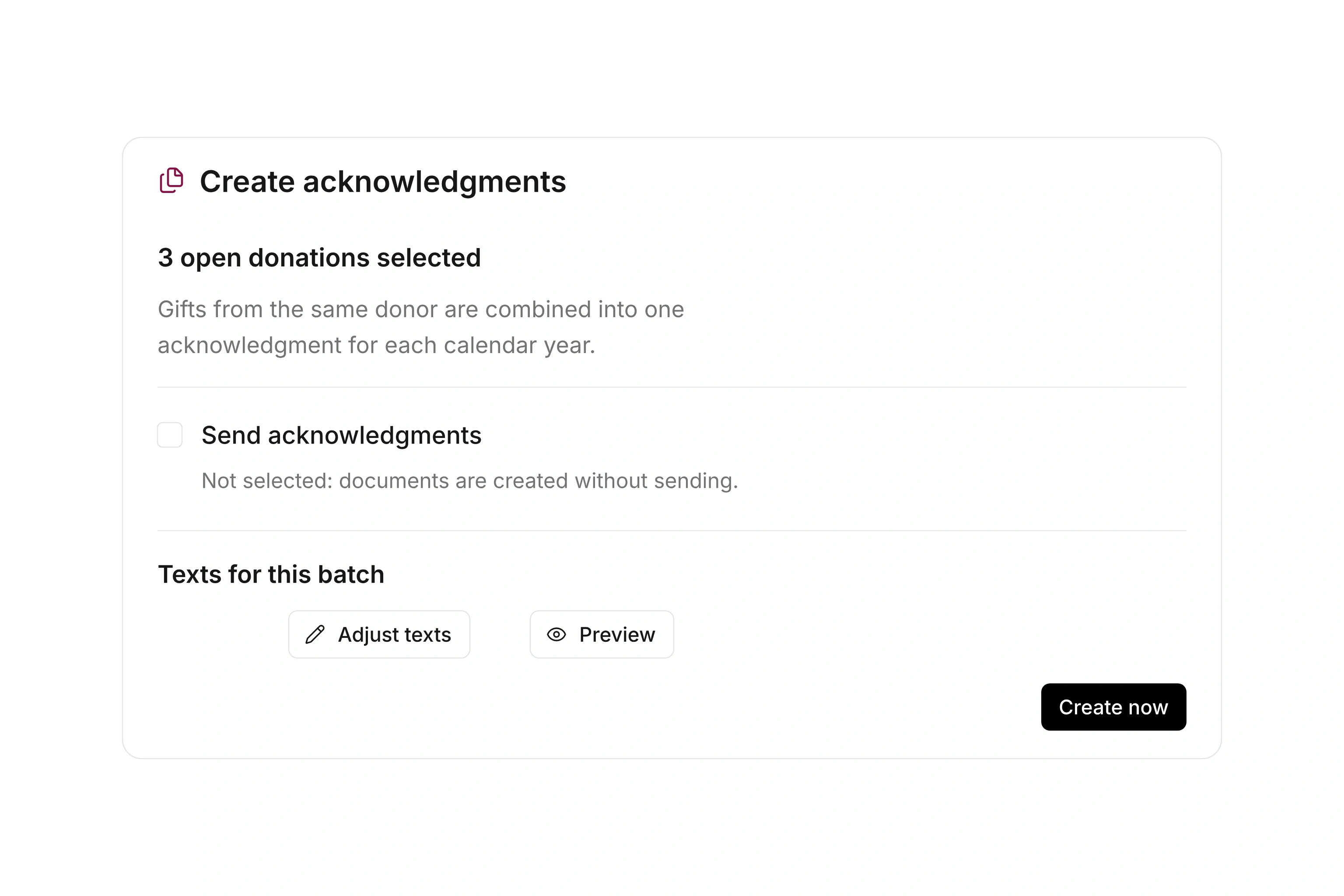
Select donations that are still waiting for an acknowledgment. Check the donor, address, dates, amounts, and gift types. Eligible pending gifts from the same donor can be combined within a calendar year.

Review what belongs together before you start. An in-kind gift cannot simply be merged with other positions into a collective acknowledgment. Keep the donation year and issuing details consistent. The related documents help you trace the gifts included in the resulting record.
Prepare the document and its delivery

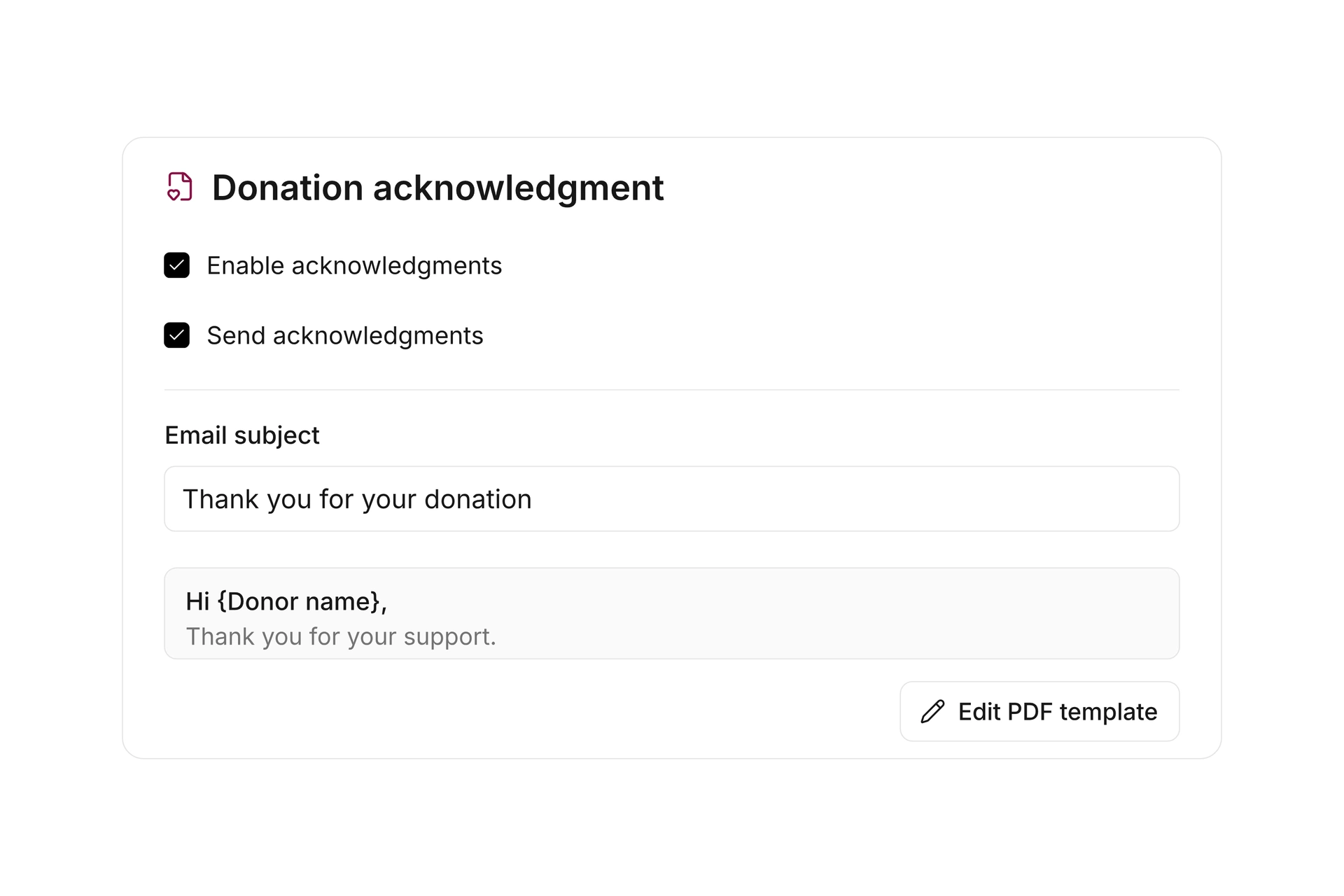
Configure acknowledgment templates, document text, and delivery settings. The accompanying email, cover letter, and thank-you letter have separate purposes and can be prepared accordingly. You can adjust the supported texts for a particular creation run.

Review the output using the donor and organization information you expect to include. Accurate addresses matter as much as the amounts. Your organization remains responsible for deciding what it can issue and which statements belong in the acknowledgment; creating a document does not establish a tax benefit.

Prepare the document and its delivery

Handle a correction at the right stage

After creation, review failed items and delivery status. For a delivery problem, check the recipient information and address the affected document. Existing acknowledgments retain the details used when they were issued, even if the donor record changes later.

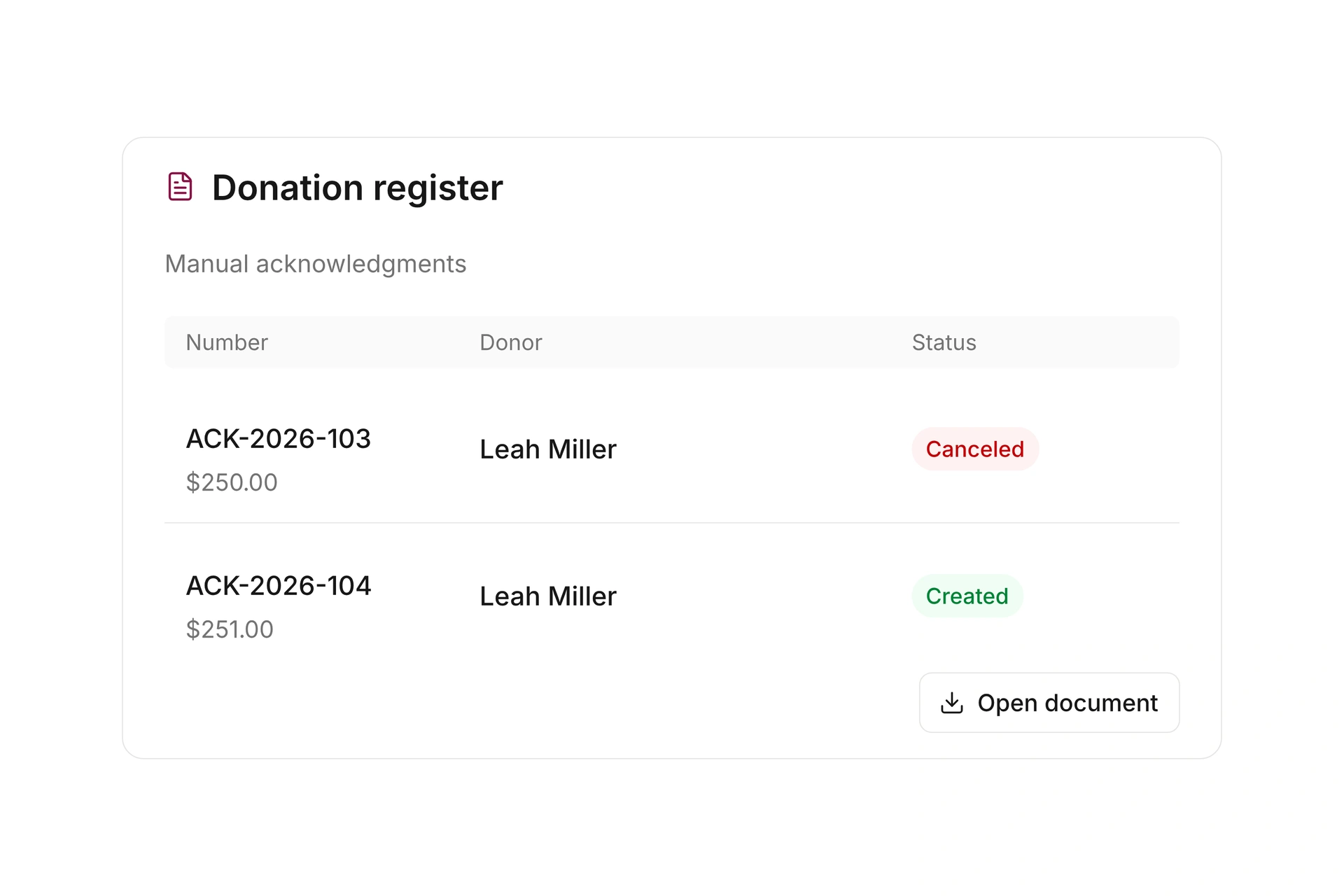
When an issued acknowledgment needs a content correction, you can cancel it and prepare a replacement. The canceled document remains identifiable. This keeps a change to the donation information separate from another attempt to deliver the same document.

Handle a correction at the right stage

Prepare an acknowledgment run

Start with a defined selection whose donor and donation details have been reviewed.

  1. Select pending gifts

    Filter the donations for the relevant period. Check that the selection includes the intended donors, gift types, and related records.

  2. Check the details

    Review addresses and document information. Separate in-kind gifts and other cases that cannot be combined like ordinary monetary gifts.

  3. Create and send

    Choose the document text and delivery options for the reviewed selection. Create the acknowledgments, then inspect the processing result.

  4. Resolve exceptions

    Work through creation and delivery failures individually. Decide whether each issue calls for updated delivery details or a correction to the acknowledgment itself.

One donor with gifts across different dates

This example shows what to separate when choosing gifts for a combined document.

GiftReviewNext step
Monetary gift in March 2026Pending, same donorReview for the 2026 selection.
Monetary gift in September 2026Pending, same donorCheck whether it can be combined.
Monetary gift in January 2027Different calendar yearHandle in the 2027 selection.
In-kind giftSeparate description and valuationReview and acknowledge separately.

This describes the processing workflow. Your organization determines the appropriate acknowledgment wording and any applicable requirements.

Frequently asked questions

Can I acknowledge several gifts together?

Eligible pending donations from the same donor can be combined within one calendar year. In-kind gifts cannot be combined with other positions in a collective acknowledgment.

Can I create thank-you letters?

Yes. Thank-you letters have their own text and settings. Use them for the situations where you want the corresponding donor communication.

Does an address change rewrite an issued acknowledgment?

No. Existing documents retain the details used at issue. Updating the donor record does not silently rewrite an earlier acknowledgment.

How do I correct an amount?

Review the underlying donation record. An issued acknowledgment can be canceled so the donation can be corrected and acknowledged again.

Does document creation mean delivery succeeded?

No. Creation and delivery are separate steps. Check the processing results and resolve failed items before considering the run finished.

Work through your acknowledgment process

Bring your current document and common exceptions, such as several gifts from one donor, in-kind contributions, or delivery failures.

Explore on your own. Get personal help when you need it.