
Skip to content

Send the right update to the right members.

A team invitation and an organization-wide newsletter need different audiences. In campai, select the contacts, prepare the message, and schedule delivery. Then review which messages arrived and which need attention.

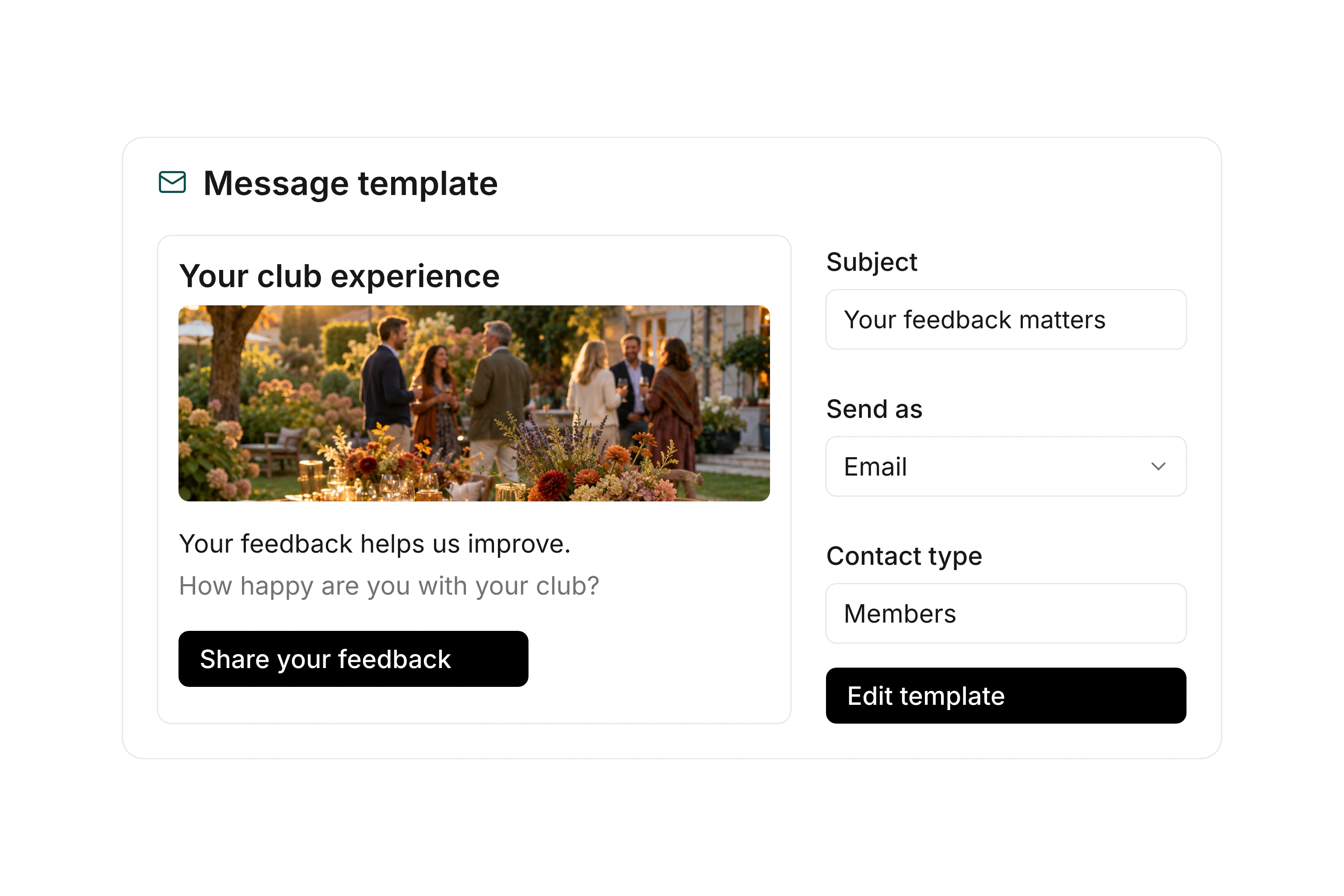
Newsletter template with reusable content blocks and a message preview

Check the audience before sending

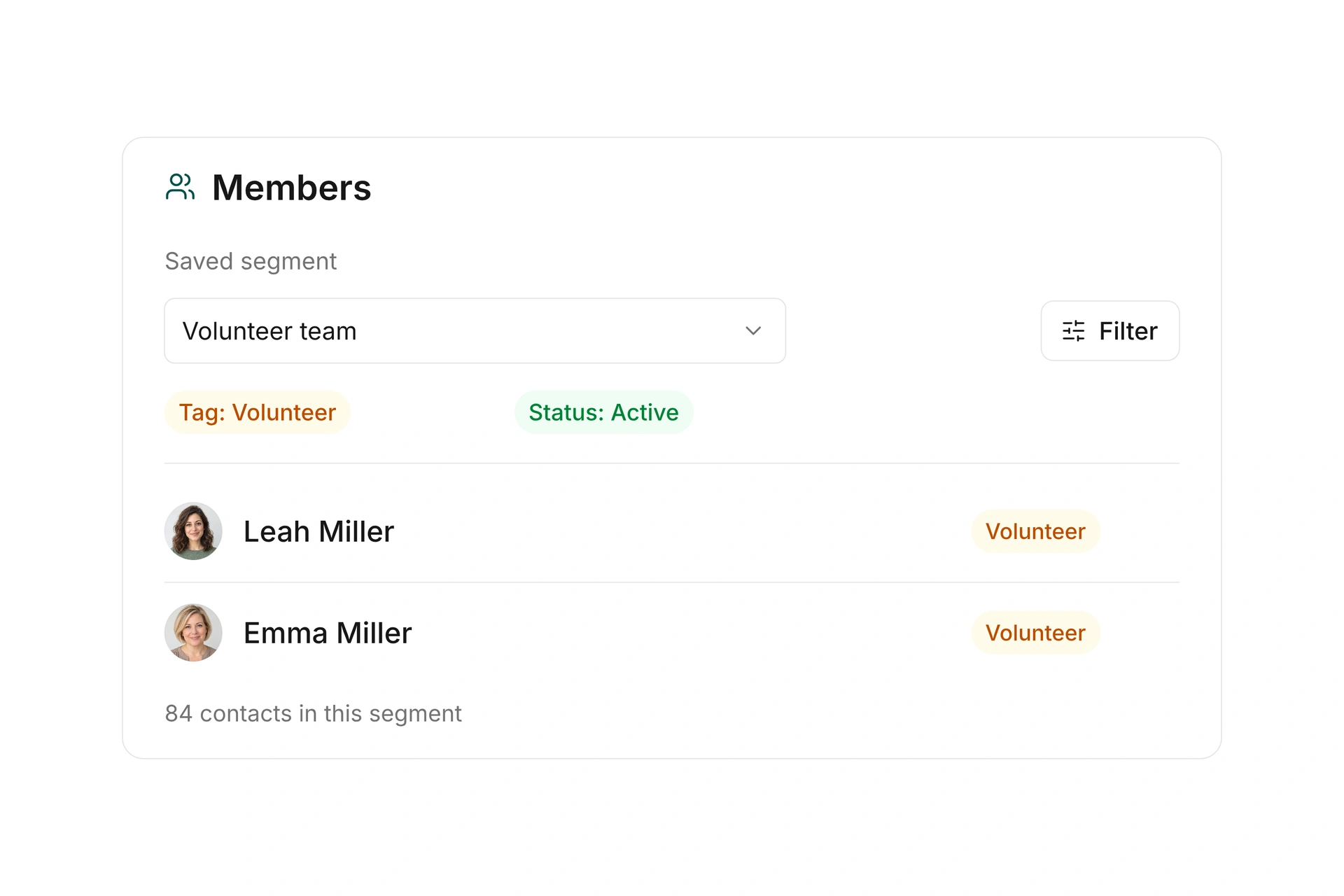
Choose the relevant contact type and narrow the recipients using available filters or segments. Review the actual recipient list before you send. This lets you check whether the selection matches the purpose of the message.

A volunteer invitation and a general newsletter can use the same contact database but require different selection rules. Also check email addresses shared by several contacts. You can enable duplicate-address suppression for a mailing when a shared address should receive one copy.
Check the audience before sending

Build a message you can reuse

Create mailings with reusable templates and email blocks. Arrange images, text, and links in an order that supports the message. Use placeholders to personalize content with the available contact information.

Review the preview with a suitable recipient and read the message without relying on images. The subject, greeting, and next step should still make sense. Keep the sender and reply address current so questions follow the intended route. A custom reply address can send replies outside the campai inbox.

Schedule delivery and review the result

Send a prepared mailing immediately or schedule it for later. Check the recipient count and any delivery costs shown before starting. Email and letter delivery use the corresponding templates and settings.

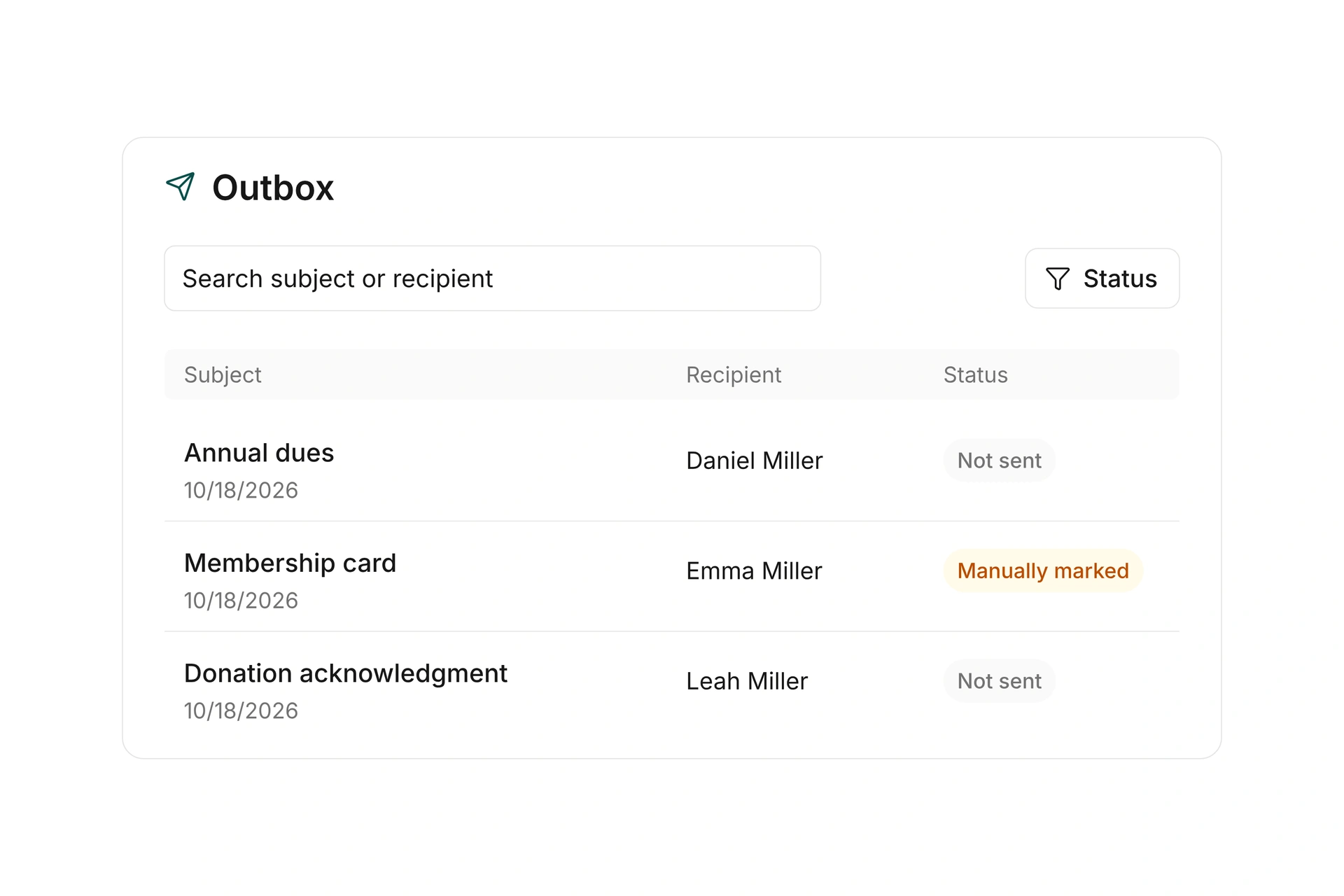
After sending, review delivery status and errors. Email mailings also provide the available open, click, and unsubscribe information. A scheduled mailing is not yet a delivered message. Work through failed items using the status of the affected message rather than assuming the entire audience received it.

Schedule delivery and review the result

Prepare a targeted invitation

Plan the audience, message, and reply handling before setting the delivery time.

  1. Define the audience

    Decide who the invitation concerns. Check the recipient list carefully when the selection covers several teams, departments, or contact types.

  2. Prepare the message

    Choose a suitable template and include the date, location, and expected next step. Review personalized details and all links.

  3. Set up delivery

    Check the recipient count, any costs, and the reply address. Send immediately or select the intended later delivery time.

  4. Review delivery and replies

    Inspect the delivery results and address failed messages. Handle incoming questions in the inbox chosen for replies.

Different messages need different audiences

Make a deliberate selection for each mailing instead of reusing one list for every purpose.

MessageRecipient selectionWhat to check
General newsletterRelevant contacts or segmentsDoes the audience match the mailing purpose?
Department invitationFiltered department membersDoes the list reflect current memberships?
Volunteer updateThe relevant volunteer segmentAre only affected people included?
Family updateContacts sharing an addressShould duplicate email addresses be skipped?

Review the displayed recipients in the prepared mailing before starting delivery.

Frequently asked questions

Can I schedule a newsletter?

Yes. A prepared mailing can be sent immediately or scheduled for a later time.

Can I send to a particular group?

Choose recipients through the contact types, filters, and segments available for the mailing, then check the resulting recipient list.

Can I reuse a design?

Yes. Reusable templates and email blocks support subsequent mailings. Review personalized content and links for each new message.

Where do replies go?

That depends on the reply address. A custom reply address routes replies to that address, so they are not automatically stored in the campai inbox.

Can I check whether delivery worked?

You can review delivery status and errors. Email mailings also show the available information about opens, clicks, and unsubscribes.

Prepare your next member update

Bring a typical message and the audience you want to reach. We can review recipient selection, the template, and delivery.

Explore on your own. Get personal help when you need it.