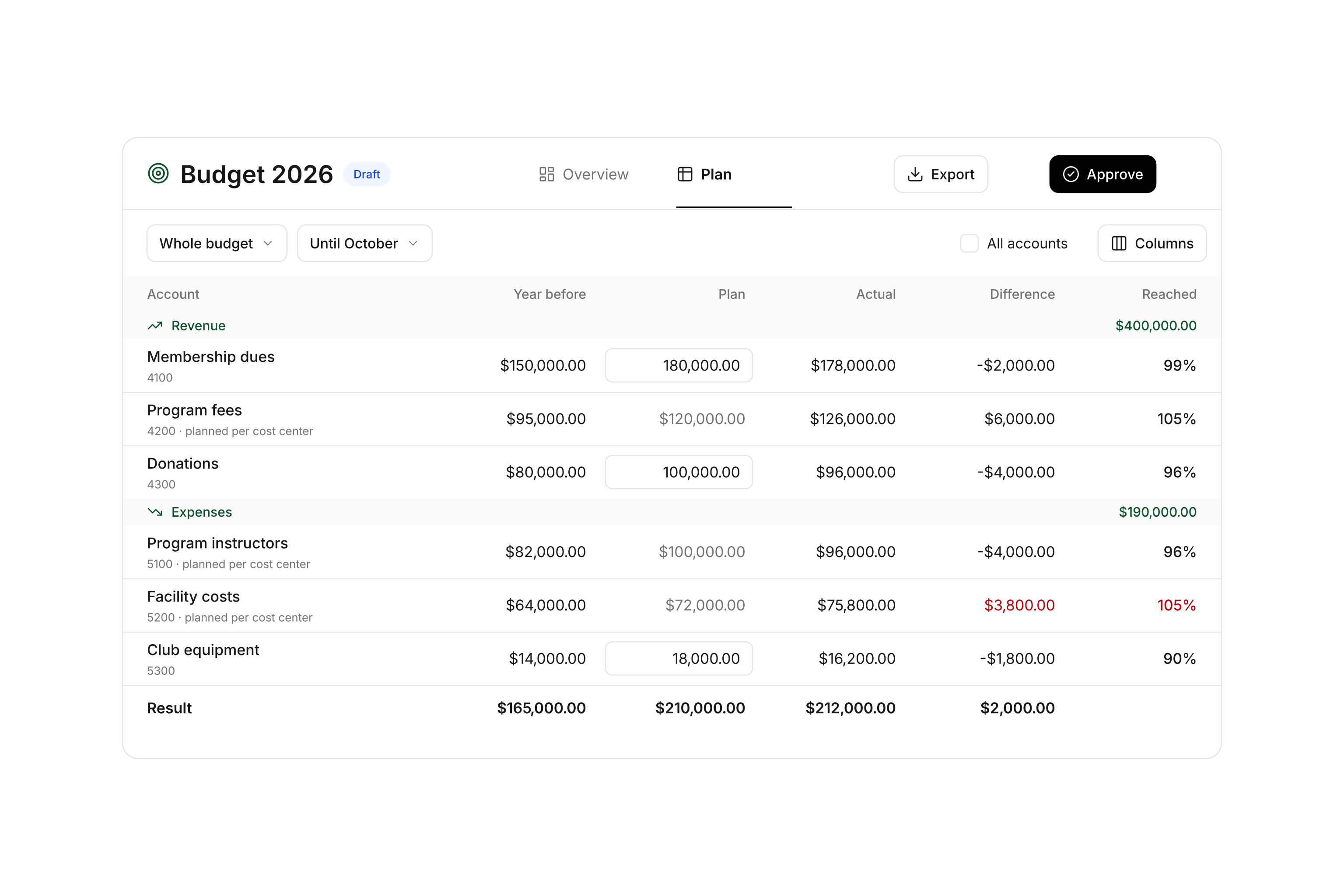
Build your plan from a useful starting point
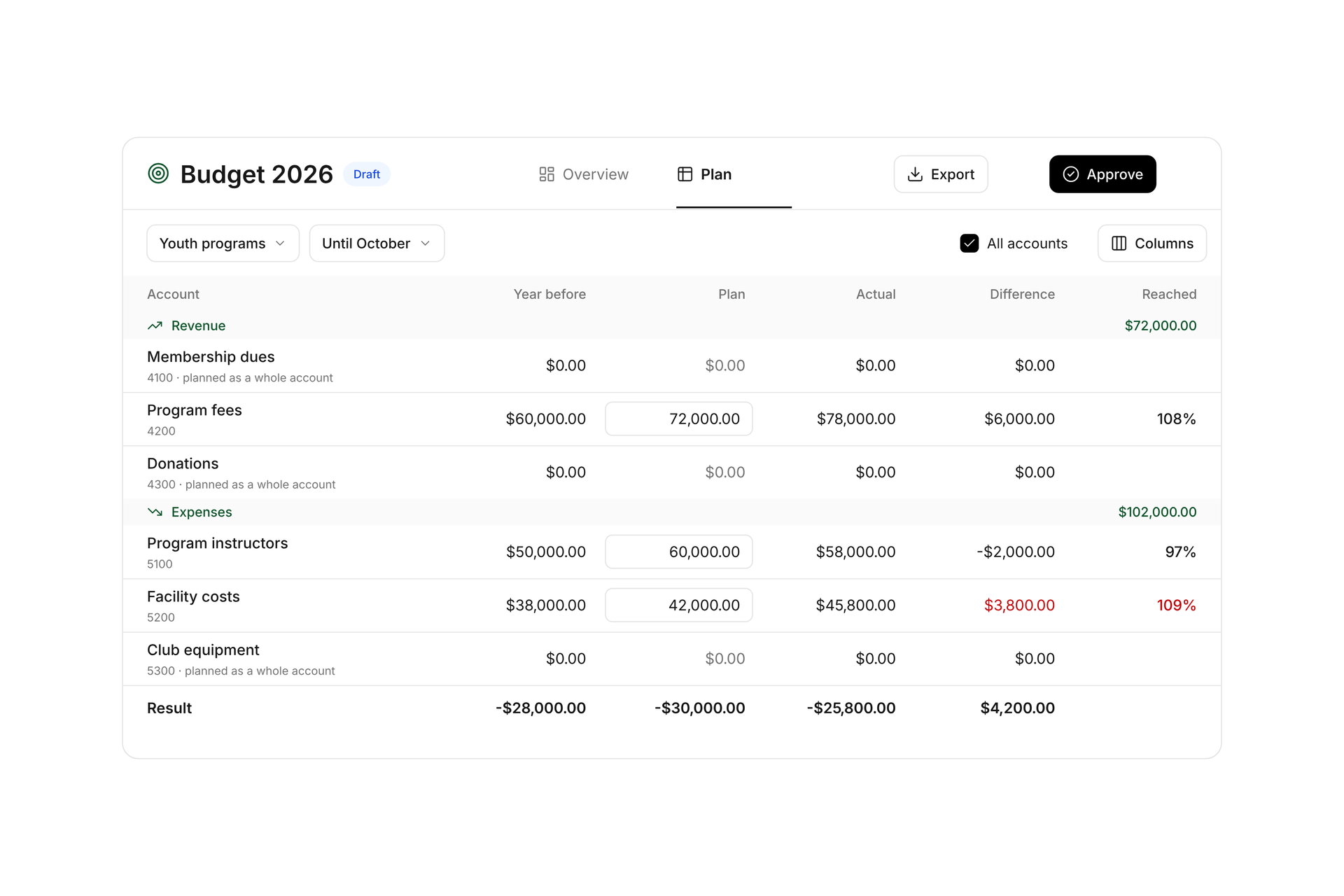
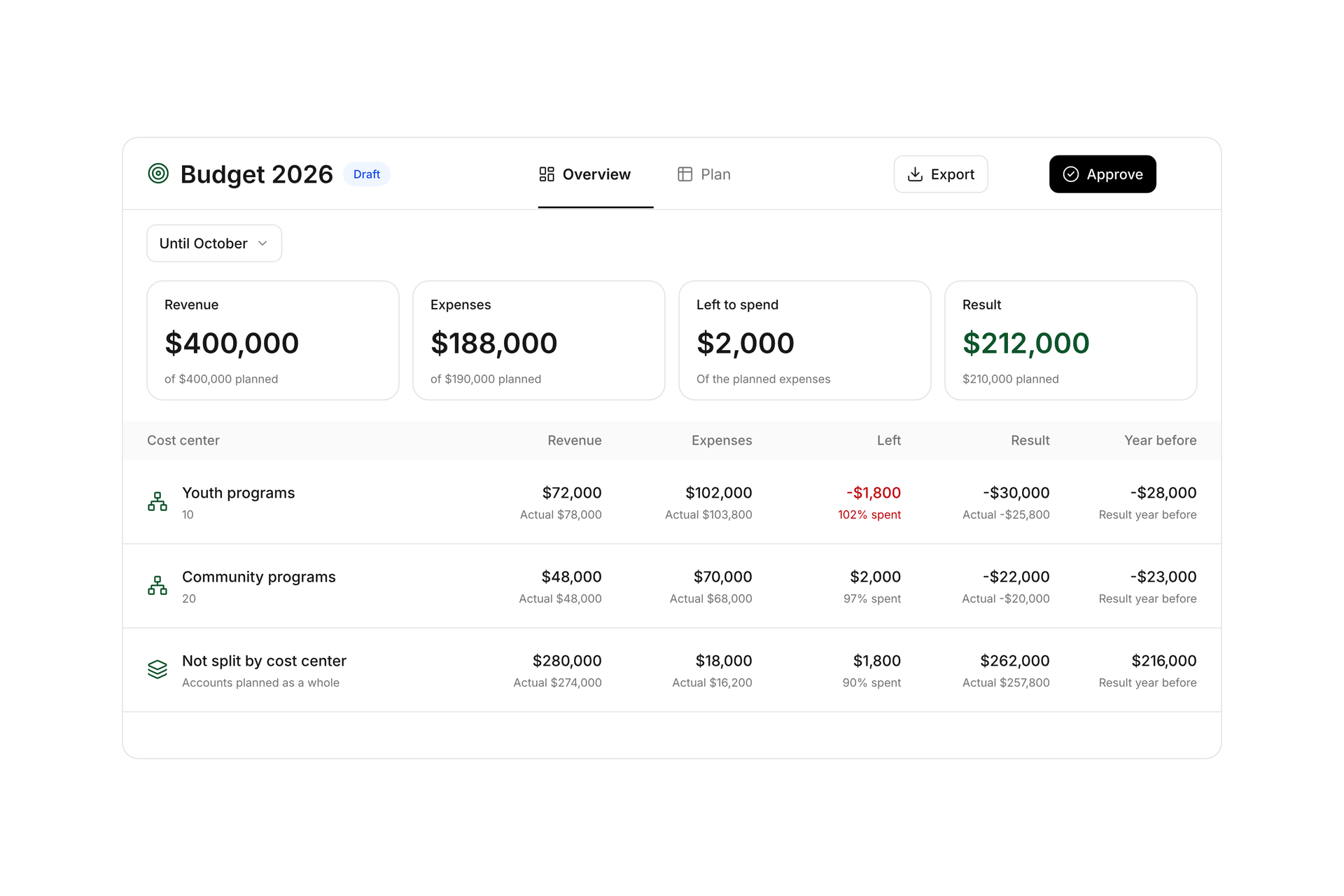
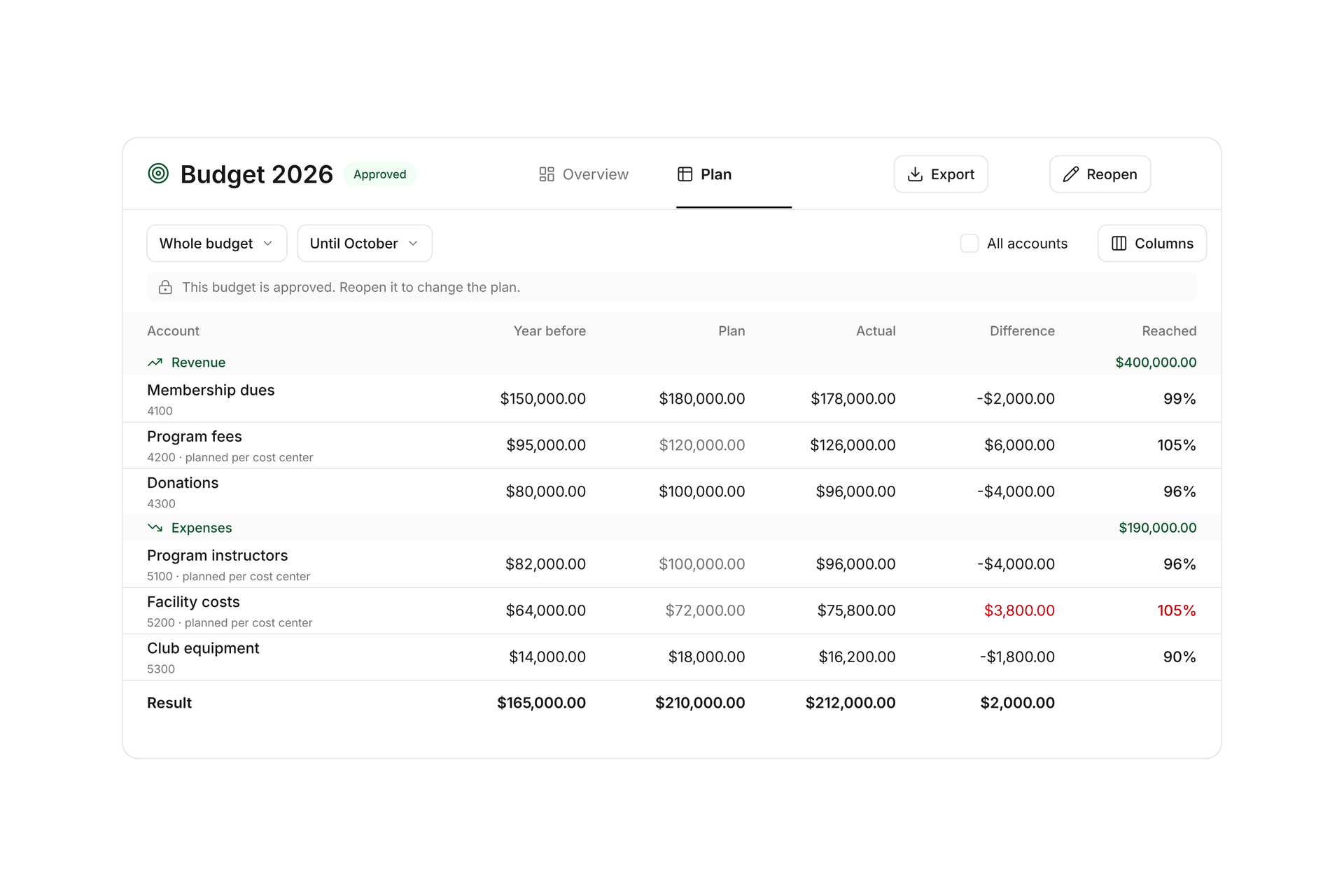
Open Budgets under Finance and Accounting to create a plan for your fiscal year. Start with an empty plan, use the prior year’s accounting entries rounded to whole amounts, or copy the prior year’s budget. The period follows your organization’s fiscal start month. Each workspace has one budget per fiscal year.
Enter annual amounts for revenue and expense accounts. Changes save when you press Enter or leave the field. Hide columns you do not need, or select All accounts to include accounts with no plan or accounting entries.