Skip to content

Make tennis and padel courts easy to book

Offer available court time while keeping team practices and maintenance on the same schedule. Set the duration, booking window, and rates that fit each court.

Offer spaces and equipment

Set bookable times for each court

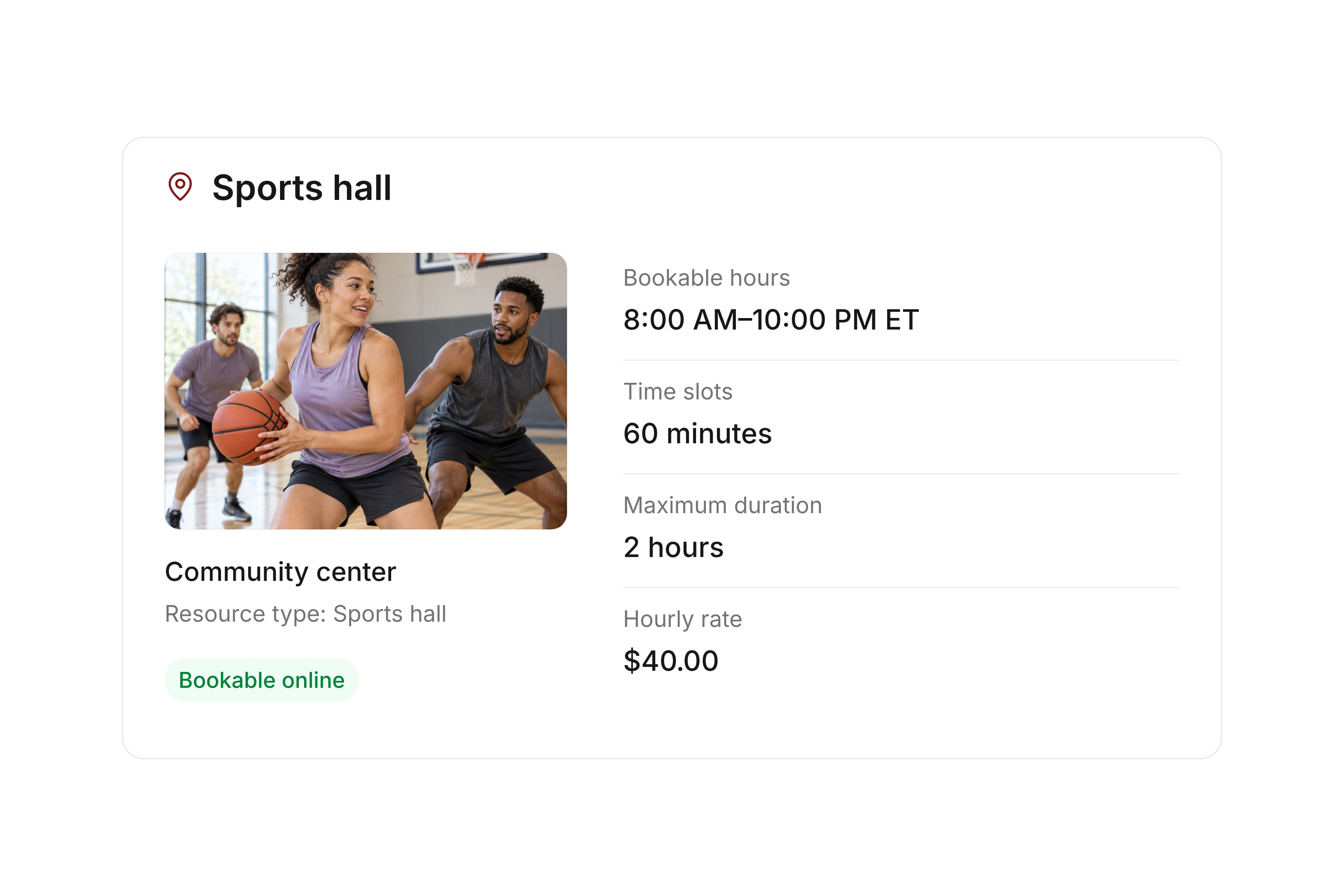
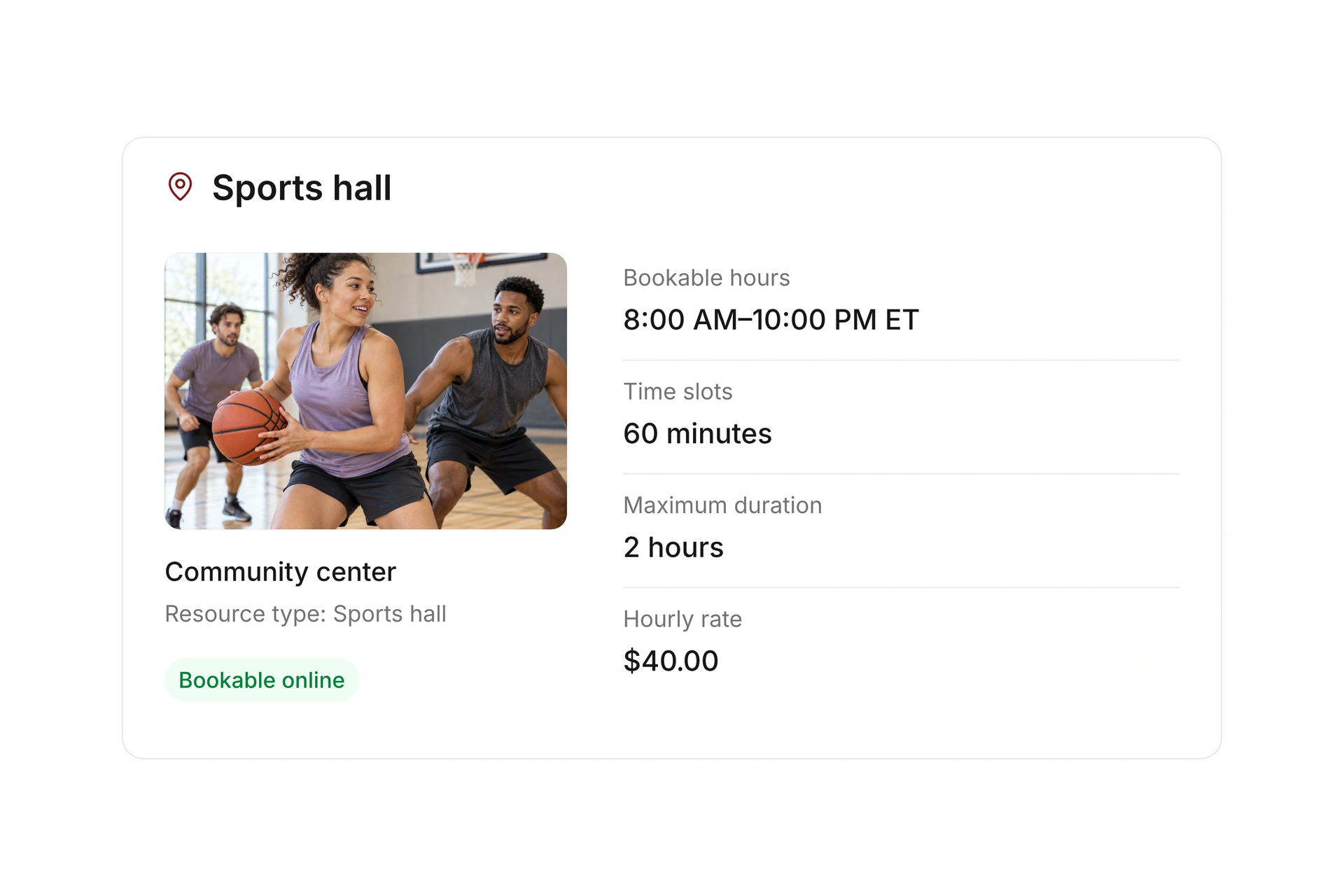
Create courts as resources with a location and type. Configure opening hours, slot length, advance booking rules, and maximum duration. Use longer blocks when the offer needs them.

Test the actual combinations your players will book, such as a one-hour tennis session or a longer padel reservation. Check the last available start time as well as the full booking price.
Set bookable times for each court

Reserve practices and block maintenance

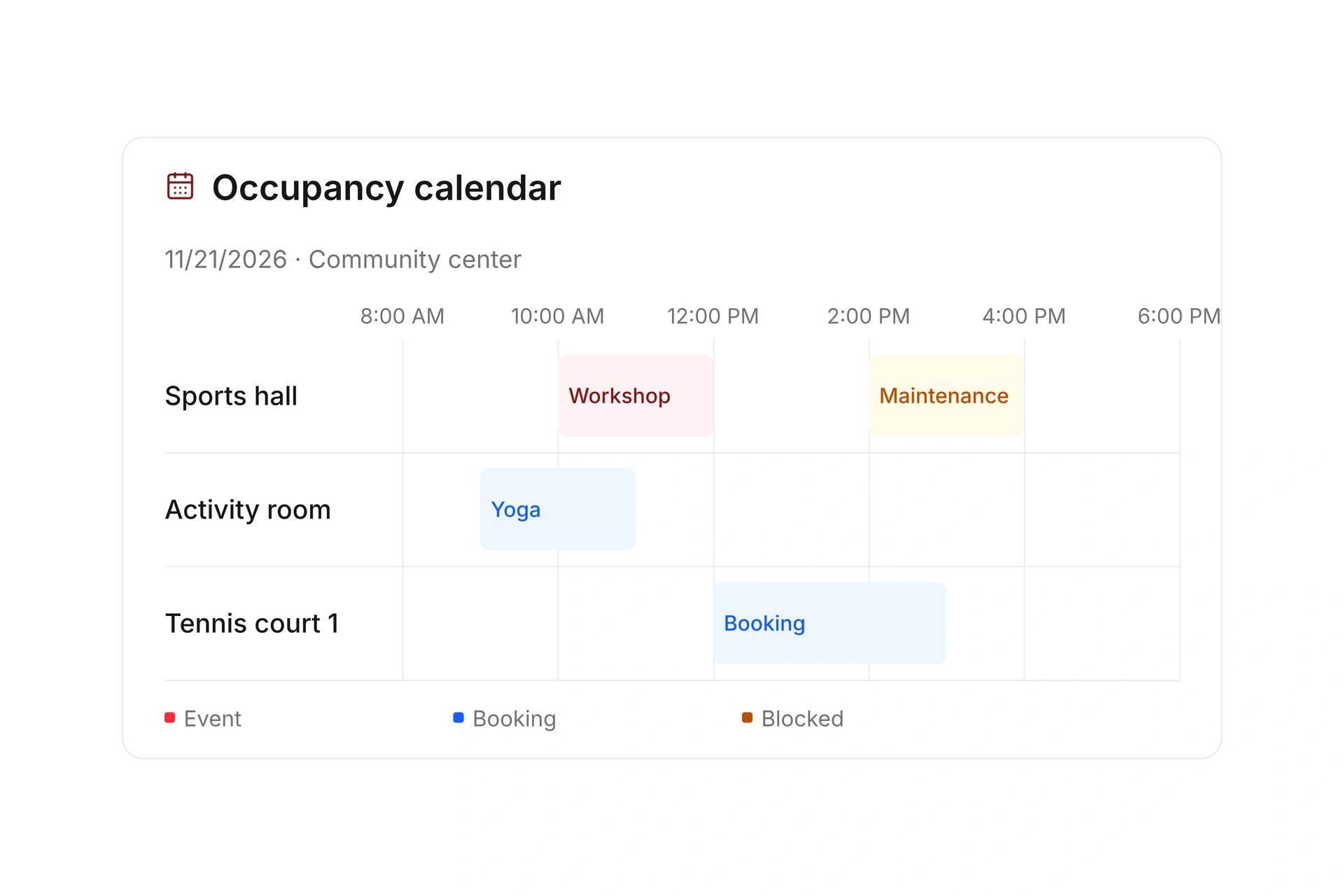
Keep public reservations, internal practices, and court maintenance in the occupancy plan. Compare multiple courts on a timeline or open a single court’s calendar.

For a weather closure, review existing reservations and agree on replacement times or cancellations. Assign responsibility for updating the plan and notifying affected players.

Reserve practices and block maintenance

Track court fees and refunds

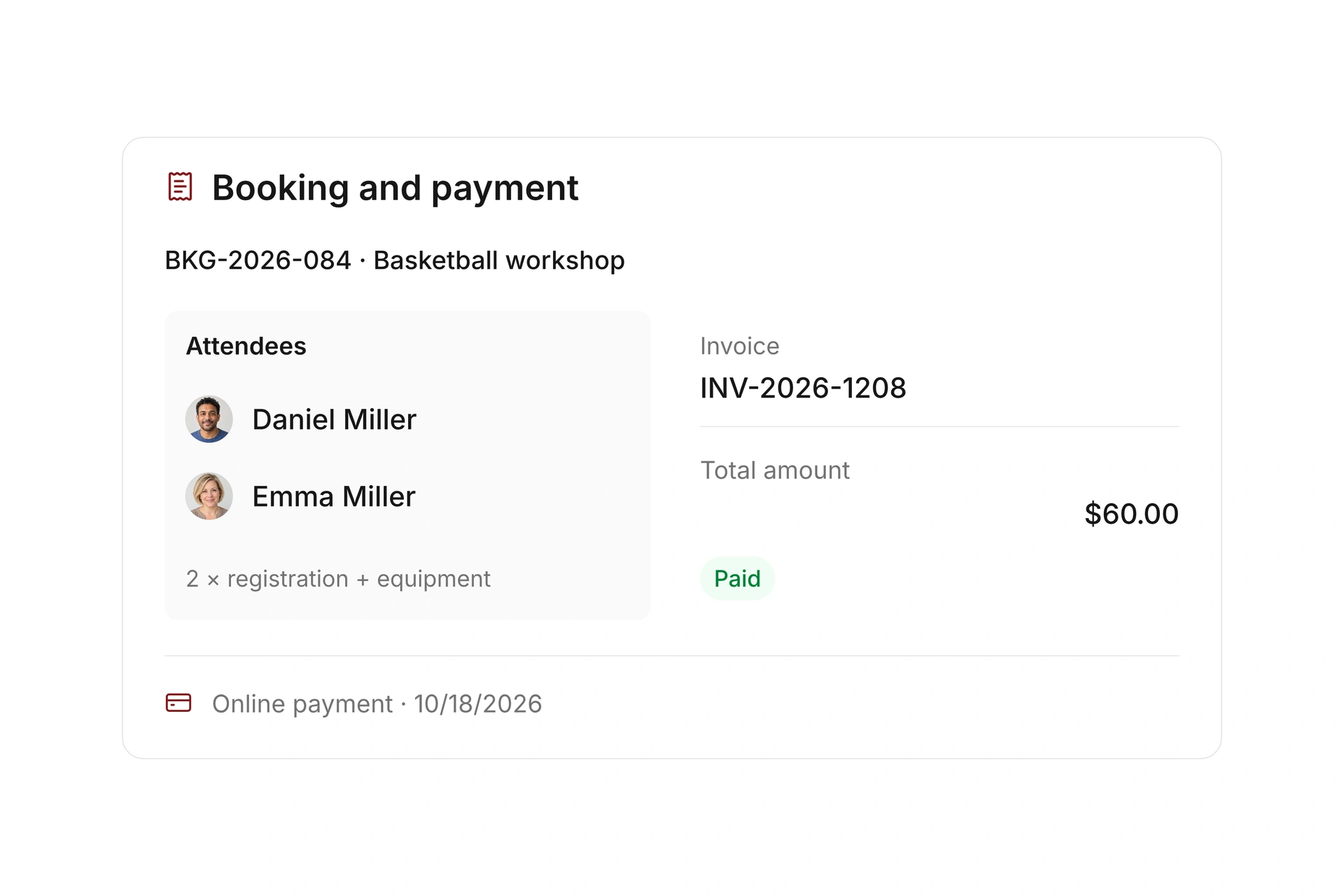
Set rates and optional services for paid reservations. Configure the payment requirements and cancellation rules, then review the invoice and payment status linked to each booking.

After a cancellation, check the refund and the court’s availability. Resource check-in records can support your handoff process, but do not by themselves control lights or doors.

Track court fees and refunds

Prepare 60-minute tennis and 90-minute padel bookings

Use these sample durations to check that booking length, reserved time, and price agree for each court. The example practice and maintenance times below use Eastern Time (ET); use your facility’s time zone when setting up its actual schedule.

SituationPlanning exampleCheck before opening bookings
Open tennis60 minutes on Outdoor Court 1Do start times, maximum duration, and the price agree?
Padel session90 minutes on Court 2Can the full duration be booked, including at the end of the day?
Youth practiceWednesday, 5:00–7:00 PM ET, internal useIs the entire practice reserved on the correct court?
Court maintenanceTuesday, 8:00–10:00 AM ET, closed to bookingsHave the closure and existing reservations been reviewed?
CancellationA booked session cannot take placeWhich cancellation rule applies, and is a refund needed?

Open the first week of court reservations

  1. Enter fixed reservations first

    Add practices, internal events, and known maintenance before public booking starts. Compare each court with the current plan.

  2. Try two booking lengths

    Test a standard slot and a longer block. Check start and end times near closing and the total fee.

  3. Handle a weather cancellation

    Use a test booking to review closure, communication, and refund steps. Then check public availability and the affected reservation.

What does the booking system cost?

Class and event registration, equipment lending, and space bookings are included in campai’s core features. US pricing is $40 per month plus $0.20 per active member.

Payment processing and optional services are billed separately. The US pricing page explains the calculator and additional charges; your quote confirms applicable taxes and services.

Explore US pricing and payment fees

Start with your own offer

Create a resource during the free 14-day trial. Add existing reservations and test booking times, rates, pickup, and return with your team.

Use a consultation to review migration and setup needs. Assisted setup and training are optional paid services.

Plan setup and migration

Frequently asked questions

How do I reserve courts for team practice?

Add an internal reservation and review it in the occupancy calendar. If practice is also managed as a class, create the event and check its associated resource reservation.

Can different courts have different booking durations?

You can configure resource booking times and offers for the court’s use. Test slot length, maximum duration, and the final booking of the day before publishing.

How do I handle a weather closure?

Block the affected period and review existing bookings. Agree on replacement times, messages, and any refunds, and identify who is responsible for each action.

Can players book from our club website?

Yes. Share a public booking URL or embed a resource view when your website permits the code.

Does court booking control lights or doors?

The workflow here covers availability, reservations, and billing. If automatic lighting or access control is required, discuss the specific hardware and a possible integration before rollout. Resource check-in alone does not open a door.

Review your court booking rules

Bring your court rules, practice schedule, fees, and closure process. We’ll use them to review a tennis or padel booking offer.

Explore on your own. Get personal help when you need it.