Skip to content

Understand how your spaces and equipment are used

Look beyond the number of occupied hours. Compare public bookings, internal reservations, closures, and recorded check-ins before changing your facility schedule.

Analyze demand and resource use

Separate demand from blocked time

Review resource use over time and compare reservation types and statuses. Public bookings, internal reservations, and closures answer different questions about availability.

Choose a period and resource set that match your decision. Document unusual closures or program changes so you can interpret the results.
Separate demand from blocked time

Investigate busy periods in the calendar

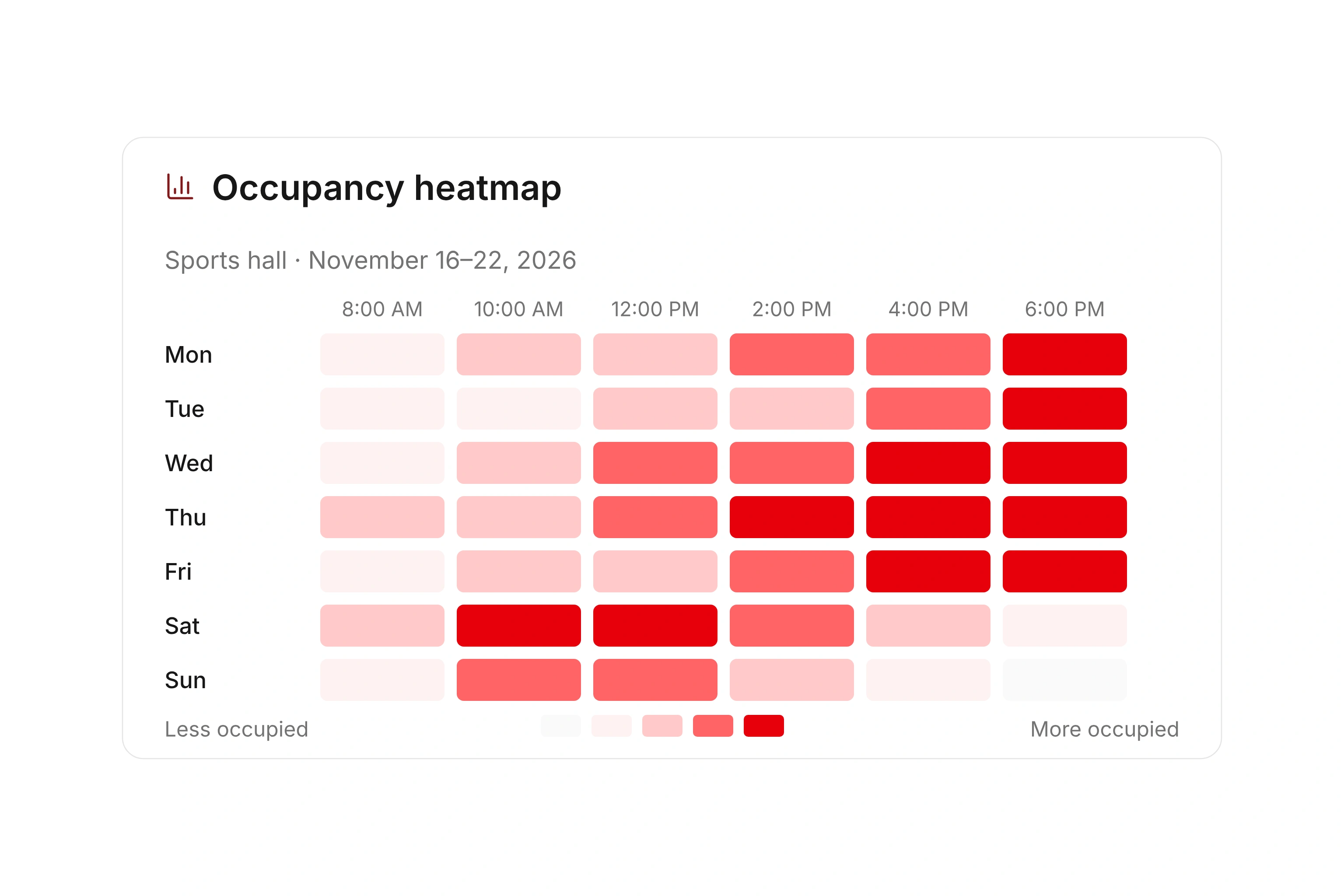
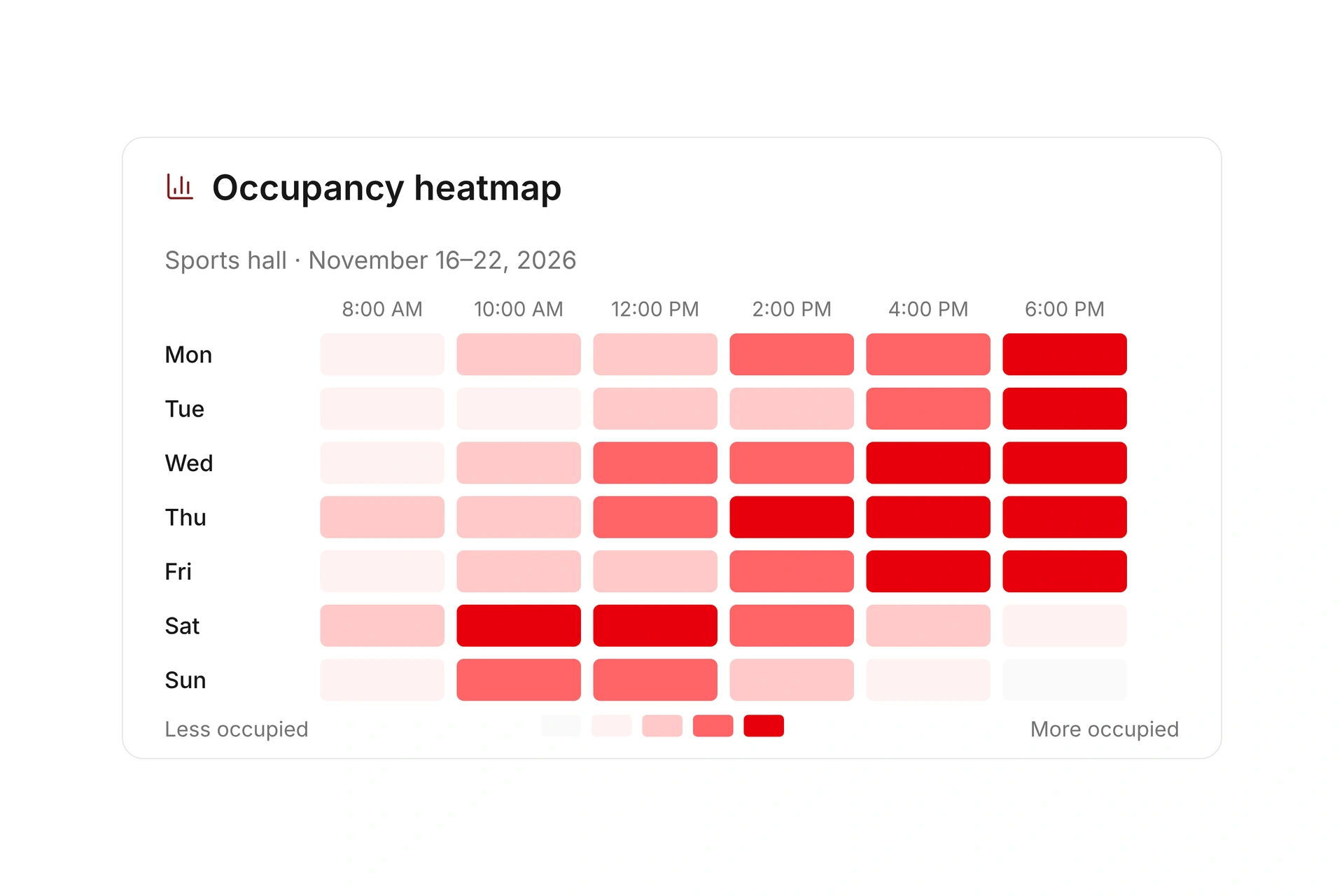
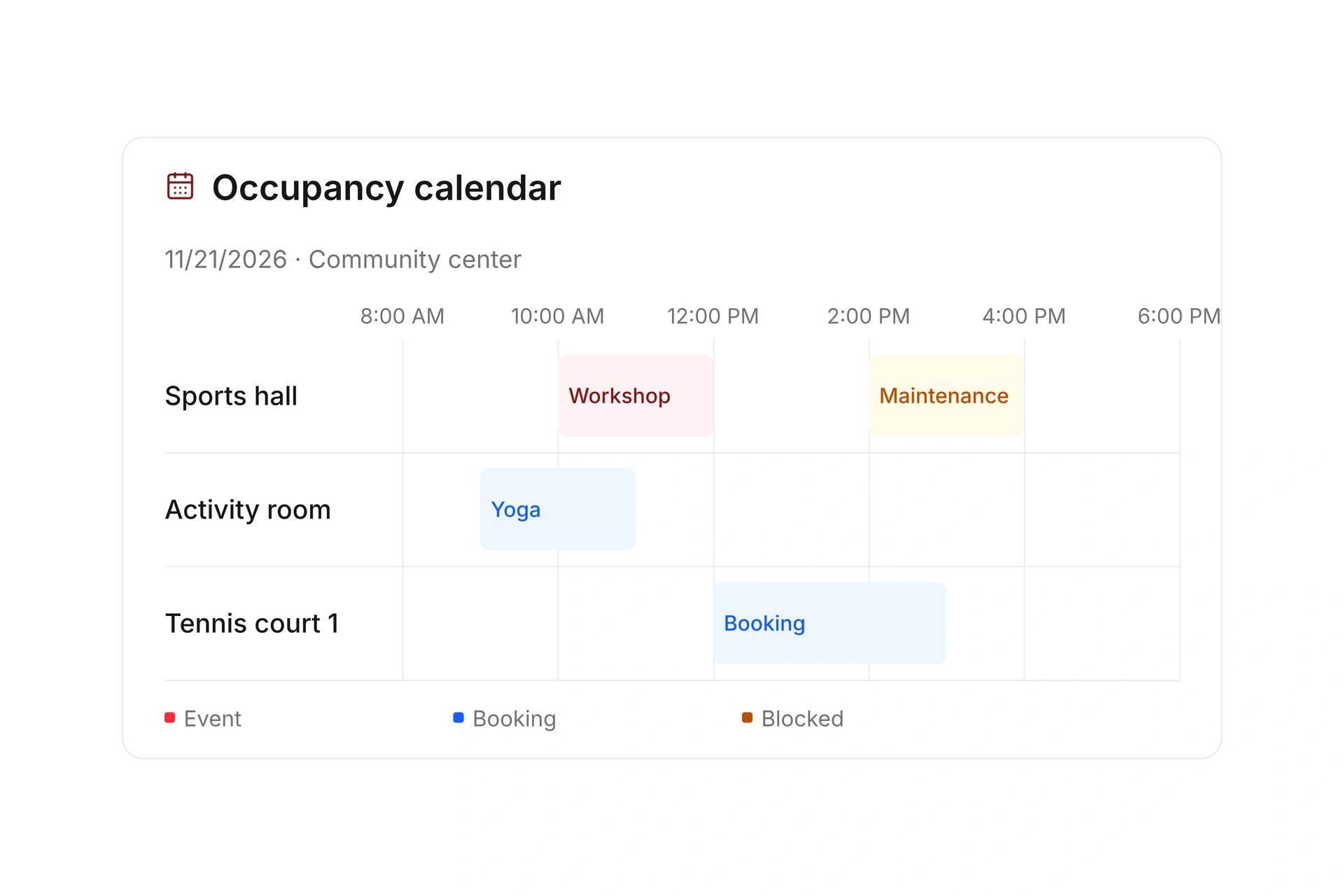
Use the utilization heatmap to identify patterns, then inspect the actual reservations in the occupancy plan. Filter by location and review the times relevant to your programs.

Compare like-for-like availability. A full evening schedule and unused weekday mornings may point to a timing issue rather than a need for more space overall.

Investigate busy periods in the calendar

Use recorded activity to inform the next plan

Check-in activity and completed visit durations add evidence of recorded use. Review missing or incomplete entries before drawing conclusions about attendance or facility demand.

Try a specific schedule change for an agreed period, then compare the same measures again. Ask the responsible staff about practical constraints that the booking totals cannot explain.

Use recorded activity to inform the next plan

Calculate an occupancy rate you can explain

Planning example: a gym has 40 scheduled opening hours, including four hours closed for maintenance. That leaves 36 usable hours. Public bookings take 18 hours and internal reservations take six. These manual calculations explain the planning method, not a campai widget’s formula.

MeasureExample calculationMeaning
Usable time40 − 4 = 36 hoursThe following rates use this available time as their denominator.
Public bookings18 ÷ 36 = 50%Half the usable time is booked publicly.
Total planned use(18 + 6) ÷ 36 ≈ 66.7%Public bookings and internal reservations occupy about two-thirds of usable time.
Unreserved time36 − 18 − 6 = 12 hoursCheck whether these hours suit the intended programs.
Recorded useReview check-in activity separately.Planned occupancy alone does not establish actual attendance.

Use a report to test a specific schedule change

  1. Choose the question

    For example, does the club need another evening slot, or are available hours on the wrong days? Select the relevant facilities and period.

  2. Inspect the underlying reservations

    Review reservation types behind busy periods. Investigate incomplete check-ins and note exceptions such as school breaks or repairs.

  3. Try one change for a defined period

    Agree on a new public slot or an internal schedule change. Compare the same measures afterward and include feedback from the responsible staff.

What does the booking system cost?

Class and event registration, equipment lending, and space bookings are included in campai’s core features. US pricing is $40 per month plus $0.20 per active member.

Payment processing and optional services are billed separately. The US pricing page explains the calculator and additional charges; your quote confirms applicable taxes and services.

Explore US pricing and payment fees

Start with your own offer

Create a resource during the free 14-day trial. Add existing reservations and test booking times, rates, pickup, and return with your team.

Use a consultation to review migration and setup needs. Assisted setup and training are optional paid services.

Plan setup and migration

Frequently asked questions

Does a reserved hour mean the facility was used?

No. A reservation records planned occupancy. Check-ins and completed visit durations add recorded activity, but incomplete records cannot establish complete actual use.

Which resource reports are available?

You can review utilization over time, the reservation mix, a utilization heatmap, and check-in activity. Select the resource types and period that fit your question.

How should I compare two facilities?

Compare suitable periods and account for opening hours and closures. Check whether both spaces can serve the same programs. Total occupancy alone does not show whether the required time slots are available.

How do I calculate an occupancy rate?

Choose which reservation types to count, then divide occupied hours by available hours for the period. Document how you treat closures and internal reservations. The planning example on this page explains that method without claiming it is a campai widget’s formula.

Explore your facility reports

Bring a question about scarce evening slots or underused rooms. We’ll identify the views and records that can help you investigate it.

Explore on your own. Get personal help when you need it.