Skip to content

Organize equipment reservations and returns

Reserve equipment for the people who need it and plan when it will be available again. Keep accessories, maintenance, and return arrangements in view before confirming the next loan.

Offer spaces and equipment

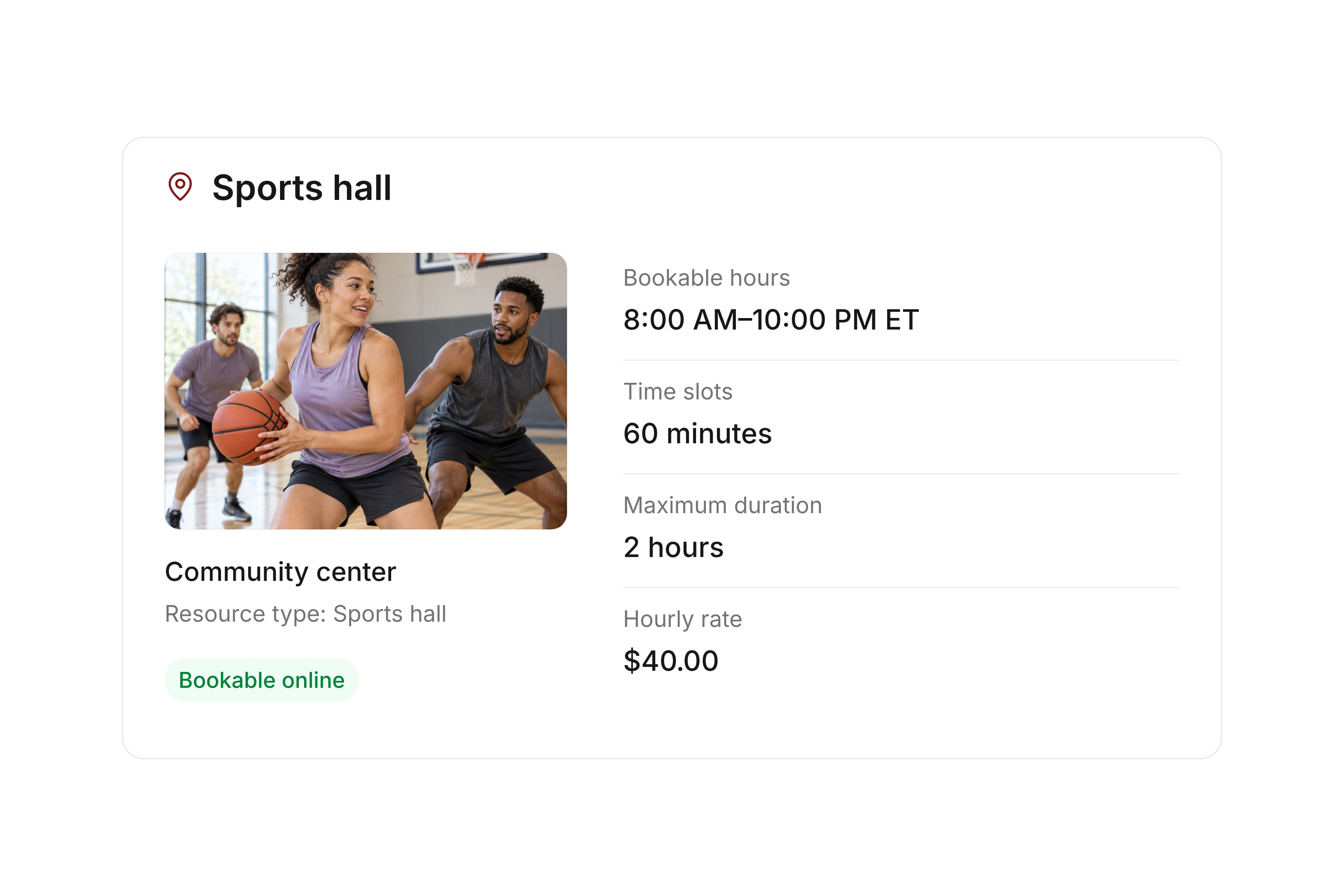
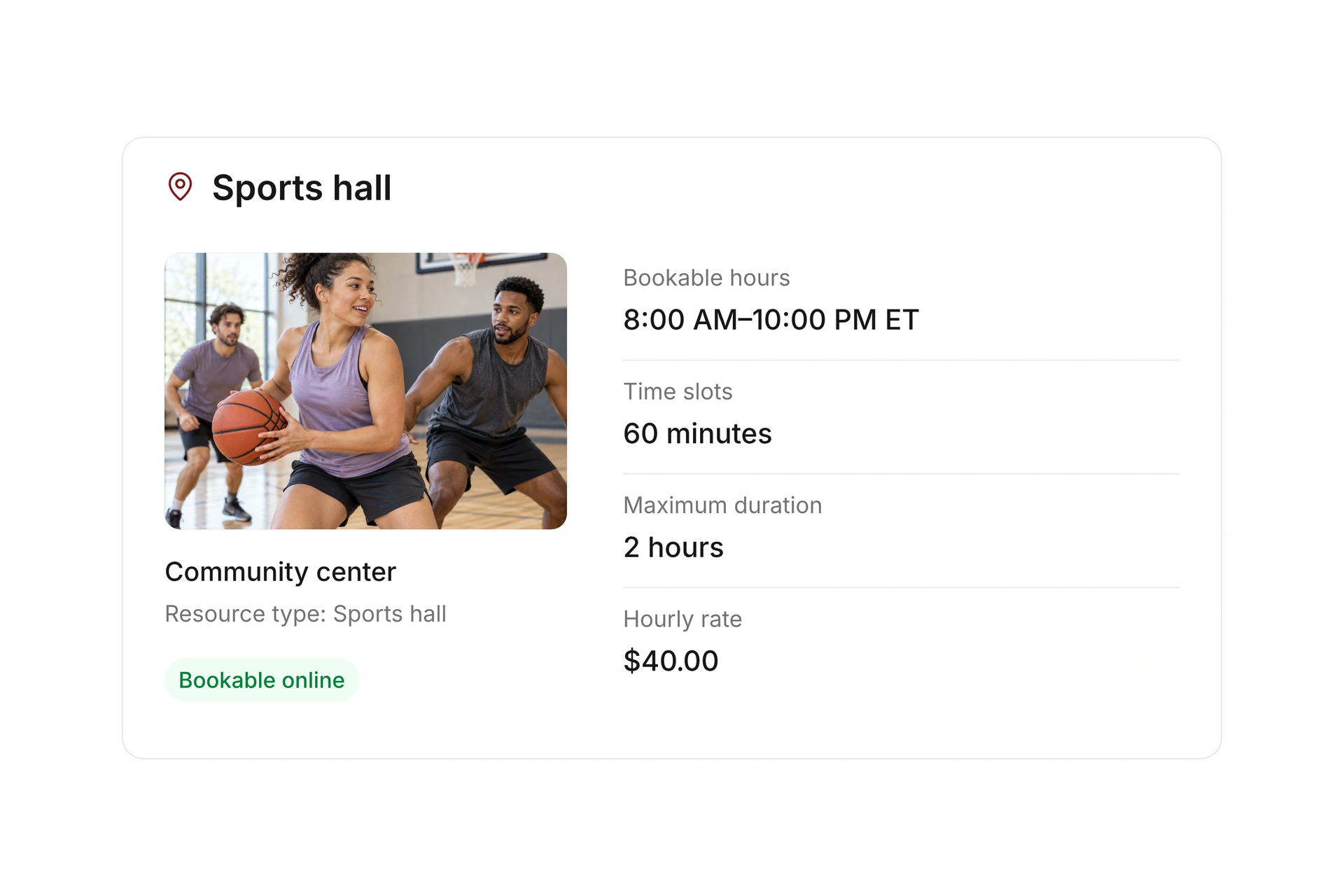
Organize bookable equipment by location and type

Create equipment as resources with a type, location, and available quantity. Decide whether you need to identify each item or manage a quantity of interchangeable items.

Use internal bookings for your own teams, or enable a public rental offer. Set booking windows and duration to match the way equipment is collected and returned.
Organize bookable equipment by location and type

Include accessories and maintenance time

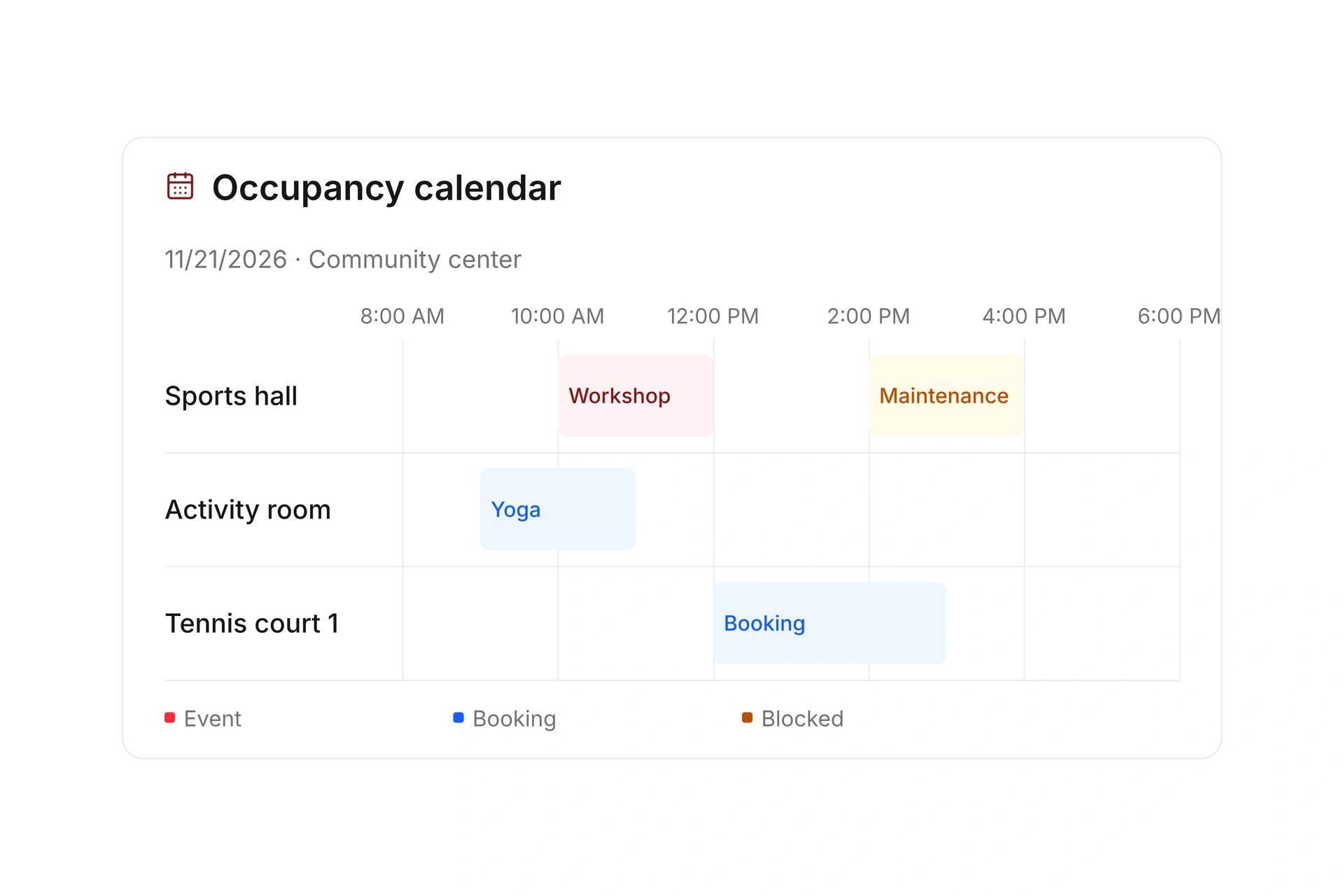
Attach required accessories as additional resources and check their availability with the main item. Keep maintenance and other unavailable periods in the occupancy plan.

Allow time to inspect a return before the next loan. If equipment is late or damaged, review upcoming reservations, block unavailable time, and contact affected borrowers.

Include accessories and maintenance time

Track handoffs and rental charges

Resource check-in can record an extra identifier, with check-out documented separately. Agree on who checks the item, accessories, and condition during the physical handoff.

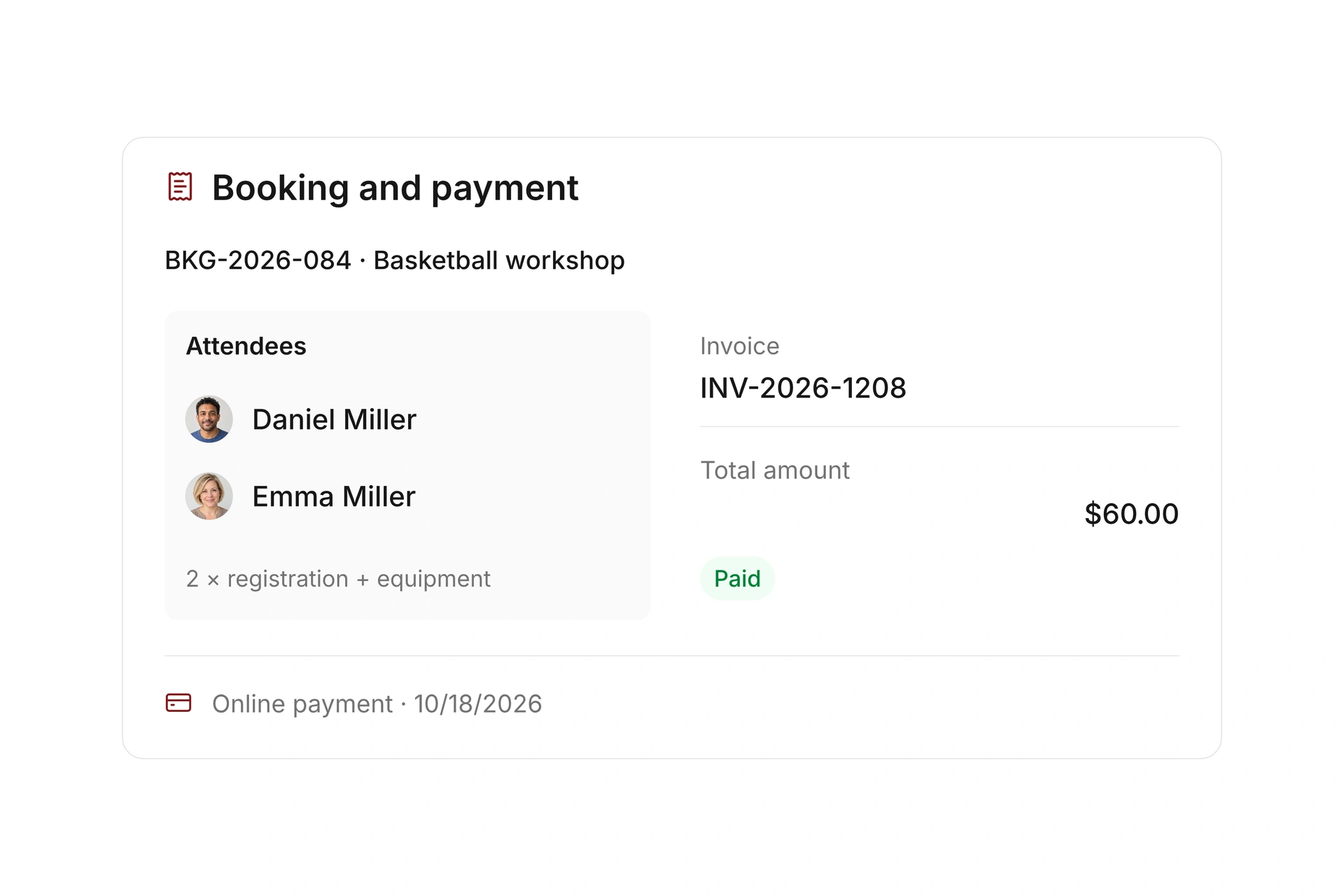
For paid rentals, configure rates, payment requirements, and refund rules. Review the invoice and payment status at the booking and keep condition checks within your team’s return process.

Track handoffs and rental charges

Lend a projector and accessories to two groups

Example: a youth group needs a projector on Friday and a workshop needs it on Saturday. Confirm the return time and allow an inspection before promising the complete set to the second group.

Part of the loanPrepareCheck on return
ProjectorClear item name or ID and reservation periodIs the correct unit back and ready to use?
AccessoriesAttach the required resourcesAre the agreed parts complete?
Pickup and returnResponsible person and handoff timesIs there time to inspect the set before the next loan?
Maintenance or damageBlock unavailable timeWhich upcoming reservation needs an alternative?
Rental feeRate and payment requirementsHave payment and any refund been resolved?

Turn an equipment list into a workable loan process

  1. Start with a frequently used item

    Record the projector, accessories, and location. Decide whether each unit needs its own identity or a shared quantity is sufficient.

  2. Plan consecutive loans

    Reserve the complete period, including the handoff. Check when the equipment can actually be ready for the second group.

  3. Try a missed-return scenario

    Review the next reservation and arrange an alternative. Decide who updates the booking and informs the affected group.

What does the booking system cost?

Class and event registration, equipment lending, and space bookings are included in campai’s core features. US pricing is $40 per month plus $0.20 per active member.

Payment processing and optional services are billed separately. The US pricing page explains the calculator and additional charges; your quote confirms applicable taxes and services.

Explore US pricing and payment fees

Start with your own offer

Create a resource during the free 14-day trial. Add existing reservations and test booking times, rates, pickup, and return with your team.

Use a consultation to review migration and setup needs. Assisted setup and training are optional paid services.

Plan setup and migration

Frequently asked questions

Is equipment rental the same as inventory management?

This workflow covers bookable equipment, availability, reservations, and return arrangements. Procurement, depreciation, inspections, or warehouse requirements should be evaluated separately.

Can I reserve equipment only for internal use?

Yes. You can create internal resource bookings and reservations without offering the equipment publicly.

Can I include required accessories?

Yes. Attach additional resources to the offer and specify whether they are required. Test their availability and cancellation with the main item.

What if equipment comes back late or damaged?

Check upcoming reservations and coordinate with the responsible person. Block maintenance time when needed and arrange alternatives for affected borrowers. Your handoff process determines condition checks and follow-up.

Is there a checkout sheet I can use to prepare?

Yes. Download the blank equipment checkout CSV for item IDs, quantities, dates, handoffs, returns, and condition. Maintain ongoing booking changes in campai after setup.

Plan your equipment lending workflow

Bring an equipment list and a typical loan with accessories and return arrangements. We’ll review the resource and its next reservation.

Explore on your own. Get personal help when you need it.