Skip to content

Manage clubhouse and meeting room reservations

Coordinate room availability with the time people need for setup and cleanup. Keep internal meetings, public rentals, extra rooms, and equipment in the same booking workflow.

Offer spaces and equipment

Offer rooms for the right length of time

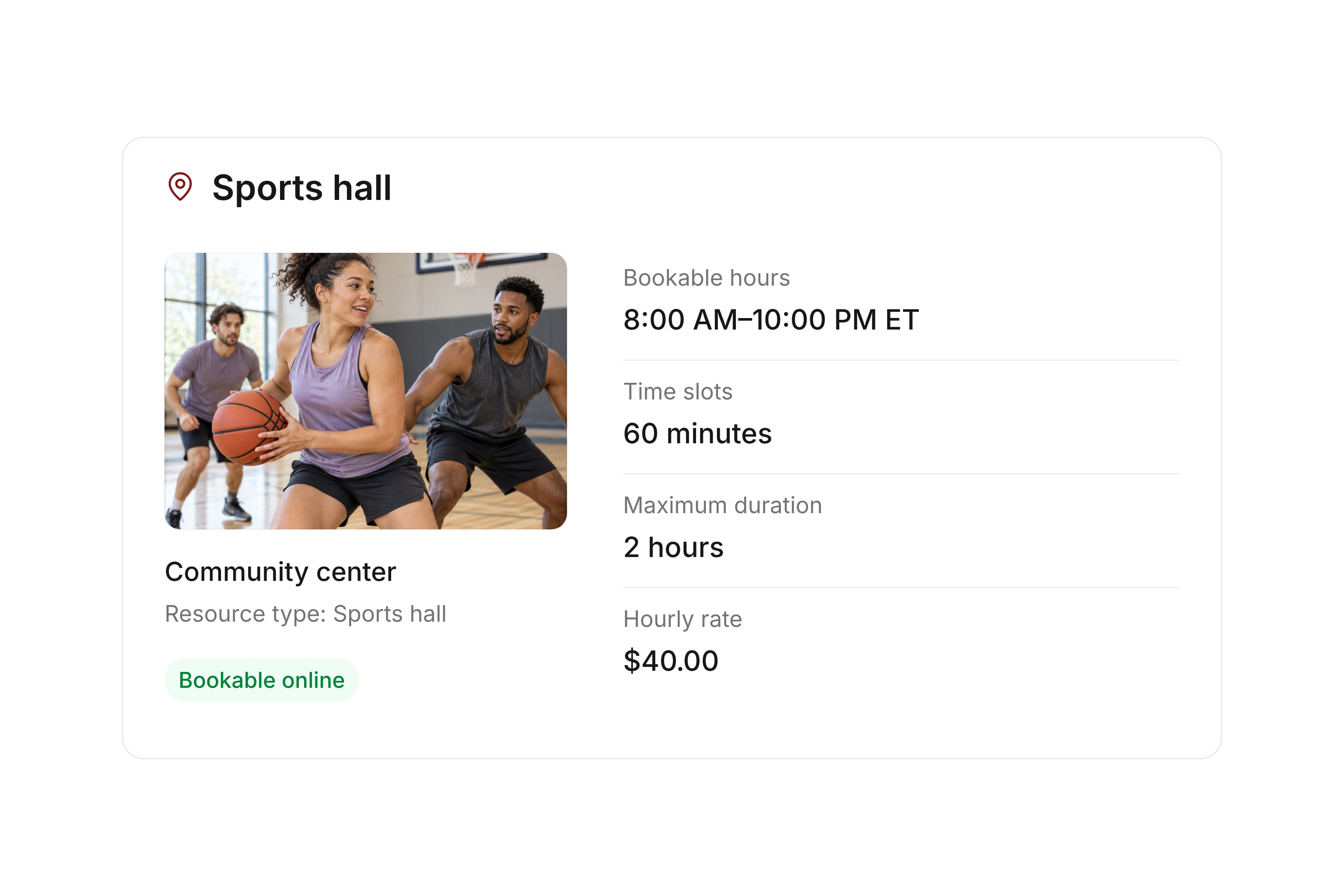
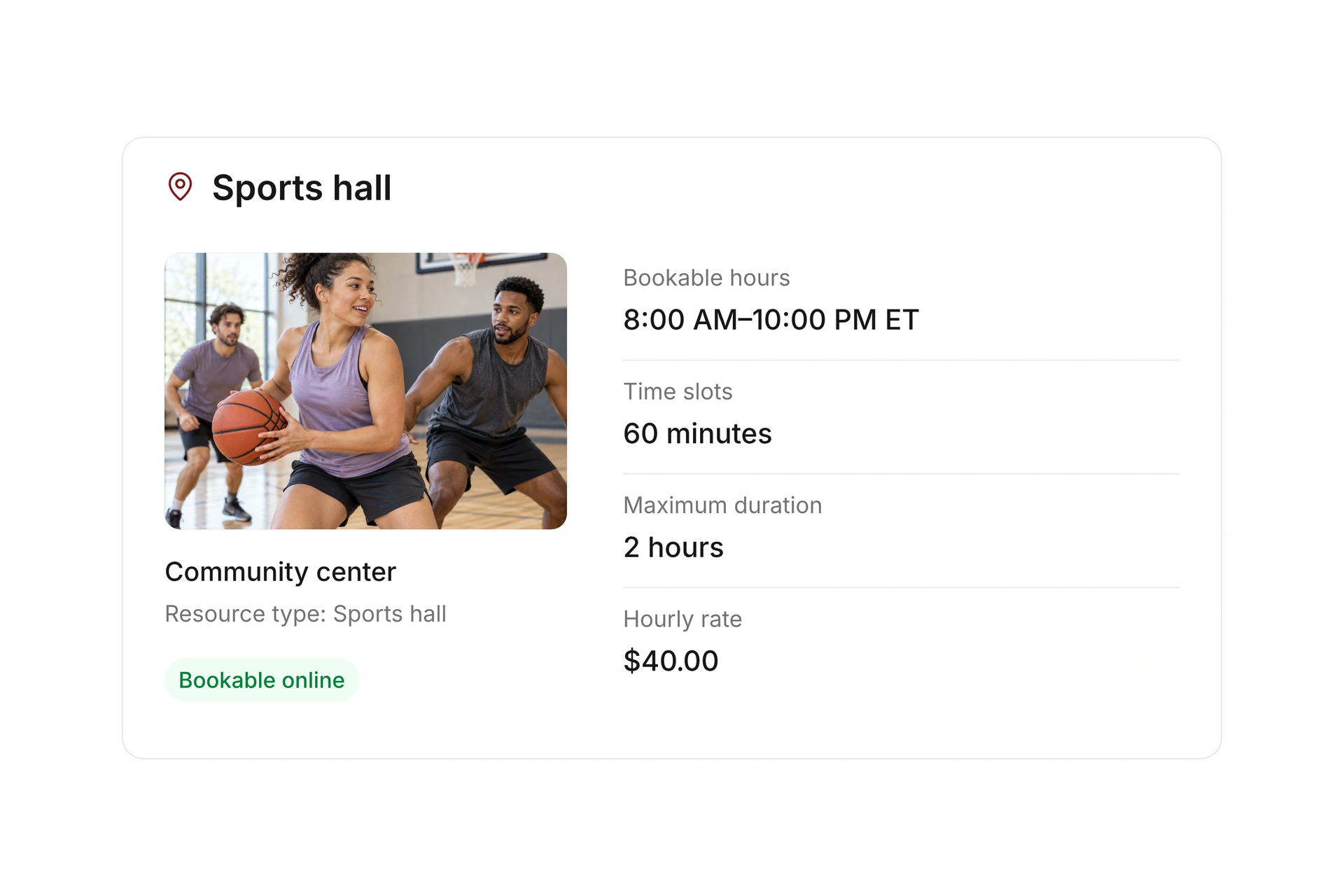
Create a room as a resource and define its opening hours, booking slots, and longer rental blocks. Keep internal reservations alongside public availability.

Plan the full period the renter needs, including setup and cleanup. Decide which time is covered by the public booking and which time you reserve or block internally.
Offer rooms for the right length of time

Include side rooms and equipment

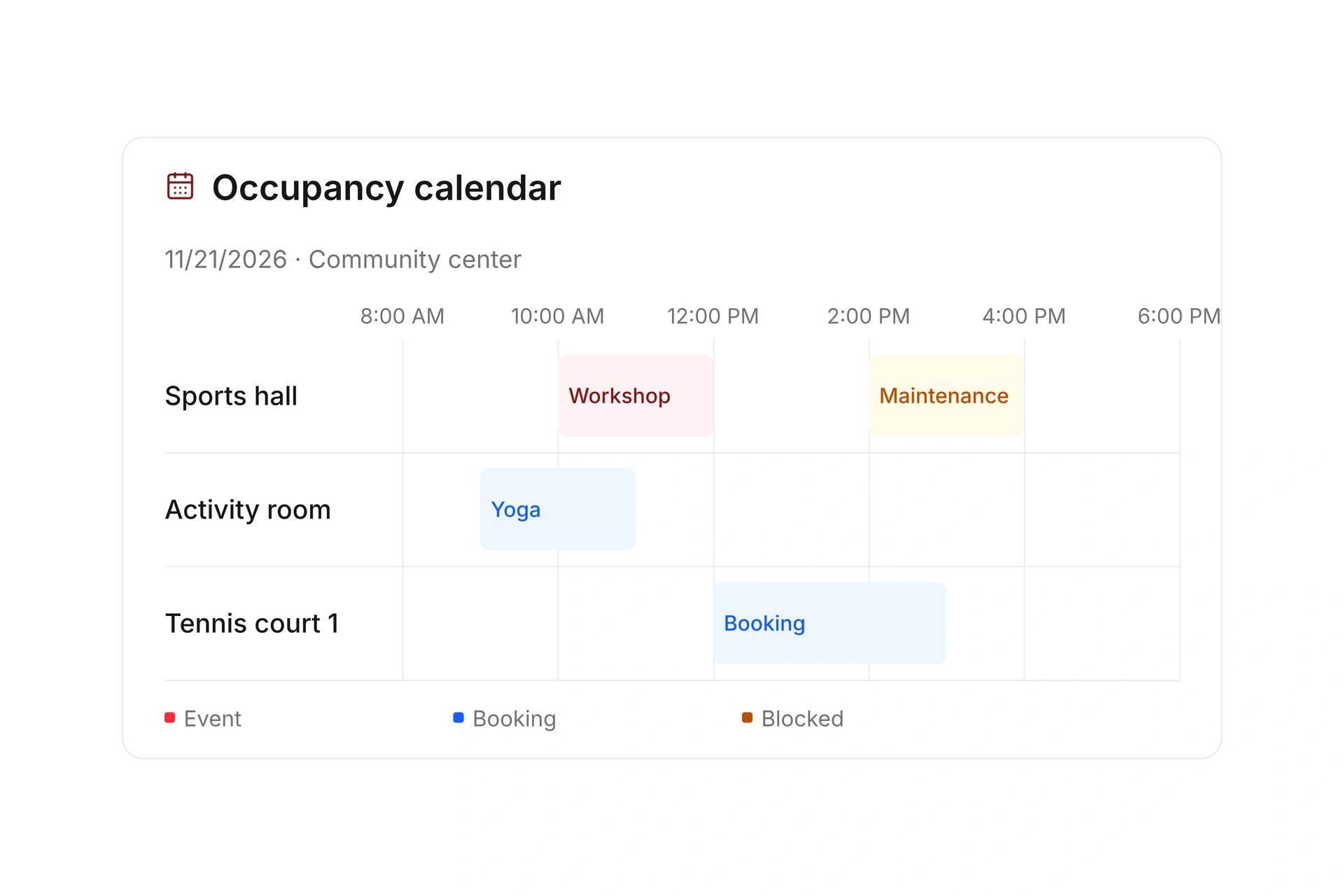
Attach additional resources when a rental needs another room or equipment. Specify whether those resources are required and review their occupancy along with the main room.

Test a change and a cancellation across the linked resources. Two adjoining rooms are only a useful combined offer if your team checks that both are available for the full period.

Include side rooms and equipment

Follow rental payments and key handoffs

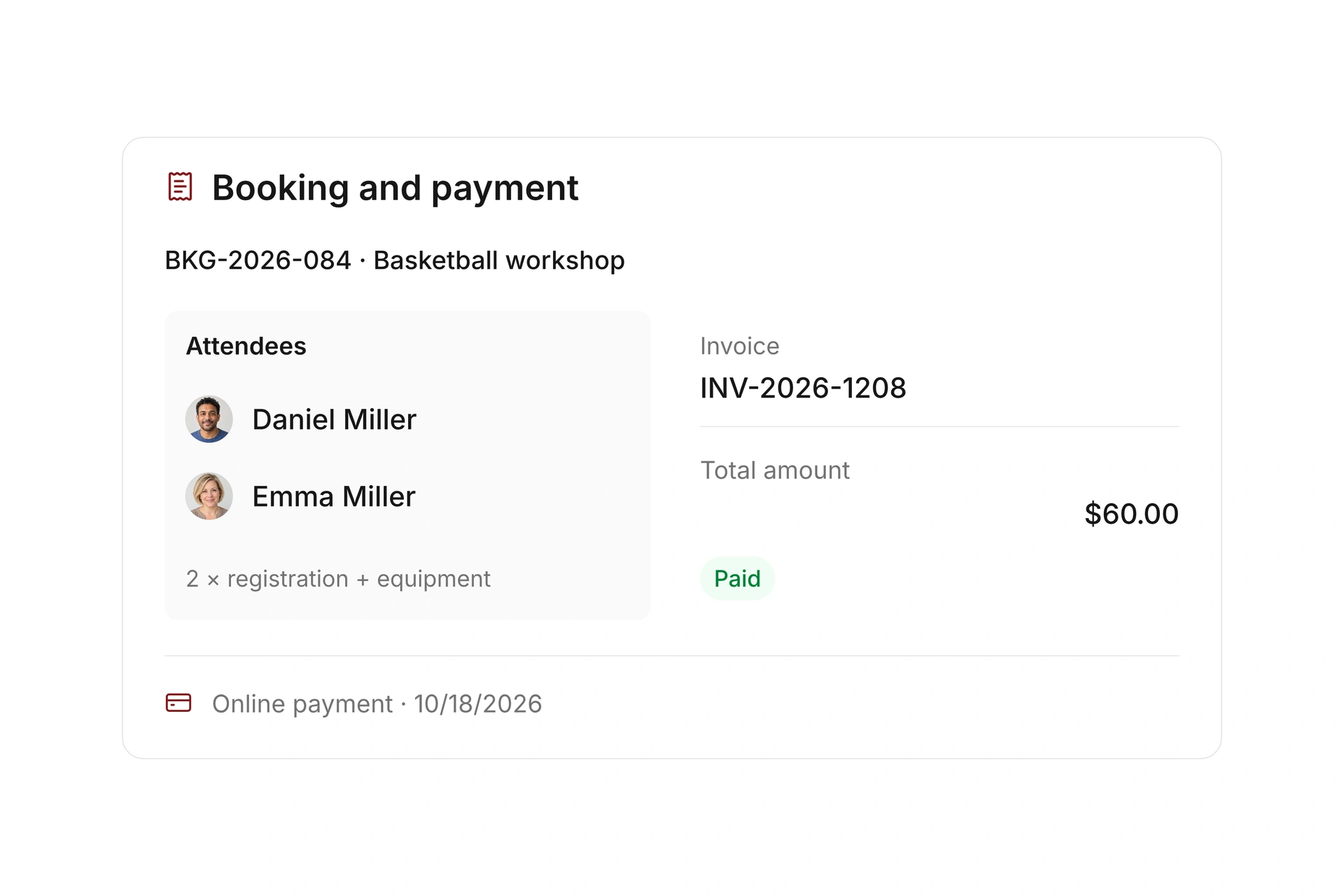
Set rental rates, optional services, payment requirements, and refund rules. Keep the invoice and payment status linked to the reservation.

An internal resource check-in can capture an extra identifier, such as a key number, with check-out recorded separately. Agree on who handles the physical handoff and confirms the room is ready for its next use.

Follow rental payments and key handoffs

Include setup and cleanup in a clubhouse rental

Example in Eastern Time (ET): an event runs from 2:00 to 6:00 PM, setup starts at noon, and cleanup ends at 7:00 PM. The room is needed for seven hours, while the event itself lasts four. Plan the reservation around the full use period.

Time or serviceExampleYour decision
Setup12:00–2:00 PM ETReserve the room for preparation.
Event2:00–6:00 PM ETState the event’s actual start and end clearly.
Cleanup and return6:00–7:00 PM ETAgree when the room must be ready for the next booking.
Side room12:00–7:00 PM ET for the same rentalTest the linked booking and cancellation.
KeyPickup before noon ET; return by agreementAssign a responsible person and record the identifier.

Test two consecutive room rentals

  1. Reserve the entire period

    Check that setup and cleanup are covered. A public event end time should not create an unresolved handoff during cleanup.

  2. Review every required resource

    Open reservations for the main room, side room, and equipment. Compare their time periods with the actual rental needs.

  3. Try a change and cancellation

    Move the test booking and inspect the next reservation. After a cancellation, review linked resources, messages, and payments.

What does the booking system cost?

Class and event registration, equipment lending, and space bookings are included in campai’s core features. US pricing is $40 per month plus $0.20 per active member.

Payment processing and optional services are billed separately. The US pricing page explains the calculator and additional charges; your quote confirms applicable taxes and services.

Explore US pricing and payment fees

Start with your own offer

Create a resource during the free 14-day trial. Add existing reservations and test booking times, rates, pickup, and return with your team.

Use a consultation to review migration and setup needs. Assisted setup and training are optional paid services.

Plan setup and migration

Frequently asked questions

Can I combine internal use and public room rentals?

Yes. Maintain internal reservations and enable a public booking offer for available times. Check organizational use and closures in the occupancy plan.

How do I allow time for setup and cleanup?

Plan the full required period and decide what the booking includes. Reserve or block any additional time, then test two consecutive rentals before opening bookings.

Can a rental include a main room and a side room?

Attached resources can connect additional rooms to an offer and make them required. Test the occupancy of both rooms and their cancellation together.

Can I record a key handoff?

Yes. Internal resource check-in can include an additional identifier, such as the key issued. Record check-out separately and assign responsibility for the physical handoff.

How is a room reservation different from class registration?

A reservation holds a resource for a period. Class registration records participants at an event. For a class in a room, check both the event and its resource reservation.

Plan your room booking setup

Bring a typical room rental with setup time, side rooms, equipment, and handoff details. We’ll review its booking, occupancy, and payment.

Explore on your own. Get personal help when you need it.