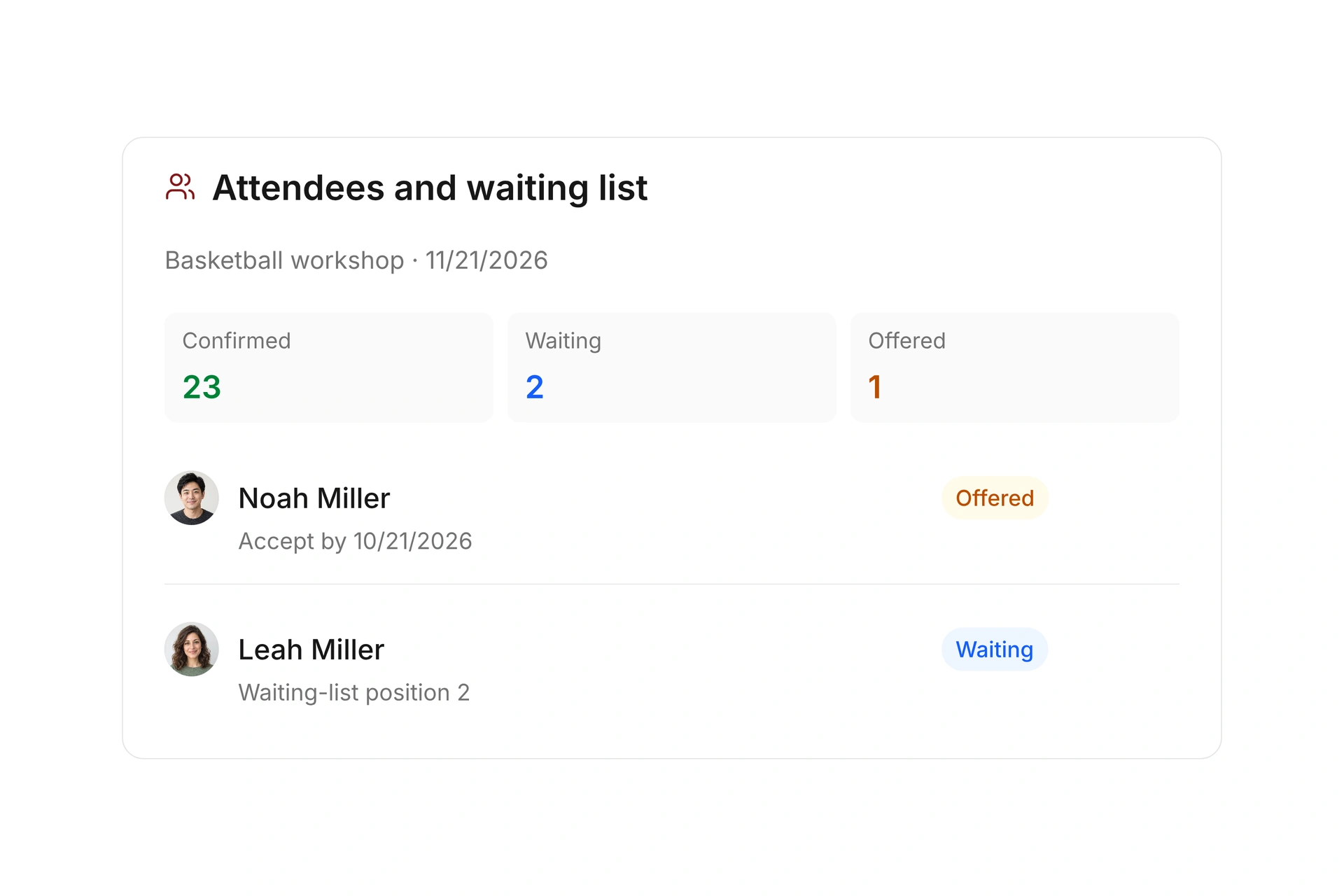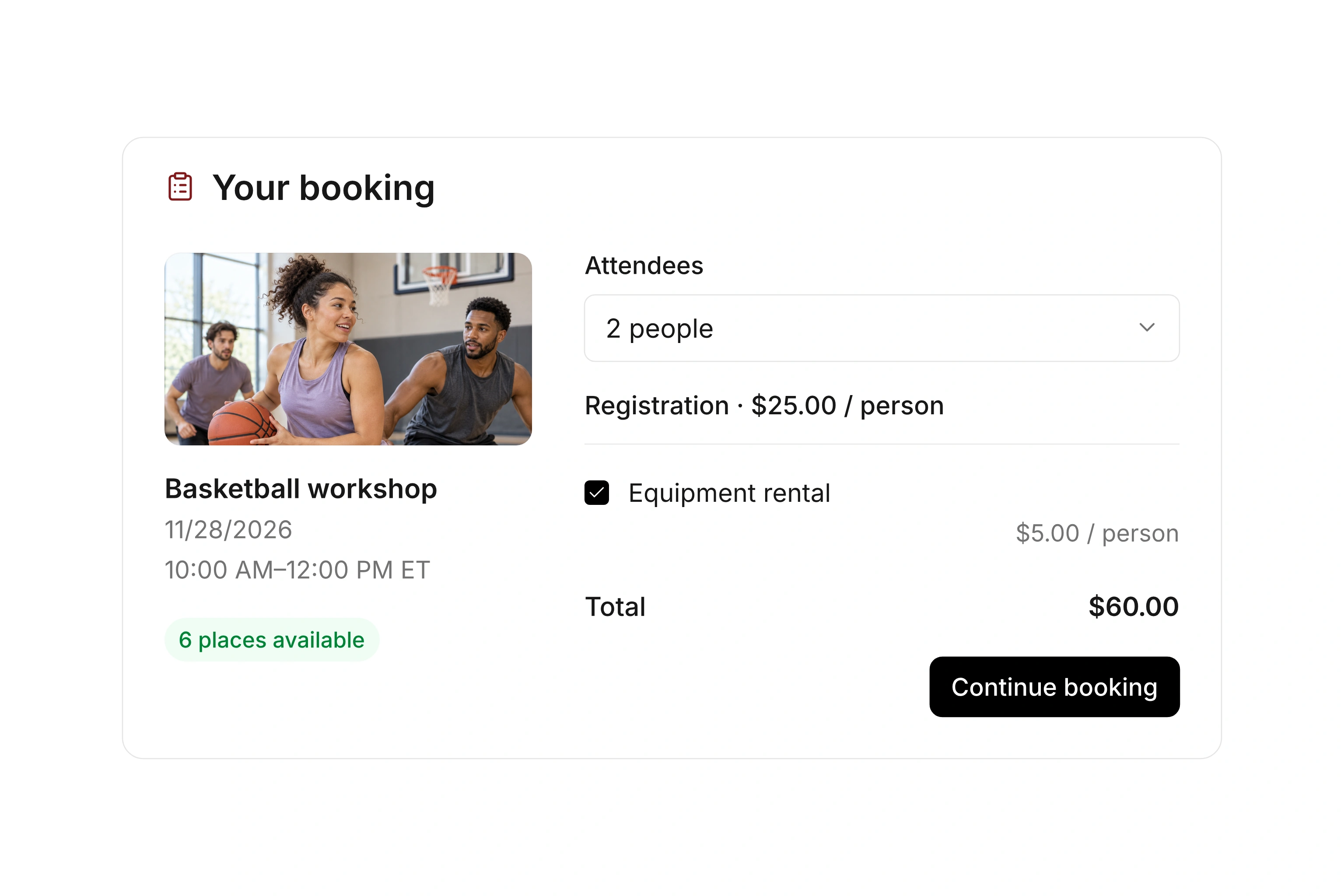
Skip to content

Add class and facility bookings to your website

Help visitors find and book your offers from the website they already use. Publish a direct booking link or embed a view for selected events and resources.

Accept online bookings with flexible rates

Choose which offers visitors can see

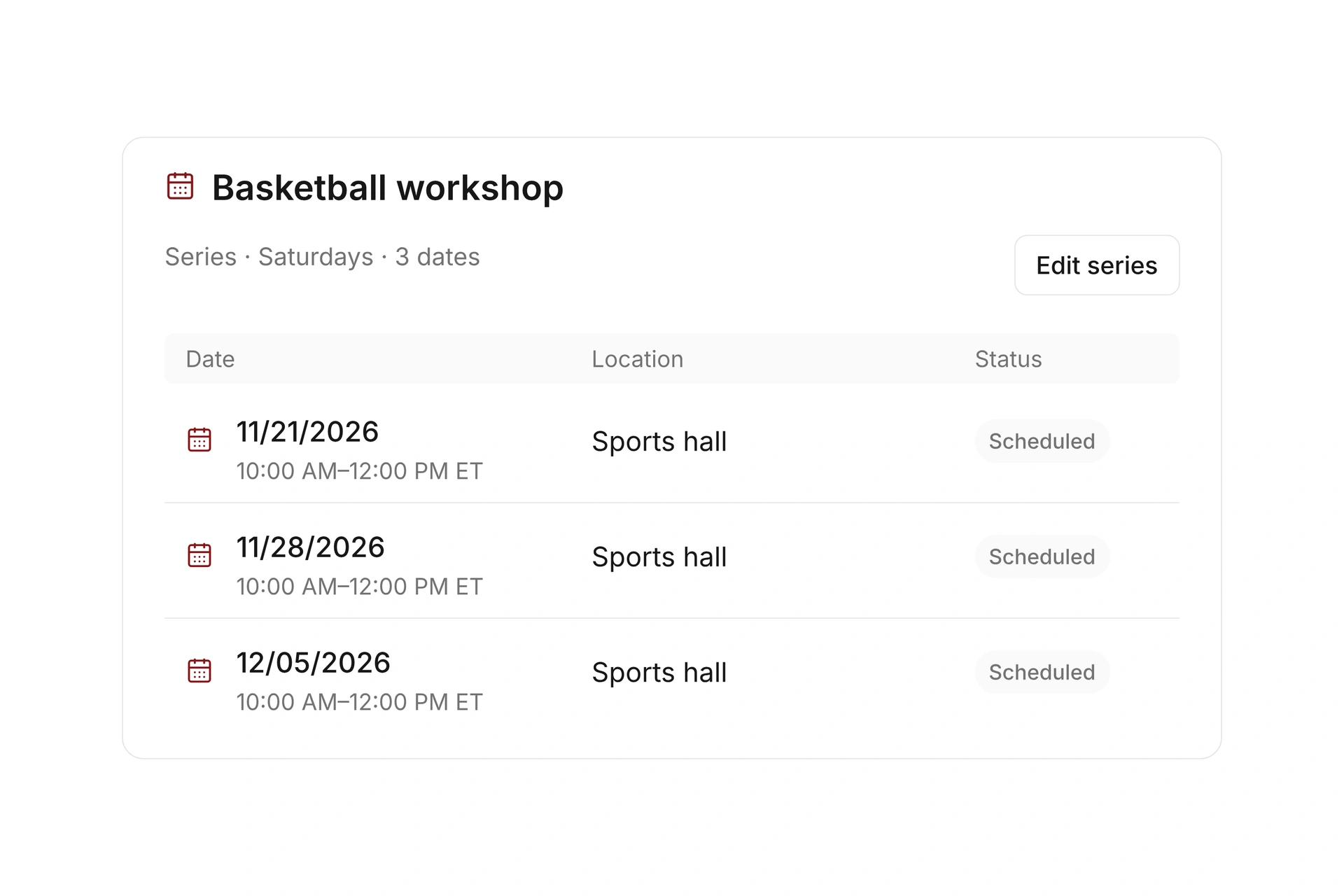
Create a public view for events or resources and narrow its content using tags. Use a club-wide calendar or a focused view for a department, program, or facility.

Check the displayed dates, availability, and registration windows. Your public selection should reflect the offers you intend to accept bookings for.
Choose which offers visitors can see

Use a booking link or an embedded view

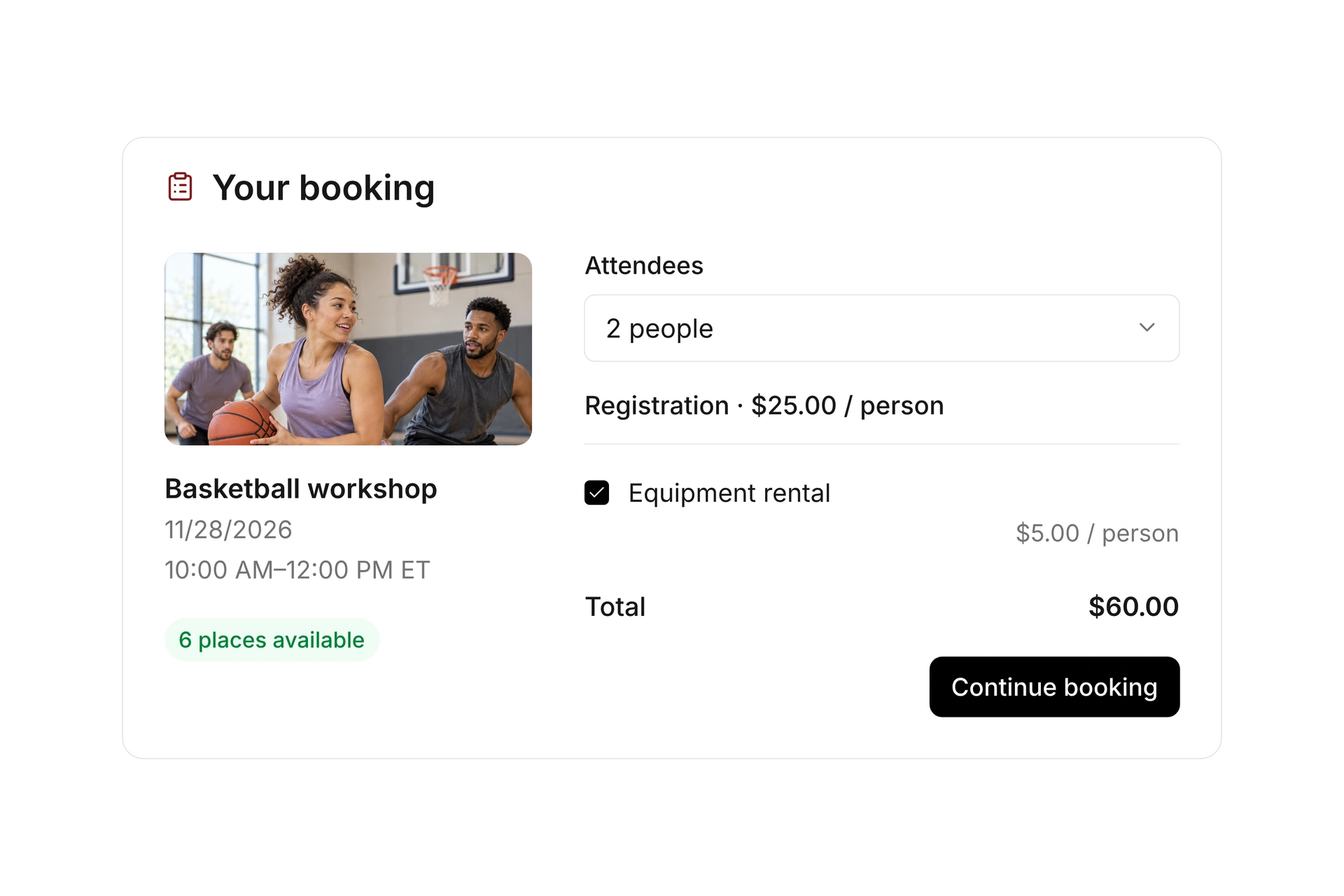
A direct link opens the public booking page. An embedded view displays the offers within your own website when its content editor, hosting plan, and security settings allow the provided code.

For WordPress or another website builder, check the relevant embed or HTML feature with your website administrator. This integration does not require claiming a dedicated campai plugin for that platform.

Use a booking link or an embedded view

Test the complete registration path

Open the published page on a phone and a computer. Choose an offer, complete the required fields, and review the booking confirmation and payment requirement.

Test a full event as well as an available one. If an embedded view is empty, open the direct booking link first, then check the selected offers and the website’s embed settings.

Test the complete registration path

Choose a direct link or an embedded view

A booking link is often enough to get started. Use an embed when you want visitors to browse offers within your website and your platform permits the code. Check the full registration path after either change.

OptionBest fitCheck before publishing
Direct booking linkA button, email, or page linking to the public offerDoes the destination show the intended offer and dates?
Embedded event viewA page presenting selected classes or eventsDoes the website allow the code and display it correctly on a phone?
Embedded resource viewA facility page showing bookable spaces or equipmentDo filters and booking rules match the resource?
Restricted website editorA platform or plan that blocks custom embedsUse a direct link while checking available embed options with the administrator.

Diagnose an empty booking view

  1. Open the direct public URL

    If the offer is missing there, review the selected view, filters, and visibility before changing your website.

  2. Review the website setup

    Check that the copied code is complete and the editor permits it. Confirm any plan or security restrictions with the site administrator.

  3. Complete a visitor booking

    After the view displays, test selection, registration, and confirmation. Also check the full-class path and mobile layout.

What does the booking system cost?

Class and event registration, equipment lending, and space bookings are included in campai’s core features. US pricing is $40 per month plus $0.20 per active member.

Payment processing and optional services are billed separately. The US pricing page explains the calculator and additional charges; your quote confirms applicable taxes and services.

Explore US pricing and payment fees

Start with your own offer

Create a class or resource during the free 14-day trial. Test the registration form, capacity, messages, and payment requirements with your team.

Use a consultation to review migration and setup needs. Assisted setup and training are optional paid services.

Plan setup and migration

Frequently asked questions

Do I need my own website or a separate booking plugin?

You can share the public campai booking URL directly without your own website or another booking plugin. Booking administration stays in campai. If you have a website, you can add a link or an embedded view where supported.

Can I use campai with WordPress?

You can link to a campai booking page or embed a view if your WordPress configuration permits the code. Verify that capability with your website administrator; this page does not claim a native WordPress plugin.

Does this work with other website builders?

A direct booking link can be used wherever you can add links. Embedding depends on the builder, plan, and security settings. Check whether custom HTML or embeds are allowed.

Can I show only one program or department?

Public views can be limited by tags. Review the published selection to make sure it contains the intended events or resources.

What should I check if the embed is blank?

Open the direct public URL first. If the offers appear there, review the copied embed code and your website’s restrictions. If they do not, check the public view, filters, and offer visibility.

Review your website integration

Bring your website URL and the offers you want visitors to see. We’ll review whether a direct link or an embedded view fits the page.

Explore on your own. Get personal help when you need it.