Skip to content

Open online registration for your classes and events

Give participants a clear way to sign up. Collect the information each offer needs, set capacity and rates, and keep registrations connected to the event your team manages.

Accept online bookings with flexible rates

Ask for the information your event needs

Extend the booking form with custom field groups and fields while keeping the built-in fields intact. Decide which information is required and whether one person can register several participants or a team.

Keep the person making the booking distinct from the participants. For a youth program, check the adult’s contact information and each participant’s details separately before opening registration.
Ask for the information your event needs

Publish the right offers at the right time

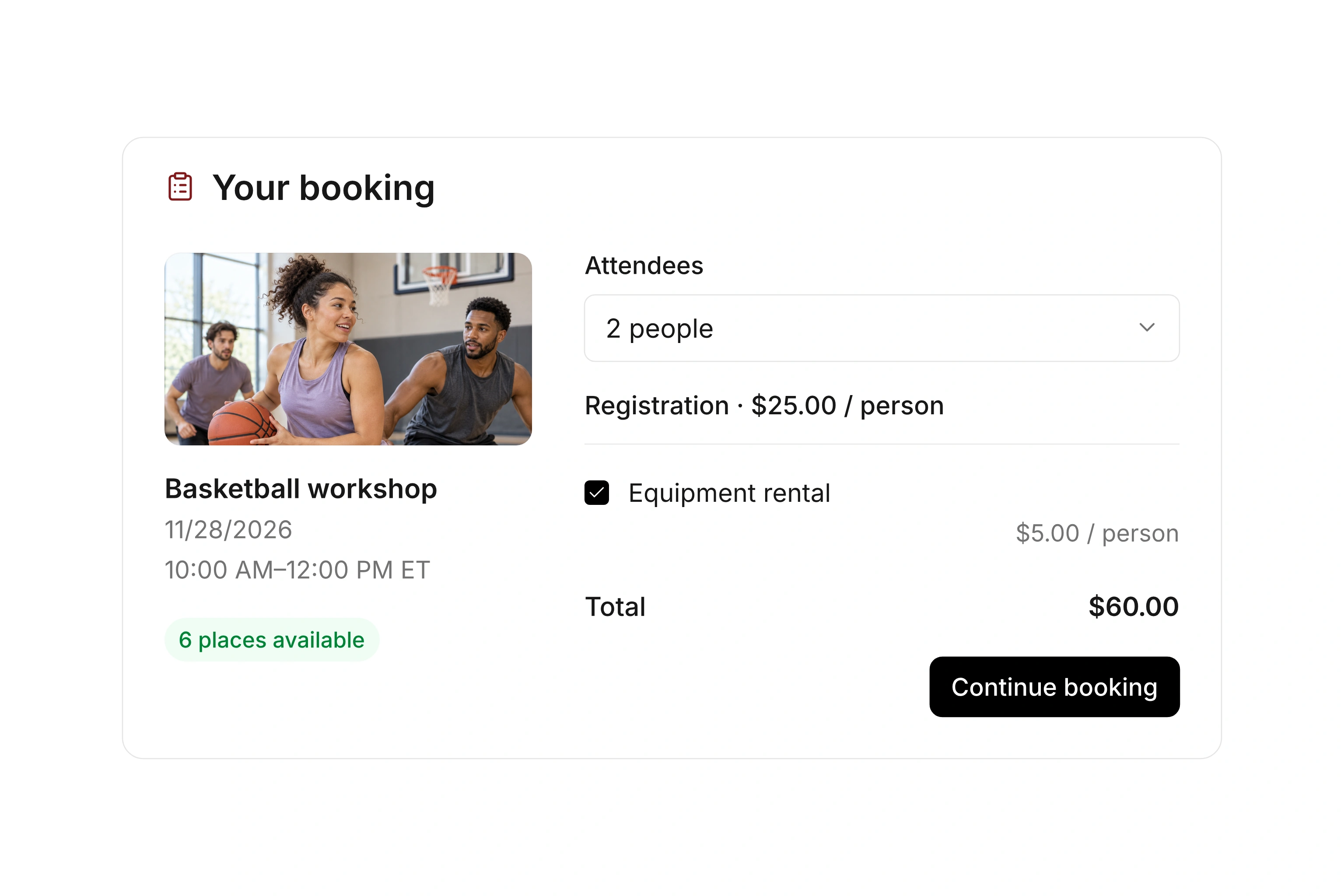
Set a booking window and access rules for each offer or rate. Share the public booking page or embed an event view on your website. A temporary hold can reserve a spot during checkout.

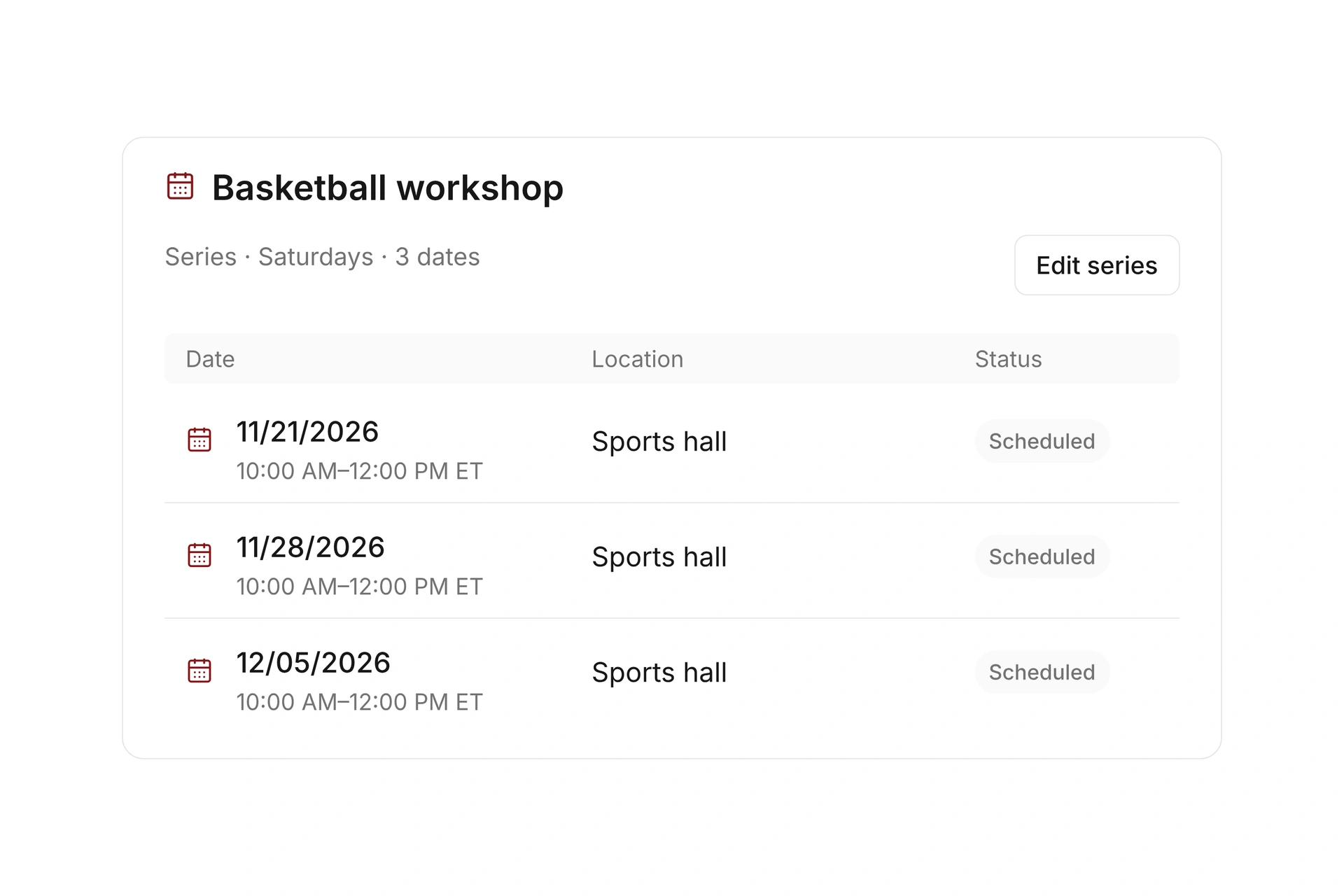
Review the published dates, location, rates, and required fields on a phone. Test what a visitor sees before registration opens and after the deadline.

Publish the right offers at the right time

Handle full events and later changes

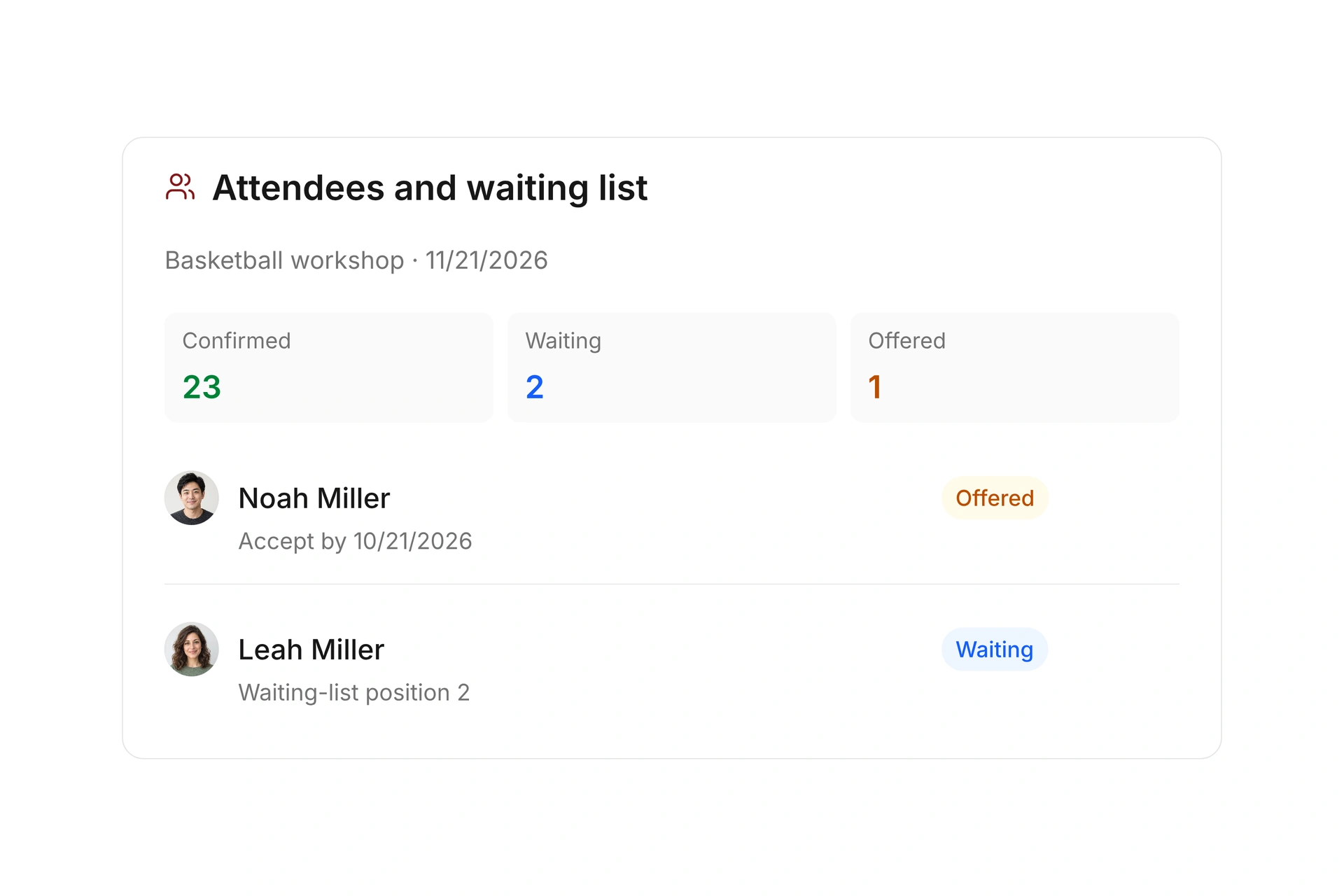
Set participant limits and configure a waitlist for a full event. Review confirmed, pending, and canceled bookings in the event workspace, and add internal registrations when needed.

Configure confirmations and reminders, then check the sent messages after a test booking. For paid offers, review the invoice and payment requirement before treating the registration as confirmed.

Handle full events and later changes

Decide what belongs on your registration form

Ask for the information you need for the specific offer. Separate the person making the booking from the people attending, especially when an adult registers several participants.

InformationPurposeCheck with a test registration
Booker’s contact detailsKnow whom to contact about the booking.Does the responsible adult receive the relevant confirmation?
Participant detailsKnow who will attend each session.Are separate records clear when more than one person is registered?
Class-specific questionsCollect details needed to organize this offer.Are required questions clear, and can unnecessary fields be removed?
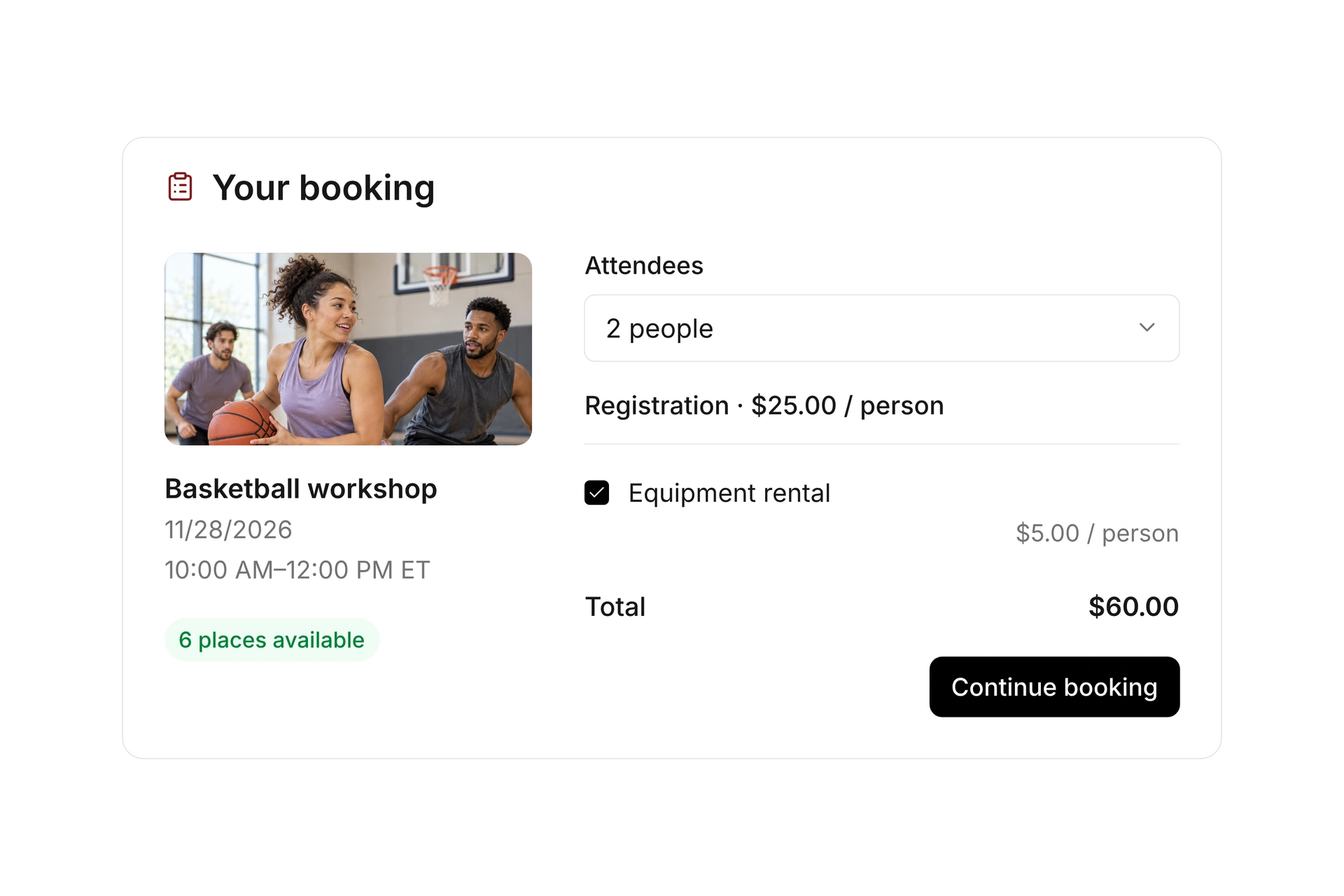
Rate and optional extrasShow what the booking includes and costs.Does the total match the selected options?
ConfirmationExplain whether the place is confirmed or still pending.Are payment requirements and waitlist status clear?

Try the registration paths visitors will use

  1. Register from a phone

    Open the published booking page and complete the required fields. Check labels, option choices, and the final summary on a small screen.

  2. Register several participants

    Use the intended participant mode and check how the booker and each participant appear in the event records.

  3. Test a full class

    Review the capacity and waitlist settings, then check the message a visitor receives when no confirmed spots remain.

The Freak City Bamberg basketball team

Freak City Bamberg manages camp registrations online

The basketball organization in Bamberg, Germany, uses digital forms for camp and member-event registrations. Its customer story describes how staff no longer copy information from emails and scanned forms into spreadsheets.

Moving to campai has definitely made our membership administration simpler and faster.

Freak City Bamberg e.V.

Read the customer story

What does the booking system cost?

Class and event registration, equipment lending, and space bookings are included in campai’s core features. US pricing is $40 per month plus $0.20 per active member.

Payment processing and optional services are billed separately. The US pricing page explains the calculator and additional charges; your quote confirms applicable taxes and services.

Explore US pricing and payment fees

Start with your own offer

Create a class or resource during the free 14-day trial. Test the registration form, capacity, messages, and payment requirements with your team.

Use a consultation to review migration and setup needs. Assisted setup and training are optional paid services.

Plan setup and migration

Frequently asked questions

Is event registration the same as a membership application?

Event registration books a place in an offer. A membership application is for joining your organization. campai supports both workflows; configure each for its own purpose.

Will participants receive booking confirmations?

You can configure booking confirmations and other messages. Confirmation timing follows the booking and payment rules set for the offer.

Can I add custom questions to the registration form?

Yes. You can add your own field groups and fields, choose required information, and configure form settings without replacing the protected standard fields.

Can one person register several participants?

Yes. Set the appropriate participant mode for the offer. Team bookings also have settings for team size and registration rules.

Can I embed the form on my website?

You can publish a booking page or embed an event view when your website platform allows the provided code. Test the full booking process after embedding it.

What happens when all spots are taken?

Your capacity and waitlist settings determine how further registrations are handled. An available spot can be offered to a selected person on the waitlist with a deadline to accept.

Plan your registration process

Bring your current signup form and a registration with several participants. We’ll review the fields, confirmation, and payment requirements.

Explore on your own. Get personal help when you need it.