Skip to content

Keep participant records ready for every class

Find a registration, review its status, and handle changes without rebuilding your participant list. Your team can track registrations and check-ins alongside the messages and payments for each event.

Manage attendees and waiting lists

Manage registrations and current participant lists

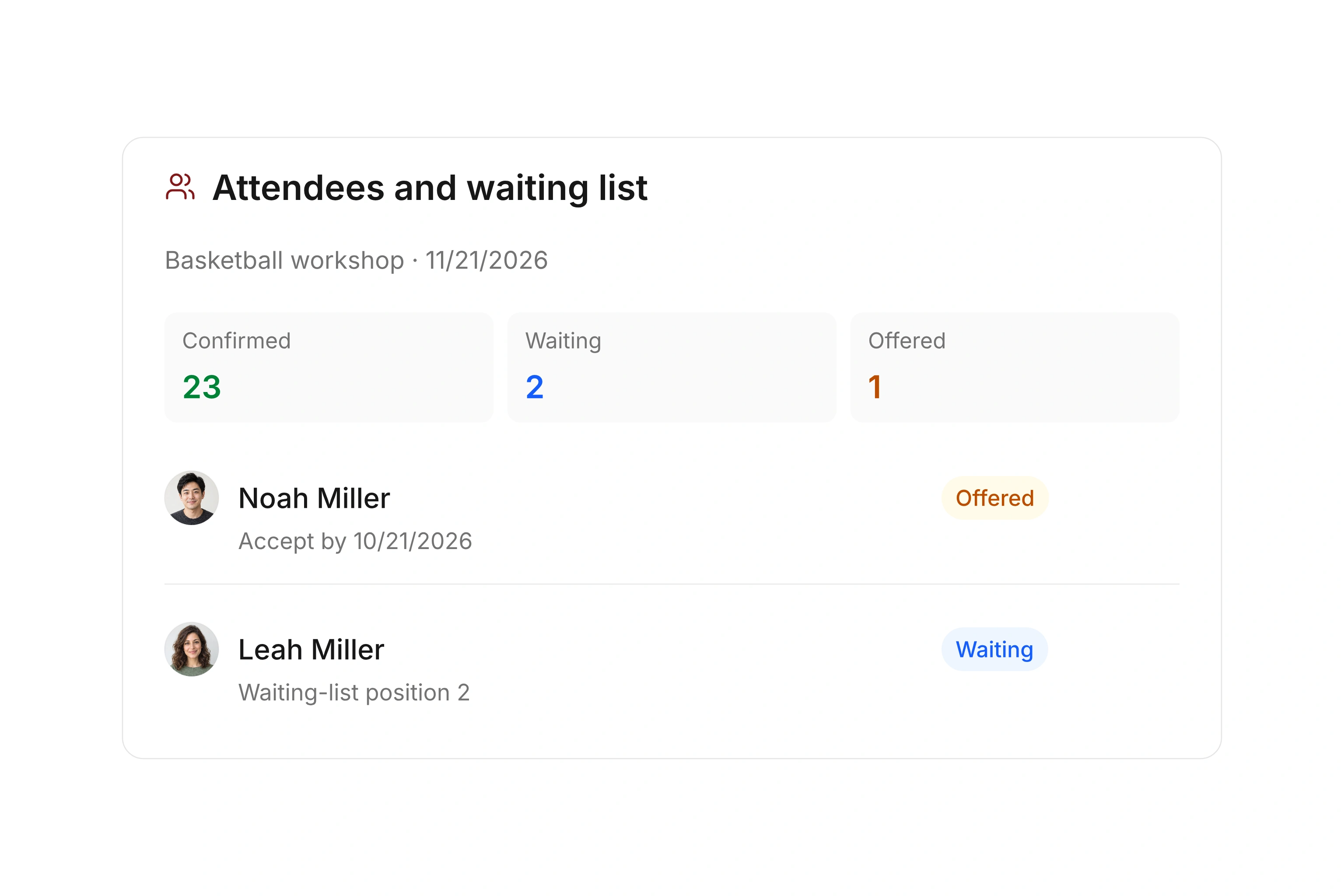
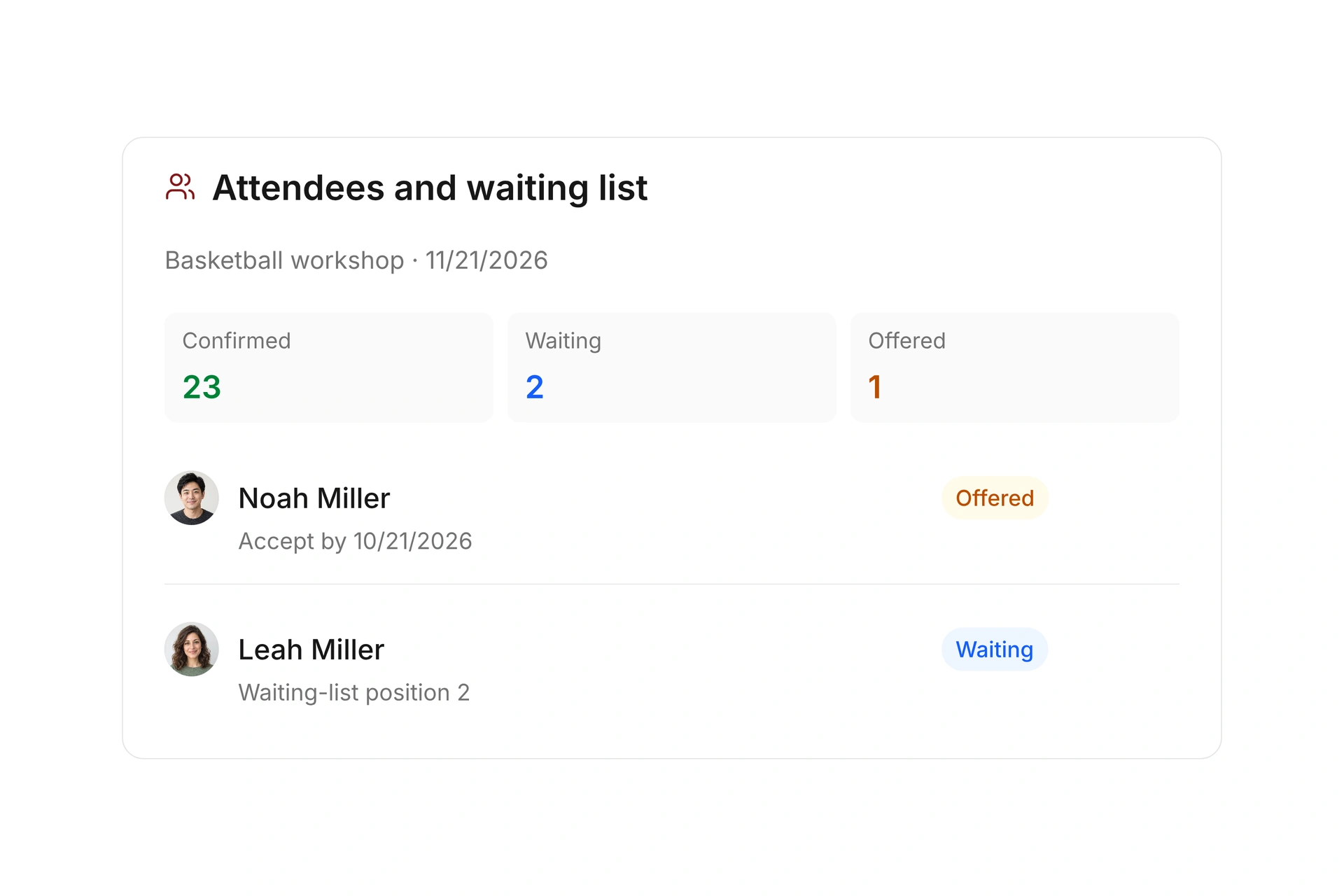
See confirmed, pending, and canceled bookings at the same event. Search for participants, filter by status, and work with multiple bookings together. Add an internal registration when someone signs up by phone or in person.

Export bookings when another person needs a list. Continue maintaining changes in campai and create a fresh export when needed, so an old spreadsheet does not become the working record.
Manage registrations and current participant lists

Record who attends

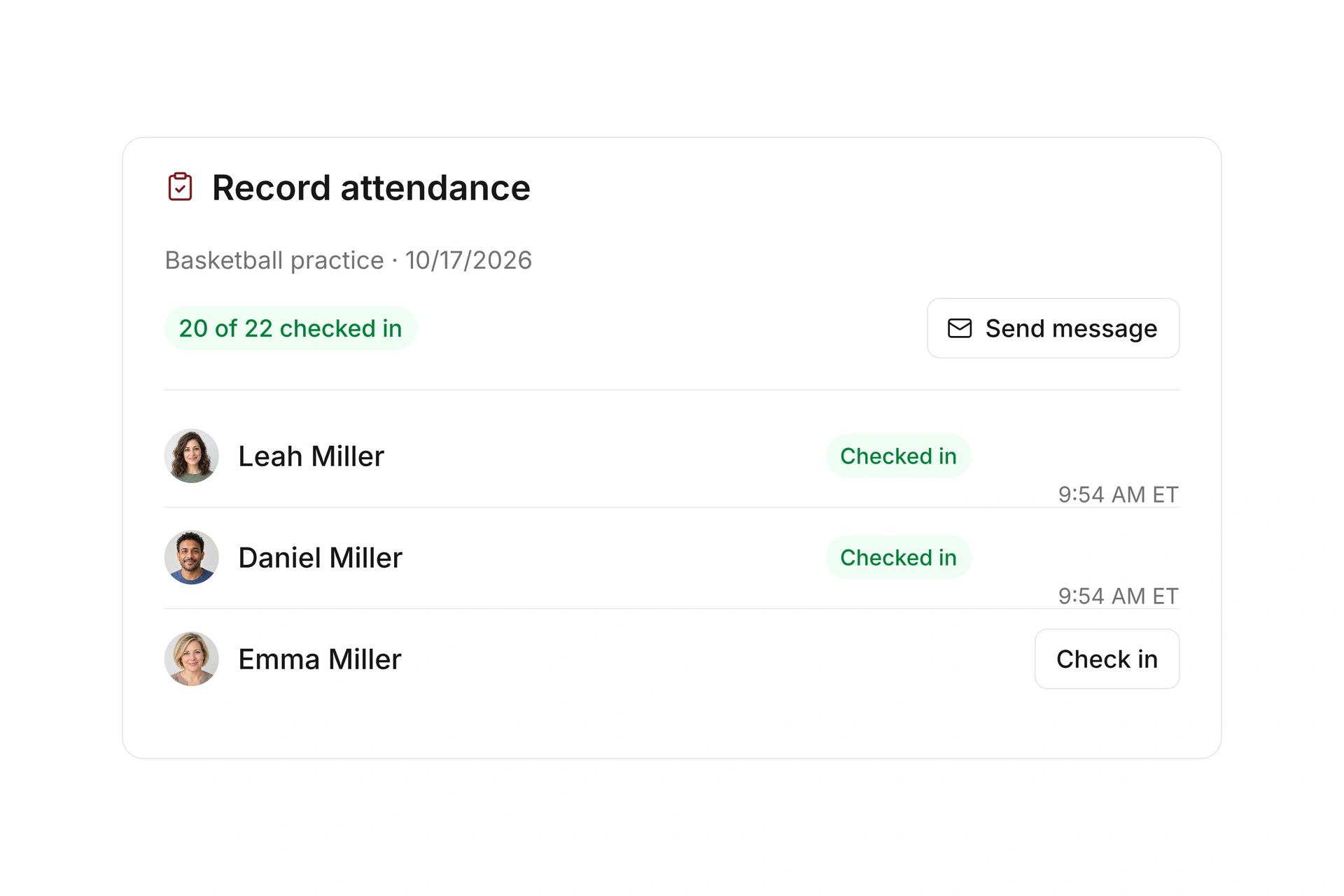
Assign an event leader who can open the class in the member app, contact participants, and record check-ins. You can also set a time window for self-check-in.

Registration status shows who plans to attend. Check-in records show whose attendance was recorded. Review both when you need to understand a class’s participation.

Record who attends

Review changes and demand

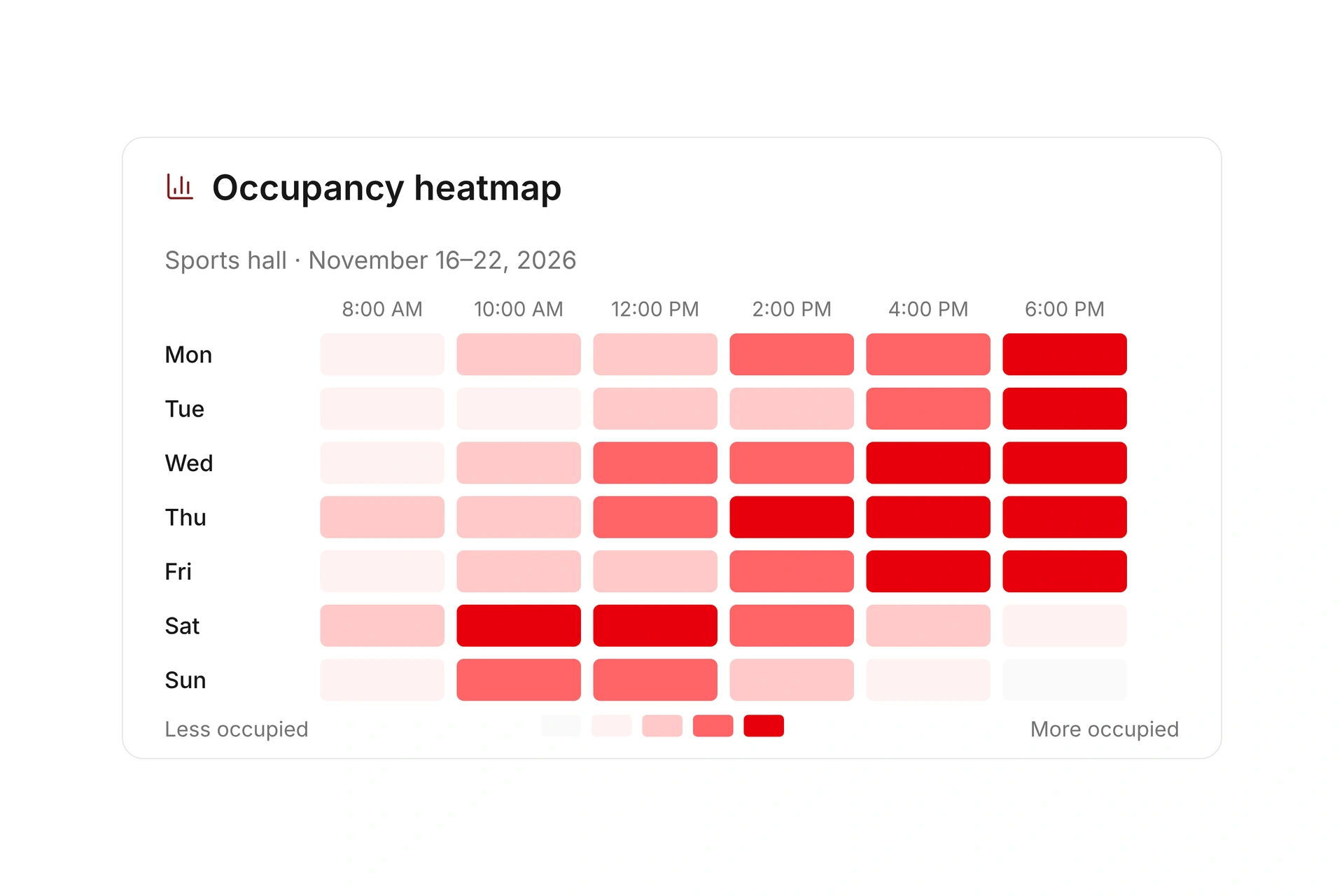
Use the participant history to review confirmed and canceled registrations over a selected period. Compare your offers before deciding whether to add another session.

Messages and payment status remain available at the event. When a participant asks about a booking, review their registration, sent emails, and financial record together.

Review changes and demand

Use the right record for each participant question

Registration, payment, and attendance answer different questions. Check the relevant record before offering a spot, following up on a balance, or preparing an instructor’s list.

TaskInformation to reviewNext action
Allocate a class spotConfirmed, pending, canceled, and waitlisted participantsCheck the event before offering the place again.
Resolve an unpaid balanceBooking invoice and payment statusOpen the financial record. Registration alone does not confirm payment.
Run the classCurrent participant list and recorded check-insThe assigned instructor checks who is expected and who attended.
Share a listBooking information needed for the taskCreate a current export and note when it was produced. Maintain later changes in campai.

Handle a last-minute class transfer

  1. Find the original booking

    Locate the participant and review the event, registration status, and payment. Confirm which session they want to attend instead.

  2. Check the destination class

    Review availability and the rate for the other offer. Process the transfer and check whether any additional billing action is needed.

  3. Review both participant lists

    Check the old and new events and the messages sent. The instructor should see the current list when the class begins.

The Freak City Bamberg basketball team

Freak City Bamberg manages camp registrations online

The basketball organization in Bamberg, Germany, uses digital forms for camp and member-event registrations. Its customer story describes how staff no longer copy information from emails and scanned forms into spreadsheets.

Moving to campai has definitely made our membership administration simpler and faster.

Freak City Bamberg e.V.

Read the customer story

What does the booking system cost?

Class and event registration, equipment lending, and space bookings are included in campai’s core features. US pricing is $40 per month plus $0.20 per active member.

Payment processing and optional services are billed separately. The US pricing page explains the calculator and additional charges; your quote confirms applicable taxes and services.

Explore US pricing and payment fees

Start with your own offer

Create a class or resource during the free 14-day trial. Test the registration form, capacity, messages, and payment requirements with your team.

Use a consultation to review migration and setup needs. Assisted setup and training are optional paid services.

Plan setup and migration

Frequently asked questions

Can I enter a registration myself?

Yes. You can add internal bookings and edit existing records, including registrations received by phone or in person.

Can I export a participant list?

Yes. Search, filter, and export event bookings. Keep ongoing registration changes in campai and generate a current export when you need to share a list.

How do I tell participants about a change?

You can send messages to multiple recipients at the event and configure confirmations, reminders, and waitlist messages. Sent booking emails remain available for review.

Does this work for small events?

You can manage a single event or a recurring class. Set up the registration form, capacity, and payment rules that fit the individual offer.

Explore participant management

Bring a typical late registration, transfer, or cancellation. We’ll review participant status, communication, and payment for that case.

Explore on your own. Get personal help when you need it.