Skip to content

Record class attendance in the member app

Give instructors access to the class they are leading. They can review participants, record check-ins, and send messages from the member app while your office keeps the registration records current.

Organize check-ins and communication

Put the right event in the instructor’s schedule

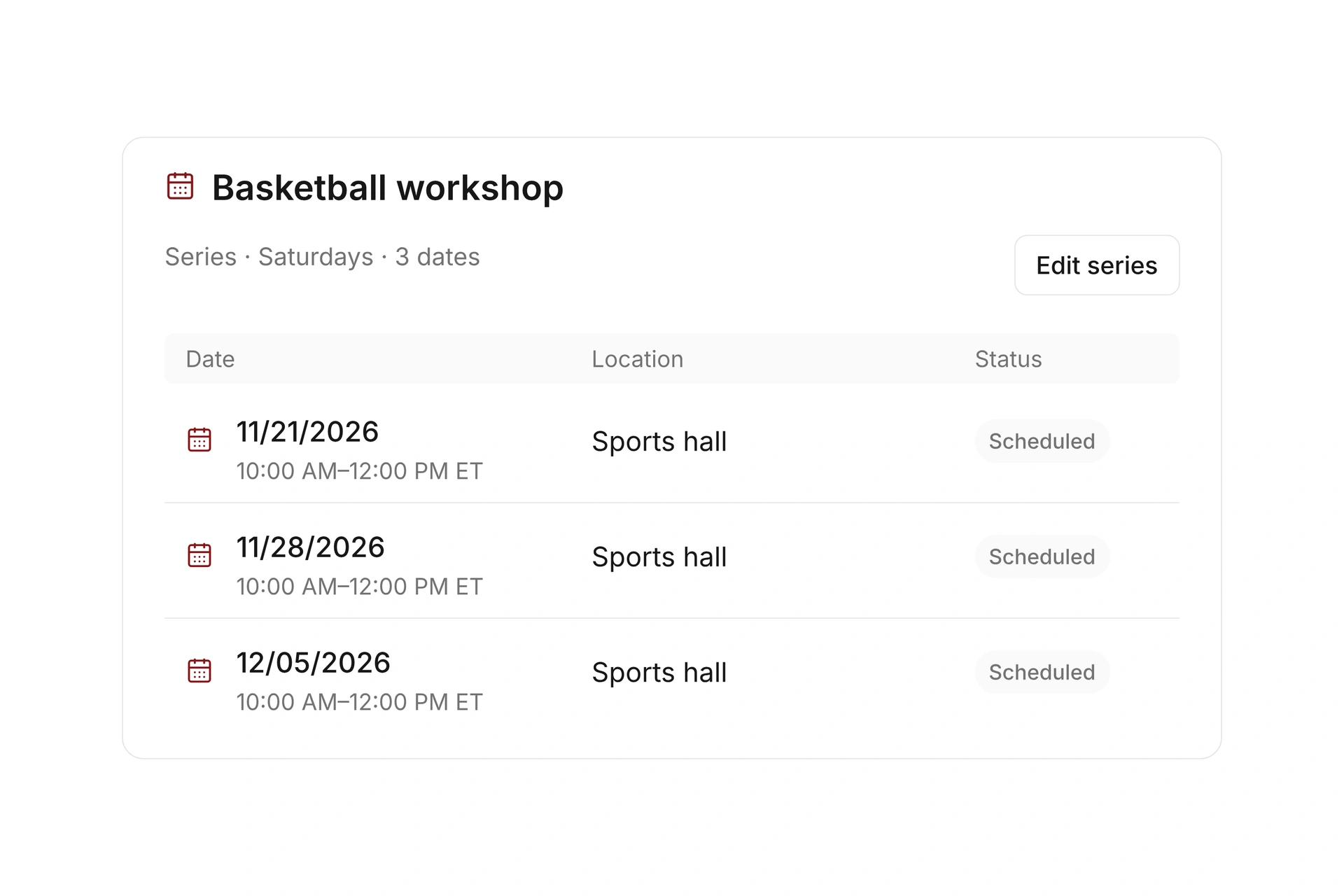
Assign the responsible leader to each event and check the date, time, and location. Leaders can open their assigned events in the member app.

Review assignments when substitutes take over or a session moves. The person running the class needs the current event and participant information before check-in starts.
Put the right event in the instructor’s schedule

Record check-ins where the class happens

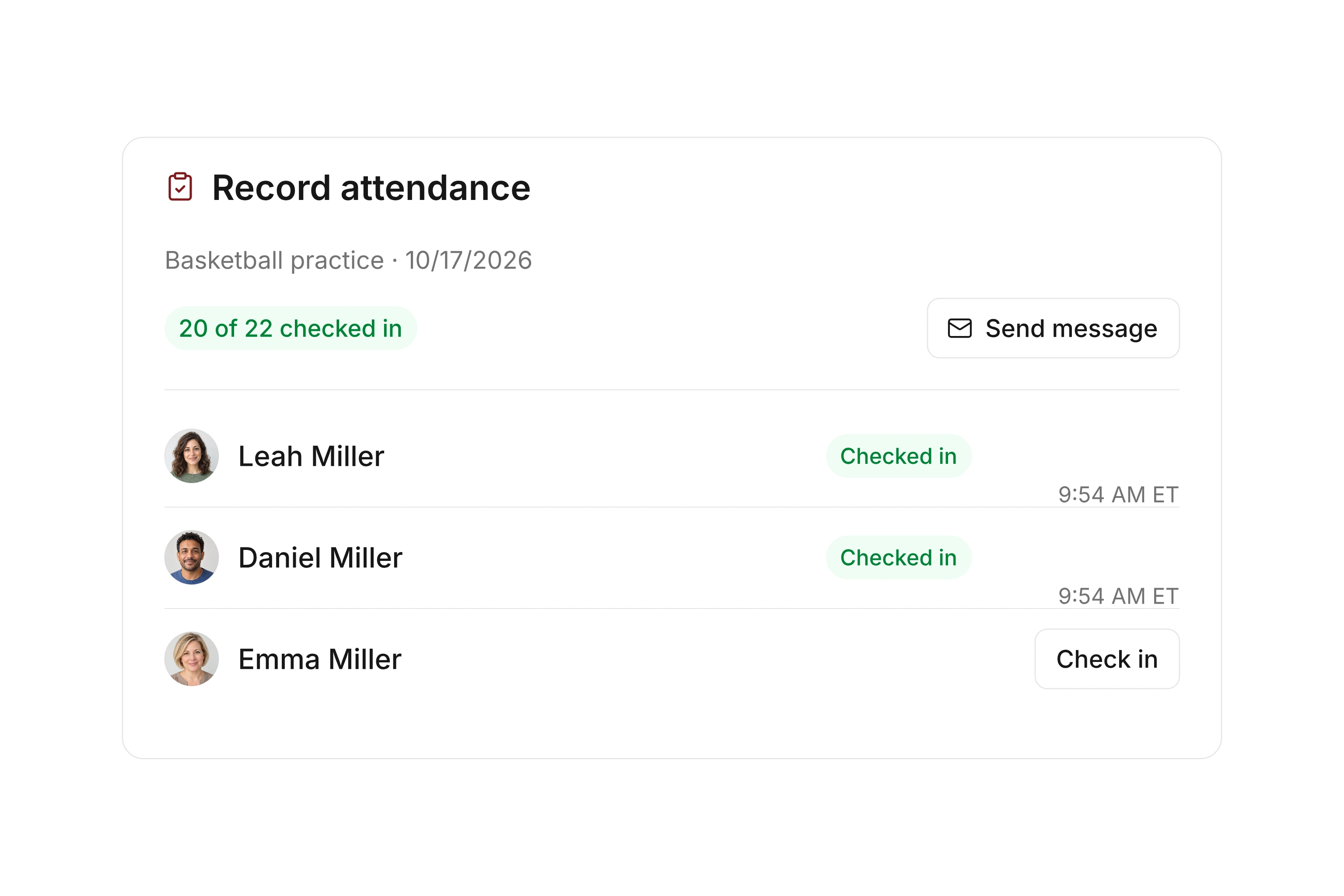
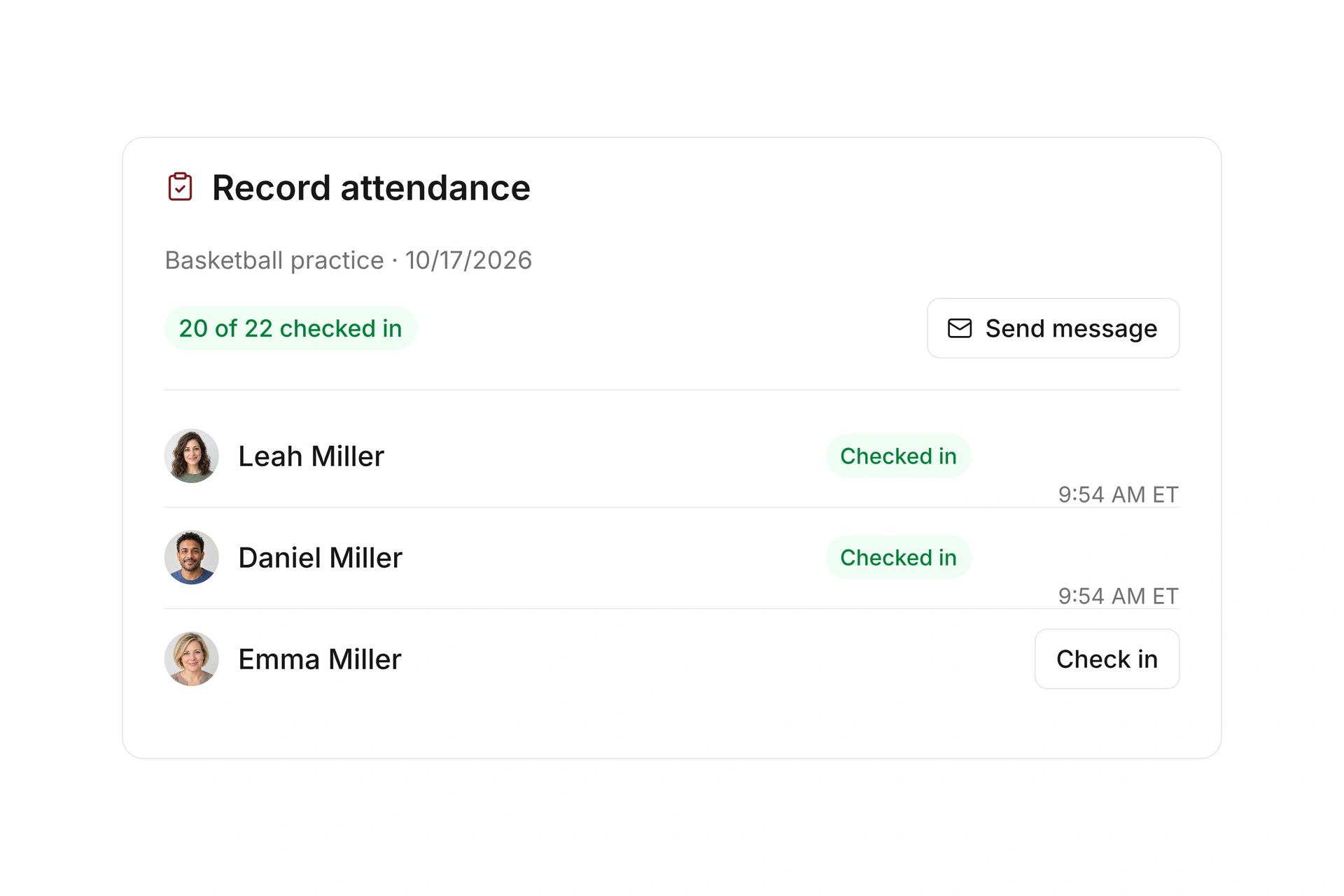
The assigned event leader can record attendance for participants. You can also configure a time window for participants to check themselves in.

An attendance record is separate from registration and payment. Decide who will review missed or incomplete check-ins after the session so the record remains useful.

Record check-ins where the class happens

Keep participant changes and messages together

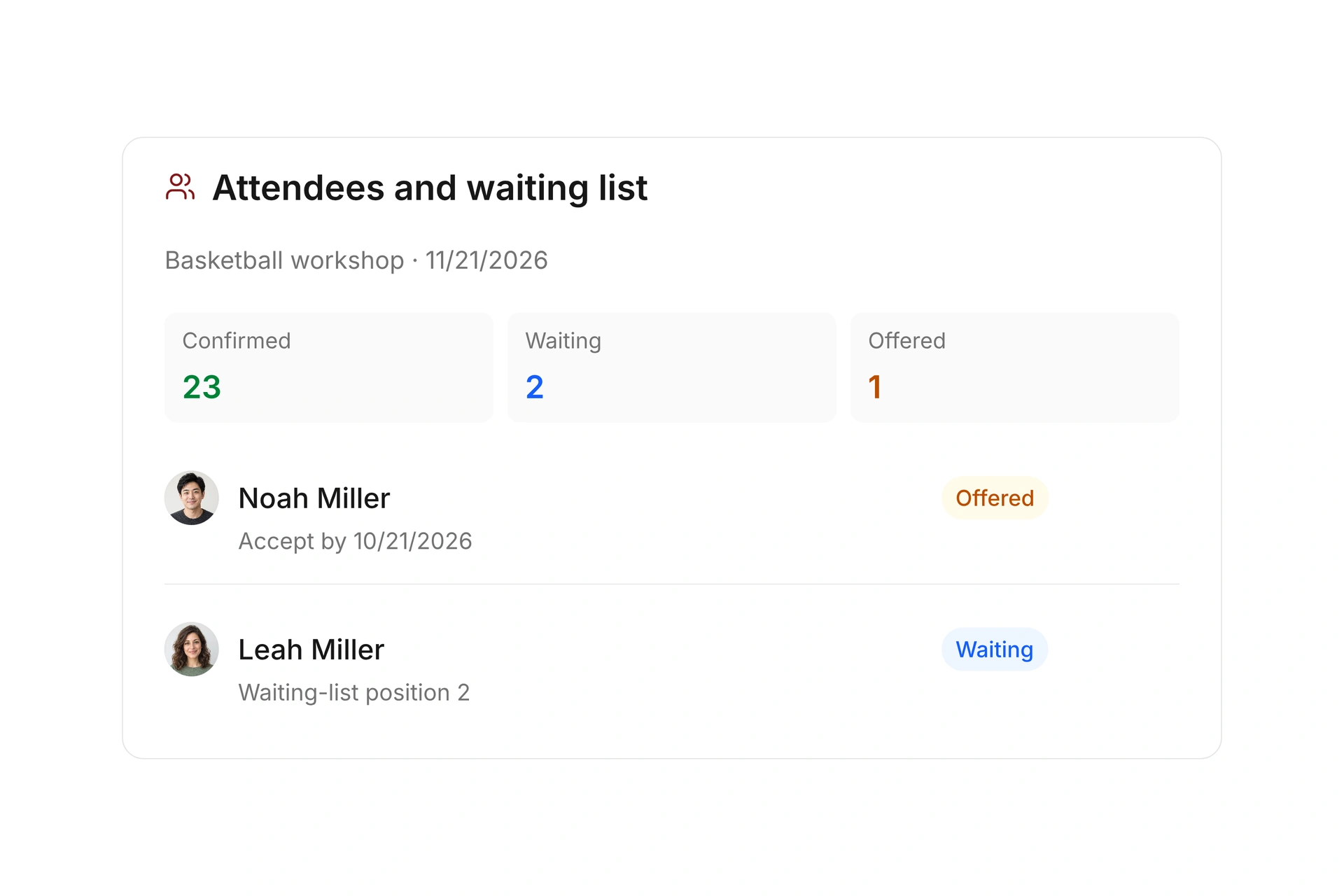
Review confirmed registrations, cancellations, and waitlist changes at the event. Leaders can contact participants from the app when they need to communicate about their session.

Use the current event record for operational decisions. If a separate certificate, assessment, or other evidence is required, define that process explicitly rather than treating a check-in as proof of completion.

Keep participant changes and messages together

Define what each attendance record tells you

A registration, a check-in, and a completion record serve different purposes. Decide what your instructor needs to record during the session and who reviews incomplete entries afterward.

RecordWhat it tells youWhat to check separately
RegistrationThe person has a booking with a specific status.Whether payment is complete and the person attended.
Check-inAttendance was recorded for that event.Missing entries, corrections, and the scope of the record.
Payment statusThe financial state of the booking.Attendance and any class completion requirements.
Certificate or assessmentEvidence defined by your program.The criteria and process needed beyond a check-in.

Walk through the instructor’s first session

  1. Verify the assignment

    Have the responsible instructor sign in and open the correct event. Check the date, location, and participant list.

  2. Record a test check-in

    Try the instructor workflow and any configured self-check-in window. Confirm that your team understands the status shown.

  3. Review after the session

    Agree on who investigates missing attendance records. Keep payment questions and program completion decisions in their appropriate workflows.

What does the booking system cost?

Class and event registration, equipment lending, and space bookings are included in campai’s core features. US pricing is $40 per month plus $0.20 per active member.

Payment processing and optional services are billed separately. The US pricing page explains the calculator and additional charges; your quote confirms applicable taxes and services.

Explore US pricing and payment fees

Start with your own offer

Create a class or resource during the free 14-day trial. Test the registration form, capacity, messages, and payment requirements with your team.

Use a consultation to review migration and setup needs. Assisted setup and training are optional paid services.

Plan setup and migration

Frequently asked questions

Who can record attendance in the app?

Assigned event leaders can open their events and record participant check-ins. Verify assignments and access before the first session.

Can participants check themselves in?

Yes. You can configure a self-check-in time window for an event. Test the opening and closing times for your intended workflow.

Does check-in show that a class fee was paid?

No. Attendance and payment are separate records. Review the booking’s payment status when you need to confirm a balance.

Does attendance automatically prove course completion?

A check-in records attendance. Define any separate assessment, certificate, or completion requirements for your program and verify how you will document them.

Explore attendance tracking

Bring your instructor’s check-in routine and any separate completion requirements. We’ll review the app workflow and the records your team needs.

Explore on your own. Get personal help when you need it.