Skip to content

Let members manage bookings from their phone

Help members find their classes and reservations without searching through old messages. The member app brings booking details, personal schedules, and relevant follow-up actions together.

Accept online bookings with flexible rates

Find offers and existing bookings

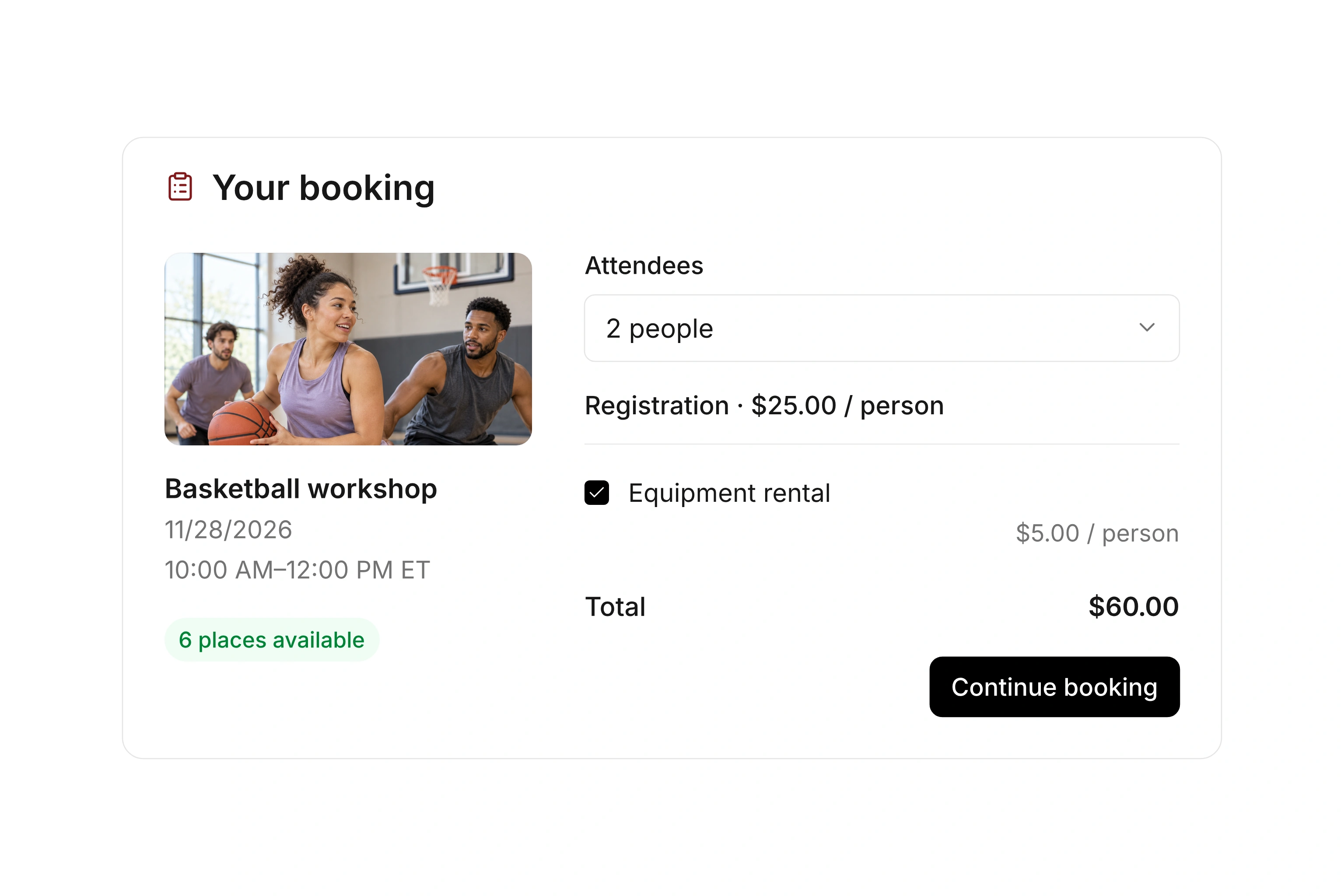
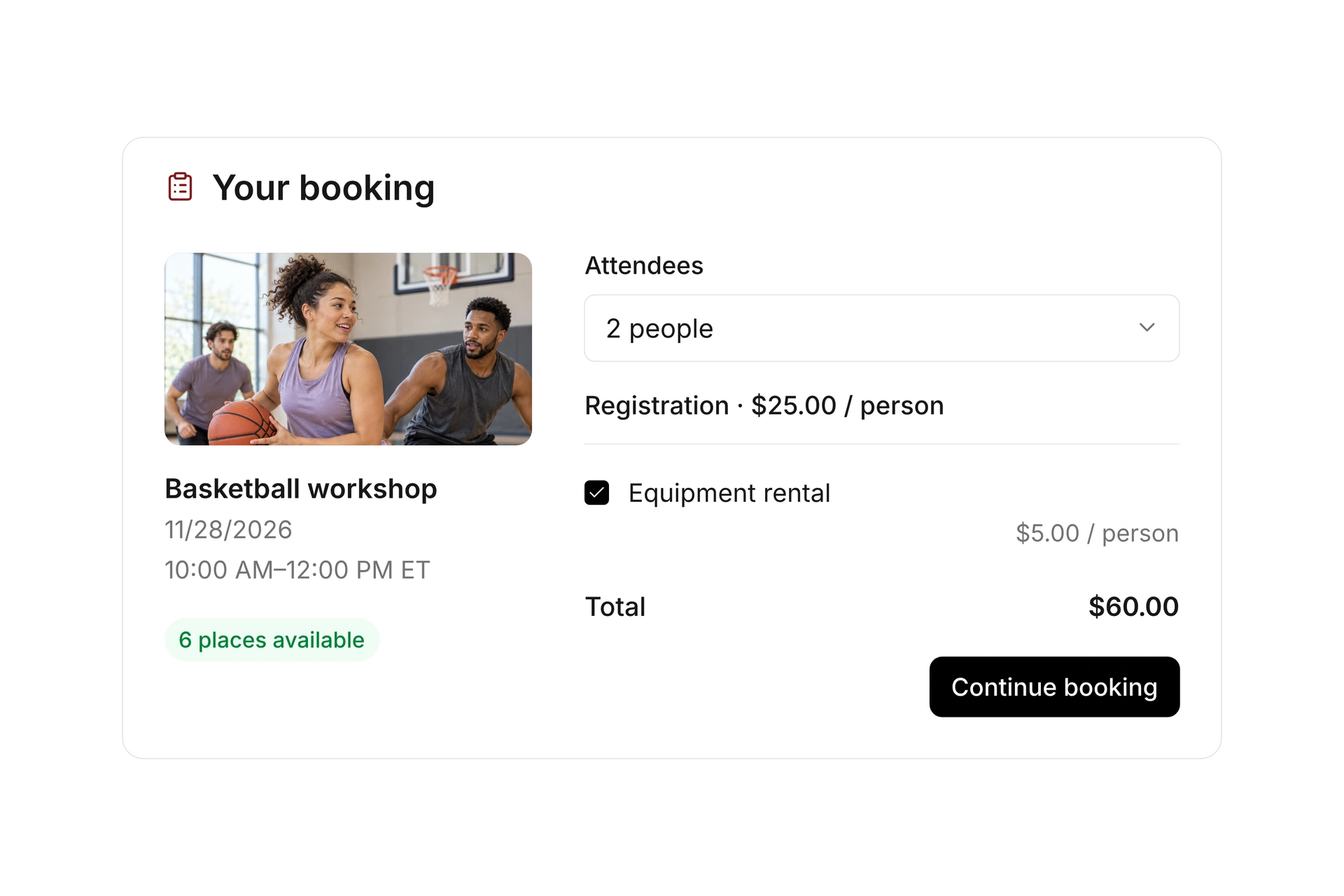
Members can access event and resource bookings through the member app. A personal schedule helps them find upcoming activities, and a booking code can help locate an existing reservation.

Review the public offer as well as the member’s booking details. Dates, location, participant information, and booking rules should remain clear on a smaller screen.
Find offers and existing bookings

Respond to waitlist offers and changes

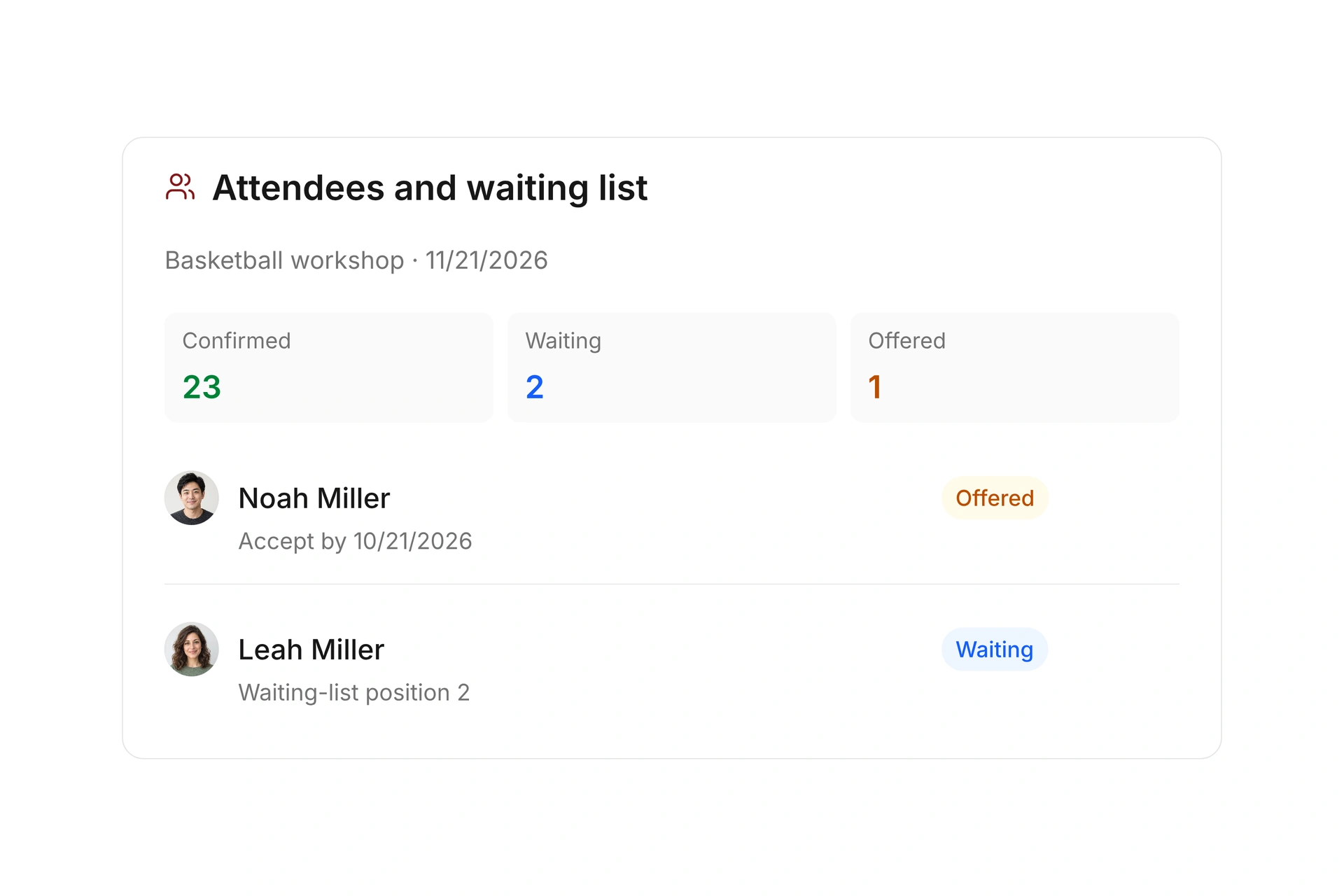
A participant can review an offer for an available spot and respond within its acceptance period. Confirmed, waiting, and canceled registrations have different meanings; check the status attached to the booking.

Give members a clear place to review the latest details after a time or location change. Assigned event leaders can also communicate with their participants through the app.

Respond to waitlist offers and changes

Keep receipts and schedules accessible

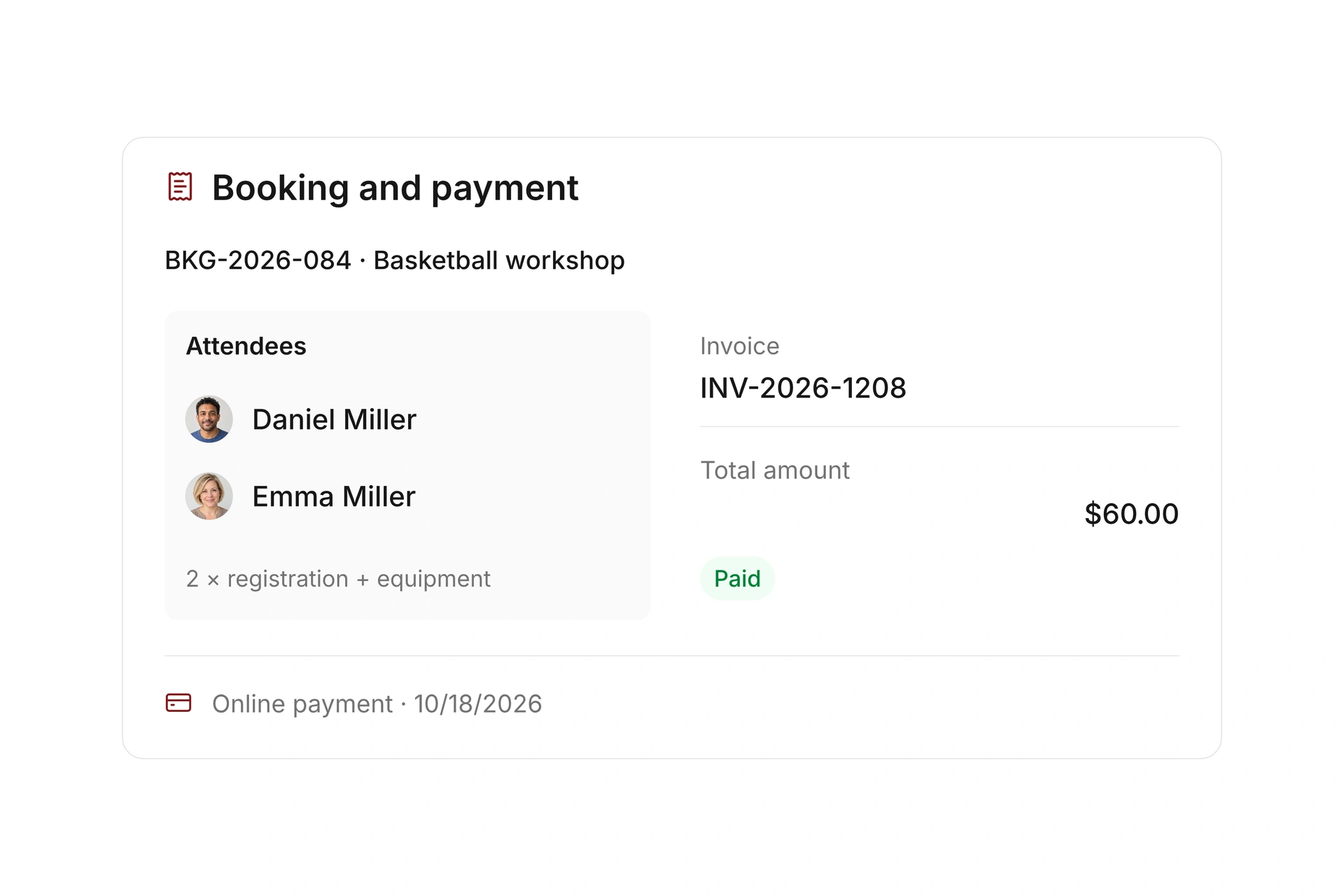
Members can access the records and receipts associated with their bookings. Review payment requirements for paid offers so a participant can understand what still needs attention.

Calendar export lets people add booked events or resource reservations to a personal calendar. Check the exported time and location, especially when participants travel between time zones.

Keep receipts and schedules accessible

Help a member find the next action for a booking

Start with the questions a member asks after registering: Where is my booking? Am I confirmed? What time does it start? Test the relevant app views using one event booking and one resource reservation.

Member’s questionRecord to openCheck
Where is my reservation?Booking details or booking-code workflowThe correct offer and participant are shown.
When is my activity?Personal schedule and event detailsDate, location, and time are clear.
Can I accept this opening?Waitlist offerThe deadline and any payment requirement are visible.
Where is my receipt?The booking’s related recordsThe member can find the appropriate document.
Can I add it to my calendar?Calendar exportThe exported time and location match the booking, including the time zone.

Test the member’s view from a phone

  1. Find a completed registration

    Use the app’s booking or schedule view and check the details against the organizer’s event record.

  2. Review a waitlist offer

    Check how the member sees and responds to the offer. Review the booking status after acceptance.

  3. Open the receipt and calendar entry

    Find the related document and try calendar export. Check the entry on the participant’s device, including its displayed time zone.

What does the booking system cost?

Class and event registration, equipment lending, and space bookings are included in campai’s core features. US pricing is $40 per month plus $0.20 per active member.

Payment processing and optional services are billed separately. The US pricing page explains the calculator and additional charges; your quote confirms applicable taxes and services.

Explore US pricing and payment fees

Start with your own offer

Create a class or resource during the free 14-day trial. Test the registration form, capacity, messages, and payment requirements with your team.

Use a consultation to review migration and setup needs. Assisted setup and training are optional paid services.

Plan setup and migration

Frequently asked questions

Can members find an existing booking?

Yes. The member app includes event and resource bookings, personal schedules, and booking-code workflows. Review the steps with a real test booking during setup.

Can a member accept a waitlist offer?

A selected participant can respond to an available-spot offer within its acceptance period. A paid acceptance has its own payment requirement.

Can bookings be added to a personal calendar?

Yes. Calendar export is available for booked events and resource reservations. Check the resulting time and location in the participant’s calendar.

Is this also the instructor’s attendance workflow?

The member app also supports assigned event leaders, including participant communication and check-in. Their event responsibilities differ from a participant’s own booking actions.

See the member booking experience

Bring an event booking and a facility reservation. We’ll follow the member’s path through booking details, waitlist offers, and receipts.

Explore on your own. Get personal help when you need it.