Skip to content

Coordinate gym time across teams and programs

Keep team practices, recreation classes, and closures in one facility plan. Compare available spaces and check the related events when a gym reservation changes.

Review occupancy and unavailable times

Compare facilities and locations

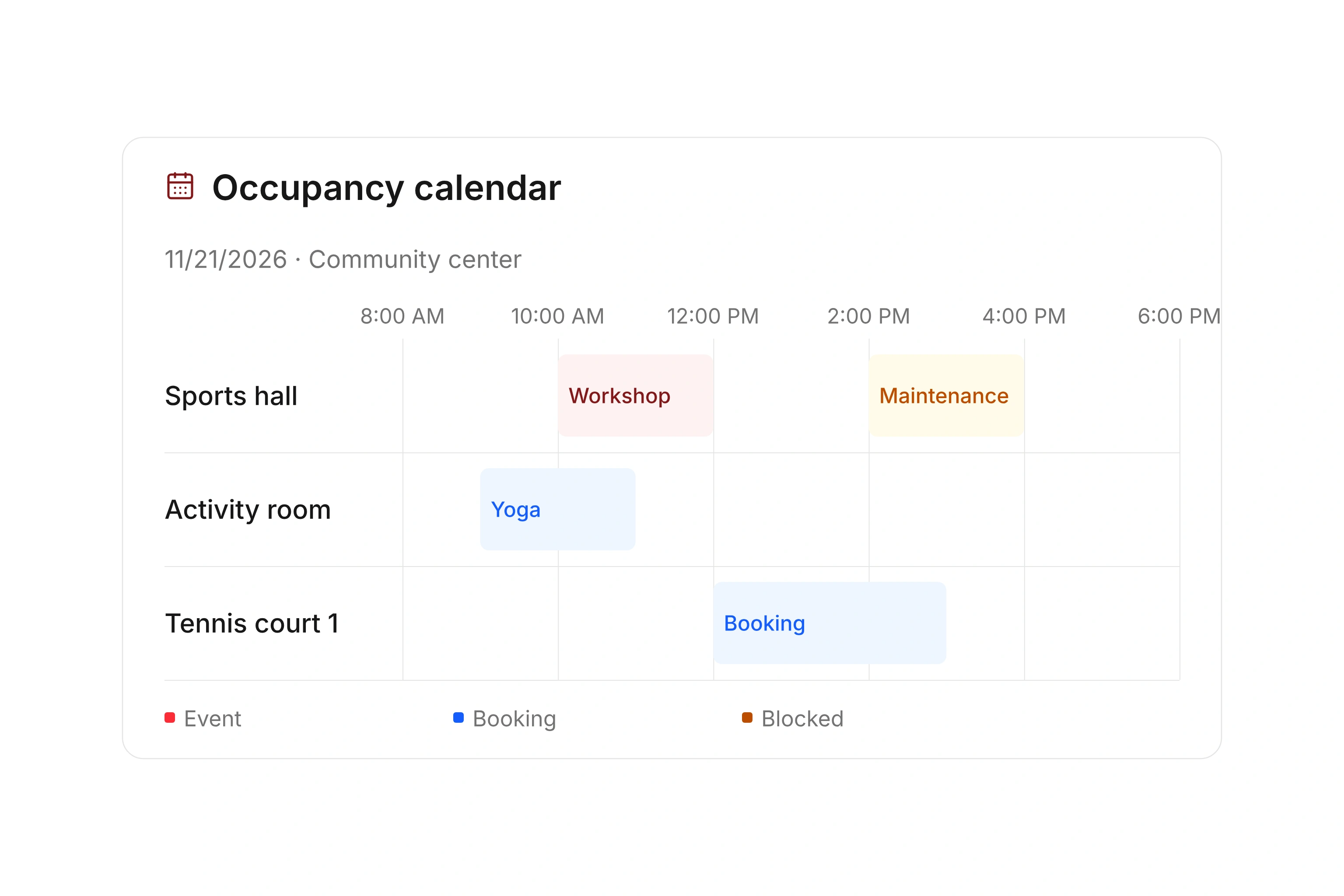
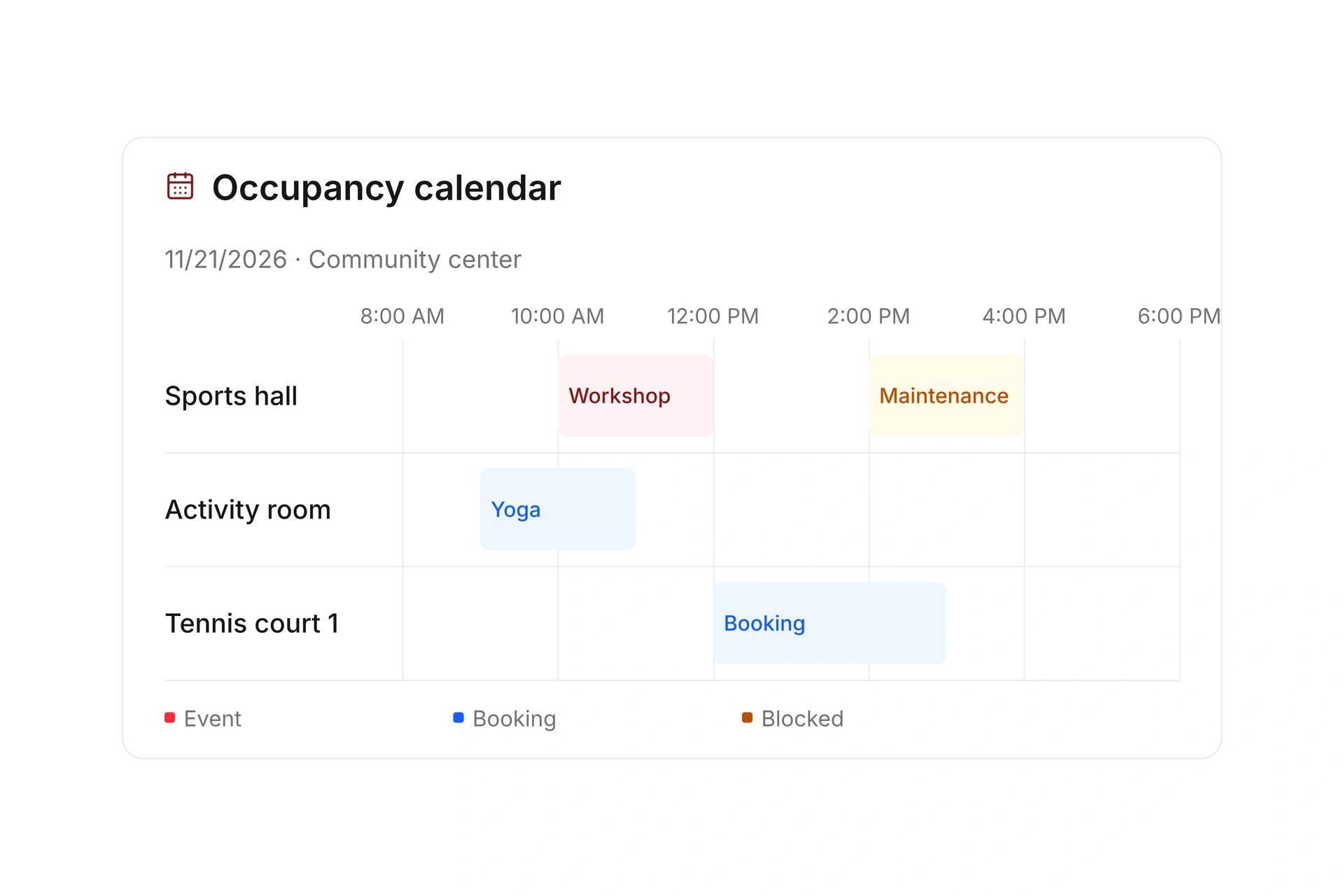
Organize resources by location and review their occupancy over a selected period. A timeline lets you compare several spaces; a focused calendar shows the details of one gym.

Open the booking or reservation behind an occupied period. Include internal use, maintenance, and closures so other program coordinators can review the current plan.
Compare facilities and locations

Coordinate recurring practices and classes

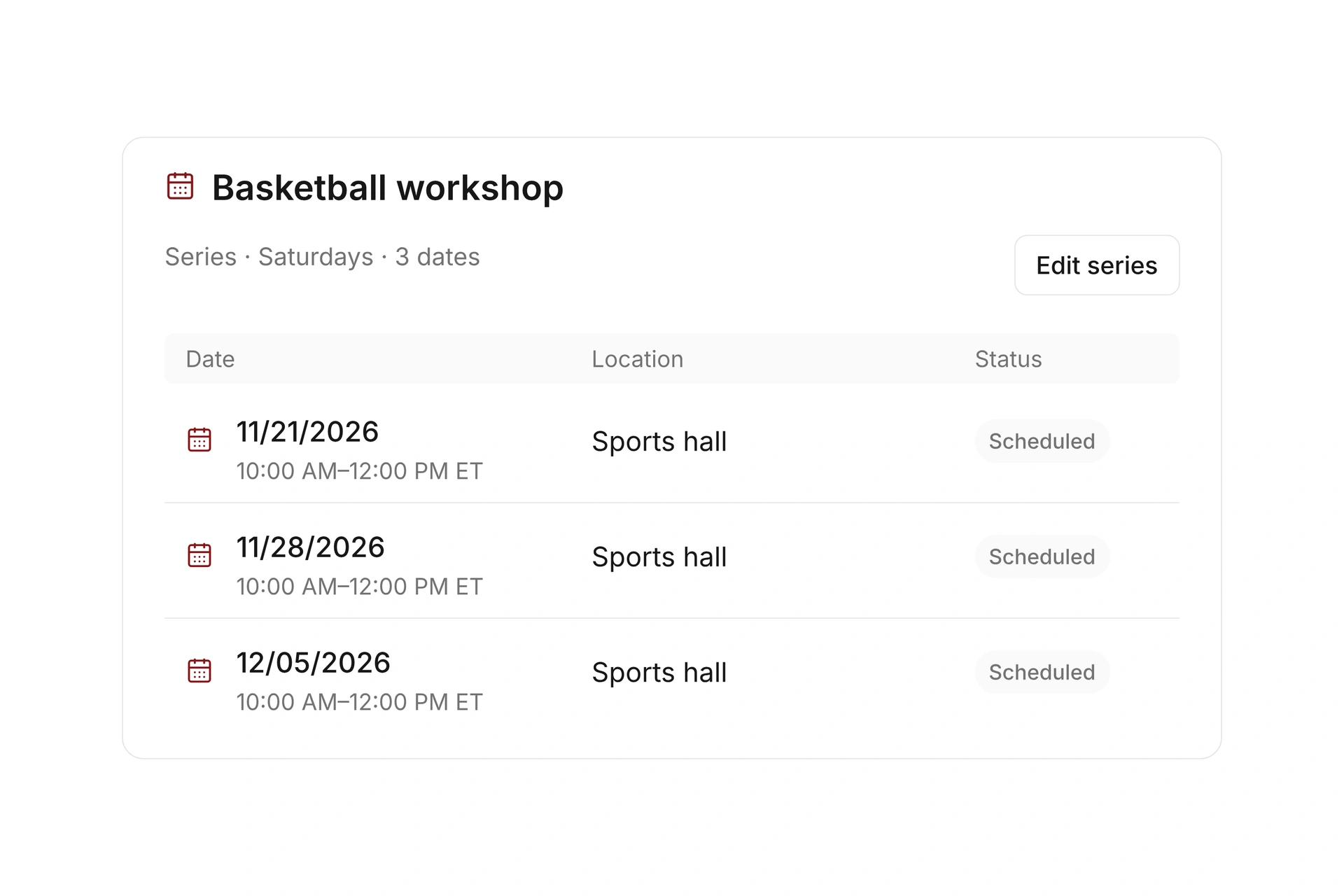
Create recurring events with their assigned leaders and locations. Review the resource reservations that support each session and account for schedule exceptions.

If a gym closes, check the affected events as well as the facility booking. Confirm replacement space, instructors, and equipment before promising a new time to participants.

Coordinate recurring practices and classes

Combine internal allocations with public bookings

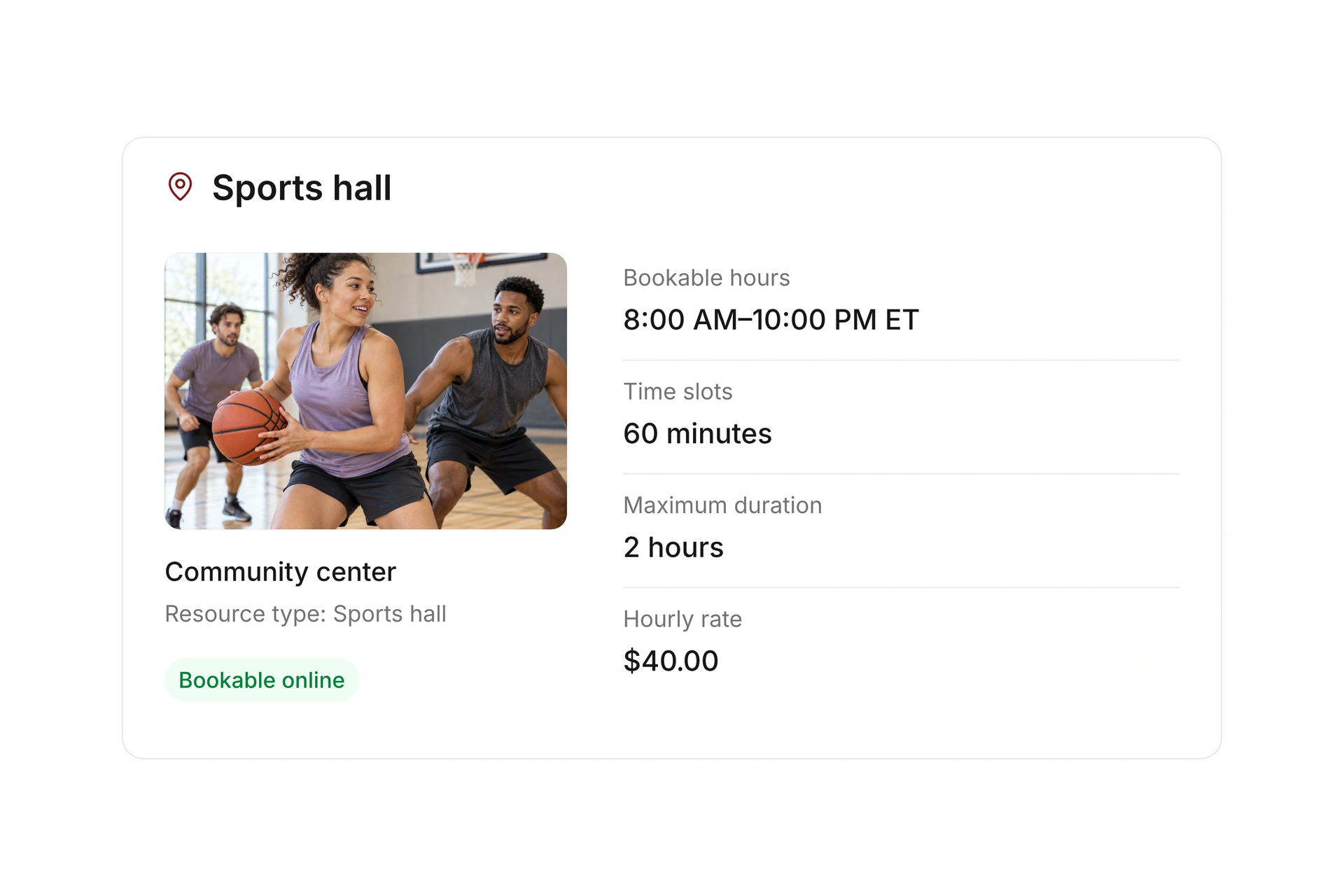
Reserve time for teams and departments internally, and enable public booking offers where appropriate. Set hours, duration, rates, and booking windows for the available resources.

Decide how spaces can be used independently before offering parts of a gym. Test your specific layout and dependencies; do not assume overlapping floor areas are detected automatically.

Combine internal allocations with public bookings

Handle a gym closure affecting two programs

Planning example in Eastern Time (ET): a gym closes on Tuesday from 5:00 to 9:00 PM for maintenance. Youth practice and a fitness class need new arrangements. Review each program’s event and resource reservation separately.

ReservationPossible changeCheck before confirming
Youth practice, 5:00–6:30 PM ETAnother gym at the same locationIs it suitable and available for the full session?
Fitness class, 7:00–8:00 PM ETA different room or replacement dateAre the instructor and equipment available?
Maintenance, 5:00–9:00 PM ETThe original gym remains closedIs the closure recorded, and have affected bookings been handled?
Published scheduleAgreed replacement arrangementsDo calendars, reservations, and participant messages agree?

Reconcile the plan after a gym change

  1. Find every affected reservation

    Review the closed period, including reservations that start before it and extend into it. List the associated events.

  2. Confirm alternatives after checking availability

    Coordinate with the instructor and facility manager. Review the full session length and any extra resources.

  3. Finish updates and communication

    Check the old and new reservations and the message to the group. Have the responsible coordinator review the updated plan.

What does the booking system cost?

Class and event registration, equipment lending, and space bookings are included in campai’s core features. US pricing is $40 per month plus $0.20 per active member.

Payment processing and optional services are billed separately. The US pricing page explains the calculator and additional charges; your quote confirms applicable taxes and services.

Explore US pricing and payment fees

Start with your own offer

Create a resource during the free 14-day trial. Add existing reservations and test booking times, rates, pickup, and return with your team.

Use a consultation to review migration and setup needs. Assisted setup and training are optional paid services.

Plan setup and migration

Frequently asked questions

Can I manage several gyms and locations?

Yes. Group resources by location and compare them in the occupancy timeline, or inspect a single facility over your chosen period.

How do I handle an unexpected gym closure?

Block the period and review all affected reservations and events. Agree on alternatives, update the records, and check the messages sent to participants.

Can I offer a full gym and its smaller sections?

First establish which areas can be used independently and which reservations must exclude each other. Test those dependencies for your specific facility before publishing. Automatic detection of overlapping floor areas is not assumed here.

Does the gym schedule replace participant lists?

No. The occupancy plan shows which resource is used and when. Participant lists belong to the event. A class or practice needs both records aligned.

Can I prepare the current plan in a spreadsheet?

Yes. Use the blank facility schedule CSV to gather existing reservations and closures. Once set up, maintain live changes on the relevant resources in campai.

Review your gym schedule

Bring a weekly schedule shared by two programs and a typical closure. We’ll review the reservations and a replacement session.

Explore on your own. Get personal help when you need it.