Skip to content

Organize camps and keep registrations together

Prepare a summer camp, a basketball clinic, or a school-break program. Keep dates, registration details, fees, and participant lists ready for the people running each session.

Accept online bookings with flexible rates

Coordinate camp dates, leaders, and spaces

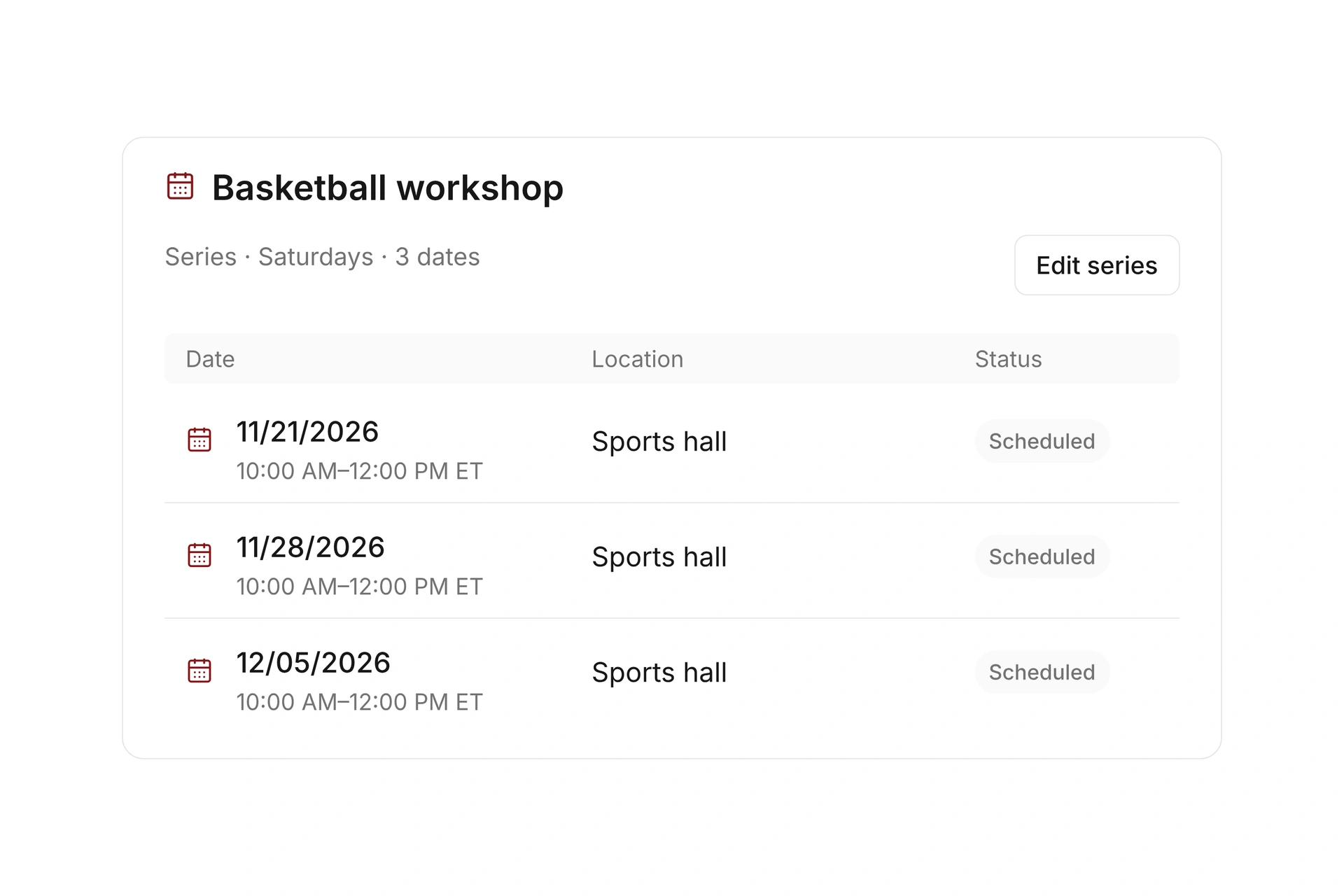
Create events with a location and assigned leaders. Use related dates or a series for recurring sessions, and check the rooms, courts, and equipment needed for the program.

Decide what one registration covers before you publish it. A day program, a multi-day camp, and optional extra sessions need clear participation and payment rules.
Coordinate camp dates, leaders, and spaces

Collect registrations and optional extras

Configure rates, capacity, and custom registration fields for each camp. Let a parent or guardian register participants and collect the details needed to organize that specific offer.

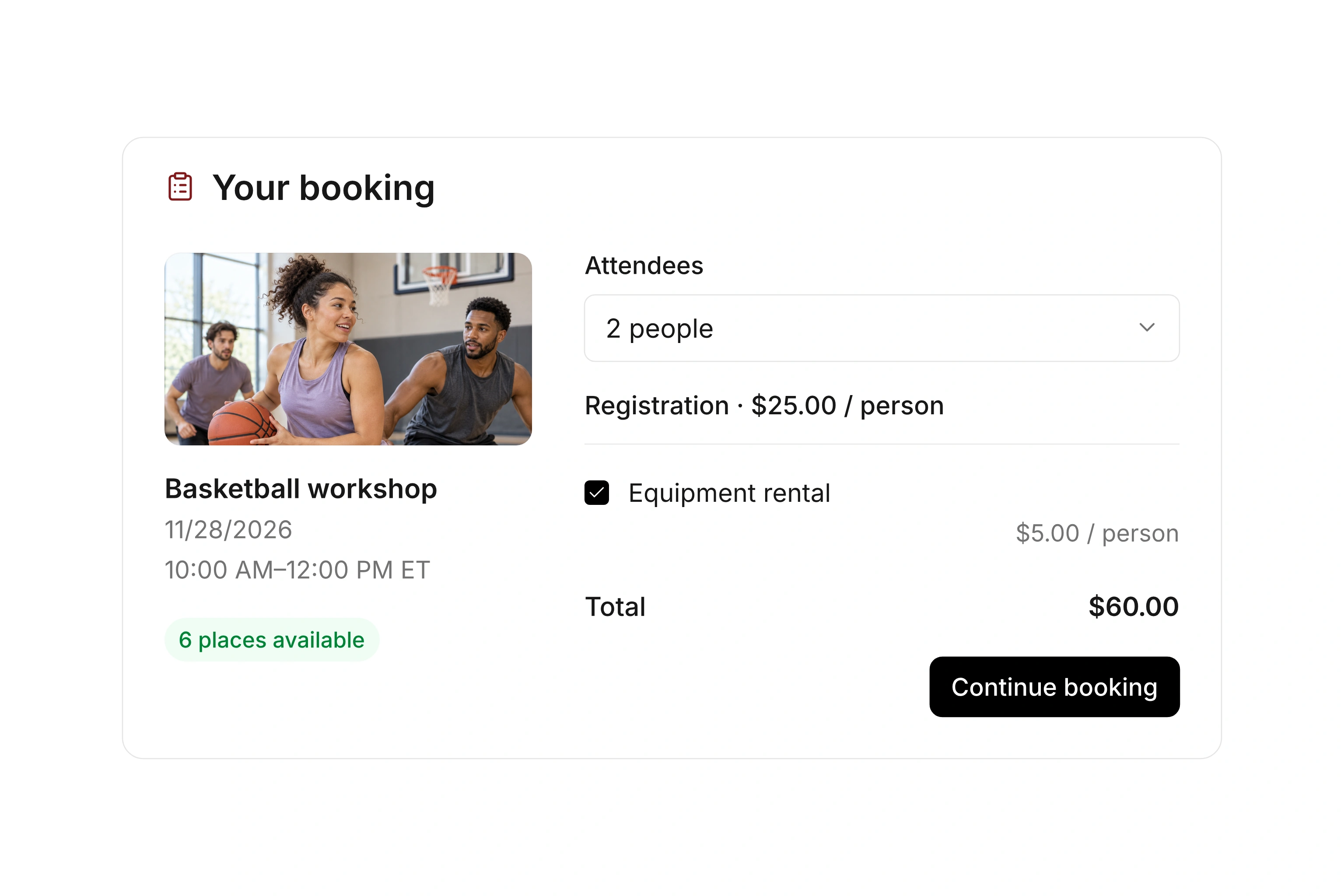
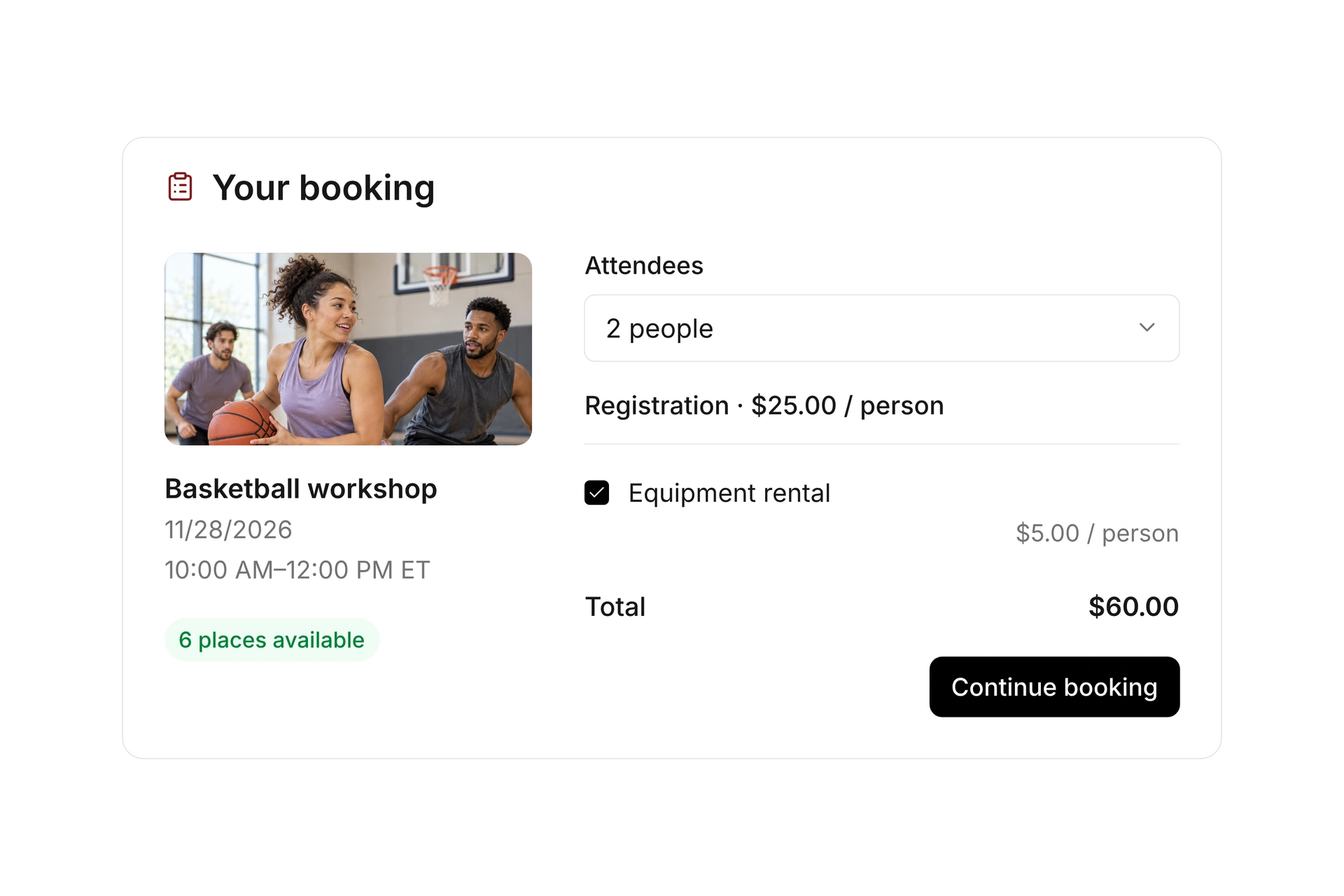
Optional services can be included in the booking process. Clearly separate the base camp fee from extras, and test the confirmation and payment requirements for each combination.

Collect registrations and optional extras

Give camp leaders current participant records

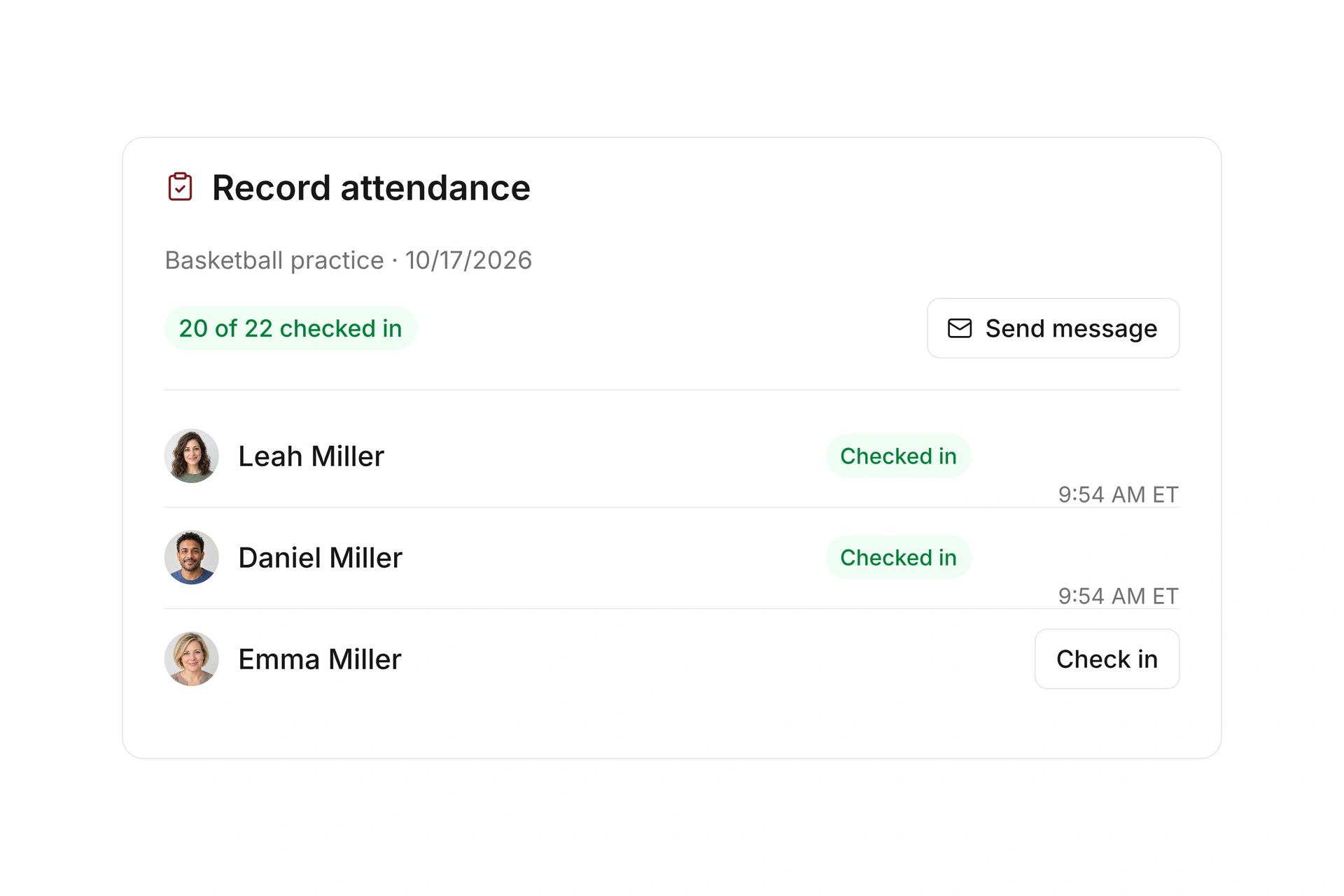
Assigned leaders can open their events in the member app, contact participants, and record attendance. Review late registrations, cancellations, and waitlist offers before the session starts.

Keep booking messages and payment status available to the people responsible for administration. Plan how your team will handle a late arrival, a schedule change, or a cancellation.

Give camp leaders current participant records

Prepare camp registration and the staff handoff

Start with one camp session and follow its records through registration, changes, and the first day. Decide which details the office and the assigned camp leaders need at each stage.

StagePrepareCheck before camp starts
RegistrationAdult contact and participant informationCan staff identify the booking contact and each camper?
Program choicesIncluded sessions, rates, and optional servicesDoes the confirmation clearly describe what was booked?
ChangesCancellations, late registrations, and waitlist offersAre participant status and payment requirements current?
Staff handoffAssigned leaders and the current participant listCan the responsible leader open the event and record attendance?

Run through the first camp day

  1. Make a family registration

    Register participants through the public form and select any optional services. Review contact details, rates, and confirmation.

  2. Process a change before arrival

    Cancel one entry or add a late registration. Check the list, available spots, messages, and any refund or outstanding balance.

  3. Check the leader’s view

    Have the assigned leader open the event, find participants, and record attendance. Agree on how office staff will communicate later changes.

The Freak City Bamberg basketball team

Freak City Bamberg manages camp registrations online

The basketball organization in Bamberg, Germany, uses digital forms for camp and member-event registrations. Its customer story describes how staff no longer copy information from emails and scanned forms into spreadsheets.

Moving to campai has definitely made our membership administration simpler and faster.

Freak City Bamberg e.V.

Read the customer story

What does the booking system cost?

Class and event registration, equipment lending, and space bookings are included in campai’s core features. US pricing is $40 per month plus $0.20 per active member.

Payment processing and optional services are billed separately. The US pricing page explains the calculator and additional charges; your quote confirms applicable taxes and services.

Explore US pricing and payment fees

Start with your own offer

Create a class or resource during the free 14-day trial. Test the registration form, capacity, messages, and payment requirements with your team.

Use a consultation to review migration and setup needs. Assisted setup and training are optional paid services.

Plan setup and migration

Frequently asked questions

Can I collect information for each child?

You can extend the booking form with custom fields and configure the participant mode. Test the adult contact details and the information for each participant separately.

Can a camp offer optional extras?

Yes. You can add optional services and rate variants to an offer. Make clear what the main fee includes and check the total during a test booking.

Can staff record attendance on a phone?

Assigned event leaders can use the member app to open their sessions and record participant check-ins. Configure their assignments before the first camp day.

Has a club used campai for camp registrations?

Freak City Bamberg, a basketball organization in Germany, describes using digital forms for camp and member-event registrations in its published customer story. This removes the manual transfer from emails and scanned forms into spreadsheets.

Plan your camp setup

Bring a camp program with its registration questions, optional services, and staff assignments. We’ll walk through a booking and the first-day handoff.

Explore on your own. Get personal help when you need it.