Skip to content

Schedule swim lessons and open online registration

Keep your swim lesson schedule, instructors, and registrations together. Set up suitable class offers, manage limited spots, and review changes before the next session at the pool.

Plan classes, events, and series

Match class schedules to pool time

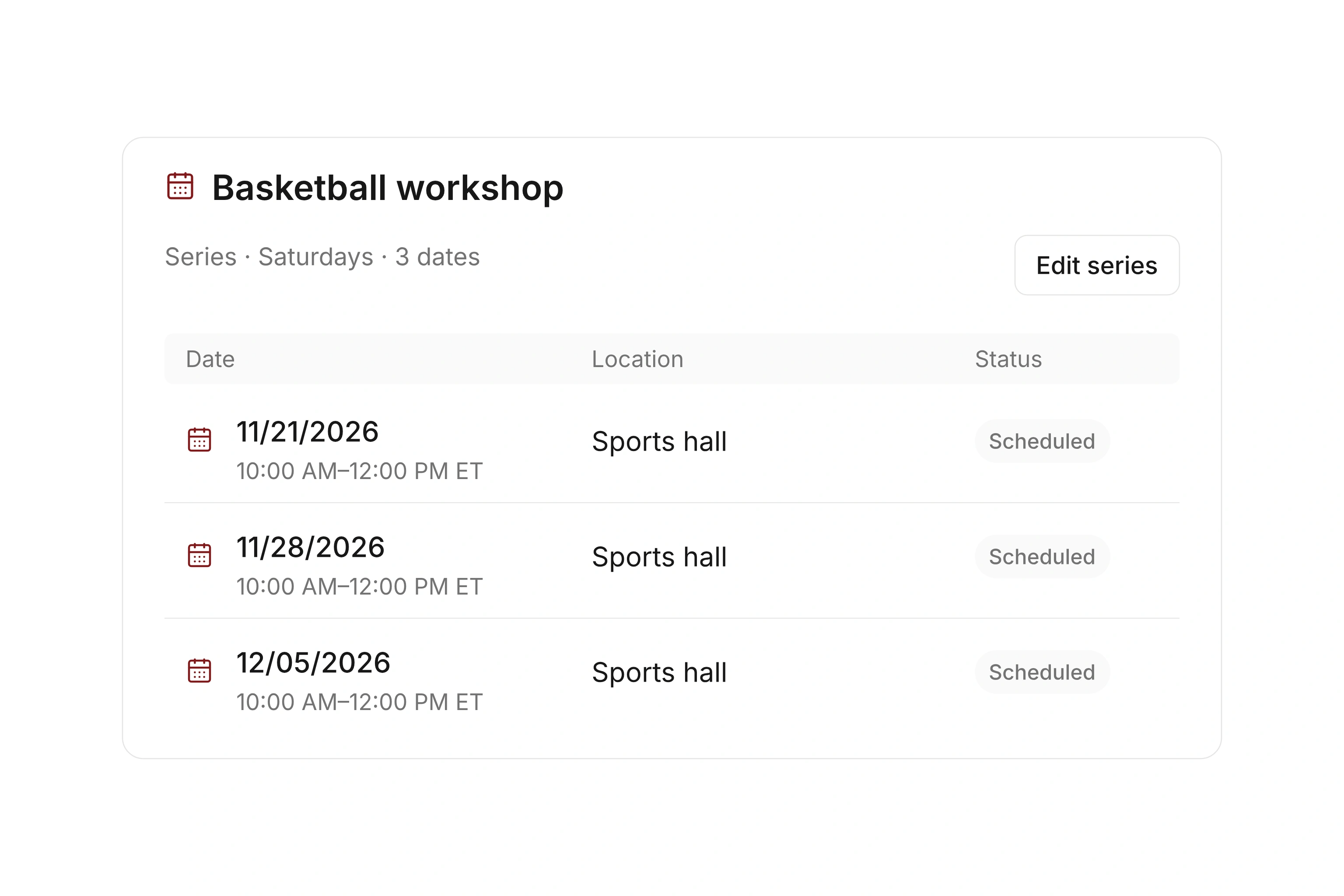
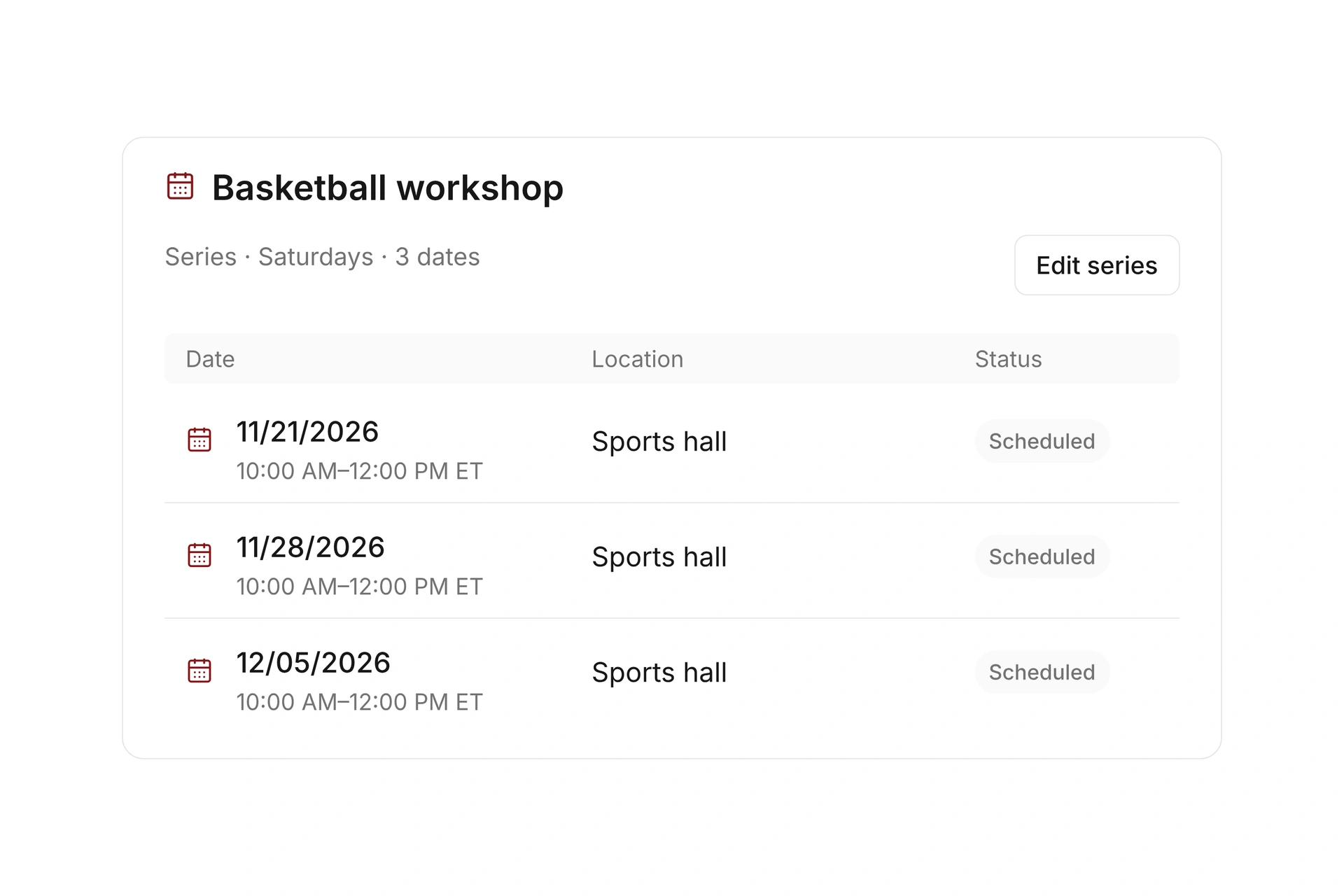
Plan each class with its location, instructor, and dates. Use series for recurring lessons and account for closures or school breaks. Check the associated resource reservations when a lesson moves.

Separate your teaching levels and scheduling decisions. Your instructors determine whether a participant fits a class; the calendar helps coordinate when and where that class runs.
Match class schedules to pool time

Make each lesson offer clear to families

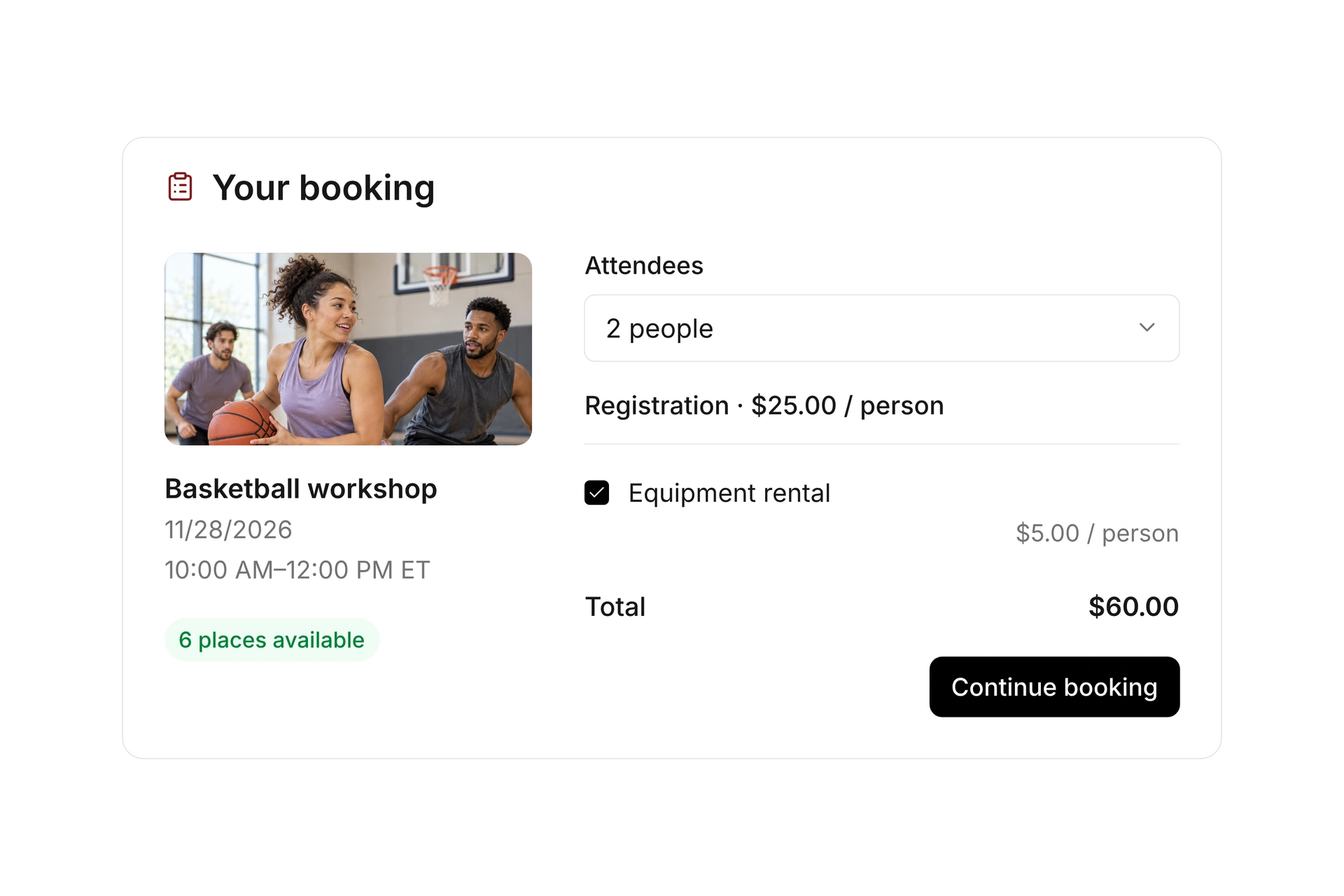
Set rates, registration windows, and participant limits for each offer. Add form fields for the information your staff needs and share a booking page or embed the offer on your website.

State the class requirements and which sessions the booking covers. Test a registration made by a parent or guardian, including the participant details and payment requirement.

Make each lesson offer clear to families

Handle available spots with a waitlist

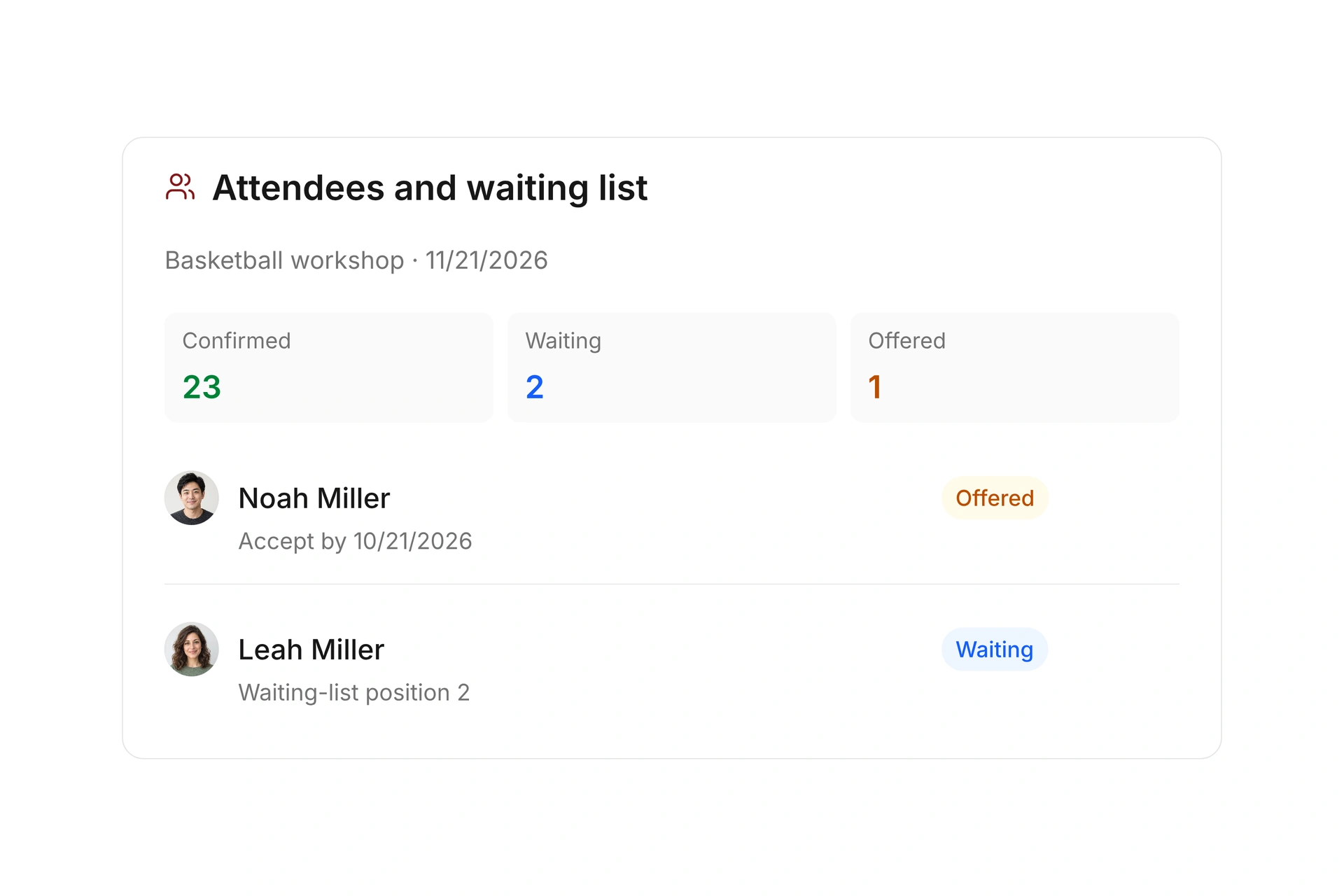
Review confirmed registrations and use a waitlist when a class is full. Offer an opening to a selected person with an acceptance deadline.

Check suitability with your staff before making an offer. Waitlist management supports the booking process; it does not automatically assess swimming ability or place a child in the right level.

Handle available spots with a waitlist

Keep teaching level, pool time, and capacity separate

A free spot does not establish that a lesson is suitable for a swimmer. Plan the class requirements with the instructor, then coordinate registration and pool availability around that decision.

DecisionResponsible checkBefore confirming a place
Class levelInstructor reviews the program’s requirements.Confirm suitability without assuming automated skill placement.
Pool timeCoordinator checks the full session and resource reservation.Verify the dates, closures, and any replacement sessions.
CapacityOrganizer sets the participant limit.Check the current list and waitlist before offering a spot.
RegistrationBooker provides contact and participant details.Review confirmation and payment requirements for the offer.

Offer a suitable replacement place

  1. Review the opening

    Check the canceled booking, current capacity, and dates left in the class. Confirm whether the offer is still appropriate for a new participant.

  2. Check suitability with the instructor

    Review the relevant registration details and the class requirements. Choose a participant for the available-spot offer.

  3. Confirm the accepted booking

    Review the acceptance, invoice, payment requirement, and participant list. Make sure the instructor can see the updated record.

What does the booking system cost?

Class and event registration, equipment lending, and space bookings are included in campai’s core features. US pricing is $40 per month plus $0.20 per active member.

Payment processing and optional services are billed separately. The US pricing page explains the calculator and additional charges; your quote confirms applicable taxes and services.

Explore US pricing and payment fees

Start with your own offer

Create a class or resource during the free 14-day trial. Test the registration form, capacity, messages, and payment requirements with your team.

Use a consultation to review migration and setup needs. Assisted setup and training are optional paid services.

Plan setup and migration

Frequently asked questions

Can I organize lessons by swimming level?

You can create separate offers and collect relevant information in registration forms. Your staff remains responsible for assessing ability and choosing a suitable class.

Does campai automatically assign swimmers to a level?

No automatic skill assessment or level placement is described here. Set your own class requirements and have the responsible instructor review participant suitability.

Can I manage a waitlist for a full class?

Yes. Configure capacity and a waitlist, then offer an available spot to a selected participant with an acceptance deadline. Review class suitability before sending the offer.

How do I handle a pool closure?

Review the affected events and resource reservations, agree on replacement dates, and update the schedule and participant messages. Check payments or refunds if a session is canceled.

Discuss your swim lesson program

Bring a swim lesson schedule, level requirements, and a typical waitlist case. We’ll check the registration process and the instructor’s review together.

Explore on your own. Get personal help when you need it.