Skip to content

Track class fees from booking to payment

Connect the amount booked with its invoice and payment status. Set rates, optional extras, and cancellation rules for each class, and keep recurring membership dues as a separate setup decision.

Bill bookings and manage cancellations

Set rates and optional services

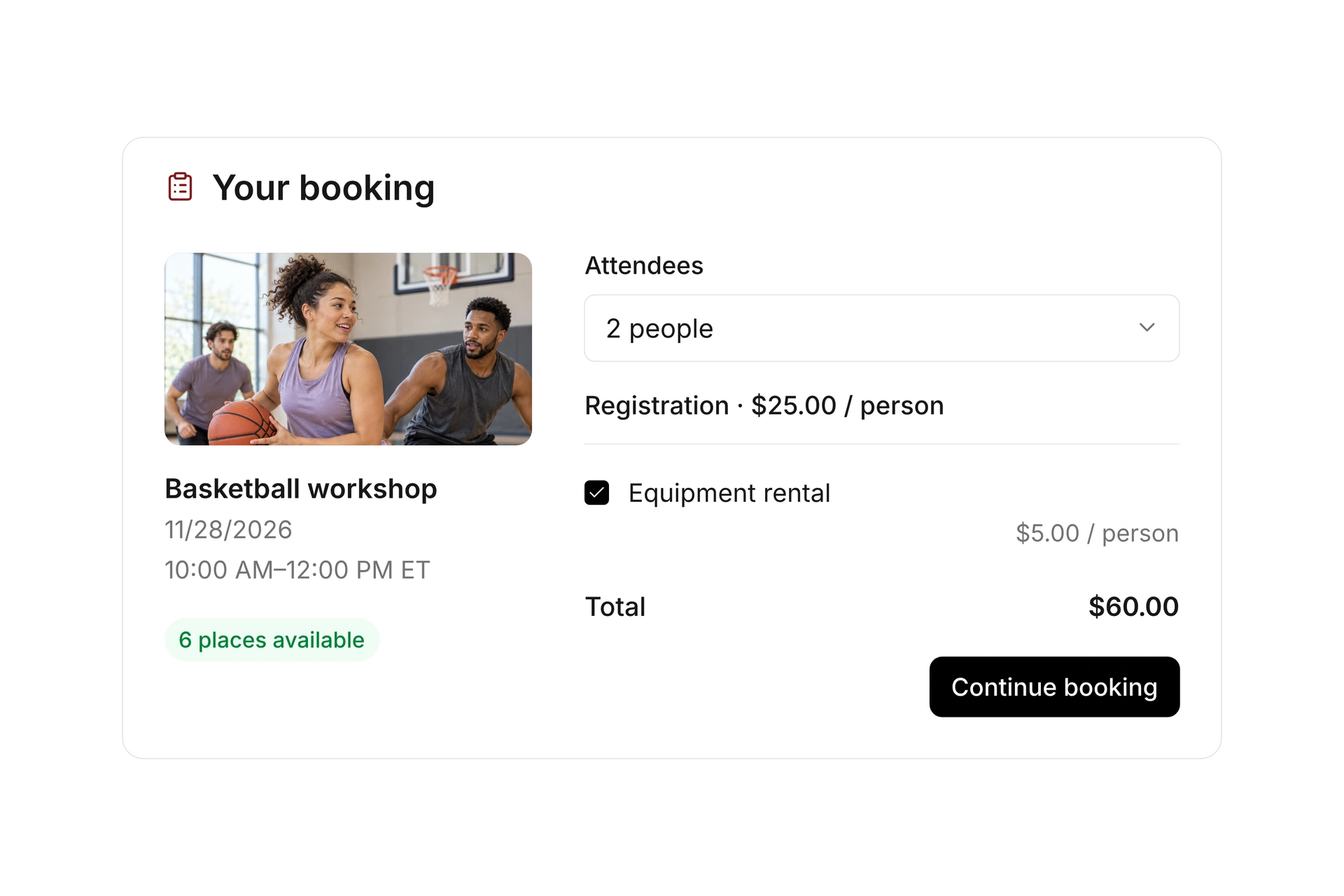
Create rates and booking variants that match your class offer. Add optional services when participants can choose extra activities or equipment. Apply access rules and booking windows where needed.

Make the full cost clear before confirmation. Test the combinations your participants will actually book, including any discount codes or point cards you choose to offer.
Set rates and optional services

Follow invoices and online payment status

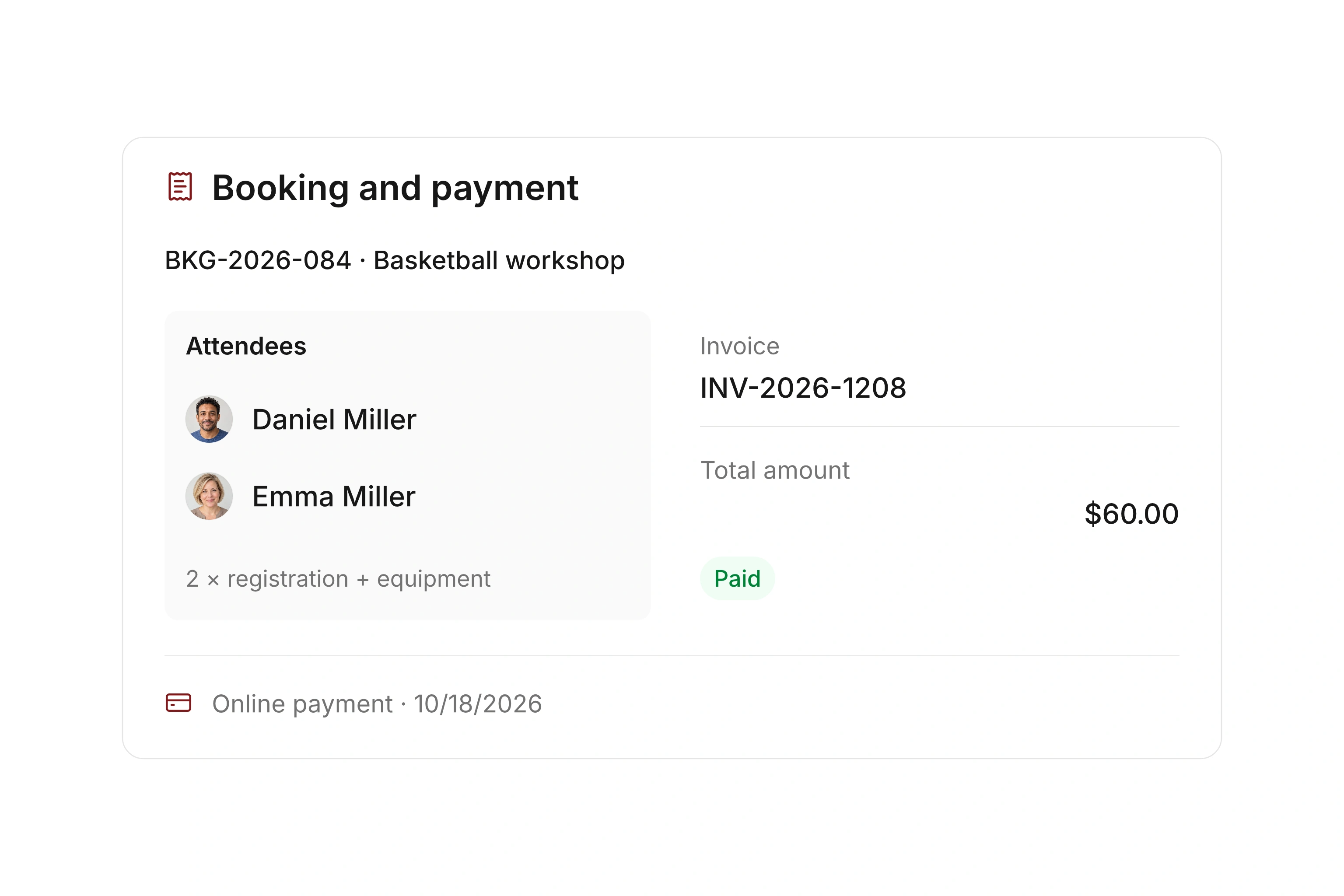
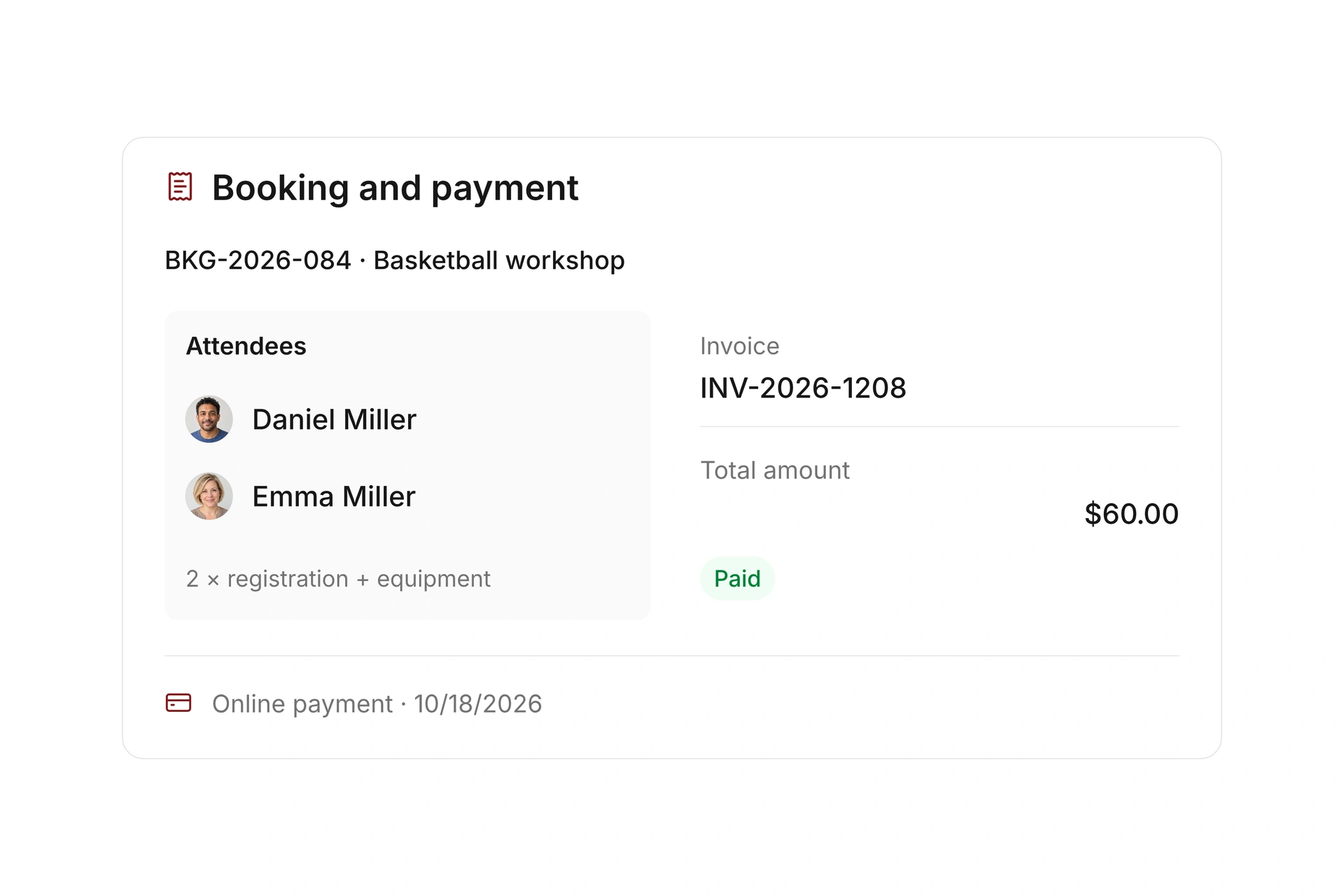
Choose the payment requirements and the point at which a paid registration is confirmed. Invoices and payment status stay linked to the booking and continue into your financial workflow.

Review an outstanding or returned online payment before updating the participant’s status. Use the payment record and your follow-up process to resolve the balance, rather than assuming an issued invoice has been paid.

Follow invoices and online payment status

Account for cancellations and later bookings

Define cancellation deadlines and refund rules for the offer. Depending on your settings, refunds are handled automatically or reviewed manually. Check the financial record after a cancellation.

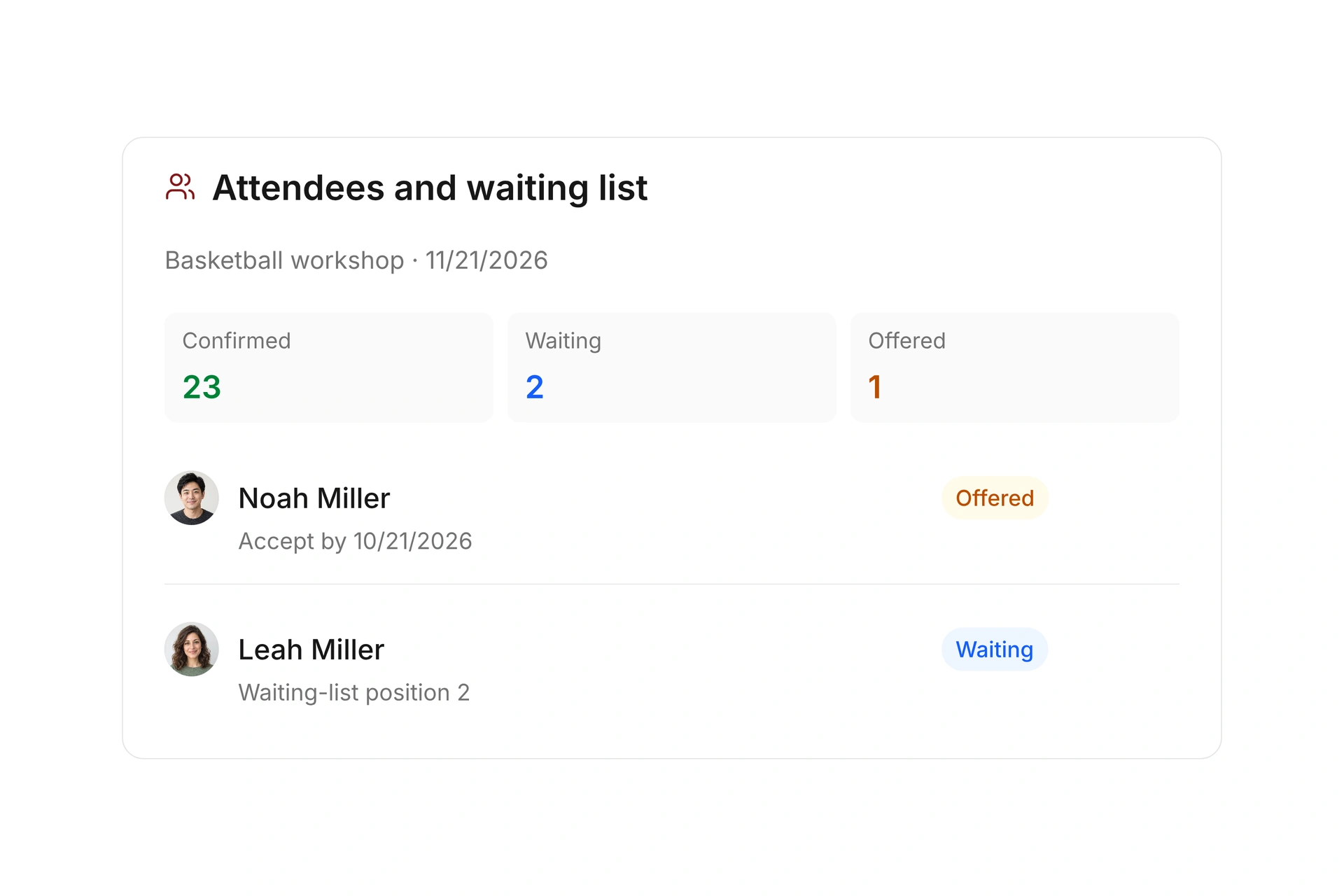
A paid booking accepted from the waitlist has its own invoice and payment requirement. Recurring membership dues use separate contracts; a series of class dates does not itself establish recurring charges.

Account for cancellations and later bookings

Separate booked fees, collected payments, and refunds

Planning example in USD: a workshop has 10 registrations at $50 and five at $70. That totals $850 in booked fees. If only $750 has been paid, the outstanding amount is $100 before any further changes. These are sample class rates, not campai subscription prices.

RecordExampleWhat to verify
Booked fees10 × $50 + 5 × $70 = $850The booked rates and optional services match the invoices.
Payments received$750Payment records support this amount; invoices alone do not.
Outstanding balance$850 − $750 = $100Identify the unpaid bookings and the required follow-up.
RefundOne paid $50 booking is canceled with a full refund.Check the refund record and revised totals separately from the original payment.
Recurring chargesAn ongoing program bills by a separate contract.Review that contract independently of the event series.

Test a paid booking and cancellation

  1. Check the rate combination

    Select a rate and any extras through the public booking process. Compare the total with the resulting invoice.

  2. Review confirmation and payment

    Check when the participant becomes confirmed and how an outstanding or returned online payment is handled by your team.

  3. Process a cancellation

    Apply the configured cancellation and refund rules. Review the booking status, payment record, refund, and available spot.

What does the booking system cost?

Class and event registration, equipment lending, and space bookings are included in campai’s core features. US pricing is $40 per month plus $0.20 per active member.

Payment processing and optional services are billed separately. The US pricing page explains the calculator and additional charges; your quote confirms applicable taxes and services.

Explore US pricing and payment fees

Start with your own offer

Create a class or resource during the free 14-day trial. Test the registration form, capacity, messages, and payment requirements with your team.

Use a consultation to review migration and setup needs. Assisted setup and training are optional paid services.

Plan setup and migration

Frequently asked questions

Can I offer different class rates?

Yes. You can configure rates, booking variants, and optional services. Review access rules and the total for each combination during setup.

Does an invoice mean the booking is paid?

No. Check the payment status separately. The confirmation requirements for a registration depend on the payment rules you configured.

Can I collect a monthly class charge?

Review the ongoing program and recurring contract setup together. Event bookings and recurring dues contracts are separate workflows; creating recurring dates alone does not create monthly billing.

Which online payment methods can my organization use?

Confirm the available methods and processing fees for your US setup with the campai team. Use the booking’s payment status to track outstanding or returned online payments and any required follow-up.

Review your class fee setup

Bring two class rates, your confirmation rule, and a typical refund case. We’ll review the booking and financial records together.

Explore on your own. Get personal help when you need it.