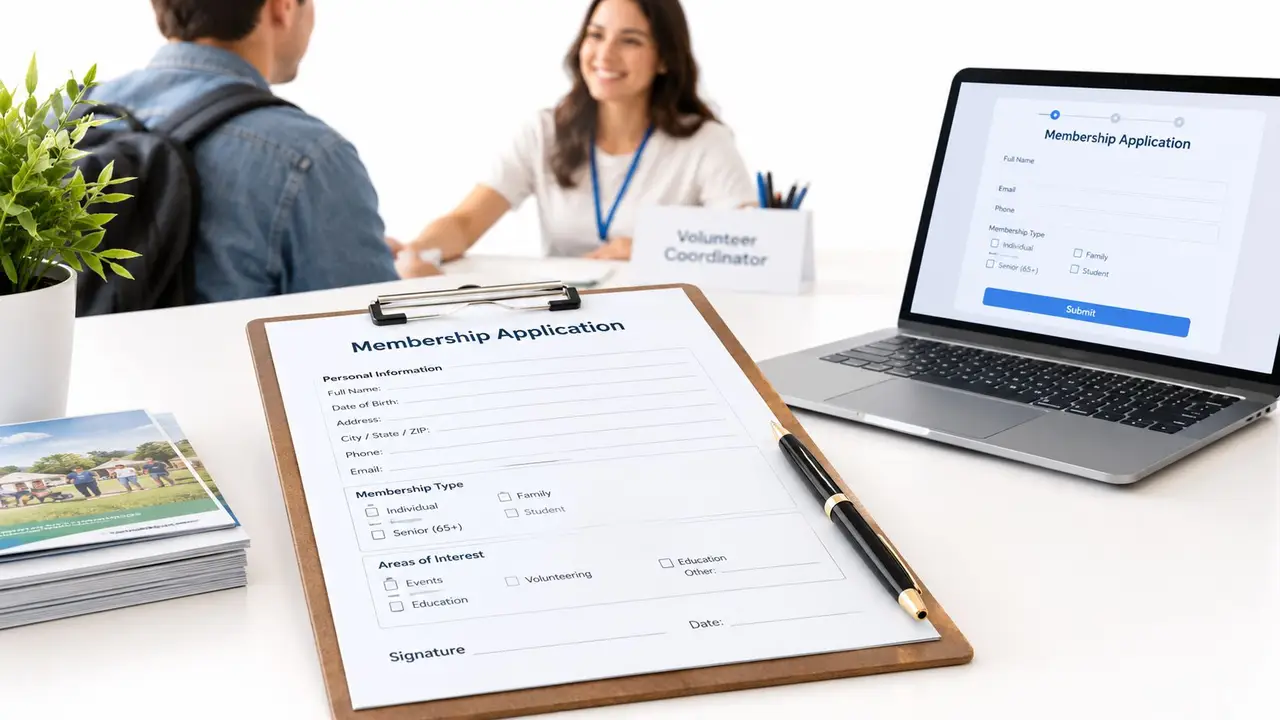
Membership Portal Guide for US Associations
Learn how a membership portal reduces admin work for US associations and clubs. Explore self-service features, security, accessibility, and rollout steps.

A membership coordinator starts the day with a spreadsheet correction, a question about an event booking, and a request to resend a receipt. By the afternoon, more routine messages have arrived, while the member database still needs updating. A well-designed membership portal gives members a direct way to handle everyday tasks and gives staff a more reliable place to manage the work behind them.
For a US club, association, or membership-based nonprofit, the portal shouldn't be just another login. It should connect profile updates, member communication, bookings, and access permissions to the organization's membership management process. The challenge is to make self-service useful without making it mandatory for members who need assistance.
The Shift to Digital Member Administration
Many membership organizations still rely on a mix of spreadsheets, paper forms, email threads, and separate records for dues and events. When a member changes an address, staff may have to update several places. When someone asks whether an event registration went through, a volunteer may need to search an inbox or ask another staff member. A portal changes that routine by giving members a place to manage common tasks and giving staff a shared view of the information those tasks affect.
A modern membership portal is a secure online space where members can access relevant account information and services. Depending on how the organization configures it, members may update contact details, review membership status, access communications, book events, and see information available to their membership level or group. It's the digital front door to an ongoing relationship, not merely a page that lists benefits.
Change the workflow, not just the interface
The practical shift is from staff-mediated administration to guided self-service. Instead of receiving an email with a new phone number and entering it later, a member updates a profile directly. Instead of a coordinator maintaining separate attendance notes, a member books through the portal and the registration becomes part of the organization's records.
That change only works when the portal connects to the central member database and the organization's real processes. If a member makes an update that doesn't reach the records used for communications, billing, or event registration, staff still have to reconcile the difference. A polished interface can't compensate for disconnected information.
Operational test: A portal is doing its job when a member can complete a useful task and staff can trust the resulting record.
The goal isn't to eliminate personal service. Members may still call, email, or ask a volunteer for help. Instead, the portal gives people a dependable self-service option for routine work, so staff can spend less time re-entering information and more time on onboarding, member retention, and programs that require human attention.
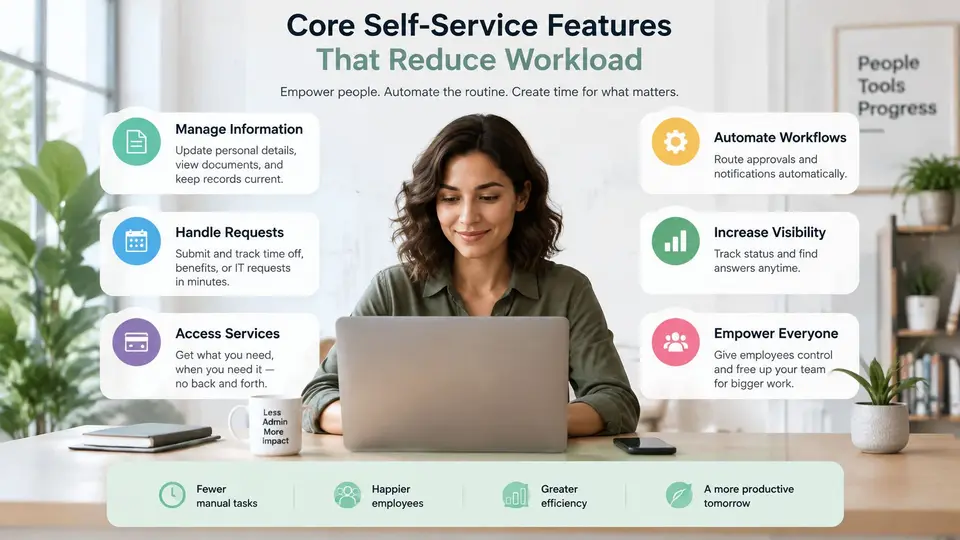
Core Self-Service Features That Reduce Workload
The best portal starts with tasks members already ask staff to complete. For most organizations, that means profile changes, membership renewals, access to payment information, and event registration. Prioritizing these tasks is more useful than adding features because they are available.
Start with the records members can maintain
Profile updates are a sensible first step. Members should be able to review and correct the contact information the organization uses, while staff should be able to see who made a change and when. That approach can reduce duplicate entry, but only if the portal updates the central member database rather than creating another record to maintain.
Renewals and billing information also deserve a clear path. Members should be able to see what action is due, access relevant invoices or receipts, and understand the status of a payment. Keep the language plain. If someone can't tell whether a renewal is complete or needs attention, the portal has moved the question online rather than resolving it.
A mobile-friendly renewal flow matters because members may act from a phone instead of a desktop computer. The American Society of Radiologic Technologists described a Quick Renew process designed to make mobile renewal straightforward, underscoring the value of fewer steps and an easy-to-follow sequence (ASRT's Quick Renew example). The useful lesson is about reducing friction, not promising a particular completion time or retention result.
Make event booking part of the same experience
Event registration should confirm what the member selected and what happens next. Give members a clear booking status, the event details they need, and a way to find their registration again. Staff need a corresponding view of bookings to support event preparation and answer questions.
Before launch, check whether each self-service feature has a clear owner. Membership staff should verify profile fields and renewal instructions. Event coordinators should review booking details and confirmation messages. If the portal supports groups or membership levels, assign someone to check that each member sees the right information. A focused set of dependable features will reduce work more effectively than a crowded portal that members don't understand.
Security and Accessibility Requirements
A membership portal may contain personal contact details, billing information, event registrations, and records tied to a member's eligibility or role. Access should reflect what each person needs to do, not merely whether that person has a login.
Limit access and protect sign-in
Use role-based permissions to separate ordinary member access from staff, treasurer, and administrator tasks. A member who can update a profile shouldn't automatically receive access to other members' records or organization-wide exports. Review permissions when a volunteer or staff member changes roles, and remove access when it's no longer needed.
For staff and other privileged accounts, use phishing-resistant multifactor authentication where available. The National Institute of Standards and Technology identifies FIDO authenticators used with Web Authentication API as a phishing-resistant option, including security keys and authenticators built into phones and computers (NIST guidance on digital identity authentication). Organizations should also plan account recovery carefully: a strong sign-in requirement loses value if recovery relies on a weak process. Keep authentication logs available for review, and require renewed verification for sensitive actions when the system supports it.
Test access with different ways of using the portal
Accessibility is part of whether the portal works. Members may use a keyboard, screen reader, magnification, or another input method to renew dues, book an event, or update their information. The Web Content Accessibility Guidelines (WCAG) 2.2 includes requirements for text alternatives, keyboard operation, consistent navigation, and contrast (WCAG 2.2 accessibility guidance).
Put those principles into practical tests:
- Forms: Each field needs a clear label, and an error should identify the field and explain how to fix it.
- Keyboard use: Members should be able to move through controls in a logical order, with visible focus.
- Status and instructions: Don't use color alone to communicate whether a payment or booking needs attention.
- Mobile layouts: Check that members can read instructions and complete forms on smaller screens.
- Recovery from errors: A failed submission shouldn't erase information already entered.
Automated checks can help identify common issues, but a person should also test the key tasks with a keyboard and screen reader. Offer an assisted way to complete essential actions for members who can't use self-service comfortably. A portal should expand access, not make digital confidence a condition of participation.
Streamlining Dues and Event Bookings
Dues and event bookings are connected operational tasks. A member who can see renewal instructions, submit an online payment, and confirm the membership status in one place has a clearer experience. Staff, in turn, can work from a more consistent view of payment status instead of piecing together information from messages and separate records.
Choose payment workflows that match how the organization operates. Some associations may want members to renew manually; others may consider automatic renewal or installment plans. Those options require clear member consent, accurate records, and a straightforward way for staff to review upcoming, completed, or unsuccessful payments. ASAE's guidance on auto-renewal emphasizes the importance of an easy online payment process, reporting, and privacy safeguards (ASAE's questions to consider before adopting auto-renewal). Automatic renewal isn't automatically the right choice for every membership type.
Practical rule: Don't activate a payment workflow until members and staff can both understand its status and next step.
Event registration needs the same clarity. Decide how capacity will be handled, who reviews booking changes, and what a member sees after registering. If the organization uses a waitlist, spell out how members learn about an opening and what action they need to take. Avoid promising that bookings, capacity changes, or waitlists will run without staff attention unless the configured system supports those workflows.
Set up reminders with care. A reminder should identify the relevant membership payment or event booking, explain what the member needs to do, and give a clear route back to the right task. Staff should monitor returned online payments and unanswered questions so a system message doesn't become a dead end. The aim is not to remove every person from the process. It's to make routine steps predictable and reserve staff time for exceptions that need judgment.
Data Governance and Privacy Considerations
A portal isn't harmless because it requires a login. It can make information easier to access, change, share, and export. Without clear rules, centralizing member records may reduce duplicate entry while also allowing errors or unnecessary information to spread further.
Start by deciding who owns each type of information. Membership staff may be responsible for contact records and membership status, while event leads manage booking details. Treasurers may need payment status without needing broad access to every personal field. Set those responsibilities down in plain language, then configure permissions to match.
Decide what members and staff can see
A member directory should not expose fields just because they exist in the database. Before making member information visible to other members, decide which fields are useful, which should remain private, and whether members can choose what to display. Don't assume that a member's willingness to provide information for administration means they want it shared more widely.
For each field, establish a basic process: who can edit it, how the organization checks accuracy, and how a member can request a correction. Keep a record of important administrative changes where the system permits it. Set a routine for reviewing permissions and removing access when a staff member or volunteer leaves or changes responsibilities.
Retention deserves the same attention. Decide which records the organization still needs for its operations, who can authorize removal, and how a departing member's account is handled. Those decisions should be made before the portal becomes the default location for years of accumulated information.
Be candid about data use
Personalization can be helpful when it directs members to relevant programs or communications. If an organization uses artificial intelligence (AI) to group members or tailor messages, members should be told what information is being used and how the results affect what they see. Staff should check that automated groupings don't create inappropriate assumptions or restrict access to information a member should receive.
Privacy check: If a member would be surprised to learn that a field is visible or used for a particular purpose, revisit the setting and explain the choice clearly.
Treat governance as part of portal administration, not a one-time setup. Assign an owner to review access, data fields, and member-facing explanations when workflows change. That protects trust while keeping the portal useful.
Rollout Strategy and Member Adoption
A portal won't reduce administrative work if members don't know what it's for or can't complete tasks once they arrive. A measured rollout helps the organization spot confusing steps before every member depends on them.
- Choose the first tasks. Start with a small set of high-value actions, such as updating contact details, viewing renewal information, or registering for an event. Name a staff or volunteer owner for each task.
- Check the member journey. Have someone who didn't configure the portal try the tasks on a phone and a computer. Note where instructions, labels, or confirmation messages cause uncertainty.
- Prepare support. Write short onboarding instructions and decide who answers login and account questions. Provide an assisted option for members who need help rather than treating a phone call as a failed rollout.
- Communicate with a purpose. Tell members what they can do in the portal and when they should use it. Send targeted reminders through the organization's member communications, and avoid announcements that list features without explaining the next action.
- Review and refine. Check task completion, recurring support questions, and where members abandon a process. Ask whether a problem comes from unclear instructions, an inaccessible interaction, or a workflow that needs staff review.

Adoption measures should guide improvements, not become a reason to pressure members into self-service. Track whether members complete the tasks the portal is meant to support, which questions still reach staff, and whether members can get help when they need it. Review those signals by task and, where practical, by membership type or group, while protecting individual privacy.
campai's membership management software connects member records, applications and forms, billing, online payments, events, communications, donations, and member self-service. Its campai Connect member app and community portal supports conversations, groups, bookings, and self-service. These capabilities may suit organizations evaluating how to connect routine member tasks with their broader membership operations.
To see whether campai fits an organization's membership workflows, book a demo.