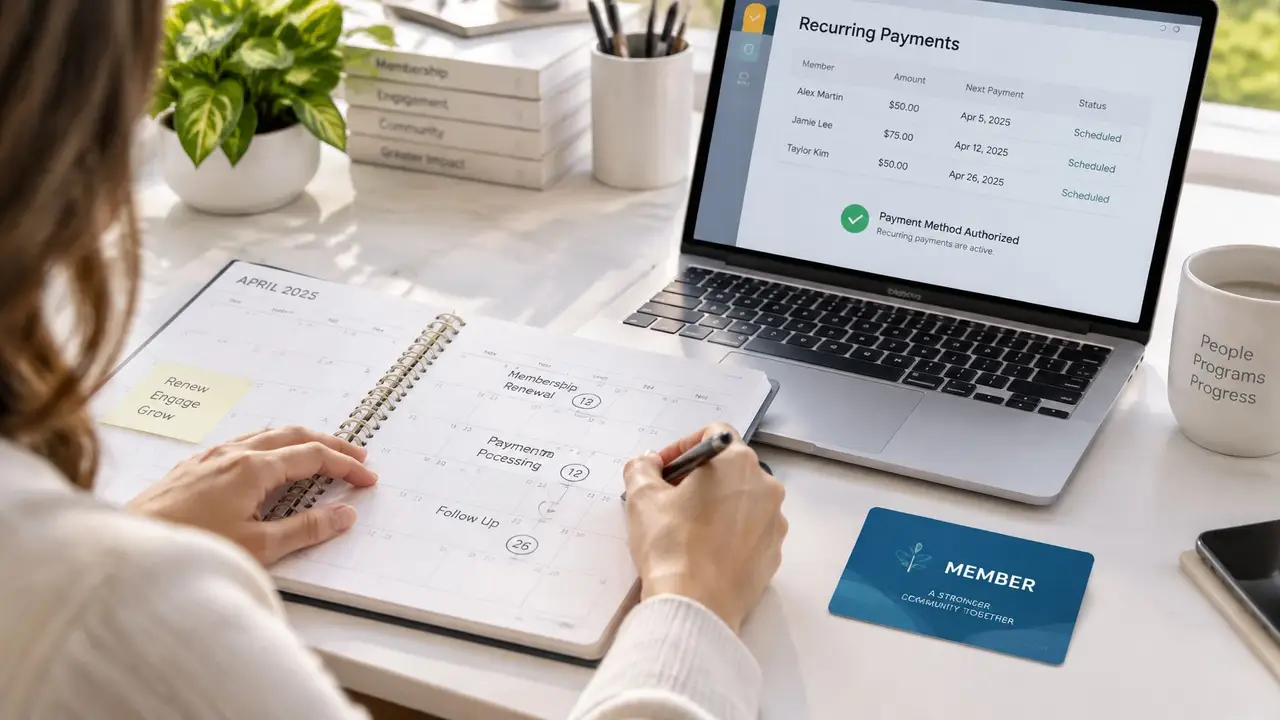
How to Collect Membership Dues Online in 2026
Learn how to collect membership dues online with a US workflow for rates, invoices, payment links, reminders, and returned payments.

It's the week before invoices go out, and the treasurer is still waiting on a roster the membership coordinator last updated in January. Two members mailed checks, one household thinks they already paid, and a former member is still on the send list. That's when how to collect membership dues online stops being a software question and becomes a shared staff cycle with named owners, dates, and messages.
You set the rates, clean the member database, issue invoices, share payment links, track payment status, reconcile, and remind only people who are still outstanding. The same people own the follow-up when an online payment comes back. If the team sits in more than one state, Eastern Time is the shared clock, so "three business days" means the same afternoon for everyone.
Run the Dues Cycle From Rates to Reconciliation
To collect membership dues online, lock membership levels and due dates first, then move one invoice at a time from the member record to the roster. Don't start by chasing payment brands or automatic bank drafts. Start with who pays, how much, and when.
Two labeled examples keep the amounts concrete. An Austin recreation club charges $75 for an individual membership and $120 for a household membership. A statewide professional association charges $250 for a professional level and $100 for an associate level. Those figures are examples, not a price list. Use your own board-approved rates the same way: one amount, one level, one due date, written down before anyone is billed.
Membership management software can keep the member record, the invoice, and the payment link together so the treasurer isn't copying the same name into three places. The cycle still needs people.
Who owns each step
| Task | Owner | When |
|---|---|---|
| Set membership rates and due dates | Membership coordinator | Two weeks before invoices |
| Update the member database | Administrator or coordinator | The week before invoices |
| Issue invoices and share payment links | Treasurer | On the due date |
| Check payment status | Treasurer | Three business days after the due date |
| Send the first reminder | Membership coordinator | Day 7 if still outstanding |
| Send the second reminder | Membership coordinator | Day 14 if still outstanding |
| Reconcile roster and payments | Treasurer | Weekly until the cycle closes |
Walk the steps in order
1. Write the rates before invoices exist. Two weeks before invoices, the membership coordinator writes each membership level, the example USD amount, the due date, and the courtesy window. The note also says who pays when a household or an employer covers a seat. For the Austin club, that might be individual $75 and household $120, due April 1, with a courtesy window through April 15. For the association, professional $250 and associate $100, same due date, same window. If the board hasn't approved a change, this step uses last year's rates. It doesn't invent new ones.
2. Clean the member database the week before billing. The administrator, or the coordinator if there isn't a separate administrator, checks current email, membership type, and active status. One person gets one record. A household gets one payer on that record. A chapter of a larger organization is billed only if your rules say the chapter pays. Everyone else is billed as an individual member.
3. Issue an invoice that names the deal. On the due date, the treasurer issues an invoice that names the member, the level, the amount, the due date, and what the dues cover. Dues are membership payments. A voluntary gift is a donation and stays off this invoice.
4. Share one payment link. The treasurer sends that link by email or places it in the member portal so the member can pay online instead of mailing a check. One link, one invoice, one amount.
5. Read payment status on a set day. Three business days after the due date, the treasurer marks each invoice paid, outstanding, or returned. A link that was opened is not a payment. A reply that says "I'll mail a check" is not a payment.
6. Reconcile every week. The treasurer matches payments to the roster weekly until the cycle closes. The coordinator fixes any member record that doesn't match: wrong level, wrong payer, or a duplicate.
7. Remind only the outstanding list. The coordinator sends reminders on day 7 and day 14, and only to members still outstanding. Paid members don't get another ask.
Practical rule: Billing from an old spreadsheet, sending a link to a former member, and marking an invoice paid before the money arrives are the three slips that break this cycle. Each one is a record problem, not a member problem.
Before you change the full roster, trace one level and one due date through every row of the table. Pick the Austin household at $120 due April 1, or the association's associate level at $100 due April 1, and say out loud who acts and on which date. If you can't name the owner, the roster isn't ready.
Send a Dues Reminder Members Can Use
Paste this first note, then change only the bracketed fields. The subject is Your [Organization] membership dues are ready to pay.
Hello [First name],
Your [level] membership dues of $[amount] were due on [Month Day, Year]. You can pay online with this payment link: [link]. The link shows the amount and what it covers.
If you already paid, reply with the date so we can match your record. If the amount looks wrong, contact [coordinator name] at [email] before you pay.
Thank you, [Name] [role] [organization]

How to send it without creating a second bill
The coordinator owns the send list. The treasurer confirms who is still outstanding the morning of each send, using Eastern Time if people work across states. Personalize every bracket from the member database, not from memory. Send from the organization address, and include one link only. A second link makes the member guess which amount is real.
Day 7 goes to outstanding members only. Use the full note above. Don't add a story about the year's programs. The member needs the amount, the due date, and the link.
Day 14 is shorter. Repeat the amount, the due date, and the same link. A usable second note looks like this.
Hello [First name], your [level] dues of $[amount], due [Month Day, Year], are still outstanding. Pay online here: [link]. Reply to [coordinator name] at [email] if the amount is wrong. Thank you, [Name], [role], [organization].
Skip anyone already marked paid. A reminder to a paid member teaches them to ignore the next one. A household gets one note, sent to the payer on the record, not a copy to every person in the household.
A promised check stays outstanding. If a member replies that they will mail a check, log that plan and the expected date. Don't mark the invoice paid until the payment is in. The morning check by the treasurer is what keeps that promise off the paid list.
For the Austin club, a day 7 note to Jordan Lee would name the household level, $120, and April 1, 2026, with one payment link. For the association, the same shape names the associate level and $100. The words stay plain because the member is paying between other tasks, often outside office hours.
Handle a Returned Online Payment
Log a returned payment the day you see it, then follow up once. Treat it as an open invoice with a new date on it, and keep donations out of the thread so a gift stays separate from dues.
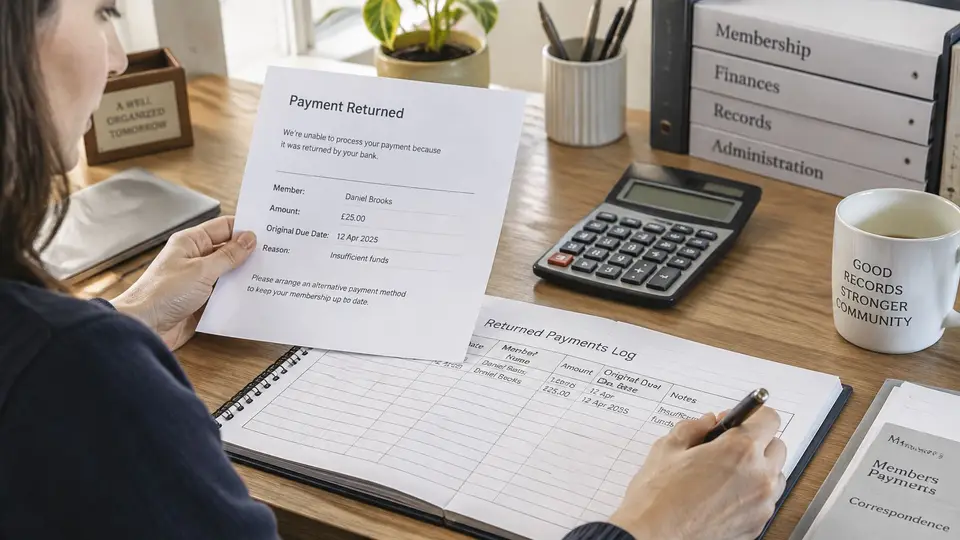
What to do the day you see the return
The treasurer logs the member name, the amount, the original due date, and the return date, then changes payment status to returned. The coordinator sends a short email with a new payment link, the amount, and a plain request to try again or reply if the invoice is wrong. Keep the thread about that invoice only; payment details stay inside the payment step.
Wait four business days. If no completed payment arrives, send one follow-up that repeats the link and names a reply-by date inside the courtesy window. For a window through April 15, use April 14. A usable follow-up is short.
Hello [First name], your online payment for $[amount] did not complete. Pay here: [link]. Reply to [coordinator name] at [email] by [reply-by date] if the invoice is wrong.
Stop after that. Extra notes in the same week read like collection pressure and still leave a wrong amount wrong.
If the member says the amount is wrong, pause reminders, correct the invoice, and send a fresh link. If the courtesy window ends with no payment and no reply, the treasurer and coordinator review the record together before anyone changes membership status or member benefits. A single missed payment never decides membership status on its own.
The treasurer can paste this three-line note into the member record:
Returned: [date]. New link sent: [date]. Next review: [date].
Status and the next action
| Status | Meaning | Next action | Owner |
|---|---|---|---|
| Paid | Payment received and matched to the roster | Stop reminders for this cycle | Treasurer |
| Outstanding | Invoice issued with no completed payment | Send reminder on day 7, then day 14 | Membership coordinator |
| Returned | Online payment did not complete | Log the return, send a new link the same day, follow up after four business days | Treasurer logs, coordinator emails |
| Promised check | Member says they will mail a check | Log the plan and expected date, keep the invoice outstanding until funds arrive | Membership coordinator |
Say the return is for Daniel Brooks, associate level, $100. The log already shows the return and the new-link date, so the useful part is the branch. If Daniel disputes the amount, reminders pause and a corrected invoice goes out. If he stays silent past the reply-by date, the record moves to joint review, and benefits stay unchanged until that review is done.
Help Members Pay Securely and Keep Records Clean
A member deciding whether to trust your payment link and a treasurer matching the deposit to the roster are protecting the same payment from opposite sides. The member needs confidence the link is yours. Staff need a record that reconciles cleanly once the money arrives.
What you ask members to do
Open the link from a place you already use. Members open the payment link only from the organization email or the member portal.
Match the invoice before paying. They check that the name, membership level, and USD amount match the invoice. For the recreation club, that means the household name and the exact $120.
Save the confirmation. If a reminder arrives after they paid, the confirmation is what they reply with.
Stop if the sender is unknown. A link from an unfamiliar address goes to the coordinator at a known address before anyone pays.
Update a changed email before the next due date. Reminders only work when the address on the member record is the one they still read.
What staff keep, and what they don't
Limit who can issue invoices and payment links. Give that access to the treasurer and one named backup. A shared login hides who sent a link, which makes a disputed payment hard to trace.
Route every payment through the link. Asking a member to send card or bank details by email creates copies of sensitive data the team then has to find and delete. The link is the payment step.
Record only what reconciliation needs. I would keep it to five fields: the member, the amount, the due date, the payment status, and the date the status changed. For the recreation club's household invoice, that is the member name, $120, the cycle's due date, and the day the status moved from outstanding to paid. That is enough to match the deposit to the roster.
Keep voluntary donations on a separate record. A dues report should stay a dues report, and a gift acknowledgment belongs with donations. Mixing a voluntary gift into a dues invoice inflates the dues total and makes the reconciliation harder to read.
Hand off the outstanding list. When leadership turns over, the incoming treasurer starts from the current unpaid roster and the saved reminder wording. A personal inbox of old threads is a dead end for the next volunteer.
A failed or returned payment goes through the returned-payment steps. Don't invent a second process in a side spreadsheet the week a volunteer is out.
Put the Next Dues Cycle on the Calendar
Pick one real cycle instead of rewriting every membership rule. Choose the month you bill, name the coordinator, administrator, and treasurer who will run it, and put their dates on the shared calendar. Use Eastern Time as the default if the team isn't in one place, so everyone reads the same deadline.
A dues cycle has to survive board and volunteer turnover. The reminder text, the returned-payment note, and the outstanding list belong in a shared workspace where the next coordinator can find them. A template saved in a personal inbox disappears with the person who wrote it.
For teams that want the member record, dues setup, invoice, and payment link in one place, campai is membership management software that manages members, dues, events, communication, finances, donations, and a member app. campai can send a payment link to a member for online payment, with a payment fee added. The setup package includes help importing member records, configuring dues, and preparing the team's workspace, and a free introductory call covers membership, imports, and setup.
Put the billing month on the calendar this week. Then walk one membership level through the three owners before the first invoice goes out, so each person knows which step is theirs.